SysAid Help Desk

Best IT Help Desk Support Ticket System

0.0
Rating out of 5 Based on 0 reviews

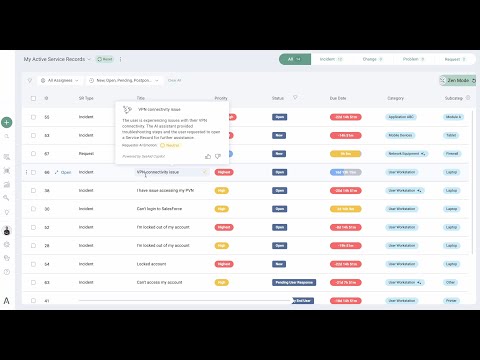
SysAid is an all-in-one IT Service Management (ITSM) software designed to streamline and automate IT operations. It offers a centralized platform for managing incidents, service requests, asset tracking, and more. Built with ITIL best practices in mind, SysAid helps businesses of all sizes improve efficiency, reduce downtime, and enhance customer satisfaction. Whether deployed on-premise or in the cloud, SysAid delivers powerful tools such as ticket automation, self-service portals, and reporting dashboards, making it a comprehensive solution for IT support teams.

Pricing of SysAid Help Desk

no-pricing
For get detailed pricing as per your requirements.

Awards & Badges Received

Get More Awards & Badges from Techimply
Badge-1
Badge-2
Badge-3

Key Features of SysAid Help Desk

Key Features:
  • Alerts/Escalation
  • Asset Management
  • Change Management
  • Email Integration
  • Email notes for Gmail
  • Help Desk Management
  • Inbox Queue Management
  • Known Issue Management
  • Multi-Channel Communication
  • Online Activation
  • Real Time Chat
  • Saas help desk software
  • Self Service Portal
  • Service Catalog Management
  • Service Level Management
  • Shared Gmail Labels
  • To-Do List

Key Specification

Other Categories: CRM Software Help Desk Software Ticketing Software Service Desk Software
Deployment: Cloud Hosted
Customer Support: Phone,Email,Live Chat,Online (Ticket)
Customization: Yes
Languages Support: English

Who uses SysAid Help Desk

StartUps
StartUps
SMEs
SMEs
Agencies
Agencies

Company Details

Company Name: sysaid
Headquarter: Waltham, Massachusetts United States
Social Media:

SysAid Help Desk Description

SysAid is a robust ITSM solution developed to simplify and enhance IT support operations for organizations across various industries. With a focus on automation, customization, and scalability, SysAid empowers IT teams to handle service requests, incidents, problems, and assets efficiently from a single unified platform.

The software supports ITIL-aligned practices and is packed with advanced features such as workflow automation, a powerful ticketing system, asset management, remote desktop capabilities, and real-time analytics. SysAid integrates seamlessly with major platforms like Microsoft 365, Google Workspace, and other third-party tools, allowing organizations to maintain a connected and agile IT environment.

One of the standout elements of SysAid is its self-service portal, which reduces helpdesk burden by enabling end-users to resolve common issues on their own. Its mobile accessibility further ensures IT support is available anytime, anywhere.

SysAid Demo is available for potential users to explore its interface and core functionalities. Before making a purchase decision, the SysAid Demo allows IT teams to understand how the software can be tailored to meet specific business needs. Regarding SysAid Pricing, the platform offers flexible pricing models based on the number of users, assets, and modules, ensuring scalability for growing organizations.

When researching SysAid Reviews, users often highlight its intuitive interface, robust automation tools, and responsive customer support. Many appreciate how SysAid Features are continuously updated, making it a forward-thinking ITSM solution that evolves with technological demands.

Whether you’re a small business or a large enterprise, SysAid ensures a smooth and responsive IT support system that aligns with your digital transformation goals.


Key Features & Specifications

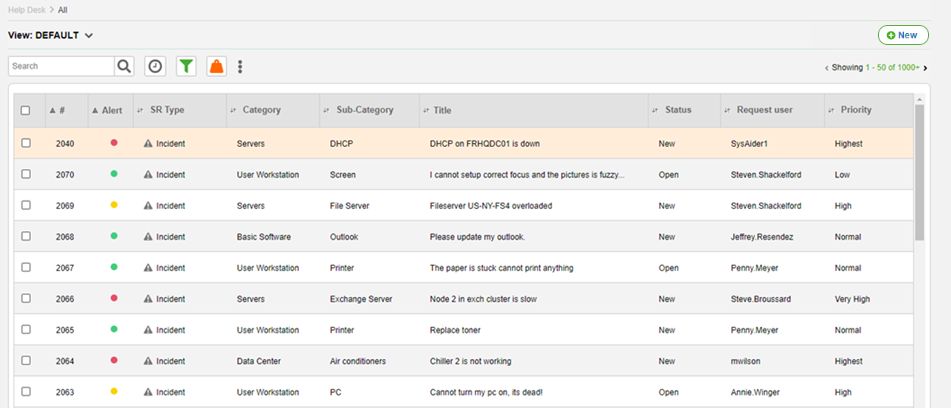
  • Incident & Service Request Management
    Centralized system for tracking, managing, and resolving tickets efficiently.

  • Asset Management
    Automatically discovers and monitors all IT assets across your network.

  • Workflow Automation
    Customize workflows to automate repetitive IT processes and improve response times.

  • Self-Service Portal
    Empower end-users to log issues, track status, and find solutions independently.

  • Remote Desktop Access
    Provide real-time remote support and troubleshooting for faster issue resolution.

  • CMDB (Configuration Management Database)
    Track configuration items and their relationships to streamline IT processes.

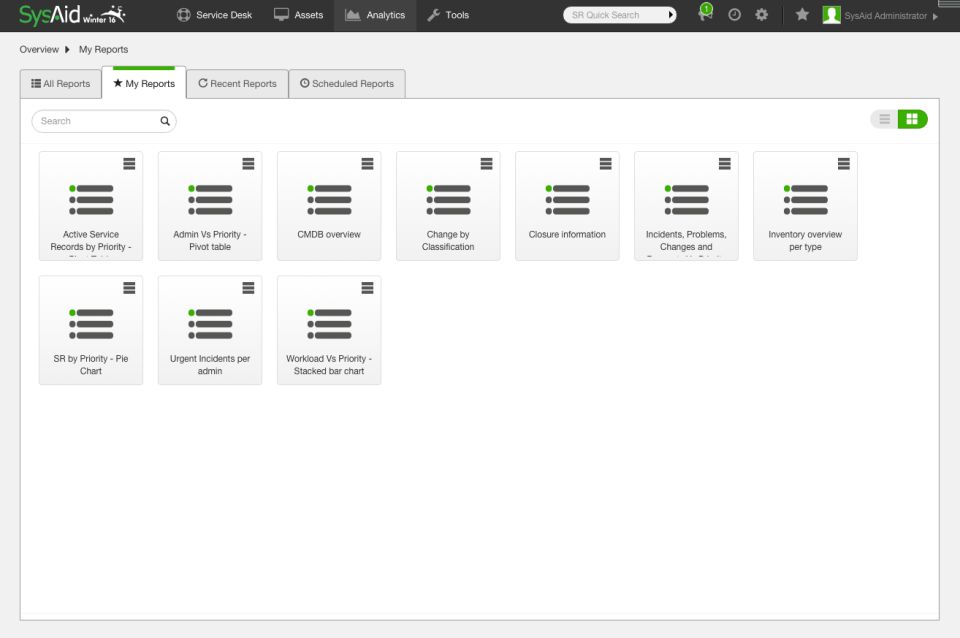
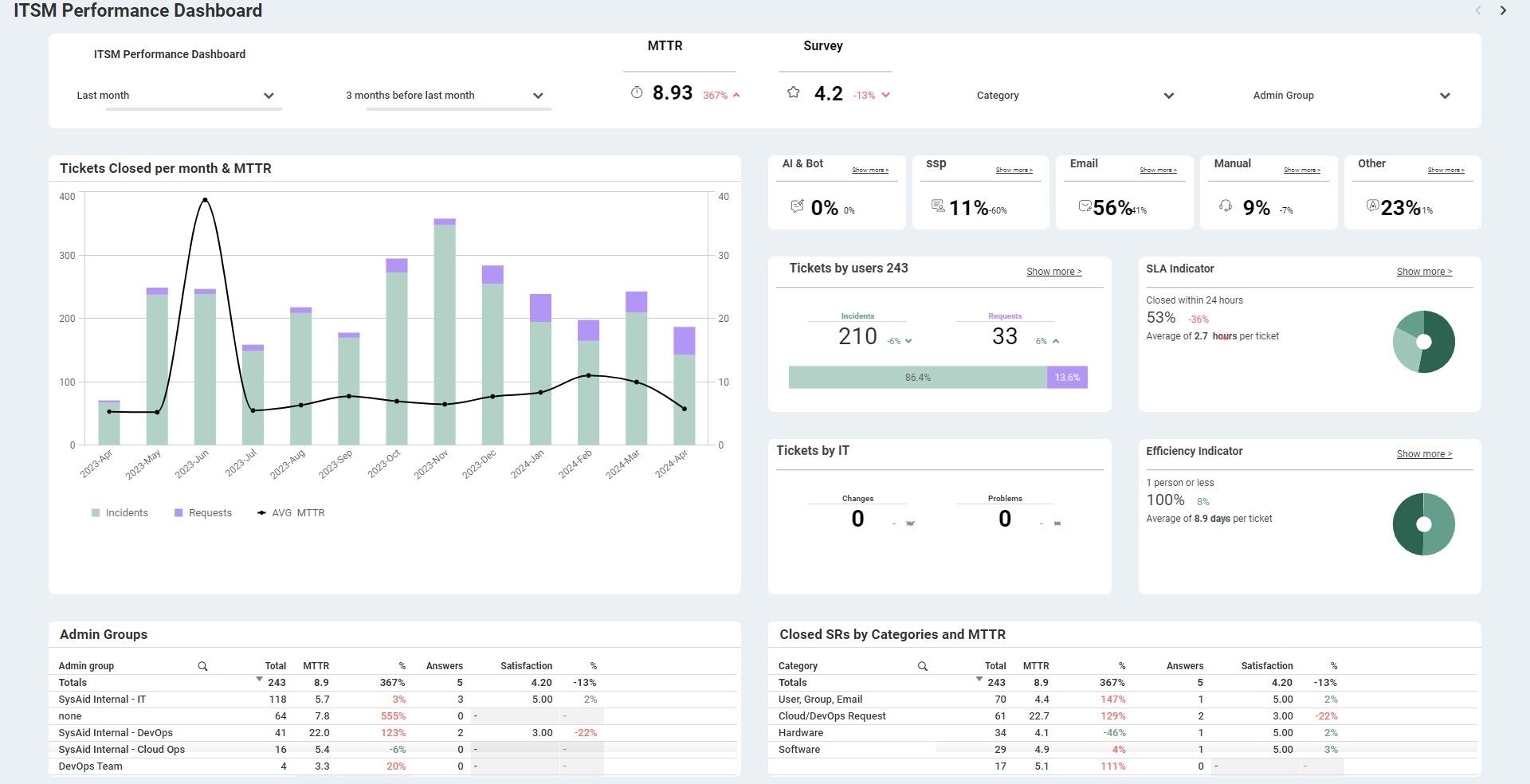
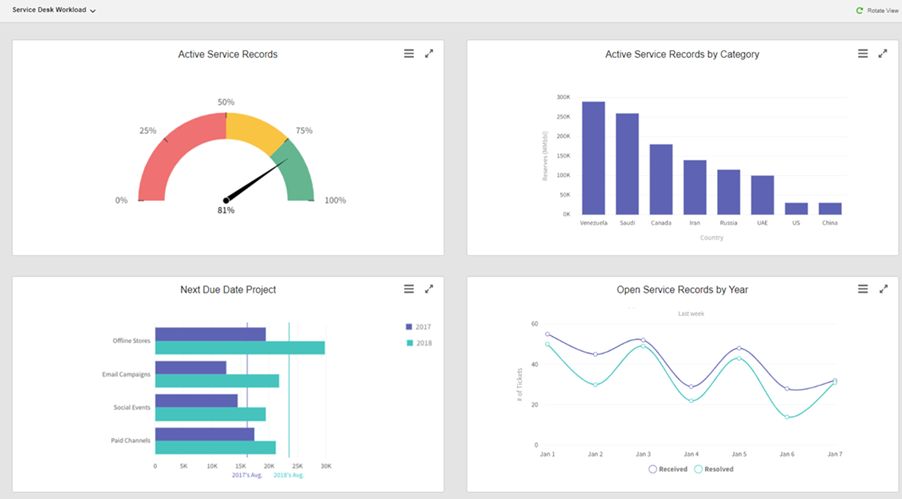
  • Custom Dashboards & Reporting
    Gain insights with visual reports and analytics for data-driven decisions.

  • Integration Capabilities
    Connect with third-party applications and systems to extend functionality.

  • Mobile Accessibility
    Manage tickets and IT operations on the go through the mobile app.

  • Security & Compliance
    Ensure secure data handling with user authentication and compliance tools.

Alternative

Zoho Desk

Top Rated Customer Service Help Desk Software

0.0
Rating out of 5 Based on 0 reviews

ManageEngine ServiceDesk Plus

Design, automate, deliver, and manage critical IT and business services

0.0
Rating out of 5 Based on 0 reviews

Zendesk Support Suite

customer service just got easier

4.2
Rating out of 5 Based on 10 reviews

SysAid Help Desk Video/Screenshots

SysAid Help Desk Key Clients

User Reviews

no-reviews
Share your experience! Be the very first reviewer. Write a Review

Frequently Asked Questions (FAQs)

The user group of SysAid Help Desk are as follows :

  • Startups
  • SMEs
  • Agencies

SysAid Help Desk has 0 plans.

SysAid Help Desk is allowed 14 Days Free Trial.

SysAid Help Desk pricing model : Yearly,Monthly,Onetime(Perpetual License)

SysAid Help Desk is Online Software.

Yes

SysAid Help Desk offers Phone,Email,Live Chat,Online (Ticket) support.

SysAid Help Desk provides Video Guides,Webinars,Infographics,Case Studies for the software training.