


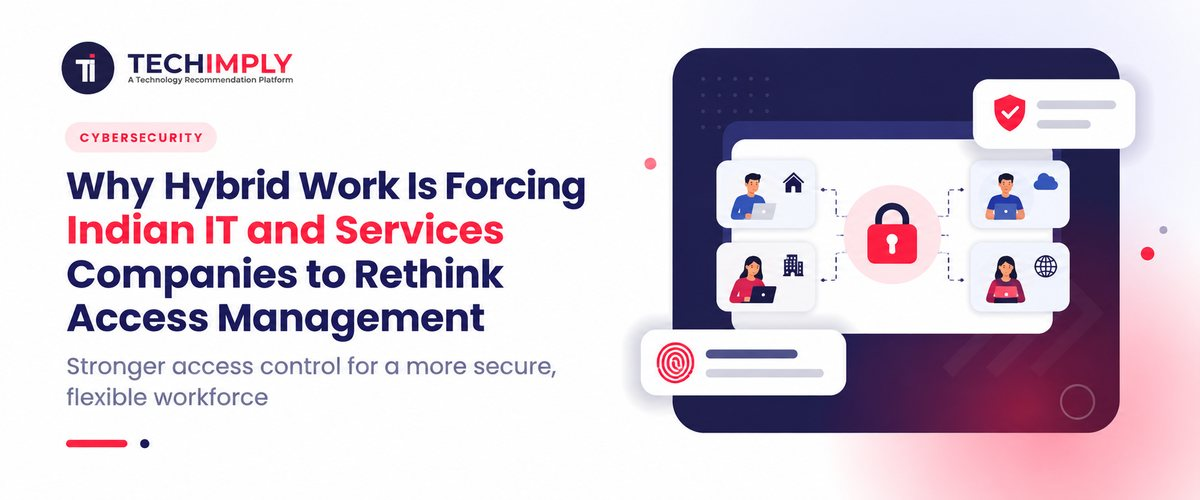
An employee working from an office in Bengaluru, another working from home in Ahmedabad, and a third accessing a client environment from Pune may all be doing the same job. From an access management perspective, however, they are not necessarily operating under the same conditions. Their devices may be different. Their networks may be different. One may be using a company-managed laptop while another is working with a temporary device.

Looking for Identity & Access Management Software?
Check out Techimply's List of the Best Identity & Access Management Software in India for your business.
They may also access different cloud applications, client systems, development environments, or internal resources. That is the problem Indian IT and services companies increasingly need to solve. Hybrid work has made the old assumption that employees are safest when they are inside the office much less useful. Access now needs to be based on who the user is, what they are accessing, which device they are using, and whether the request makes sense in that context. This is why identity and access management has become more important as Indian companies continue to operate distributed teams.
Hybrid Work Has Changed Where Access Happens
Indian technology companies have been moving toward more flexible working models for several years. NASSCOM has documented the continued importance of hybrid operating models in the technology sector, while its 2026 research notes that hybrid remains a dominant work model even as companies encourage more office-based collaboration. For IT and services businesses, the challenge is more complicated than simply allowing employees to work from home.
A single employee may access:
- Internal business applications from the office
- Cloud software from home
- Client environments while working on a project
- Development systems through a remote connection
- Shared documents from a personal network
- Collaboration tools from a mobile device
- Administrative systems with elevated permissions
The location changes, but the employee still needs access to get work done. That makes identity management more important because the organization can no longer depend on a physical office network as the main security boundary.
Do You Know?
NASSCOM reported in January 2025 that the Indian IT industry received an extension for the hybrid working model facility in SEZs through December 31, 2027. That makes hybrid work a continuing operational consideration for the sector rather than simply a temporary response to the pandemic.
The Access Problem Is Bigger Than Remote Login
It is easy to think of hybrid work security as a VPN or remote-login problem. In practice, remote access management covers much more.
Consider an Indian IT services company with 500 employees. A developer may have access to Git repositories and development tools. A project manager needs client documentation and collaboration software. An HR employee needs payroll and employee records. A system administrator needs access to production infrastructure.
When everyone works from one office, many of these processes can be managed through established network and device controls. With hybrid work, those same users may connect from different locations and devices.
The question changes from:
"Is this person inside our network?"
to:
"Should this person be allowed to access this particular resource under these conditions?"
That is a considerably more practical security query. Therefore, modern access management often first considers identity, authentication, permissions, device data, application context, and occasionally risk signals before providing access.
Why IAM Matters More in a Hybrid Workforce
Managing who can access business assets depends on Identity and Access Management. At a basic level, IAM answers three questions:
- Who is the user?
- What are they allowed to access?
- When should that access be removed or changed?
This is especially relevant when staff members switch between jobs, projects, sites, or client accounts. For example, an employee may start as a software developer and later become a project lead. Their access requirements will change. They may need additional project management tools while no longer requiring some development resources.
Similarly, a departing employee should not retain access simply due to their account being misplaced among numerous systems. Parts of this lifecycle, such as provisioning, authentication, access modifications, and deprovisioning, can be automated by a well-managed identity and access management system.
Companies assessing systems for this use can examine Identity and Access Management Software to grasp features including authentication, single sign-on, access policies, and identity lifecycle management. The benefit is not only security. It can also reduce the administrative work involved in manually managing access across multiple applications.
The Device Is Now Part of the Access Decision
The identity of an employee is just one piece of the puzzle. Imagine an employee signing in appropriately using their username, password, and multifactor authentication. That confirms something about the identity, but it does not automatically tell the company whether the device is secure.
- Is the laptop company-managed?
- Has it received recent security updates?
- Is disk encryption enabled?
- Is the device compliant with company policies?
- Is the employee accessing a sensitive application from an unmanaged personal computer?
These questions matter because a valid identity can still be used from an unsafe device. Modern hybrid work security therefore increasingly combines identity and endpoint protection. For Indian IT firms managing client environments, this distinction could be especially significant. A developer working on a client project might require infrastructure for testing, source code, or cloud infrastructure access. Just verifying their password isn't always adequate.
MFA Alone Is Not the Whole Answer
Multi-factor authentication is an important part of user authentication, but it should not be treated as the complete access strategy. MFA helps verify that the person signing in has an additional authentication factor. It can reduce the risk associated with stolen or compromised passwords.
But organizations still need to determine what that authenticated user is allowed to access. For example, an employee might complete MFA and still have no business reason to access a production database. That is where authorization and role-based access control become important.
A finance employee may be authenticated successfully but should not automatically receive access to engineering systems. An intern may need access to a project-management platform but not the company's production environment.
The objective is to give each identity the access required for its work and avoid unnecessary permissions. This principle becomes harder to maintain when employees move between projects frequently, which is common in IT services organizations.
Project-Based Work Makes Access Management Harder
Indian IT services companies often work across multiple client projects. Employees can move from one assignment to another without leaving the company. That creates a less obvious access management problem.
An employee who previously labored on Client A's undertaking half a year ago might hold permissions across various apps, common directories, code stores, or client settings. Upon conclusion of said project, certain of those permissions could become unnecessary.
If access is managed manually, removing every permission can become difficult. The same issue appears with contractors and temporary staff. While a support staff member might only need access during a given project period, an outside developer might need access to a particular system for three months.
Instead of depending only on individual manual requests, identity management enables businesses to link access decisions to staff roles, groups, projects, and business lifecycle events. That makes access easier to review as the workforce changes.
Privileged Access Needs Another Layer of Control
Not every employee account bears the same amount of risk. An administrator who can change security settings, reset accounts, alter production setup, or access sensitive infrastructure has far more authority than an employee just using email and collaboration tools.
Because administrators might have to do sensitive chores from a distance, hybrid work makes these privileged accounts more difficult to manage. This is where privileged access management becomes relevant. PAM gives companies control over and insight into privileged access via features including credential security, approval processes, temporary access, and session monitoring.
For example, an administrator may not need permanent access to a production server. They might receive elevated permissions for a specific maintenance task and lose those permissions once the task is complete.
The goal is not to make administration impossible. It is to reduce the amount of time and scope of high-risk access. For IT companies managing multiple client environments, separating normal employee access from privileged access can make the overall access model easier to control.
What Indian IT and Services Companies Should Rethink
Hybrid work does not necessarily mean an organization needs to replace every existing security system. The more useful approach is to review where existing access assumptions no longer fit the way people work. Start with these areas:
- Review Who Has Access: Create a clear view of employee, contractor, service, and administrator accounts. Identify accounts that have access to systems they no longer need.
- Strengthen Authentication: Use multi-factor authentication for important applications and especially for accounts with sensitive permissions.
- Connect Access to Roles: Role-based access control helps to minimize needless permissions by linking access with job duties instead of personal exceptions.
- Device Check: Access rules ought to take into account whether the device is under management and satisfies the security demands of the company.
- Check Remote Access: Find programs staff members use remotely and decide whether every one of them needs the same level of access from every device and location.
- Manage Privileged Access: Administrative accounts ought to have more stringent safeguards than regular employee accounts. Think about sensitive systems' transient access and employee monitoring.
- Automate Employee Lifecycle Changes: Access should follow a person as they join, move between jobs, move between projects, or leave. These measures are more environmentally friendly than introducing still another security tool each time a new remote-working situation arises.
Hybrid Work Is Pushing IAM Toward a Zero Trust Model
The shift toward hybrid work is closely connected with Zero Trust security. Zero Trust does not assume that a user or device should automatically be trusted because it is connected to the corporate network. Instead, access decisions are based on verification and relevant signals, with access limited to what is required.
This approach fits hybrid work because the employee's location is no longer a reliable indicator of trust. Someone working from the office may still have a compromised account. A person telecommuting might operate on a well-administered machine featuring robust login security and appropriate access rights.
The access decision therefore needs to focus on identity, device, application, context, and risk rather than simply office versus remote work. For Indian companies expanding cloud usage and distributed teams, this shift is becoming increasingly practical rather than theoretical.
A Practical Access Management Strategy for Hybrid Teams
Organizations can avoid rebuilding their whole security setup instantly. A practical first step involves charting the existing access landscape. Determine which software tools staff utilize, the user accounts accessing them, the functions tied to these accounts, and the platforms holding data privacy.
Then look for obvious gaps.
- Are former employees still active in any systems?
- Do contractors have access beyond their project requirements?
- Are administrators using permanent privileges?
- Can employees access sensitive applications from unmanaged devices?
- Are different applications using separate login systems with no central visibility?
When these gaps become apparent, the entity may rank enhancements. For numerous firms, the initial phase entails robust verification and unified identity oversight. More developed settings might subsequently adopt conditional entry, automatic setup, identity administration, and tighter restricted access rules. The objective is to avoid rendering each sign-in burdensome. It is to make access appropriate to the person, resource, device, and situation.

Pro-tip
Do not start an access management audit by questioning which security software to purchase. Begin instead by charting individuals, systems, endpoints, job functions, and authorizations. After visualizing exactly who holds entry to resources and their rationale, spotting superfluous rights and determining required identity governance features within your firm grows significantly simpler.
Conclusion
Hybrid arrangements have altered more than just physical seating. They have modified the circumstances governing system entry. For Indian technology and service firms, this implies identity governance cannot rely too much on corporate LANs or static sites. Staff, vendors, and admins might require safe connectivity from varied locales, infrastructures, gadgets, and customer setups. The functional transition is straightforward: reliance ought to rest less on location and more on identity, requirements, and logical necessity.
Related Reads :
- What Is IAM and Why Is It Important for Business Security
- How to Implement IAM in a Growing Business Without Disrupting Operations
- Best Identity vs Access Management: Key Differences
- Best Identity Management for Employee Lifecycle Explained
- Top CIAM vs IAM Differences for Customers & Employees
- Best Identity Management Software Cost in India

.jpg "4 Business Process & Marketing Planning Software Trends to Embrace in 2024")



