0.0
What is Project Hours
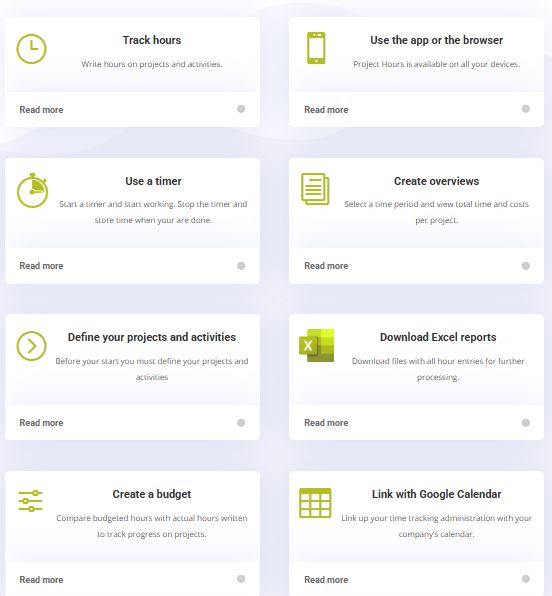
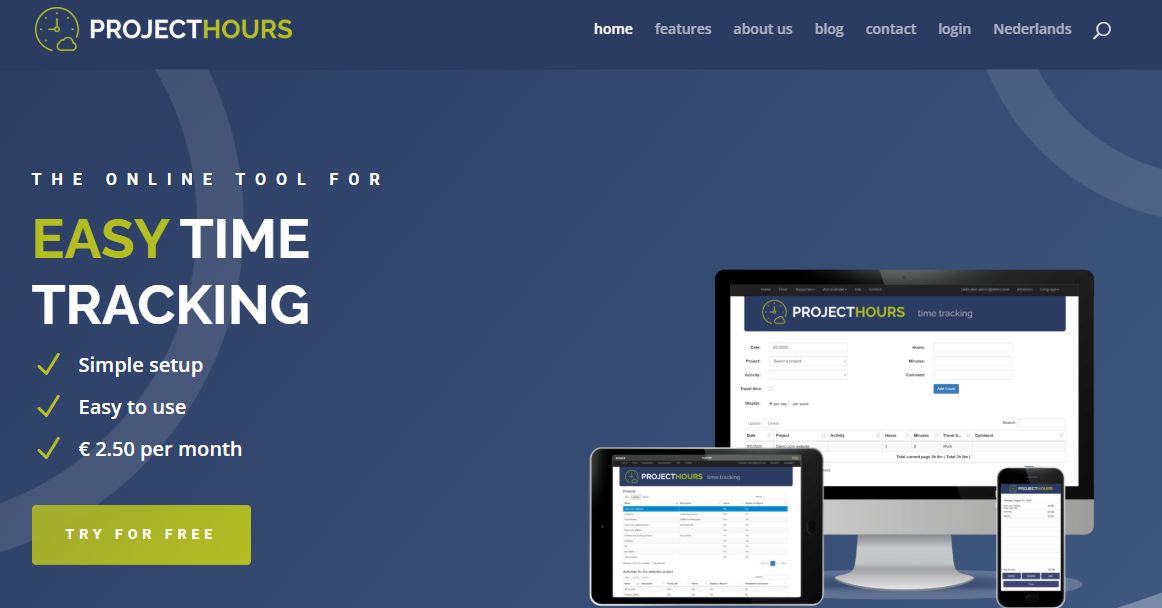
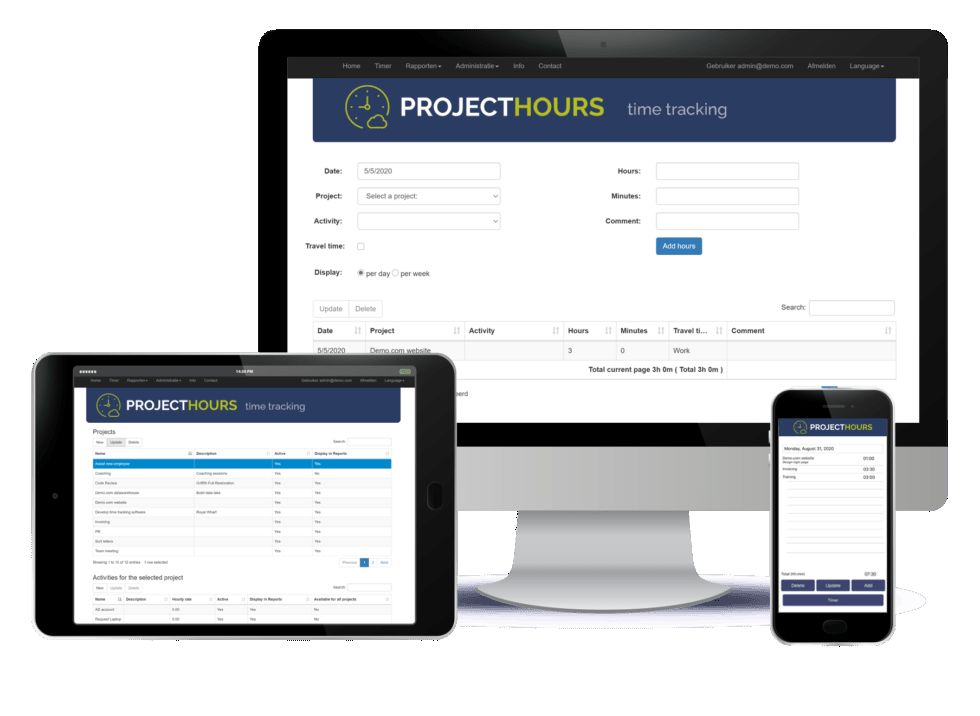
Project Hours is an intuitive, cloud-based time-tracking software designed to help businesses efficiently monitor and manage employee work hours across various projects and tasks. Established in 2016, the platform caters to self-employed individuals, small businesses, and mid-sized enterprises, offering tools to accurately record labor costs and optimize resource allocation. its a user-friendly interface, Project Hours enables employees to log their time manually or utilize a timer feature, providing real-time updates on project progress and labor utilization. The software's detailed reporting tools offer insights into time allocation across different projects, assisting businesses in identifying inefficiencies and areas for improvement.
Pricing of PROJECTHOURS
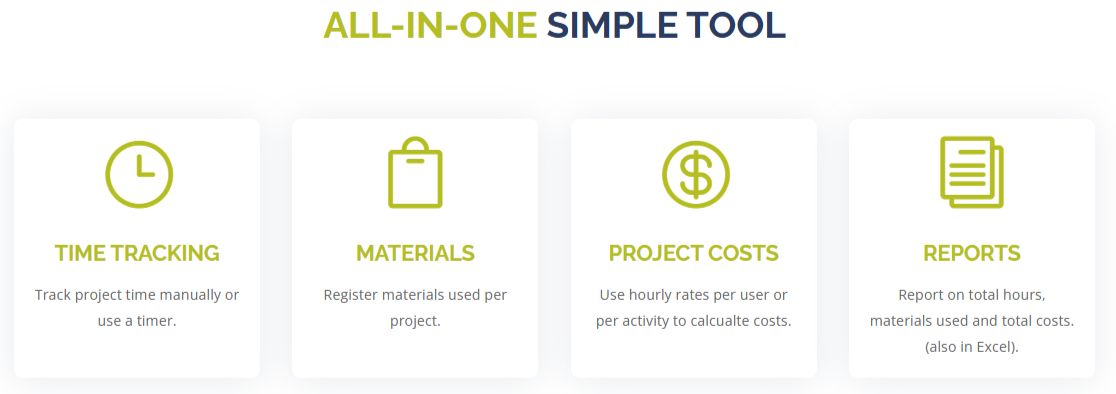
- Time tracking
- Project and activity tracking
- Material tracking
- Project cost calculation
- Reports
- User management
- Project access control
Awards & Badges Received
Get More Awards & Badges from Techimply


Key Features of PROJECTHOURS
Key Features:
Key Specification
| Other Categories: | Attendance Management Software Time Management Tool & Software Time Tracking App & Software Biometric Attendance Software Face Recognition Attendance Software Project Management Software With Time Tracking Time Tracking Software For PC Time & Attendance Software Time Clock Software Time & Expense Management Software Expense Report Software |
|---|---|
| Deployment: | Cloud Hosted,Hybrid,Any |
| Customer Support: | Phone,Email,Live Chat |
| Customization: | Yes |
| Languages Support: | Dutch, English |
Who uses PROJECTHOURS

Personal

StartUps

SMEs

Agencies

Enterprises
Company Details
| Company Name: | PROJECTHOURS |
|---|---|
| Headquarter: | Utrecht , Utrecht Netherlands |
| Website: |
Visit Website 
|
| Social Media: |
PROJECTHOURS Description
Most Popular Software



Alternative



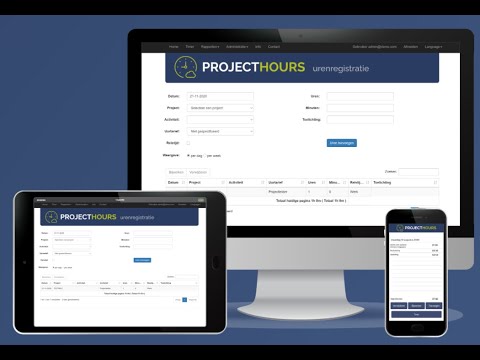
PROJECTHOURS Video/Screenshots
User Reviews

Frequently Asked Questions (FAQs)
The user group of PROJECTHOURS are as follows :
- Personals
- Startups
- SMEs
- Agencies
- Enterprises
PROJECTHOURS has 1 plans,
- Basic USD 3.00 Month
PROJECTHOURS is allowed 60 Days Free Trial.
The key featuers of PROJECTHOURS are as follows :
- Project Time Tracking
- Time & Attendance Management
- Time Tracking
- Overtime Calculation
- Mobile Time Tracking
- Timesheet Management
- Time & Expense Tracking
PROJECTHOURS pricing model : Yearly,Monthly
PROJECTHOURS is Cloud Hosted,Hybrid,Any Software.
Yes
PROJECTHOURS offers Phone,Email,Live Chat support.
PROJECTHOURS provides Help Guides,Video Guides,Blogs,Webinars,Case Studies,Whitepapers for the software training.