 4.2
4.2
What Is Clockwise?
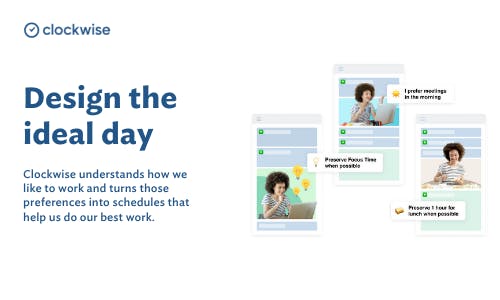
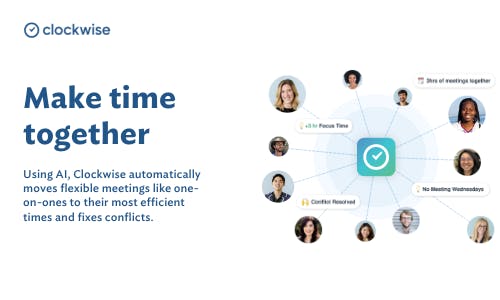
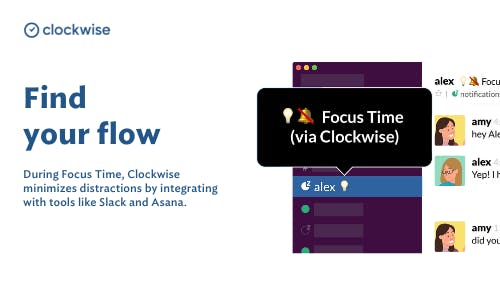
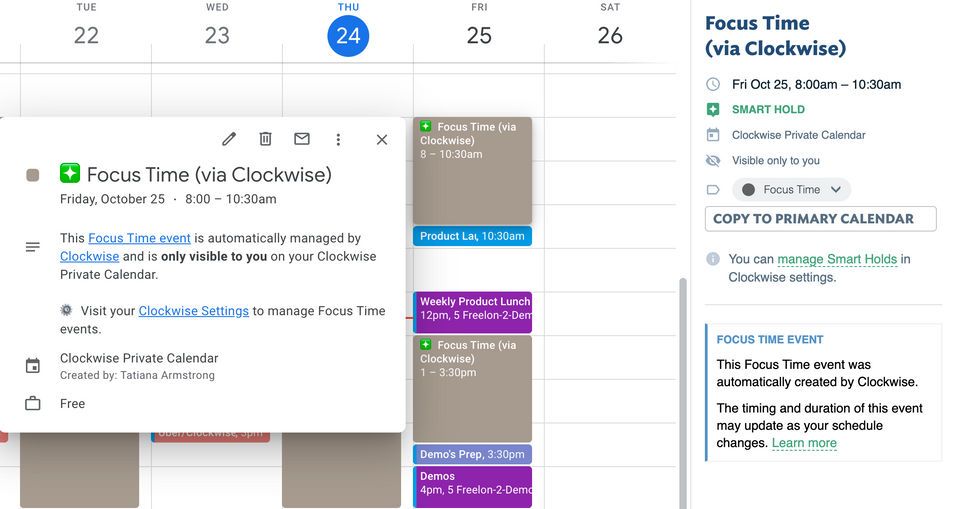
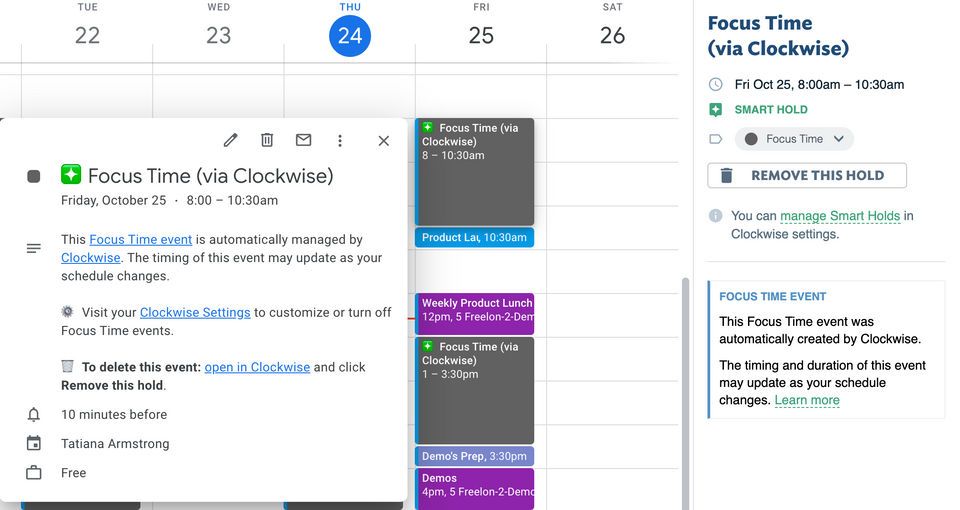
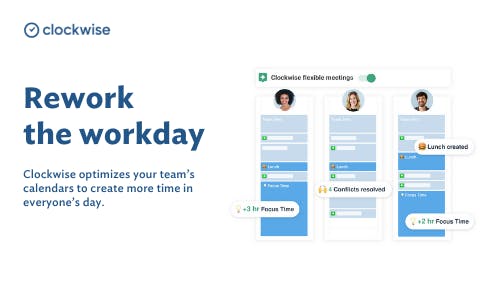
Clockwise is an AI-powered calendar management and scheduling platform designed to optimize how individuals and teams spend their time by intelligently organizing daily schedules. By integrating with tools like Google Calendar and Microsoft Outlook, it analyzes meetings, availability, and user preferences to automatically reschedule flexible events, eliminate conflicts, and create protected blocks of uninterrupted Focus Time for deep work. Using machine learning, Clockwise continuously adapts to changing schedules, balances team availability, and improves overall time efficiency without requiring constant manual adjustments. It also provides insights into how time is spent, helping users reduce meeting overload, improve productivity, and maintain better work-life balance, making it especially valuable for busy professionals and collaborative teams.
Pricing of Clockwise
- Writing
- submitting & approving hours
- Holiday card
- Internal codes
- Web app (browser) & mobile app
- Invoicing hours and fixed amounts
- Extended user roles
- Flexible project division
- Meeting your certification goals
- Logging tools
- Helpdesk for the application manager
Awards & Badges Received
Get More Awards & Badges from Techimply


Key Features of Clockwise
Key Features:
Key Specification
Who uses Clockwise

StartUps

SMEs

Agencies

Enterprises
Company Details
| Company Name: | Clockwise |
|---|---|
| Headquarter: | Amstelveen, North-Holland Netherlands |
| Website: |
Visit Website 
|
| Social Media: |
Clockwise Description
Most Popular Software


Alternative



User Reviews
Write a ReviewSmall Tool, but effective for all kind of Business
It was fantastic for me to reflect back on my week and was great while it lasted.
What you like the most about Clockwise?
The interface is very simple and it does the function you need for a Any Kind of business. We use it for time tracking, TO management and their seamless integration with QBO is great both for import and export.
What you like the least about Clockwise?
Rating breakdown
- Mr. Sushant Garg Chief Engineer At Santoshmay Construction Private Limited
Clockwise - An essential time management tool
Clockwise helped me to organise and prioritise my workload, and keeps me up to date on the meetings and schedules I have for the day. This frees me up so I can focus on the actual work.
What you like the most about Clockwise?
Clockwise is very helpful. One thing that can be helped is to provide us a better guide which is in-depth on how to use certain features. They are indeed easy to use, but a vivid explanation would go a long way. Thank you in advance.
What you like the least about Clockwise?
Rating breakdown
- Pratibha kalamkar Sales Director At Sai Saksham Enterprises Pvt Ltd
Simplify your schedule with Clockwise
Simple and effective.!
What you like the most about Clockwise?
I love the lunch feature and being able to move my meetings around to maximize my day and create less interrupted time. Clockwise has been game changer to creating work life balance and I love how easily it integrates with Slack and Gmail.
What you like the least about Clockwise?
Rating breakdown
- Ashwini Garg Regional Manager At RBCL Piletech Infra Pvt Ltd
Excellent Product to enhance productivity & organisation
Clockwise is a game-changing productivity tool that has revolutionized how I manage my time and schedule. As someone who juggles multiple projects and meetings daily, I am thoroughly impressed by this app's intuitive features and seamless integration.
What you like the most about Clockwise?
Clockwise is an indispensable tool that helps me make the most of every minute. Its intelligent scheduling, seamless integration, and focus-enhancing features have transformed how I work, making my days more productive and less stressful.
What you like the least about Clockwise?
Rating breakdown
- Arjun Manek CEO At Holicap Service Pvt. Ltd.
A worthwhile productivity product
Overall, I enjoy using Clockwise.
What you like the most about Clockwise?
I enjoy that Clockwise integrate seamlessly with my work calendar. It automatically schedules work blocks and lunches. It also gives me an idea of how much time each week I spend in meetings and time that I loose.
What you like the least about Clockwise?
Rating breakdown
- Ashok kumar Singh Marketing Manager At Bhagwati polypack pvt Ltd.
Frequently Asked Questions (FAQs)
The user group of Clockwise are as follows :
- Startups
- SMEs
- Agencies
- Enterprises
Clockwise has 1 plans,
- Basic USD 30 Per Month
Clockwise is not allowing Free Trial.
The key featuers of Clockwise are as follows :
- Time Tracking
- Time & Expense Tracking
- Offline Time Tracking
- Billing and Invoicing
- Recurring (Subscription Billing)
- IT Project Management
- Project Management
- Project Billing
Clockwise pricing model : Yearly,Monthly,Onetime(Perpetual License)
Clockwise is Cloud Hosted,Hybrid,On Premise Software.
Yes
Clockwise offers Email,Live Chat support.
Clockwise provides Help Guides,Video Guides,Blogs,Webinars for the software training.