


What is LogMeIn Rescue?
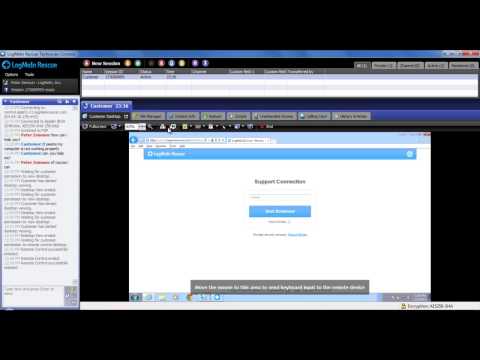
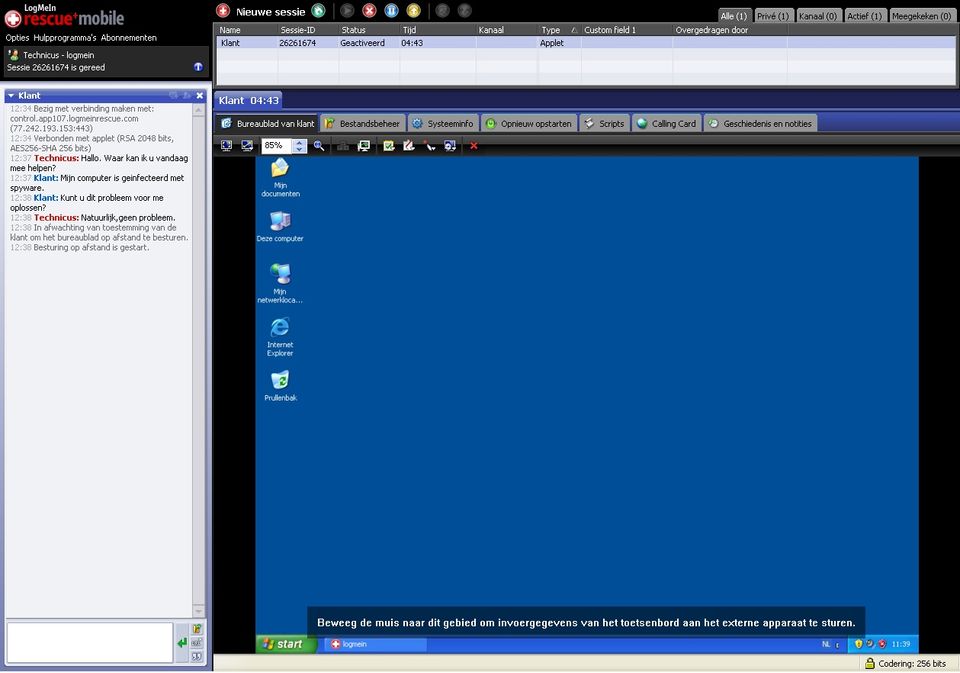
LogMeIn Rescue is an enterprise remote support solution from GoTo, designed for IT and customer support teams. It allows technicians to remotely control Windows and Mac computers, provide support for mobile devices, Linux, ChromeOS, and Intel vPro devices, and access unattended machines. The platform protects every session with end-to-end 256-bit AES encryption and TLS 1.3, while offering security features such as single sign-on (SSO), Active Directory (AD) synchronization, and multi-factor authentication. Optional AI add-ons can generate session summaries, analyze on-screen errors, and perform device health checks to help technicians troubleshoot issues more efficiently.
Pricing of LogMeIn Rescue
- Windows & Mac Remote Control
- Unattended access
- In Session Diagnostics
- Agent Collaboration
- Scripting
- Dedicated Technical Support Team
- 24/7 Priority Care
- White Glove Onboarding
- VIP Support Portal
- Committed Support SLAs
Key Features of LogMeIn Rescue
Key Features:
Key Specification
| Other Categories: | Remote Access Software |
|---|---|
| Deployment: | Cloud Hosted |
| Customer Support: | Phone,Online (Ticket) |
| Customization: | No |
| Languages Support: | English |
Who uses LogMeIn Rescue

SMEs

Enterprises
Company Details
| Company Name: | LogMeIn Rescue |
|---|---|
| Headquarter: | Boston, Massachusetts United States |
| Social Media: |
LogMeIn Rescue Description
Most Popular Software



ManageEngine Remote Access Plus
Enterprise Remote Control and IT Support Software for Instant, Secure IT Troubleshooting – Anytime, Anywhere.
 0.0



Alternative
ManageEngine Remote Access Plus
Enterprise Remote Control and IT Support Software for Instant, Secure IT Troubleshooting – Anytime, Anywhere.
0.0
LogMeIn Rescue Video/Screenshots
LogMeIn Rescue Key Clients

User Reviews

Frequently Asked Questions (FAQs)
The user group of LogMeIn Rescue are as follows :
- SMEs
- Enterprises
LogMeIn Rescue has 2 plans,
- Remote Device Support USD 149 Month
- Rescue Enterprise USD
LogMeIn Rescue is allowed 0 Days Free Trial.
The key featuers of LogMeIn Rescue are as follows :
- Session Recording
- Remote Control
- File Transfer
- Diagnostic Tools
- Screen Sharing
- Attended & Unattended Remote Access
- Mobile Device Support
LogMeIn Rescue pricing model : Onetime(Perpetual License)
LogMeIn Rescue is Online Software.
No
LogMeIn Rescue offers Phone,Online (Ticket) support.
LogMeIn Rescue provides Help Guides,Video Guides,Blogs for the software training.


