A shop owner buys billing and invoicing software because the queue at the counter keeps getting longer. Six months later, the billing works fine, but a second outlet has opened, and nobody can answer a basic question: which store is losing stock, and which products have been sitting on the shelf since the last festive season? The software is not faulty. It was built to close sales, not to run a business.
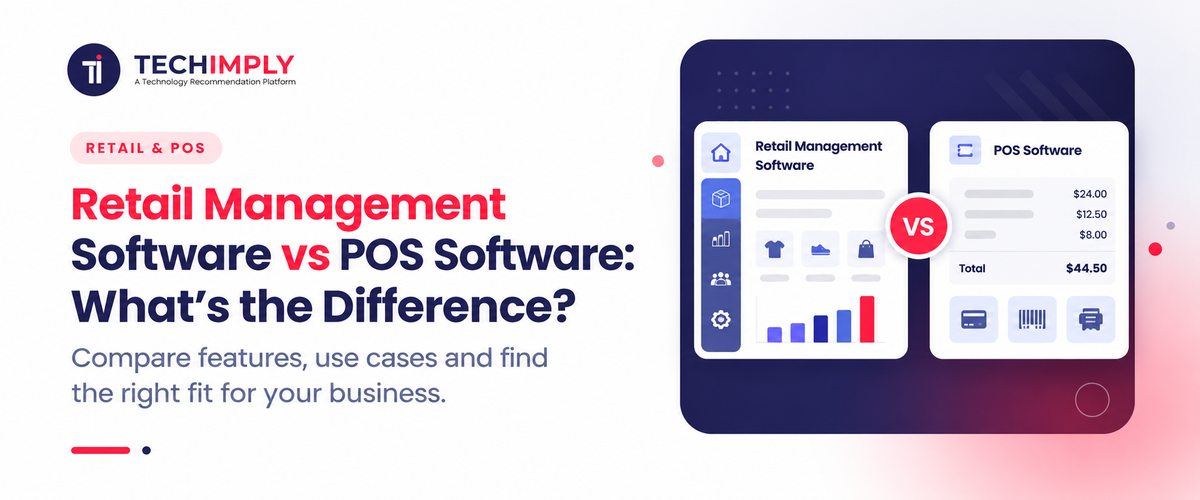
The gap between retail management software vs POS software determines the actual purpose of this inquiry. The two tools exist in the same shop and frequently occupy the same screen. The vendors define the applications with nearly the same words. The difference appears only when business activities become more complex.
Why POS Software And Retail Management Software Get Mixed Up
Part of the uncertainty is because of the history of the industry. Point of sale originally referred to physical equipment like the terminal, the cash drawer, plus the receipt printer. As billing moved to internet-based applications, POS software started to include tasks that are unrelated to the checkout counter - those tasks include inventory alerts, buyer records, and visual data summaries.
The rest of the confusion comes from how both categories are sold. A vendor offering POS software for supermarkets and a vendor offering a retail management system will often list the same features on a pricing page. Both mention inventory, both mention reports, both mention customers. The depth behind those words is where the two separate, and a feature list rarely shows depth.
What is POS Software?
POS software runs the moment of sale. The cashier scans a barcode or searches for a product - the system identifies the cost and the tax, calculates an active discount, and takes payment via currency, cards, or UPI. It produces a GST-compliant invoice. The inventory count for that product decreases by one unit, and the software stores the record.
Around that core, most POS software handles:
- Fast counter billing, including several billing counters inside the same store
- Returns, exchanges, and partial refunds
- Cashier shifts, cash drawer opening and closing, and day-end totals
- Offline billing when the connection drops, with syncing once it returns
- Basic inventory management, such as stock counts and low stock alerts
- A simple sales summary by day, item, or payment mode
The main user is the person at the counter. Success is measured in seconds per bill and in how rarely the system stumbles during a rush hour.
What is Retail Management Software?
Retail management software starts from a different question. Instead of asking how a sale is completed, it asks how retail store operations fit together. Point of sale is one module inside it, sitting alongside purchasing, stock, customers, staff and finance.
A retail management system usually covers:
- Purchase orders, goods receipt and supplier ledgers
- Stock across several outlets and a warehouse, including transfers between them
- Batch numbers, expiry tracking and serial numbers where the category demands it
- Pricing rules, promotions and margin control by product or category
- Customer profiles, purchase history and loyalty programmes
- Staff roles, permissions, attendance and sales performance
- Reporting that links buying, selling and profitability in one view
- Integration with accounting tools such as Tally and with online sales channels
The main user here is the owner or the store manager. Success is measured in decisions: what to reorder, what to discount, which outlet to stock more heavily, which supplier has started slipping on delivery dates.
Retail Management Software Vs Pos Software: The Differences That Matter
The table below sums up where the two genuinely part ways.
|
Area |
POS software |
Retail management software |
|
Core purpose |
Complete the sale quickly and accurately |
Run retail store operations end to end |
|
Main user |
Cashier and counter staff |
Owner, store manager, back office |
|
Inventory depth |
Stock deduction and reorder alerts |
Purchase-to-sale tracking, transfers, batches, valuation |
|
Supplier side |
Limited or absent |
Purchase orders, receipts, supplier payments |
|
Multi-store retail |
Each outlet often works on its own data |
Central control with outlet level views |
|
Customer data |
Contact details and basic history |
Segments, loyalty programmes, campaigns |
|
Reporting |
Sales focused |
Sales, stock, margin, staff and supplier |
|
Setup effort |
A few days |
Weeks, including data migration and training |
|
Typical fit |
Single store with a straightforward catalogue |
Several outlets, large catalogue, or online plus offline selling |
Where The Two Overlap, And Where Buyers Get Misled
Most modern POS software includes some inventory management and some reporting, which is why the line looks blurry during a demo. Plenty of products marketed as retail POS software are, in practice, light retail management systems. A few products marketed as complete retail platforms are billing tools with an extra dashboard.
To evaluate either software, you should stop asking about the events during the transaction. You must ask about the events that happen before or after the sale. The system is able to generate a purchase order and compare it to the items that the supplier sent to the shop.
Can it move ten units from the Pune outlet to the Nashik outlet and keep both stock figures correct? Can it show gross margin by category instead of sales by day? If the answers are no, you are looking at POS software, whatever the brochure calls it.
Do You Know?
GST e-invoicing has been extended down the turnover ladder in stages and now reaches businesses above the five crore rupee mark. For many growing retailers, that requirement alone triggered the move from a basic billing tool to a fuller system, because e-invoice and e-way bill generation is far simpler when purchase and sales data already sit in one place.
When Pos Software Is Enough
A single store with a small product list rarely requires more than high-quality retail POS software. If the proprietor manages the buying, recognizes the vendors as well as monitors the inventory - looking at the shelves- a retail management system is an unnecessary expense. It increases the time spent on instruction without fixing a current difficulty.
Imagine a local kirana store, a single-counter pharmacy, a cafe, or a single-brand clothes shop with a few hundred SKUs. Billing speed, GST billing accuracy, UPI acceptance, a reliable offline mode, and a report the owner can view on a phone at night are among the top goals there. Buying a broad platform at this stage usually means paying for modules nobody opens.
Signs your store has outgrown a standalone POS system
The switch usually happens for practical reasons rather than strategic ones. These are the common signals:
- The stock number on the screen and the stock on the shelf stop matching; no one can explain the difference.
- Every channel maintains its own data, thus group figures come as spreadsheet exports or WhatsApp screen captures.
- Reordering depends on memory instead of sales history.
- Online orders and store sales draw from the same shelf but not from the same stock record.
- Month-end reconciliation with the accountant takes days of manual work.
- Staff have started keeping side registers for anything the POS system cannot store.
One of these by itself is under control. Usually, three or four together indicate that the billing layer is being requested to perform a task it was never intended for, and multi-store retail is where that stress shows up fastest.
What Indian Retailers Should Check Before Deciding
A few points carry more weight in the Indian market than a generic feature comparison suggests. GST billing should go beyond printing a tax line. Look at HSN codes, multiple tax slabs on a single bill, credit notes, and whether return filing data can be exported cleanly for your accountant.
Offline billing matters wherever connectivity is patchy, and so does what happens to the data after reconnection. Payment processing should cover UPI and QR alongside cards, since a large share of counter payments now moves through those rails.
Pricing models differ as well. POS software is commonly sold per counter or per device, while retail management software is usually priced per store or per user with implementation charges on top. Inquire how the expense works when the fourth or fifth outlet debuts since that is when the difference between basic invoicing software and a full platform is apparent.
Also check hardware compatibility: the cash drawers you currently have, barcode scanners, thermal printers, and weighing scales for grocery stores.
Questions Worth Asking Before You Buy
- Who will use this every day, and how comfortable are they with software?
- Will the catalogue, outlet count, or sales channels change in the next two years?
- Does the system own purchase data, or only sales data?
- How does information reach the accountant, and how much manual work is left over?
- If we start with POS software now, can the same vendor upgrade us later without re-entering everything?
- What does support look like on a Sunday evening during a festive rush?

Pro-tip
Do not judge either option on a polished demo. Hand the vendor your three messiest workflows, such as a supplier return, a stock transfer between outlets, and a customer exchange spread across two bills, then ask them to run those on sample data from your own store. Most gaps surface within twenty minutes.
Conclusion
This is not a contest between two categories. POS software solves a narrow problem very well, and for a single store that problem may be the only one worth solving. Retail management software earns its price the moment sales data alone stops answering your questions, which is usually when stock, suppliers or outlets multiply. Decide on the questions you cannot answer today. If they are about the counter, POS software is enough. If they are about stock, margins or outlets, retail management software is the direction to look.