Zoho TeamInbox

Zoho TeamInbox

Shared multichannel inboxes for teams

0.0
Rating out of 5 Based on 0 reviews

Zoho TeamInbox is a unified inbox for all your communication channels that builds you a transparent work environment and enhances collaboration in teams.

Pricing of Zoho TeamInbox

Starter

INR 300.00
INR 0.00

/user / month billed annually

Buy Now
  • 3 shared incoming channels
  • 25 rules
  • 10 shared outgoing email channels
  • Signatures
  • Tags
  • Contacts
  • Response templates
  • Activity log
  • Assignments
  • Internal discussions
  • Draft sharing
  • Extensions

Professional

INR 450.00
INR 0.00

/user / month billed annually

Buy Now
  • 5 shared incoming channels
  • Unlimited rules
  • Unlimited personal sender addresses
  • 25 shared outgoing email channels
  • 1 personal incoming channel / user
  • Analytics

Key Features of Zoho TeamInbox

Key Features:
  • Third Party Integrations
  • Task Management
  • Assignment Management
  • Commenting/Notes
  • Messaging
  • Productivity Analysis
  • Team collaboration
  • Multichannel communication
  • Activity log

Key Specification

Other Categories: Team Management Software Team Collaboration Software
Deployment: Cloud Hosted
Customer Support: Phone,Email,Live Chat,Online (Ticket)
Customization: Yes
Languages Support: Albanian, Arabic, Assamese, Azerbaijani, Basque, Bengali/Bangla, Bulgarian, Burmese, Catalan, Chinese, Croatian, Czech, Danish, Dutch, English, Estonian, Finnish, French, German, Greek, Gujarati, Hebrew, Hindi, Hungarian, Indonesian, Italian, Japanese, Javanese, Kannada, Korean, Latin, Latvian/Lettish, Lithuanian, Macedonian, Marathi, Nepali, Norwegian, Panjabi, Polish, Portuguese, Romanian, Russian, Serbian, Slovenian, Spanish, Tamil, Tegulu, Thai, Turkish, Ukrainian, Urdu, Vietnamese

Who uses Zoho TeamInbox

StartUps
StartUps
SMEs
SMEs
Agencies
Agencies
Enterprises
Enterprises

Company Details

Company Name: Zoho Corporation
Headquarter: Austin, Texas United States
Social Media:

Zoho TeamInbox Description

Any organization with multiple teams should have a robust system for collaboration and transparency. Zoho TeamInbox gives its users just that. In addition, Zoho TeamInbox ensures accountability from every team member. With insightful reports and metrics, organization admins can easily track how well their teams are performing.

Organizations using Zoho TeamInbox can configure multiple inboxes for different teams based on departments, roles, or hierarchies. Every team can configure separate group email inboxes to meet their unique needs. For added security, team admins can manage the level of transparency in the inbox. Further, SSO, TFA, and TLS ensure enterprise data is highly secure. 

Key Benefits: 

Zoho TeamInbox comes with a multitude of features that make inbox management easy: 

  • Unified and transparent teams 

With an inbox that's visible and accessible to the whole team, you can eliminate forwarded emails and long, confusing threads for good. Everyone on the team will always be aware of ongoing tasks and their progress. Transparency is effortless with Zoho TeamInbox! 

  • Uncomplicated collaboration 

Conduct discussions about emails with your team without having to switch apps and lose context. You can even invite people outside your team to contribute. This way, you can make sure you're always sending accurate responses to your emails. 

  • Achieve Inbox Zero with ease

Zoho TeamInbox helps you sort emails based on priority and close threads when you are done with them. This gives you more space for ongoing conversations so you can focus on your most important threads. 

  • Assign owners for threads

Delegate emails to the right owner to make sure no message is overlooked. Always know who is working on what— and that everyone's assignments are clearly defined to avoid unnecessary redundancies. 

  • Personal and team emails under one roof 

Connect your personal inbox with Zoho TeamInbox to keep all your group and personal emails together. Though personal emails are kept private, you can share specific emails with your teammates for discussion. 

  • Use pre-set responses for quicker replies 

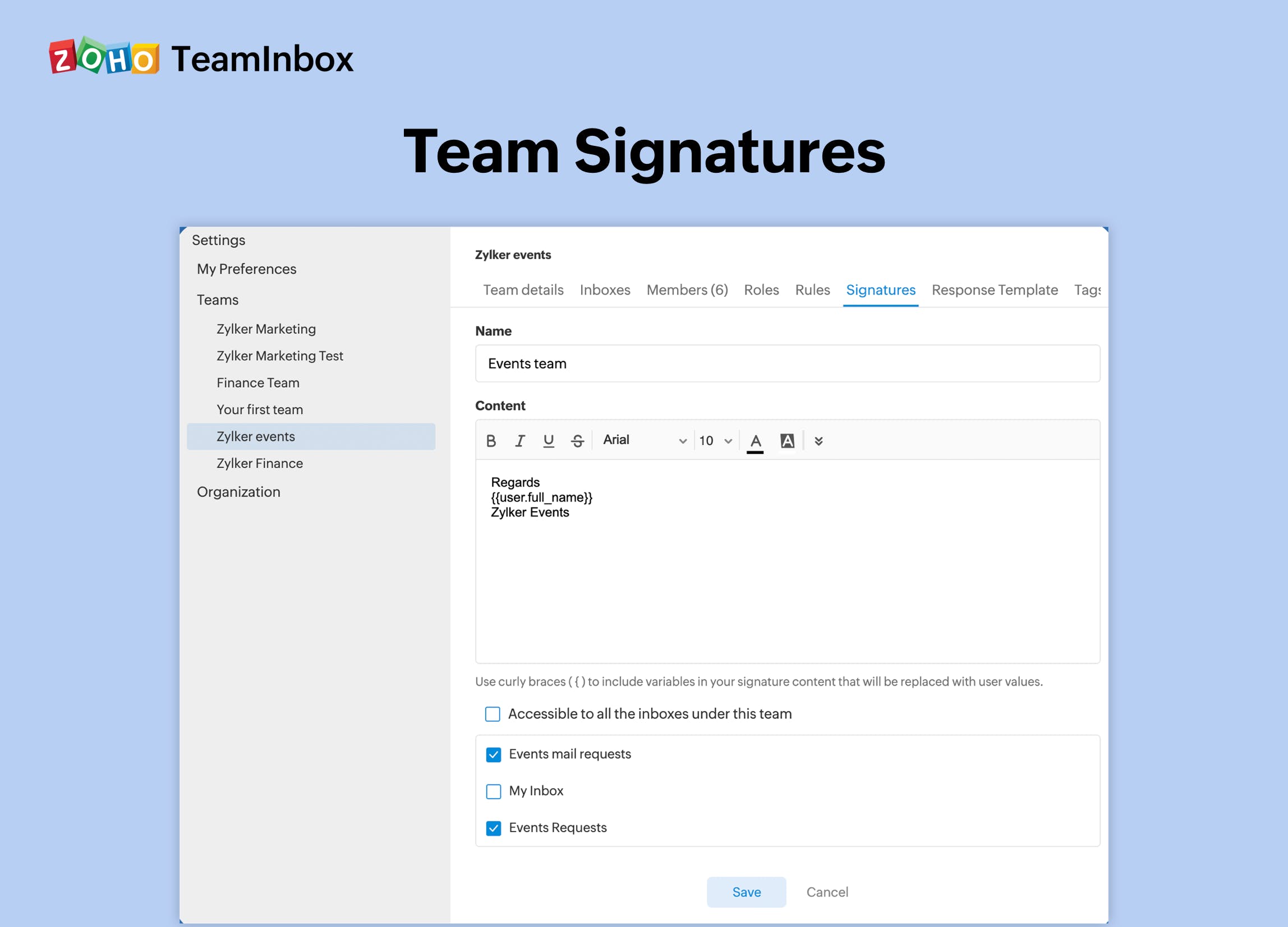
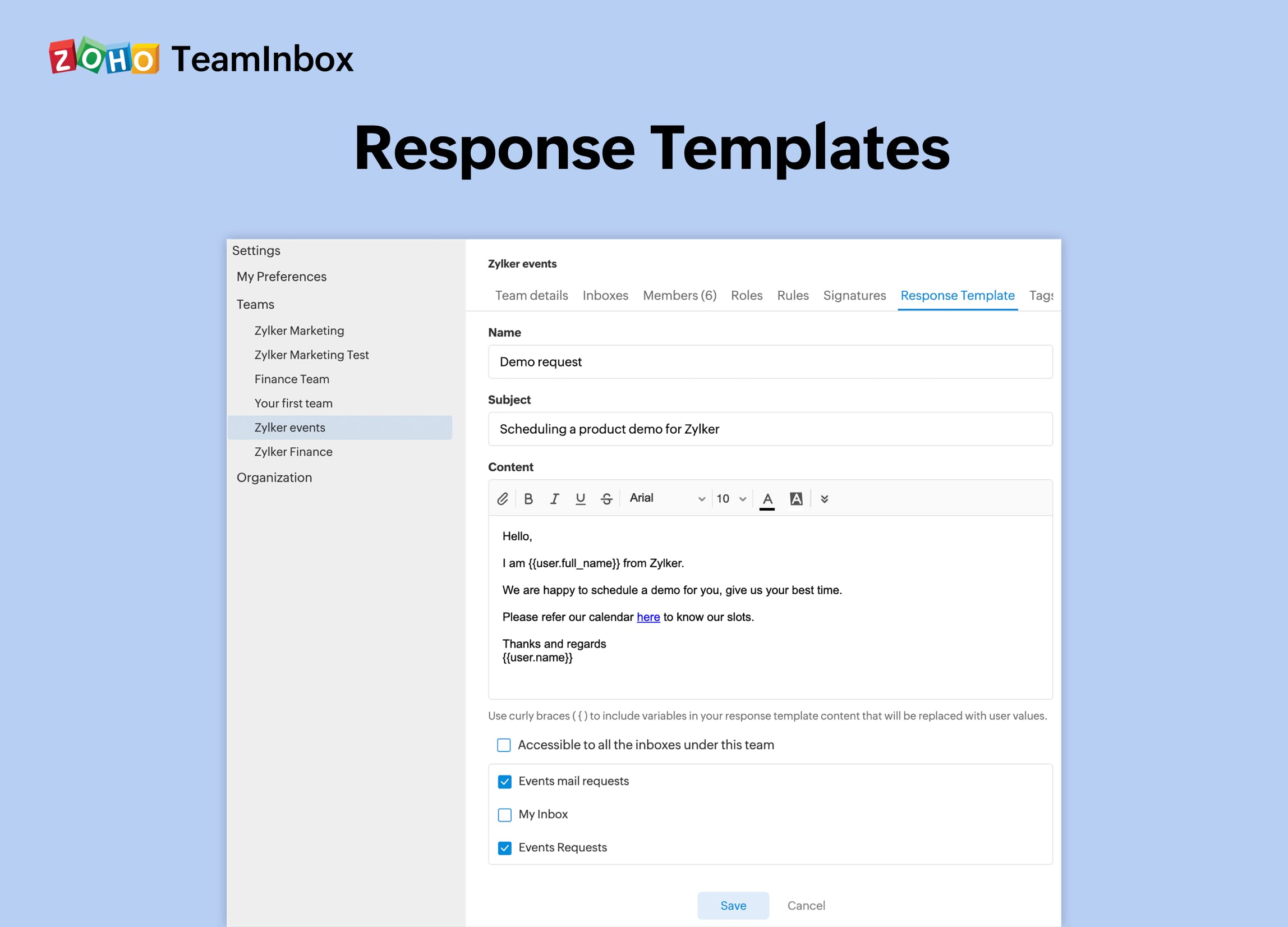
Create and save response templates for common questions that your entire team can use for replies. This saves time and energy while ensuring consistency in all emails sent from your team. 

  • Automation with rules 

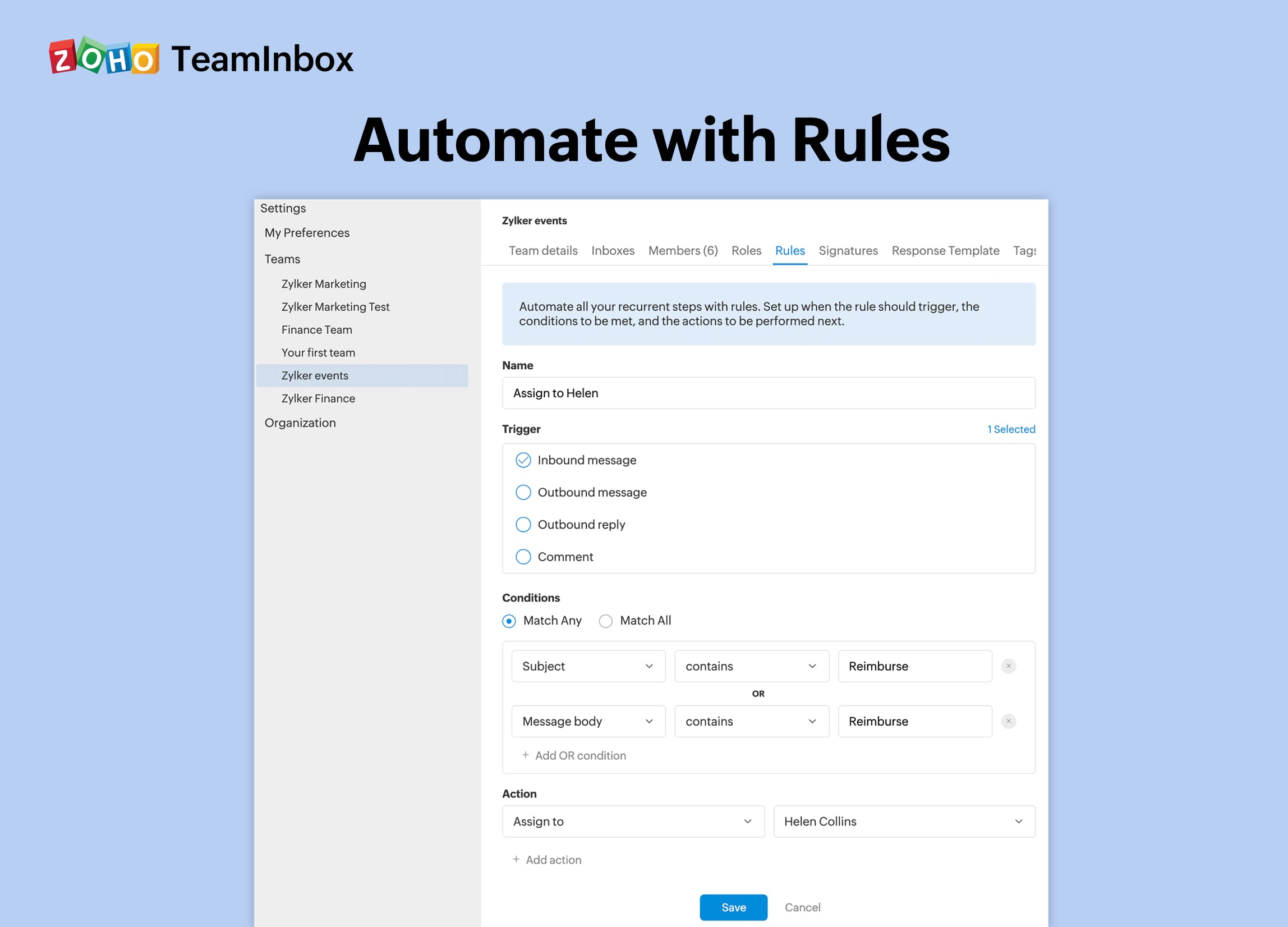
Set specific actions to be performed every time a condition is met. Zoho TeamInbox takes care of the rest. Categorize threads, assign owners, notify teammates, send automated responses, and more. 

Alternative

Zoho Workplace

Unified collaboration app for businesses

0.0
Rating out of 5 Based on 0 reviews

Connecteam

Powerful Hubs, Flexible Pricing

0.0
Rating out of 5 Based on 0 reviews

Hiver

The AI-first customer service platform

0.0
Rating out of 5 Based on 0 reviews

Zoho TeamInbox Video/Screenshots

User Reviews

no-reviews
Share your experience! Be the very first reviewer. Write a Review

Frequently Asked Questions (FAQs)

The user group of Zoho TeamInbox are as follows :

  • Startups
  • SMEs
  • Agencies
  • Enterprises

Zoho TeamInbox has 2 plans,

  • Starter INR 300.00 /user / month billed annually
  • Professional INR 450.00 /user / month billed annually

Zoho TeamInbox is allowed 14 Days Free Trial.

The key featuers of Zoho TeamInbox are as follows :

  • Third Party Integrations
  • Task Management
  • Assignment Management
  • Commenting/Notes
  • Messaging
  • Productivity Analysis
  • Team collaboration
  • Multichannel communication
  • Activity log

Zoho TeamInbox pricing model : Yearly,Monthly

Zoho TeamInbox is Online Software.

Yes

Zoho TeamInbox offers Phone,Email,Live Chat,Online (Ticket) support.

Zoho TeamInbox provides Help Guides,Video Guides,Blogs,Infographics for the software training.