
WebWork Time Tracker
AI-Powered Time Tracking, Workforce Analytics & Productivity Monitoring
 0.0
0.0
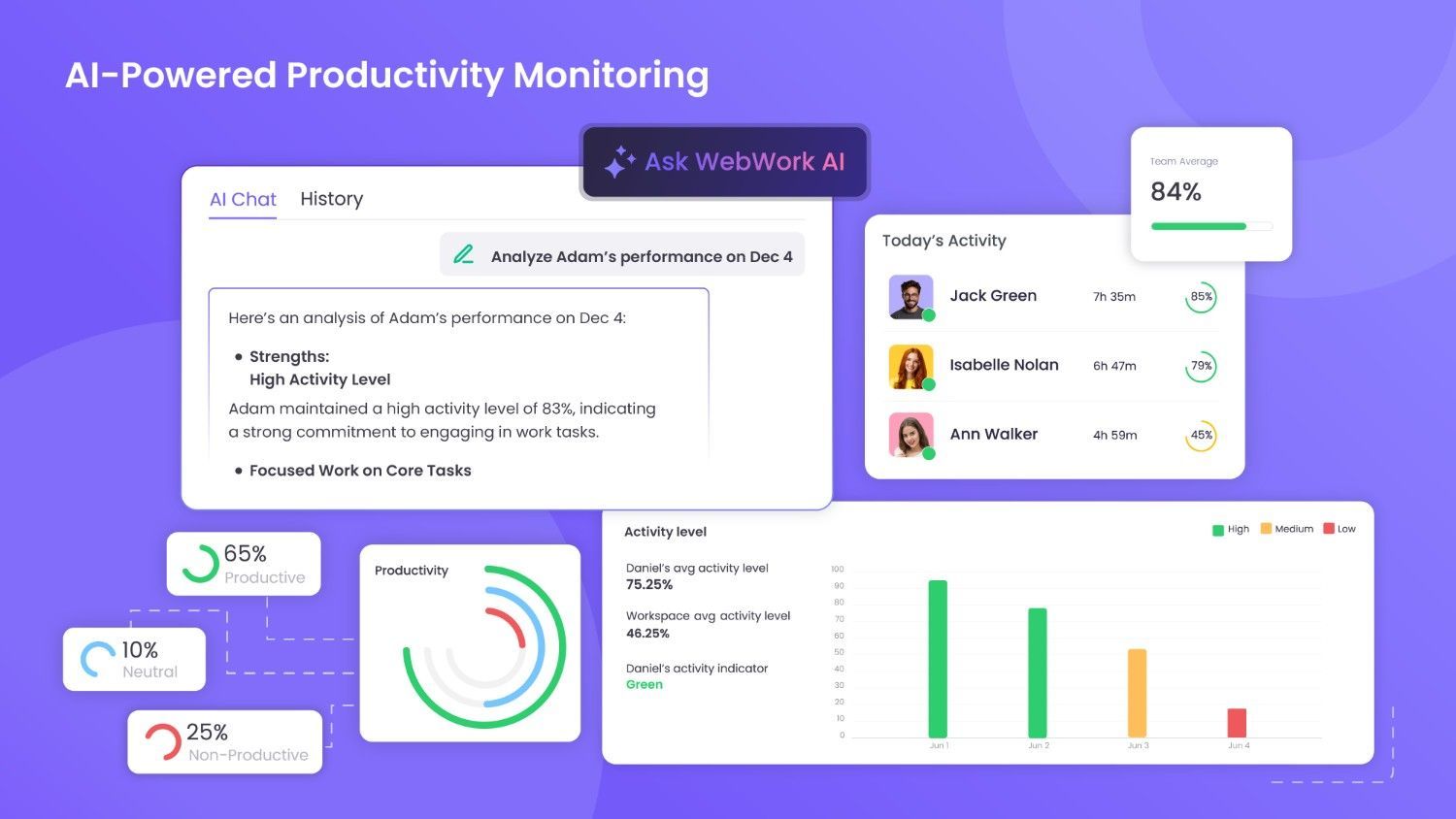
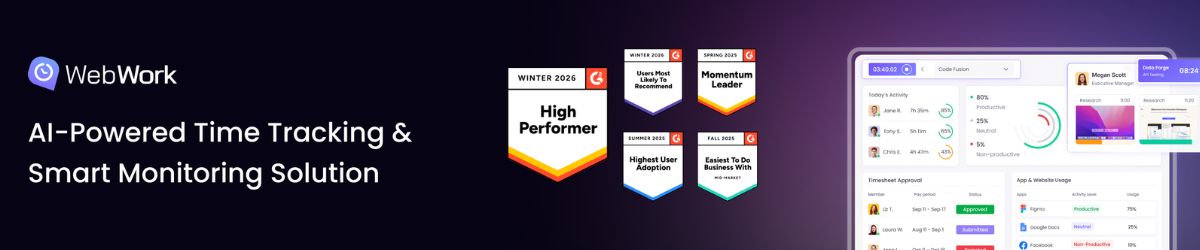
WebWork is an AI-Powered Time Tracking, Smart Monitoring & Workforce Analytics Solution that gives businesses more, without overpaying or over-monitoring.
Pricing of WebWork Time Tracker
- Unlimited time tracking
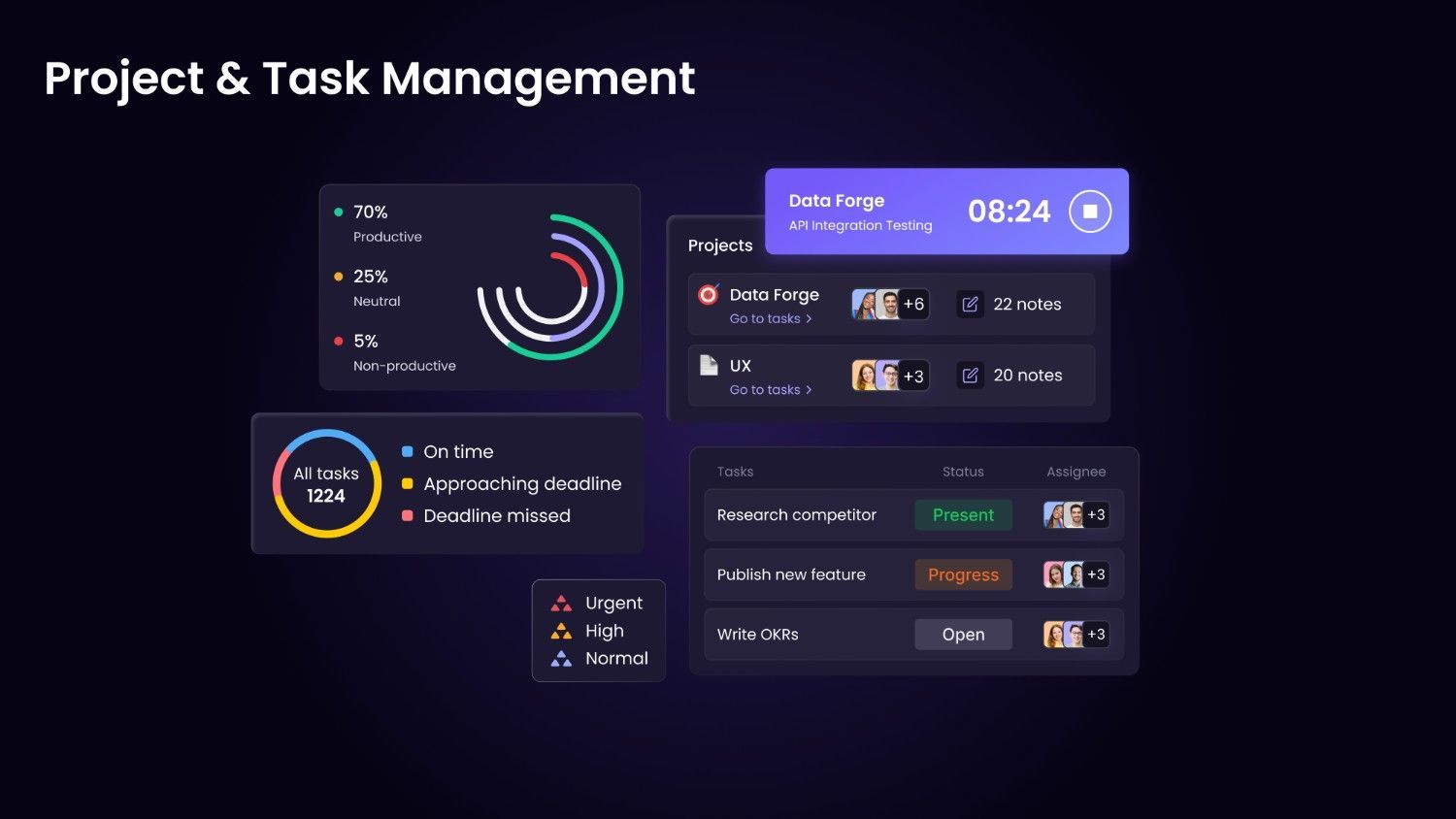
- Unlimited projects and tasks
- Unlimited members and teams
- Timesheets
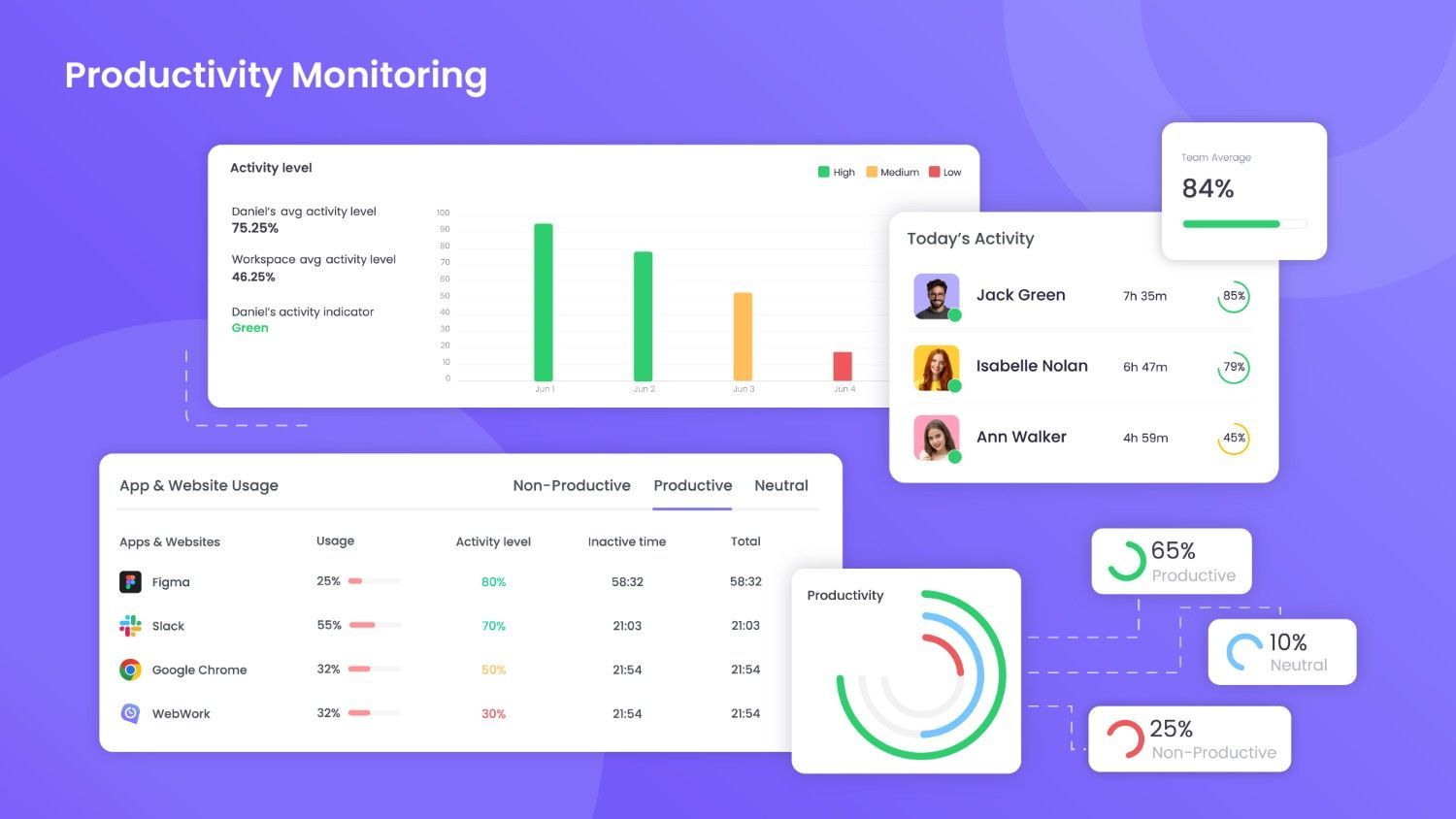
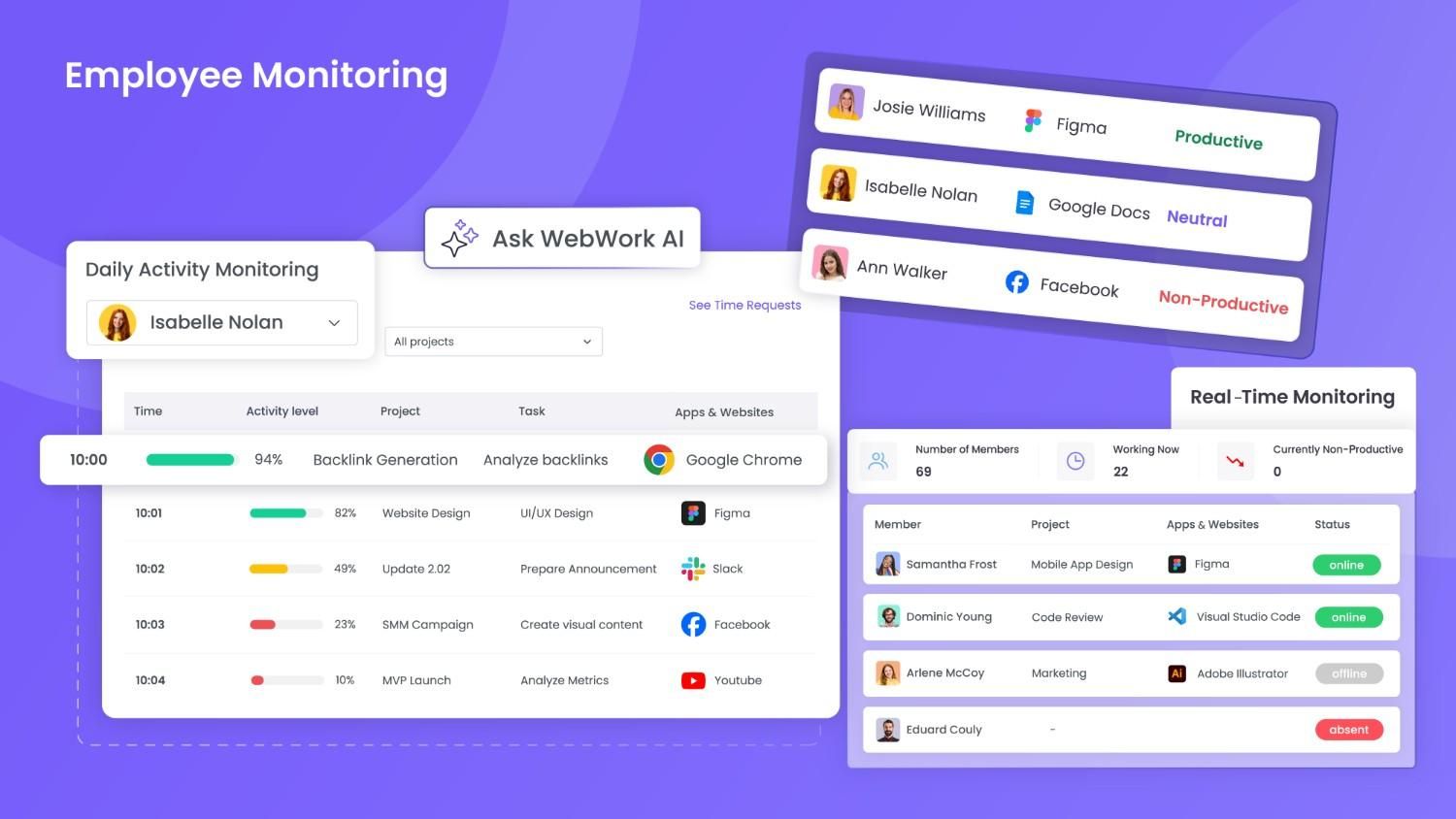
- Real-time monitoring
- Productivity metrics
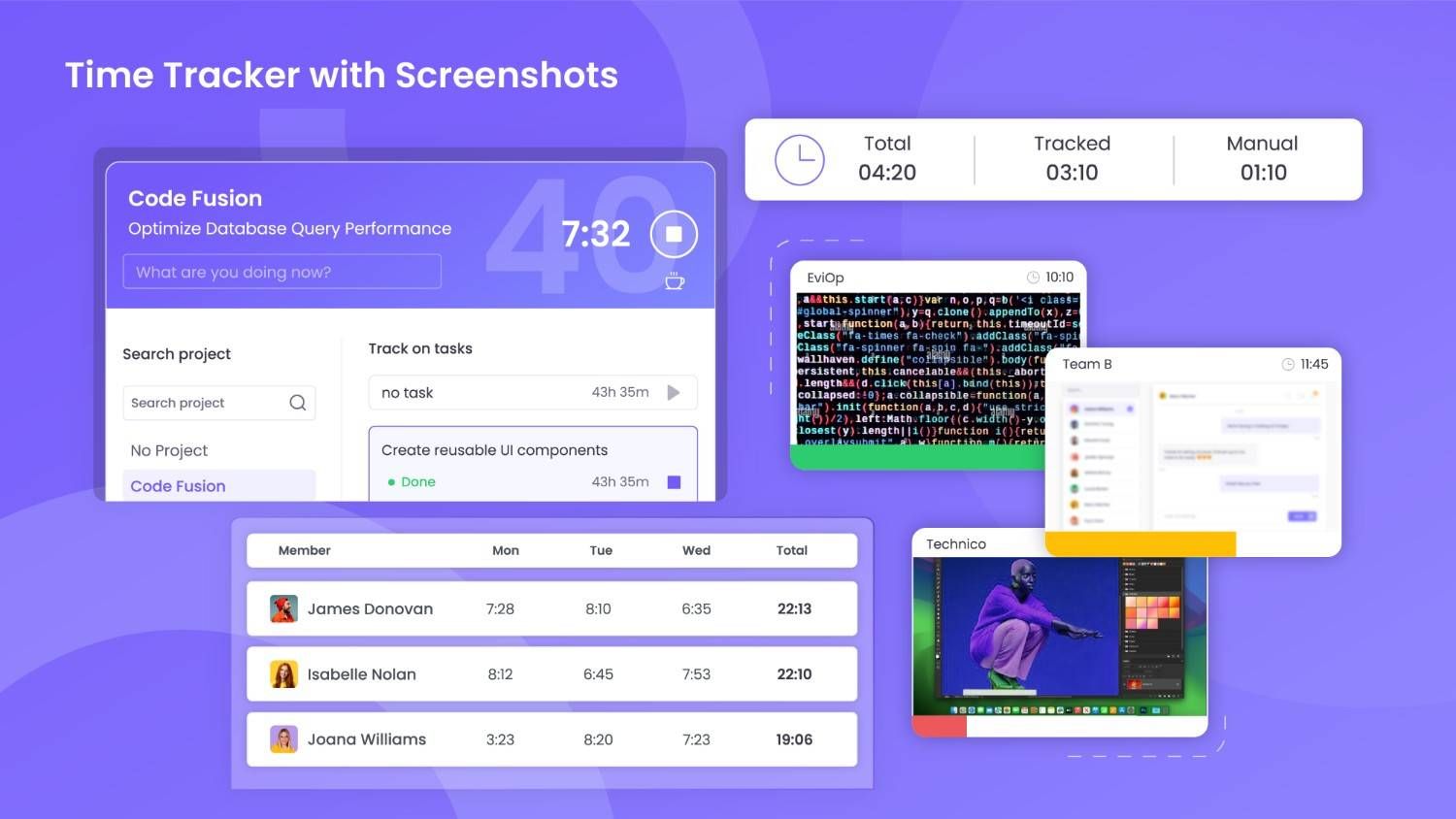
- Screenshot modes
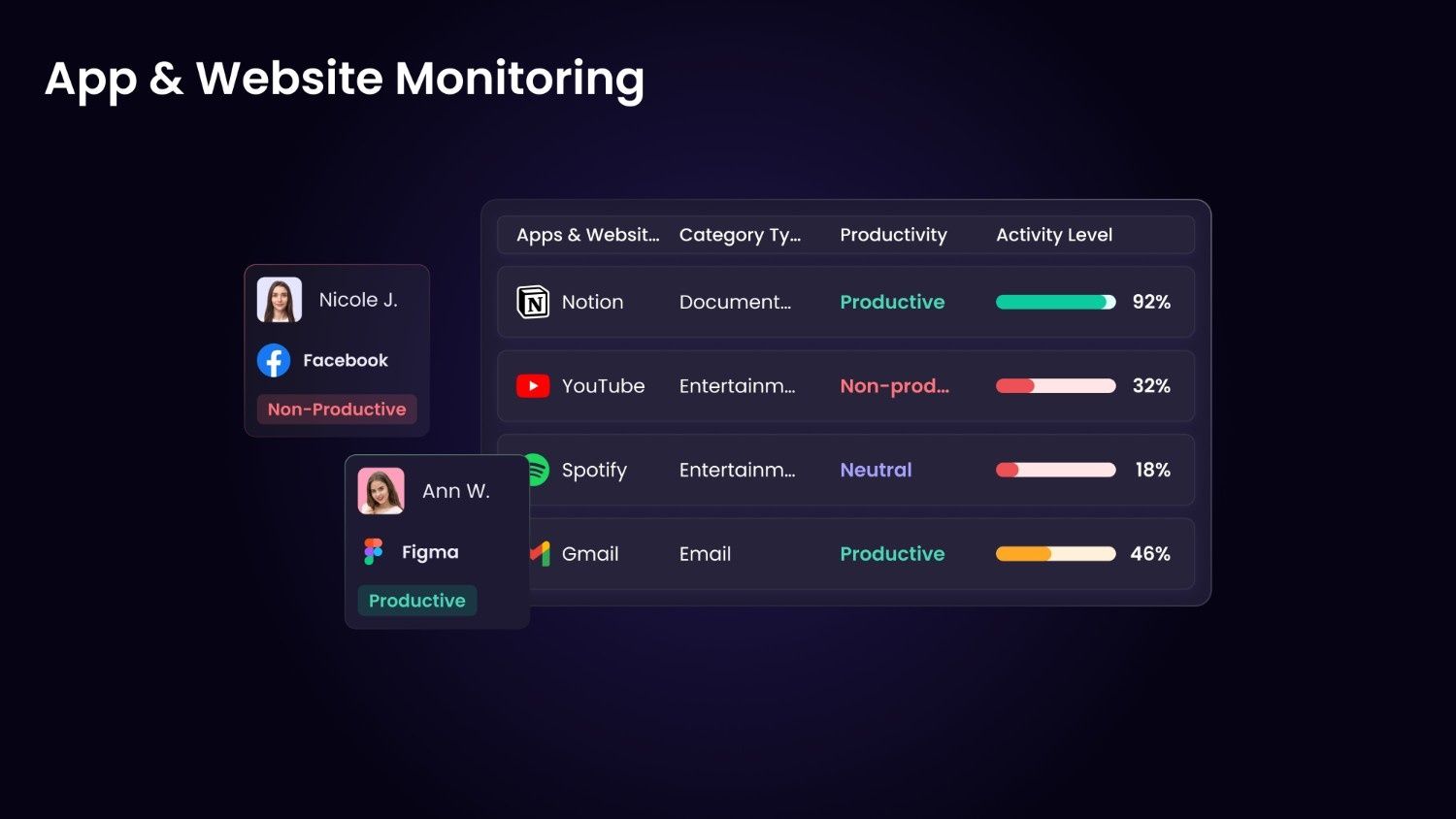
- App and website usage
- Activity level tracking
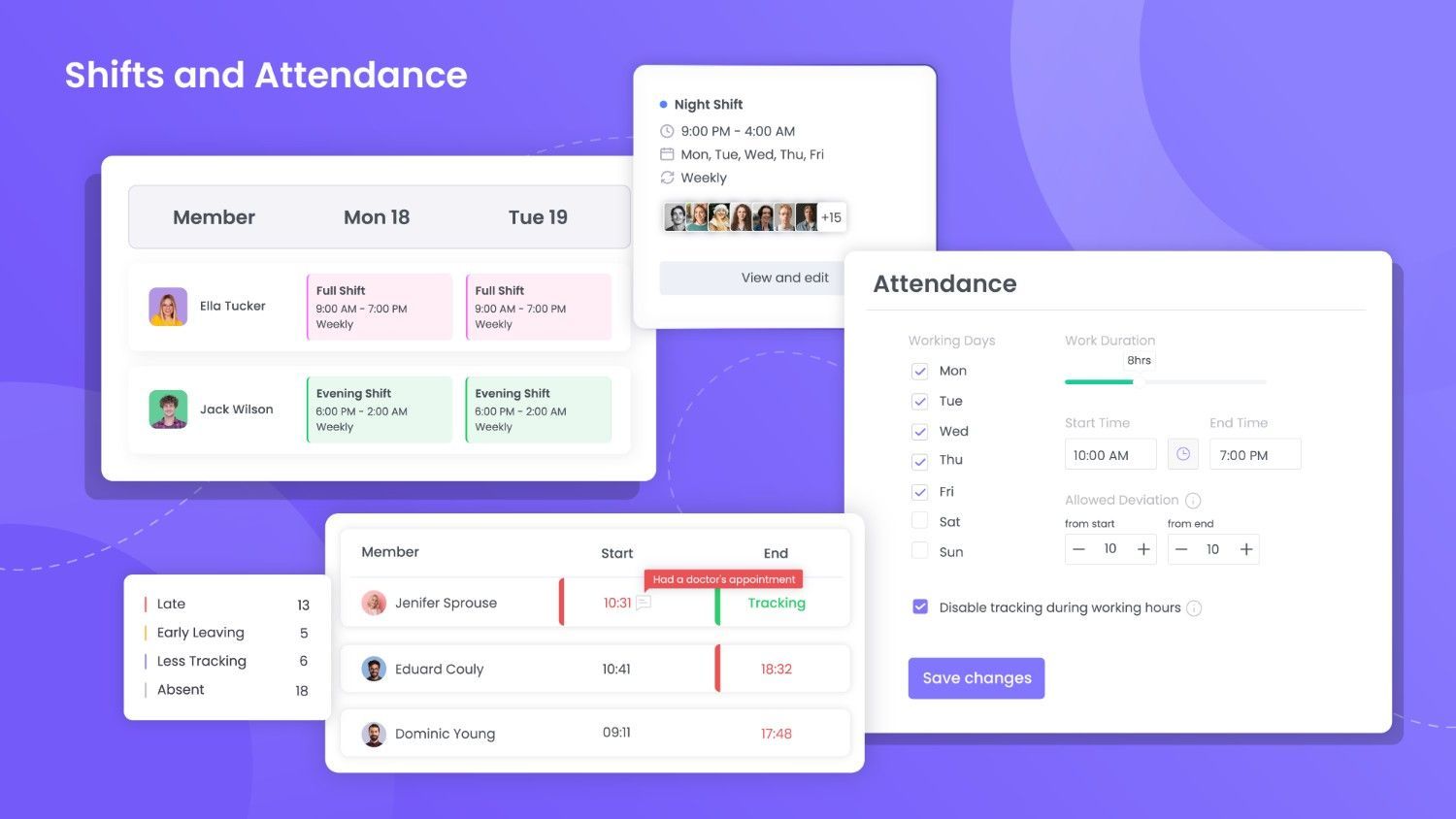
- Attendance monitoring
- WebWork AI assistant
- Silent tracker
- Break tracking
- Leave and holidays
- Geolocation tracking
- 1 Integration
- Chat
- Create and share invoices
- 10+ exportable reports
- Everything in Pro
- Timesheet approvals
- Advanced app and website report
- Video meetings
- Payroll
- Payable invoices
- Send payment
- Shift scheduling
- Project budgeting
- Expense tracking
- Video/live screenshots
- Schedule and share reports
- Benchmarking
- Leaderboards
- All integrations
- Unlimited chat and file history
- Advanced work life balance metrics
- Priority support
- Everything in Plus
- Unusual activity detection
- AI-powered time categorization
- Automatic time classification
- White Label
- HIPAA compliance
- Single sign-on (SSO)
- Automatic user provisioning
- Premium support
Awards & Badges Received
Get More Awards & Badges from Techimply


Key Features of WebWork Time Tracker
Key Features:
Key Specification
| Other Categories: | Attendance Management Software Time Tracking App & Software Project Management Software Remote Work Software |
|---|---|
| Deployment: | Cloud Hosted |
| Customer Support: | Phone,Email,Live Chat,Online (Ticket),Business Hours |
| Customization: | Yes |
| Languages Support: | English, French, German, Portuguese, Russian, Spanish |
Who uses WebWork Time Tracker

Personal

StartUps

SMEs

Agencies

Enterprises
Company Details
| Company Name: | WebWork Time Tracker |
|---|---|
| Headquarter: | San Francisco, California United States |
| Social Media: |
WebWork Time Tracker Description
Most Popular Software



WebWork Time Tracker Complete Time Tracking App & Software Comparisons


Alternative



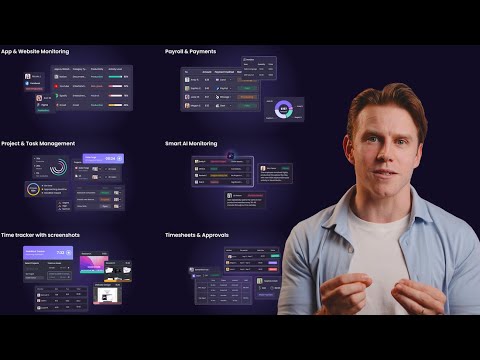
WebWork Time Tracker Video/Screenshots
User Reviews

Frequently Asked Questions (FAQs)
The user group of WebWork Time Tracker are as follows :
- Personals
- Startups
- SMEs
- Agencies
- Enterprises
WebWork Time Tracker has 3 plans,
- Pro USD 3.99 User / Month
- Plus USD 6.39 User / Month
- Premium USD 7.19 User / Month
WebWork Time Tracker is allowed 14 Days Free Trial.
The key featuers of WebWork Time Tracker are as follows :
- Time Tracking
- Time sheet Management
- Employee Activity Monitoring
- Payroll
- Payment Processing
WebWork Time Tracker pricing model : Yearly,Monthly
WebWork Time Tracker is Online Software.
Yes
WebWork Time Tracker offers Phone,Email,Live Chat,Online (Ticket),Business Hours support.
WebWork Time Tracker provides Help Guides,Video Guides,Blogs,Case Studies for the software training.