What is Remote Utilities?
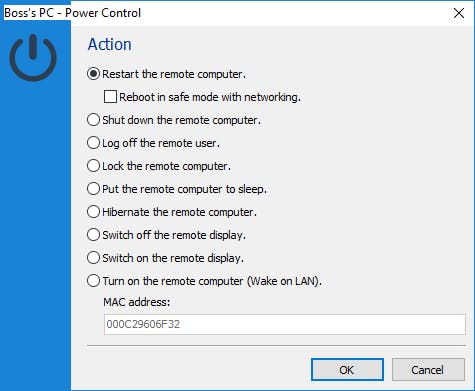
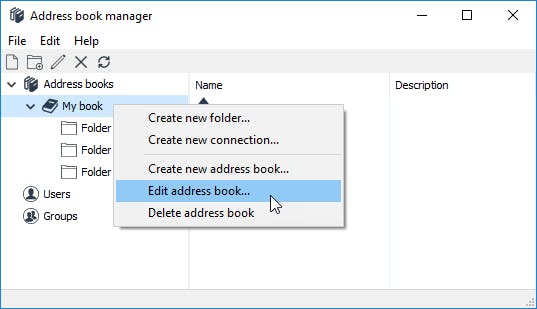
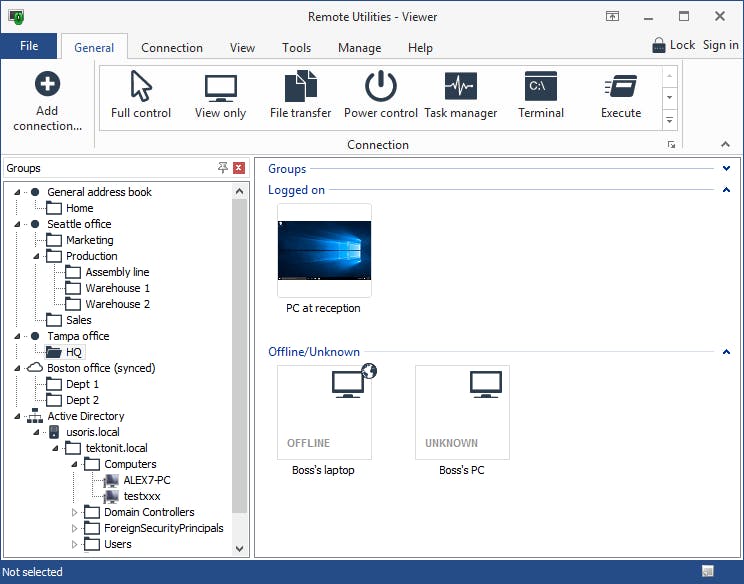
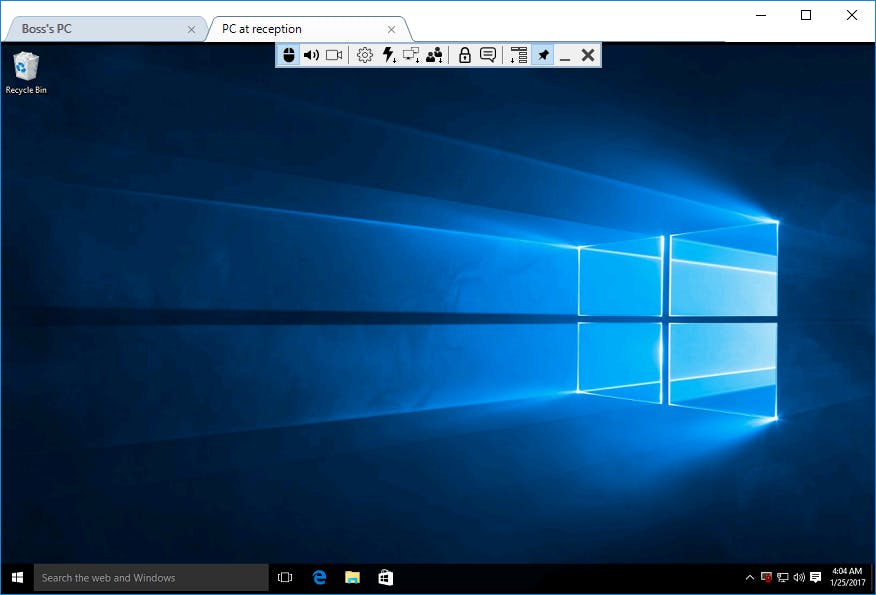
Remote Utilities is a remote desktop solution that offers a one-time perpetual licence without requiring a subscription. It works through a Viewer installed on the technician’s device, which connects to a Host on the remote computer. The Host can run as a service to enable unattended access, while the Agent module supports on-demand remote support sessions. The software supports Windows, macOS, and Linux, with Viewer apps also available for iOS and Android. Users can connect through free relay servers, Internet-ID, direct LAN or VPN connections, or a self-hosted server.
Pricing of Remote Utilities
- 20 controlled devices
- Personalized support
- Digitally signed MSI
- No connection alert
- 50 controlled devices
- Personalized support
- Digitally signed MSI
- No connection alert
- Unlimited controlled devices
- Personalized support
- Digitally signed MSI
- No connection alert
- Unlimited concurrent users
- Unlimited controlled devices
- Personalized support
- Digitally signed MSI
- No connection alert
- 10 controlled devices
- Community support
- No session time limit
- No ads
Key Features of Remote Utilities
Key Features:
Key Specification
| Other Categories: | Remote Support Software Remote Access Software |
|---|---|
| Deployment: | Cloud Hosted,Hybrid,On Premise,Any |
| Customer Support: | Phone,Email |
| Languages Support: | English |
Who uses Remote Utilities

StartUps

SMEs

Agencies

Enterprises
Company Details
| Company Name: | Remote Utilities |
|---|---|
| Headquarter: | Singapore, Singapore |
| Social Media: |
Remote Utilities Description
Most Popular Software


ManageEngine Remote Access Plus
Enterprise Remote Control and IT Support Software for Instant, Secure IT Troubleshooting – Anytime, Anywhere.
 0.0



Alternative
ManageEngine Remote Access Plus
Enterprise Remote Control and IT Support Software for Instant, Secure IT Troubleshooting – Anytime, Anywhere.
0.0
Remote Utilities Key Clients




User Reviews

Frequently Asked Questions (FAQs)
The user group of Remote Utilities are as follows :
- Startups
- SMEs
- Agencies
- Enterprises
Remote Utilities has 5 plans,
- STARTER USD 99
- PLUS USD 249
- PRO USD 499
- SITE USD 12000
- FREE USD
Remote Utilities is allowed 0 Days Free Trial.
The key featuers of Remote Utilities are as follows :
- Screen Sharing
- Real-Time Chat
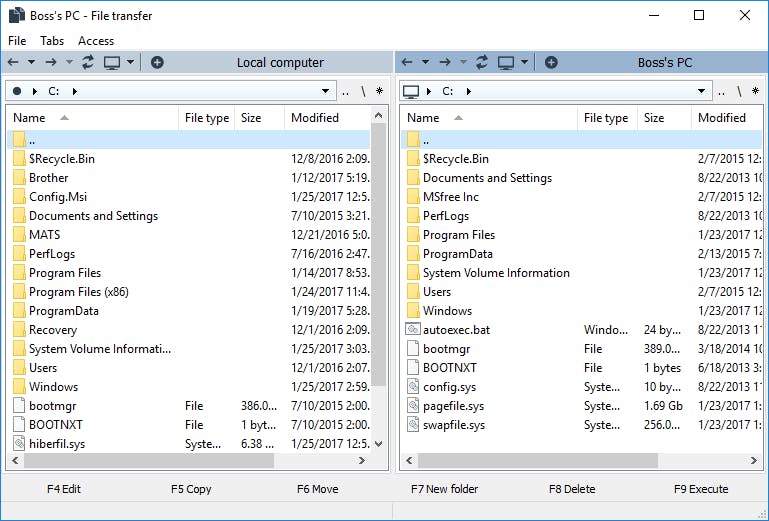
- File Transfer
- Attended & Unattended Remote Access
Remote Utilities pricing model : Yearly,Monthly,Onetime(Perpetual License)
Remote Utilities is Cloud Hosted,Hybrid,On Premise,Any Software.
Remote Utilities offers Phone,Email support.
Remote Utilities provides Help Guides,Video Guides,Blogs for the software training.