Overleaf

Write like a rocket scientist with Overleaf —the collaborative, online LaTeX editor that anyone can use.

0.0
Rating out of 5 Based on 0 reviews

What is Overleaf?

Overleaf is an online LaTeX editor that provides a platform where users can create, edit, and share documents written in LaTeX, the standard for scientific writing. It allows for seamless collaboration, auto-compilation of code into formatted documents, and easy document sharing through a user-friendly interface.

Pricing of Overleaf

Free

USD 0
USD 0.00

Buy Now
  • forever Great for getting started
  • Number of collaborators 1 per project
  • Number of projects Unlimited
  • Compile timeout Basic
  • Compile servers Fast
  • Ready-to-use templates

Standard

USD 5.76
USD 0.00

/Per month

Buy Now
  • Collaborate easily on your projects. Work on longer or more complex docs.
  • Number of collaborators 10 per project
  • Number of projects Unlimited
  • Compile timeout 24x Basic
  • Compile servers Fastest
  • Ready-to-use templates
  • Real-time track changes
  • Priority support
  • Advanced reference search
  • Symbol palette
  • Git
  • GitHub
  • Dropbox
  • Papers
  • Zotero
  • Mendeley

Professional

USD 11.54
USD 0.00

/Per month

Buy Now
  • Number of collaborators Unlimited
  • Number of projects Unlimited
  • Compile timeout 24x Basic
  • Compile servers Fastest
  • Ready-to-use templates
  • Real-time track changes
  • Real-time track changes
  • Advanced reference search
  • Symbol palette
  • Git
  • GitHub
  • Dropbox
  • Papers
  • Zotero
  • Mendeley
  • Priority support

Key Features of Overleaf

Key Features:
  • Version Control
  • Real Time Collaboration
  • Rich Text Editor
  • Integrated Pdf Viewer
  • Github Integration
  • Dropbox Integration
  • Template Gallery
  • Error Highlighting

Key Specification

Who uses Overleaf

Personal
Personal
StartUps
StartUps
SMEs
SMEs
Enterprises
Enterprises

Company Details

Company Name: Overleaf
Headquarter: United Kingdom
Social Media:

Overleaf Description

Why Choose Overleaf?

Overleaf is ideal for individuals or teams working on technical documents who want a hassle-free and collaborative writing software experience. It eliminates the need for software installation and allows users to work from anywhere using just a web browser. The platform also integrates with services like GitHub, Dropbox, and reference managers, making it highly efficient for academic and research environments.

Benefits of Overleaf

  • Enables real-time collaboration with multiple contributors

  • Simplifies the LaTeX writing experience for beginners and experts

  • Offers automatic saving and version history for better document control

  • Integrates with tools like GitHub and reference managers

  • Eliminates the need for manual formatting of equations and citations

  • Accessible from any device with an internet connection

  • Allows users to submit directly to scientific journals and repositories

How to Use Overleaf

  1. Sign up for a free account on the Overleaf website.

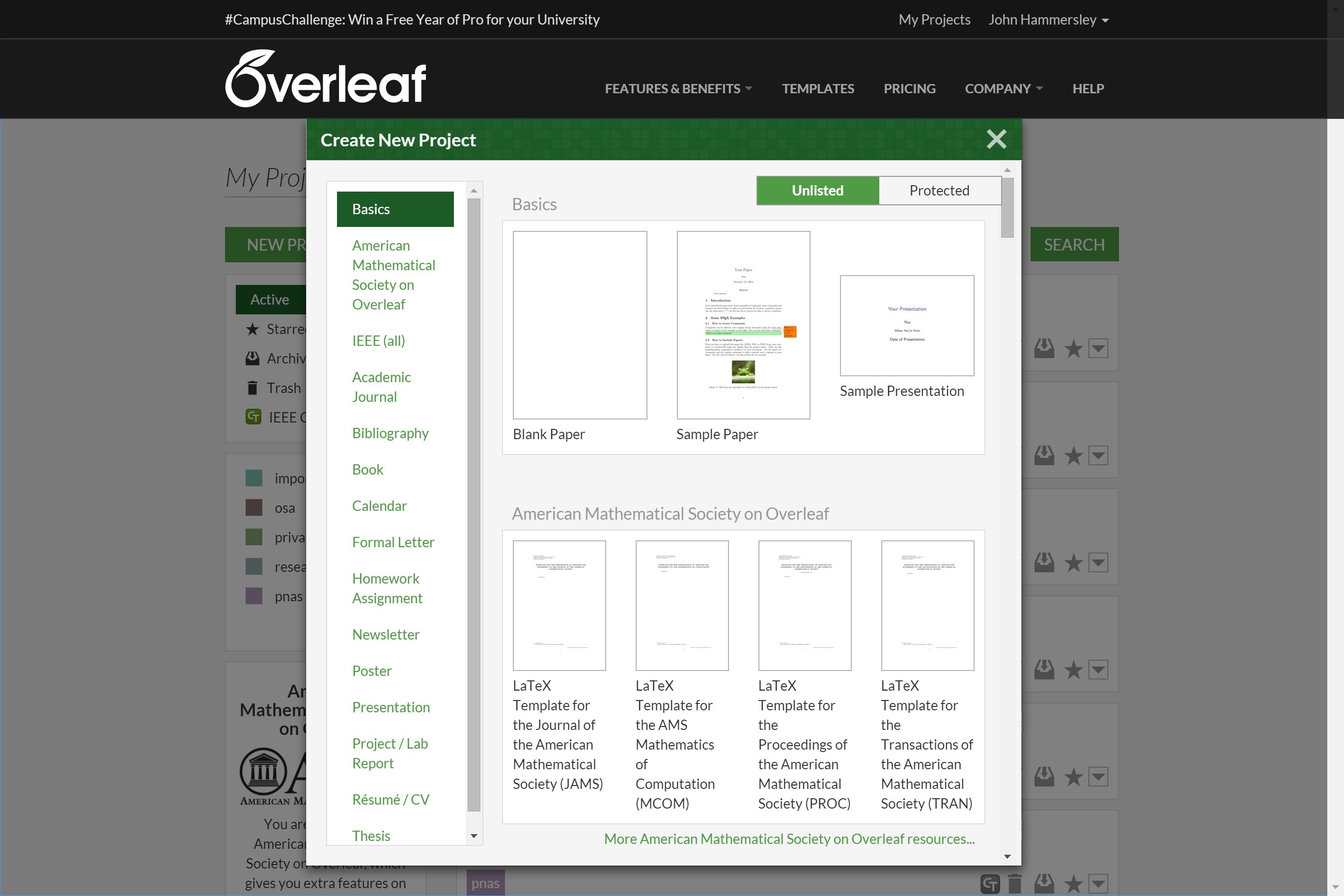
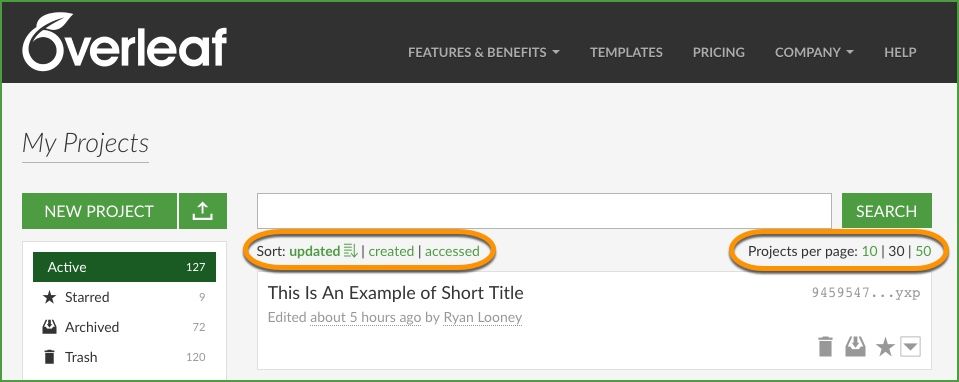
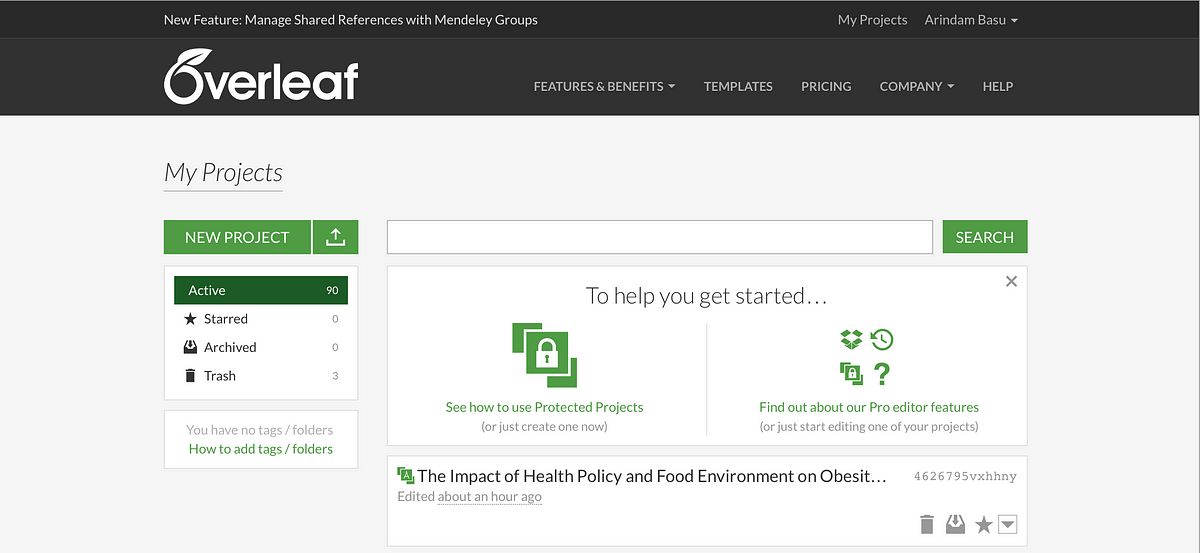
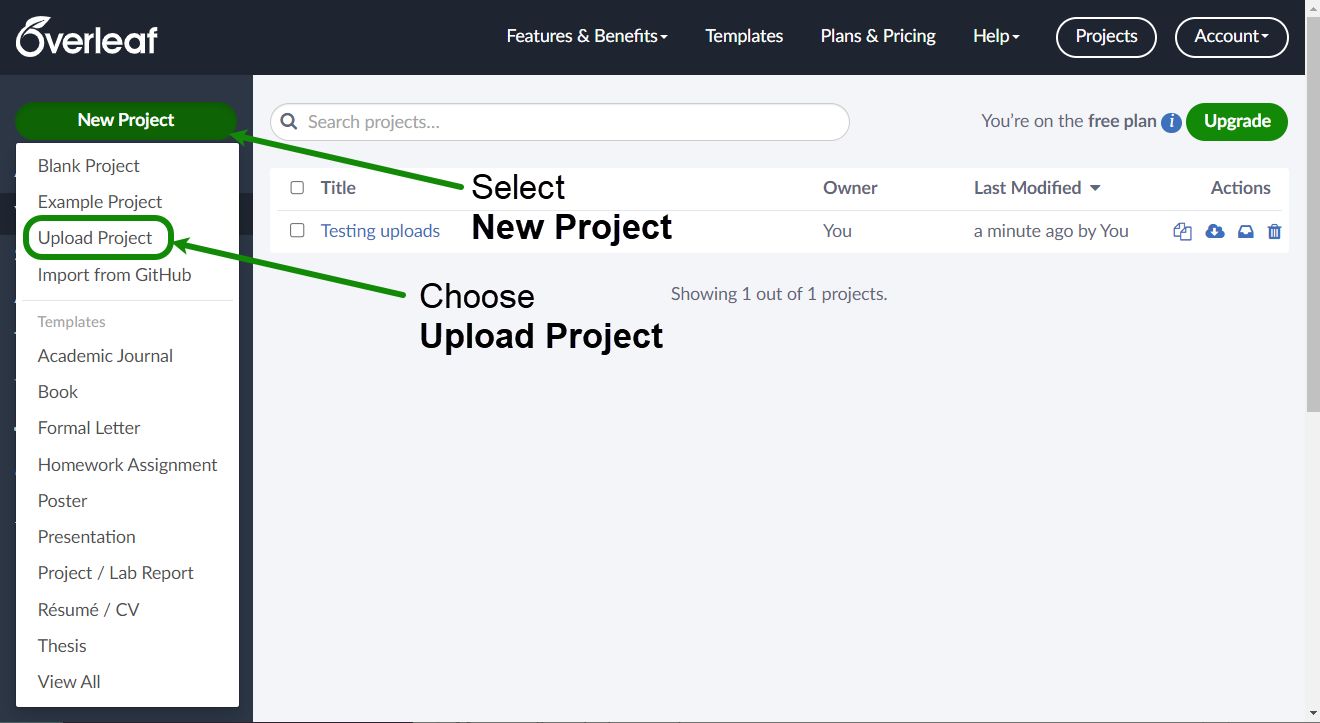
  2. Create a new project using built-in templates or from scratch.

  3. Begin writing in the LaTeX editor and view real-time previews.

  4. Invite collaborators by email or share a project link.

  5. Use integrated version control to manage revisions.

  6. Export the document to PDF or submit directly to academic publishers.

Features of Overleaf

  • Real-time collaborative editing

  • Rich library of academic and journal templates

  • LaTeX auto-compilation with live preview

  • Integrated reference management tools

  • Built-in version control and document history

  • Multi-platform access with cloud syncing

  • Submission support to academic journals and conferences

  • Integration with cloud-based productivity tools like GitHub and Dropbox makes Overleaf a flexible choice

  • Direct PDF export and offline editing support

Overleaf Pricing

Overleaf offers various pricing plans to meet the needs of individuals, students, and large institutions. The Software Name Pricing includes a free version with core features and premium plans that provide advanced collaboration tools, more storage, and priority support. The Software Name Pricing structure is transparent and suitable for personal as well as enterprise use.

Overleaf Reviews

Overleaf Reviews consistently highlight the platform's user-friendly interface, powerful LaTeX tools, and reliable collaboration features. Many users appreciate how Overleaf simplifies document creation and improves productivity. According to Overleaf Reviews, it is especially valued in academic and scientific communities for its seamless integration with scholarly workflows.

In conclusion, Overleaf stands out as a robust and efficient LaTeX editor tailored for teams and individuals working in academia and research. With its strong suite of Overleaf Features, competitive Software Name Pricing, and positive Overleaf Reviews, it’s a smart choice for anyone serious about scientific writing.

Alternative

Hooray HR

Save time on HR and create a happy team.

0.0
Rating out of 5 Based on 0 reviews

Google Workspace

The better way to work

0.0
Rating out of 5 Based on 0 reviews

Workable

The future-ready HR platform

4.7
Rating out of 5 Based on 3 reviews

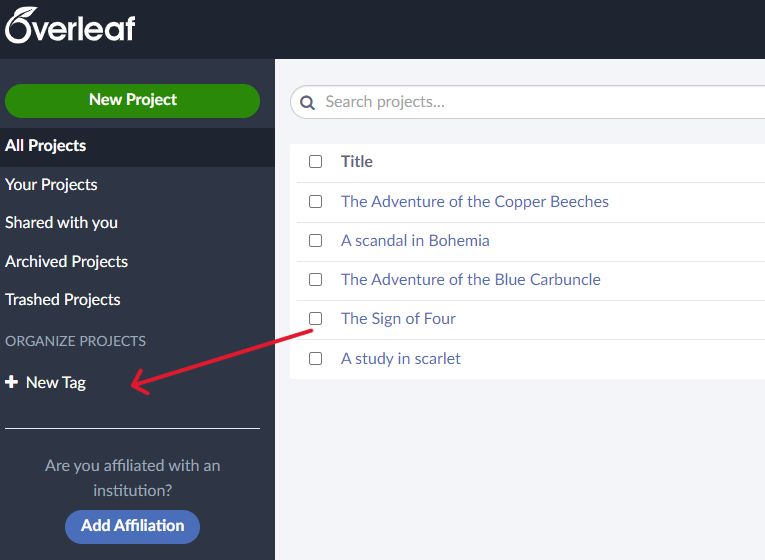
Overleaf Video/Screenshots

Overleaf Key Clients

User Reviews

no-reviews
Share your experience! Be the very first reviewer. Write a Review

Frequently Asked Questions (FAQs)

The user group of Overleaf are as follows :

  • Personals
  • Startups
  • SMEs
  • Enterprises

Overleaf has 3 plans,

  • Free USD 0
  • Standard USD 5.76 /Per month
  • Professional USD 11.54 /Per month

Overleaf is allowed 0 Days Free Trial.

The key featuers of Overleaf are as follows :

  • Version Control
  • Real Time Collaboration
  • Rich Text Editor
  • Integrated Pdf Viewer
  • Github Integration
  • Dropbox Integration
  • Template Gallery
  • Error Highlighting

Overleaf pricing model : Yearly,Monthly

Overleaf is Online Software.

Yes

Overleaf offers Phone,Email support.

Overleaf provides Help Guides,Video Guides,Blogs,Webinars,Case Studies,Whitepapers for the software training.