MPA Tools

By Veles Software

0.0
Rating out of 5 Based on 0 reviews

What is MPA Tools? 

MPA Tools is a powerful and intuitive system management and remote administration utility designed for IT professionals and system administrators. It offers an all-in-one platform for managing Windows-based environments with real-time insights into Active Directory, Group Policy, local users, remote machines, services, and more. MPA Tools enables seamless remote troubleshooting, mass configuration changes, and performance monitoring across networks—without needing to install agents. Designed to simplify administrative tasks, it reduces response time, boosts productivity, and ensures centralized control over enterprise systems. Ideal for small to large IT teams, it integrates security, performance, and scalability into one easy-to-use interface.

Pricing of MPA Tools

30-DAY FREE TRIAL. NO CREDIT CARD REQUIRED

USD 0
USD 0.00

Buy Now
  • No credit card required
  • No Limit on the number of managed device
  • Fully operational for 30 days

AS LOW AS

USD $1
USD 0.00

/ day

Buy Now
  • Per Adminitrator
  • All features included
  • No Limit on the number of managed device

Key Features of MPA Tools

Key Features:
  • Screen Sharing
  • File Sharing
  • Session Transfer
  • Diagnostic Tools

Key Specification

Other Categories: Remote Support Software Remote Monitoring And Management (RMM) Software
Deployment: Cloud Hosted,Hybrid,On Premise,Any
Customer Support: Live Chat
Customization: Yes
Languages Support: English

Who uses MPA Tools

StartUps
StartUps
SMEs
SMEs
Agencies
Agencies
Enterprises
Enterprises

Company Details

Company Name: Veles Software
Headquarter: Canada
Social Media:

MPA Tools Description

Why Choose MPA Tools?

MPA Tools helps IT professionals save time and enhance network efficiency through centralized remote management and real-time system control. Its agentless architecture, combined with robust Active Directory integration and automation features, makes it a smart choice for IT admins seeking a scalable and secure remote management solution.

Benefits of MPA Tools

  • Centralized device and user management

  • No installation required on remote machines

  • Improves IT troubleshooting speed

  • Reduces system downtime

  • Supports bulk administrative tasks

  • Boosts security through controlled access

  • Real-time system monitoring

  • Enhances team productivity

How to Use MPA Tools?

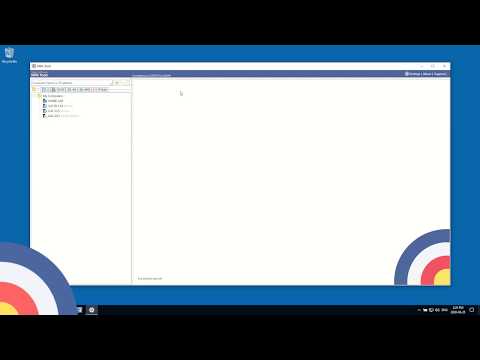
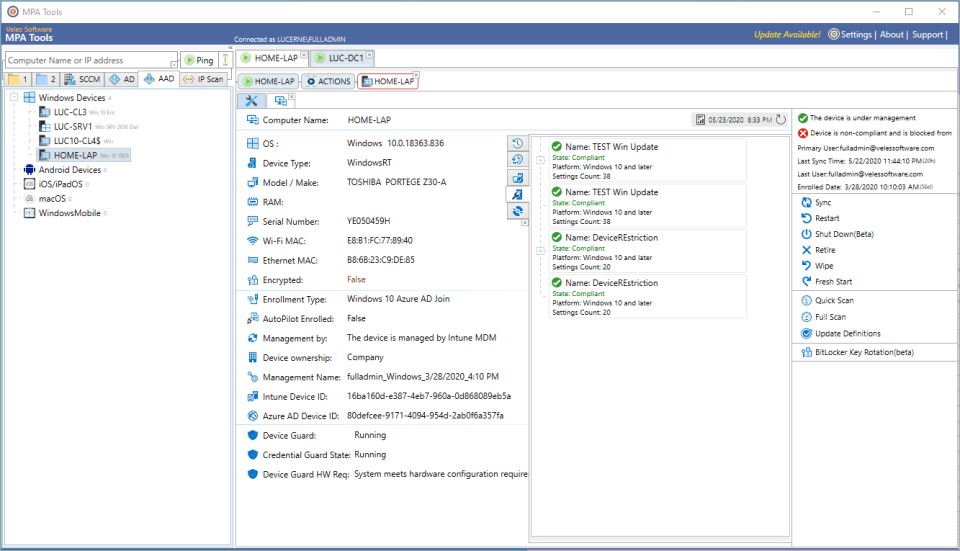
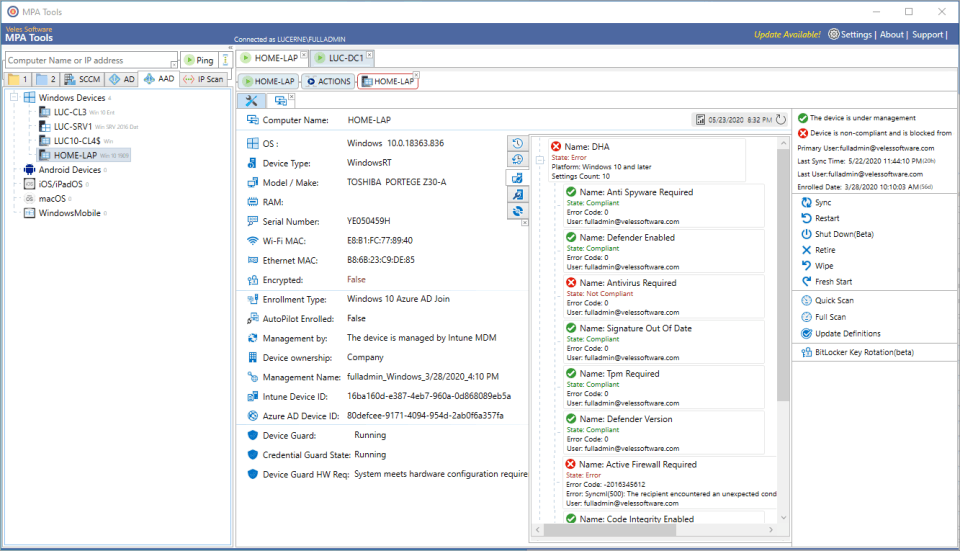
Install MPA Tools on your admin machine, connect it to your Active Directory or local network, and begin scanning or managing connected devices. You can run remote commands, reset passwords, manage services, monitor event logs, and troubleshoot—all from a single dashboard without requiring agent installation on each endpoint.

Features of MPA Tools

  • Active Directory user & group management

  • Remote services and process control

  • Remote command execution

  • System inventory and hardware details

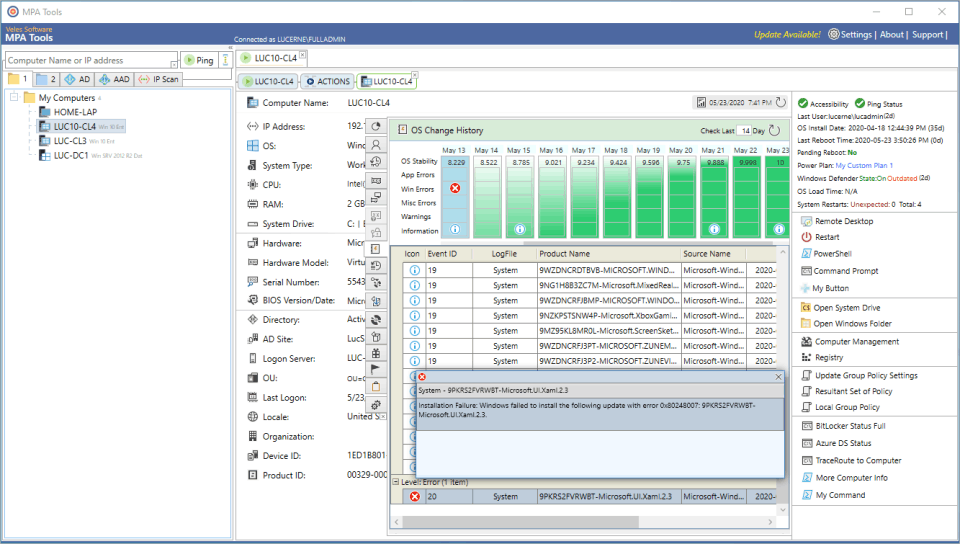
  • Event log viewer

  • Real-time session and performance monitoring

  • Bulk user password reset

  • Built-in automation and scripting support

What Makes MPA Tools Different? 

MPA Tools stands out with its agentless remote management, meaning no software needs to be installed on remote systems. It offers deep AD integration, real-time diagnostics, and bulk action capabilities, enabling IT teams to streamline complex operations across networks while maintaining security and compliance—all from a single pane of glass.

Who Can Benefit from MPA Tools?

System administrators, IT helpdesk professionals, network engineers, and managed service providers (MSPs) can all benefit. Whether managing a small office or a large enterprise, MPA Tools is ideal for teams that need to perform remote support, user administration, and infrastructure monitoring efficiently and securely.

Is MPA Tools Easy to Use?

Yes, MPA Tools features an intuitive UI with categorized modules and real-time dashboards that simplify IT administration. Designed for professionals, it requires minimal training to operate. Bulk actions, drag-and-drop options, and quick search functions make everyday tasks faster and more accessible—even across complex environments.

What Support Does MPA Tools Offer? 

MPA Tools provides dedicated customer support via email and chat, along with access to detailed documentation, product guides, and video tutorials. They offer regular product updates, community forums, and responsive assistance for technical issues. Premium users can also request personalized onboarding and early access to new features.

Alternative

Zendesk Remote

By Zendesk Remote

0.0
Rating out of 5 Based on 0 reviews

Getscreen.me

Access Anywhere: Instant Browser-Based Remote Desktop Software

0.0
Rating out of 5 Based on 0 reviews

Zoho Assist

Enterprise-grade Remote Support and Unattended Remote Access Software

0.0
Rating out of 5 Based on 0 reviews

MPA Tools Video/Screenshots

MPA Tools Key Clients

User Reviews

no-reviews
Share your experience! Be the very first reviewer. Write a Review

Frequently Asked Questions (FAQs)

The user group of MPA Tools are as follows :

  • Startups
  • SMEs
  • Agencies
  • Enterprises

MPA Tools has 2 plans,

  • 30-DAY FREE TRIAL. NO CREDIT CARD REQUIRED USD 0
  • AS LOW AS USD $1 / day

MPA Tools is allowed 0 Days Free Trial.

The key featuers of MPA Tools are as follows :

  • Screen Sharing
  • File Sharing
  • Session Transfer
  • Diagnostic Tools

MPA Tools pricing model : Yearly,Monthly,Onetime(Perpetual License)

MPA Tools is Cloud Hosted,Hybrid,On Premise,Any Software.

Yes

MPA Tools offers Live Chat support.

MPA Tools provides Help Guides for the software training.