FileWave

Get Unlimited Control Over Your Device Management

0.0
Rating out of 5 Based on 0 reviews

What is FileWave?

FileWave is a cross-platform Unified Endpoint Management (UEM) solution that enables organizations to manage and support various devices (Windows, macOS, iOS, iPadOS, Android, and Chrome OS) from a single interface. It simplifies software distribution, patch management, device imaging, and mobile device management (MDM), making it ideal for schools, enterprises, and government organizations.

Pricing of FileWave

Basic

USD 40.00
USD 0.00

Per Year

Buy Now

Key Features of FileWave

Key Features:
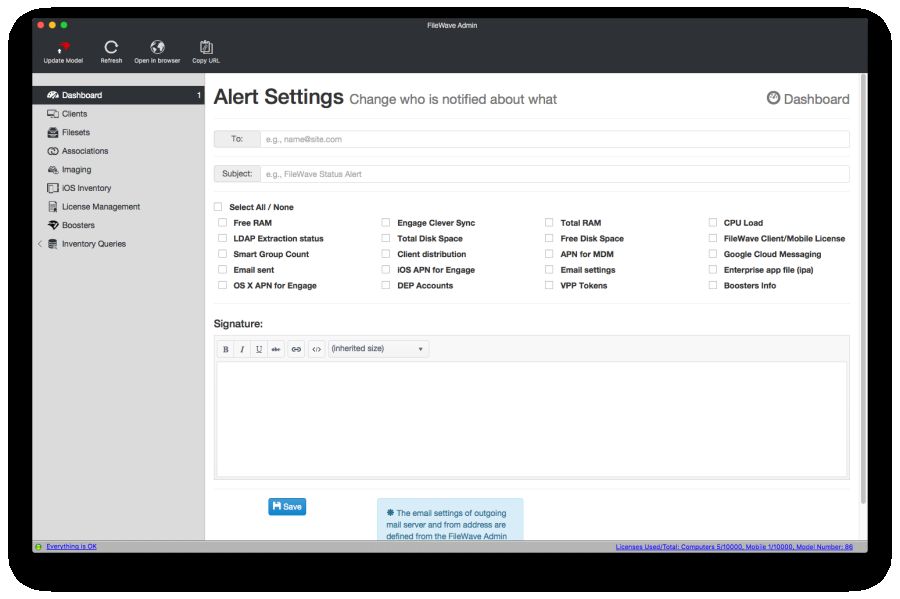
  • Alerts/Notifications
  • Customization
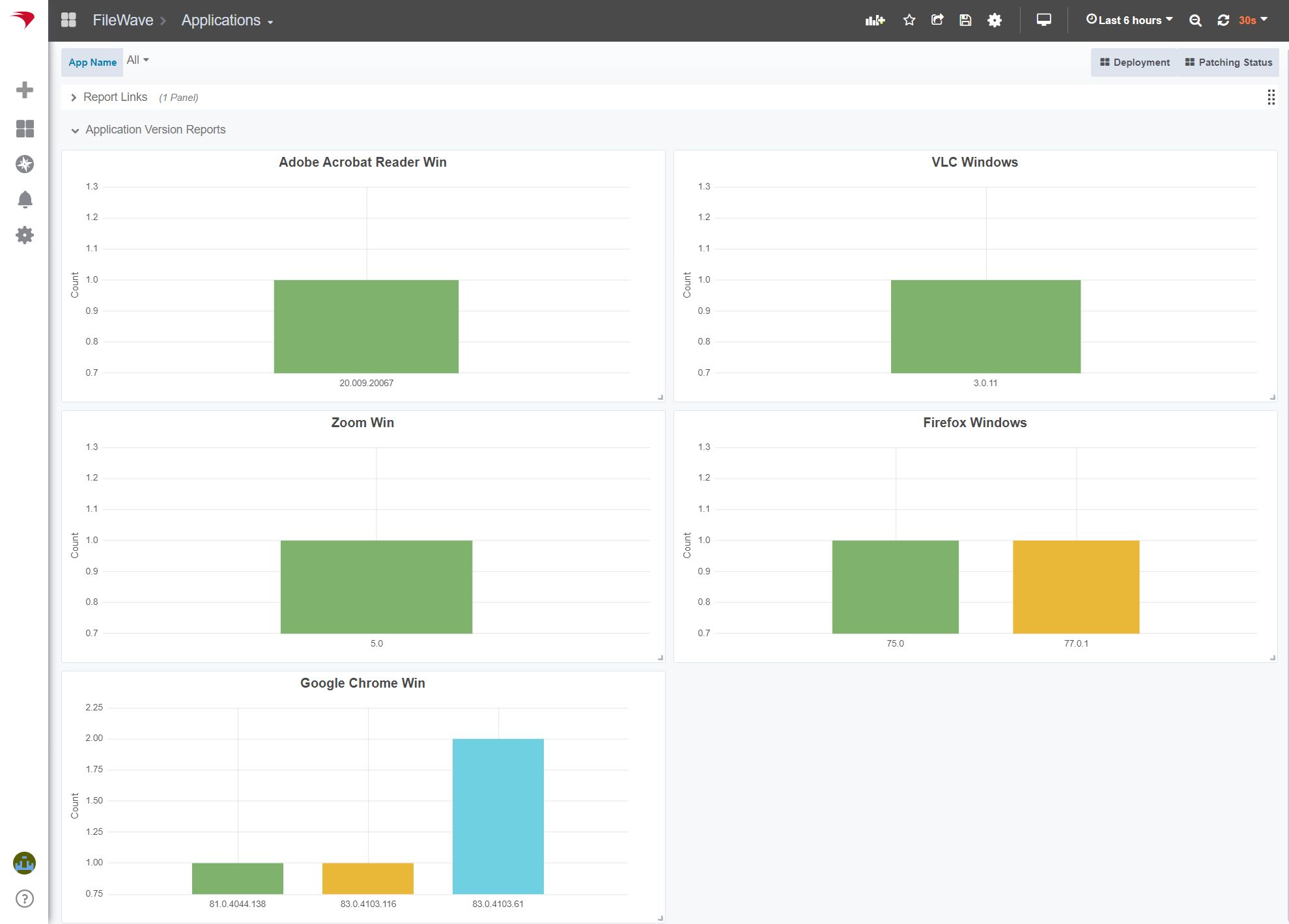
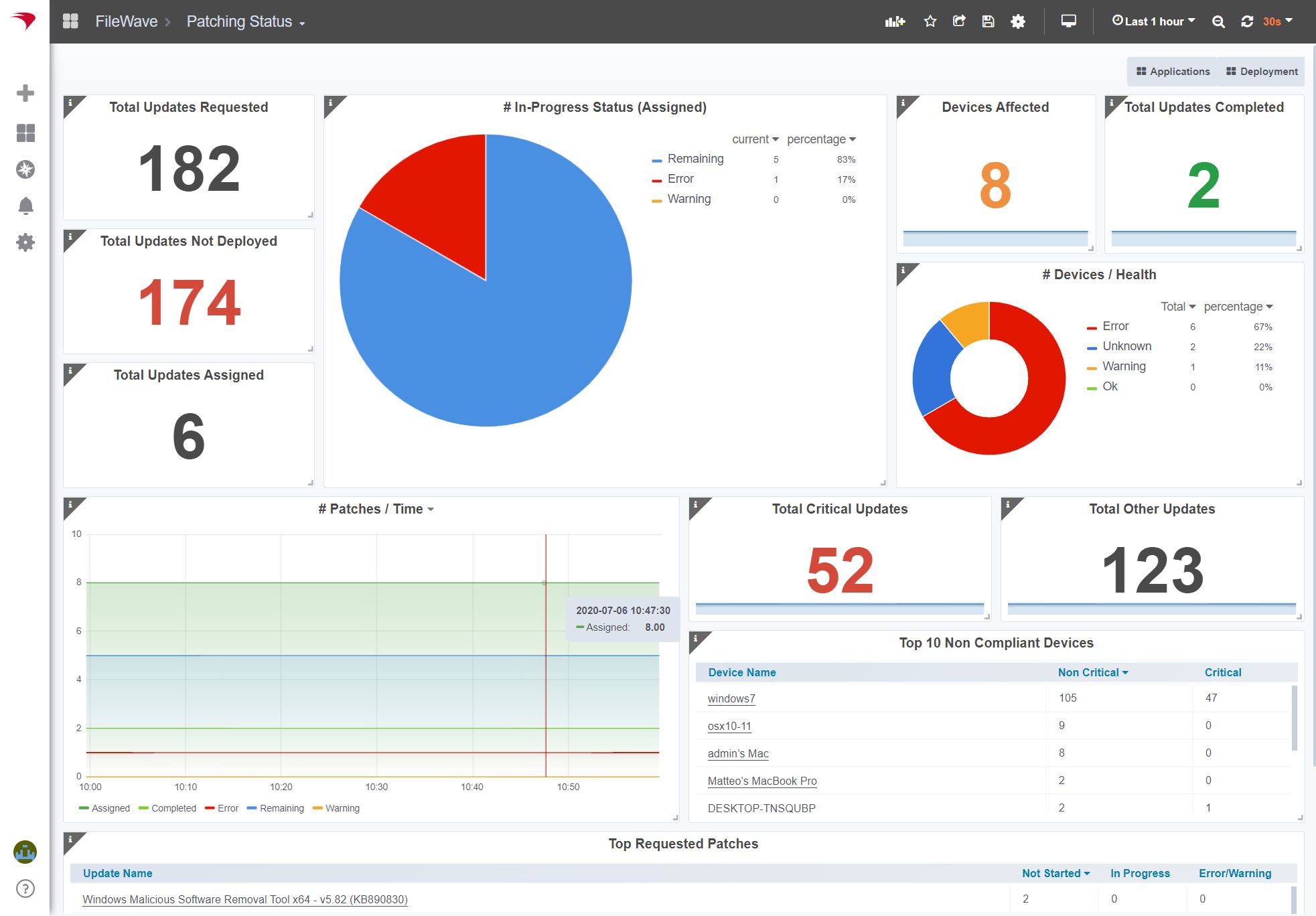
  • Dashboard
  • Configuration Management
  • Contract/License Management
  • Inventory Management
  • Compliance Tracking

Key Specification

Other Categories: Remote Support Software Patch Management Software IT Asset Management Software
Deployment: Cloud Hosted,Hybrid,On Premise,Any
Customer Support: Phone,Email,Live Chat
Languages Support: English

Who uses FileWave

StartUps
StartUps
SMEs
SMEs
Agencies
Agencies
Enterprises
Enterprises

Company Details

Company Name: FileWave
Headquarter: United States
Social Media:

FileWave Description

Why Choose FileWave?

Organizations choose FileWave for its:

  • Cross-platform support for diverse environments.

  • Efficient software deployment across thousands of devices.

  • Robust device lifecycle management, from setup to retirement.

  • User-friendly console for managing endpoints with minimal training.

  • Strong support for educational institutions with 1:1 device programs.

  • Scalability for small teams to large enterprises.

Benefits of FileWave

  1. Centralized Device Management: One tool for managing all endpoints—desktops, laptops, tablets, and smartphones.

  2. Time and Cost Savings: Automates software deployment, updates, and inventory management.

  3. Improved Security: Ensures devices are compliant with organizational policies and updated with the latest patches.

  4. Remote Support Capabilities: IT can troubleshoot and push updates remotely.

  5. Self-healing Features: Automatically re-applies critical configurations if changed or removed.

How to Use FileWave

  1. Install the FileWave Server on a dedicated machine or cloud instance.

  2. Enroll Devices by installing the FileWave client/agent on all target endpoints.

  3. Create Policies and Groups to organize devices based on departments, roles, or locations.

  4. Deploy Software & Updates using the FileWave Admin interface—drag and drop packages or use pre-configured installers.

  5. Monitor and Maintain Devices through real-time dashboards, inventory reports, and policy enforcement.

  6. Set up Self-Service Kiosks to allow users to install approved software without IT intervention.

Features of FileWave

  • Multi-Platform Support: Manage macOS, Windows, iOS, Android, and Chrome OS.

  • Patch Management: Automate OS and third-party software updates.

  • Software Deployment: Silent installations across hundreds or thousands of devices.

  • Inventory Management: Real-time data on hardware/software configurations.

  • MDM (Mobile Device Management Software)Capabilities: Remote lock, wipe, geolocation, and configuration for mobile devices.

  • Kiosk Mode: Allow end-users to self-install approved apps.

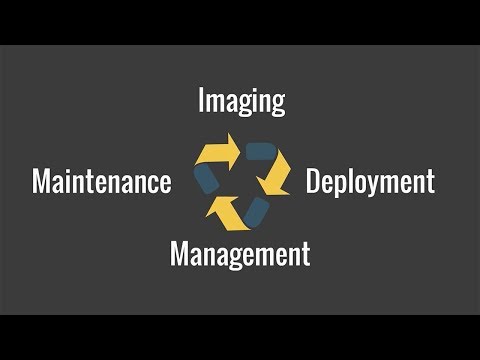
  • Imaging & Provisioning: Streamline setup of new devices with predefined configurations.

  • Self-Healing Policies: Auto-remediate configuration changes or unauthorized app removals.

  • Role-Based Access Control: Secure and customize admin access.

Alternative

ManageEngine Patch Manager Plus

All-around patching solution

0.0
Rating out of 5 Based on 0 reviews

ManageEngine Patch Connect Plus

Redefine SCCM and Intune management

0.0
Rating out of 5 Based on 0 reviews

NinjaOne

Automate the hardest parts of IT

0.0
Rating out of 5 Based on 0 reviews

FileWave Video/Screenshots

FileWave Key Clients

User Reviews

no-reviews
Share your experience! Be the very first reviewer. Write a Review

Frequently Asked Questions (FAQs)

The user group of FileWave are as follows :

  • Startups
  • SMEs
  • Agencies
  • Enterprises

FileWave has 1 plans,

  • Basic USD 40.00 Per Year

FileWave is allowed 0 Days Free Trial.

The key featuers of FileWave are as follows :

  • Alerts/Notifications
  • Customization
  • Dashboard
  • Configuration Management
  • Contract/License Management
  • Inventory Management
  • Compliance Tracking

FileWave pricing model : Yearly,Monthly,Onetime(Perpetual License)

FileWave is Cloud Hosted,Hybrid,On Premise,Any Software.

FileWave offers Phone,Email,Live Chat support.

FileWave provides Help Guides,Video Guides,Blogs,Webinars,On-Site Training for the software training.