NinjaOne

Automate the hardest parts of IT

0.0
Rating out of 5 Based on 0 reviews

What is NinjaOne?

NinjaOne is an all-in-one IT management platform designed for managed service providers (MSPs) and internal IT teams to monitor, manage, and secure their endpoints from a single cloud-based console. It combines remote monitoring and management (RMM), patch management, IT asset management, backup, and automation tools into one easy-to-use solution. With its intuitive interface and streamlined workflows, NinjaOne empowers IT teams to improve visibility, reduce complexity, and enhance service delivery for businesses of all sizes.

Pricing of NinjaOne

no-pricing
For get detailed pricing as per your requirements.

Key Features of NinjaOne

Key Features:
  • Mobile device management
  • IT Service Management Tools
  • Incident Management
  • IT Asset Management
  • Remote support
  • IT Docmentation
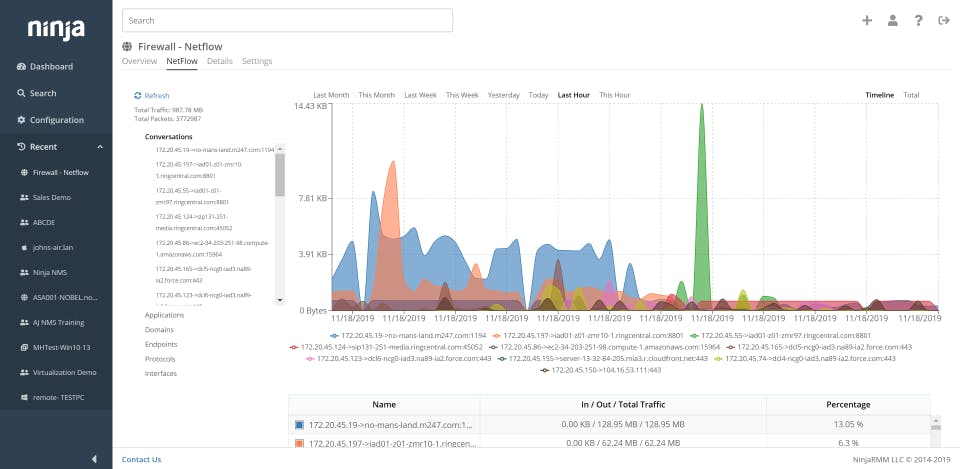
  • Network Monitoring

Key Specification

Who uses NinjaOne

StartUps
StartUps
SMEs
SMEs
Agencies
Agencies
Enterprises
Enterprises

Company Details

Company Name: NinjaOne
Headquarter: United States
Website: Visit Website go-to-link
Social Media:

NinjaOne Description

Benefits of NinjaOne

Unified Endpoint Management: NinjaOne centralizes the management of endpoints, servers, and networks, allowing IT teams to monitor performance, security, and usage from one platform.

Increased Efficiency with Automation: Automated patching, scripting, and software deployment significantly reduce manual work and improve IT team productivity.

Faster Issue Resolution: Real-time monitoring and customizable alerts enable quick detection and response, minimizing downtime for end users.

Scalable Solution: Whether managing a few devices or thousands, NinjaOne scales effortlessly, making it suitable for startups, SMEs, and large enterprises alike.

Cloud-Native Flexibility: Being cloud-hosted, NinjaOne provides secure remote access and device control from anywhere, with no need for on-premises infrastructure.

Improved IT Security: Built-in endpoint backup, remote access, and compliance tools strengthen protection against data loss and cyber threats.

How to Use NinjaOne?

Sign Up and Deploy Agents: Start with a free trial and install lightweight agents on endpoints to bring devices under management.

Discover and Monitor Devices: Automatically detect connected devices and begin monitoring performance, resource utilization, and software configurations.

Configure Policies and Alerts: Set up automation policies for patching, updates, and scripts, and configure alerts to get notified of issues before they escalate.

Manage and Support Remotely: Use remote access tools to troubleshoot, transfer files, and resolve endpoint problems without interrupting user workflows.

Automate Patching and Deployment: Keep systems secure and up to date by automating OS and third-party application patches.

Generate Reports: Create detailed reports to track system health, compliance status, and IT performance across the organization.

Scale and Integrate: Expand capabilities with integrations for antivirus, backup, and productivity tools, tailoring NinjaOne to your IT needs.

Features of NinjaOne

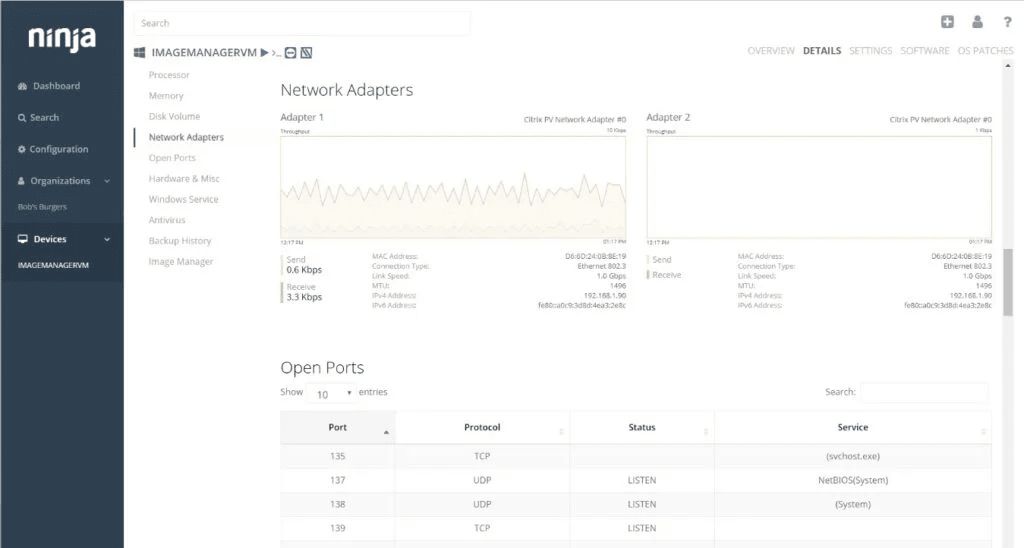
  • Endpoint Monitoring & Management: Real-time visibility into device health, software, and performance.

  • Patch Management: Automated OS and application patching for better security and compliance.

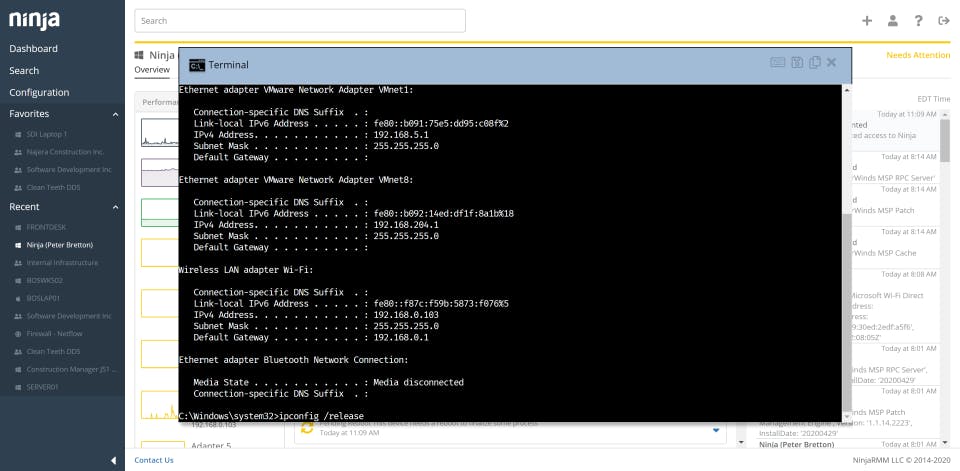
  • Remote Access & Control: Secure, fast connections to troubleshoot and manage devices from anywhere.

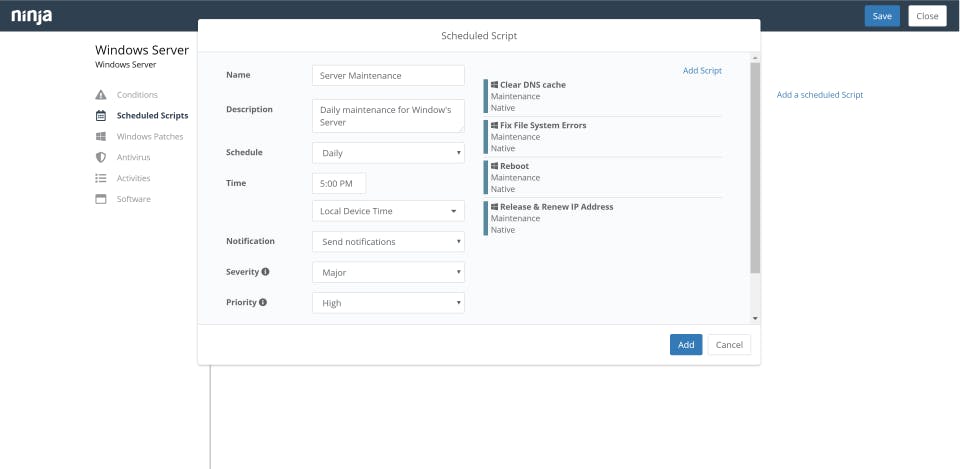
  • Automation & Scripting: Policy-driven automation for repetitive IT tasks and software deployments.

  • Asset & Inventory Management: Track hardware, software, and configurations in one place.

  • Backup & Recovery: Built-in backup options to protect against data loss and ensure business continuity.

  • Customizable Alerts & Notifications: Proactive alerts to quickly identify and resolve IT issues.

  • Reporting & Analytics: Pre-built and customizable reports to measure system health and IT performance.

  • Integrations: Works seamlessly with third-party tools like antivirus, backup, and remote access providers.

NinjaOne Demo

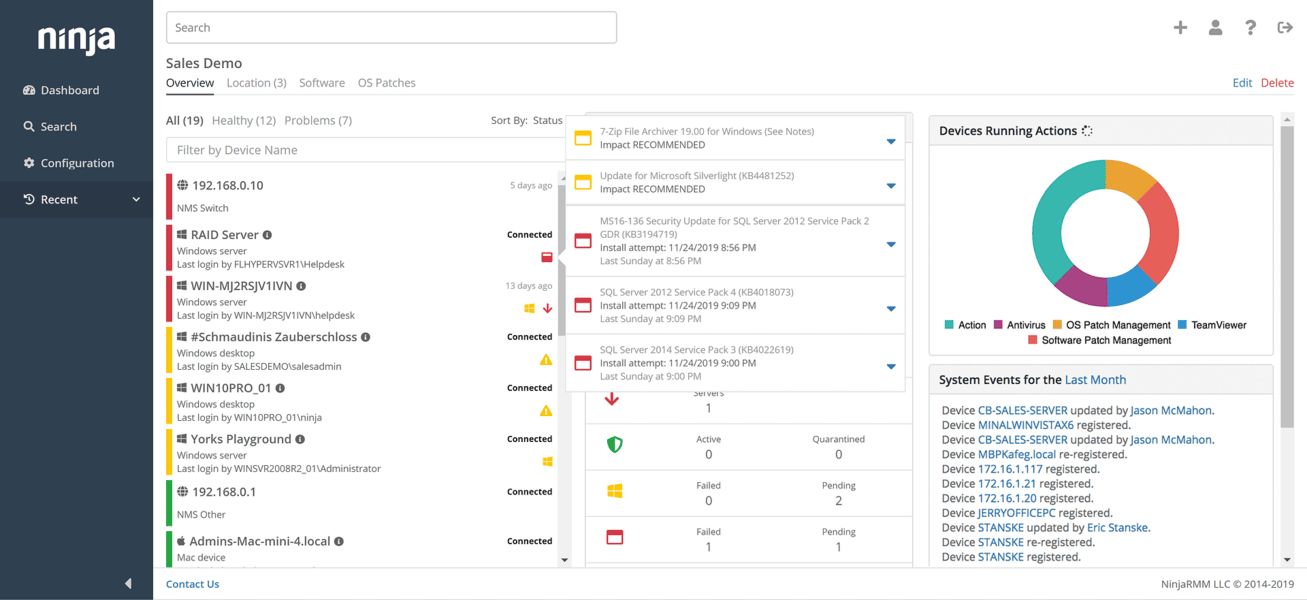
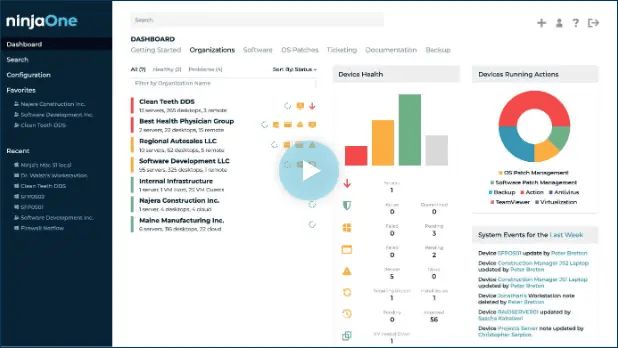
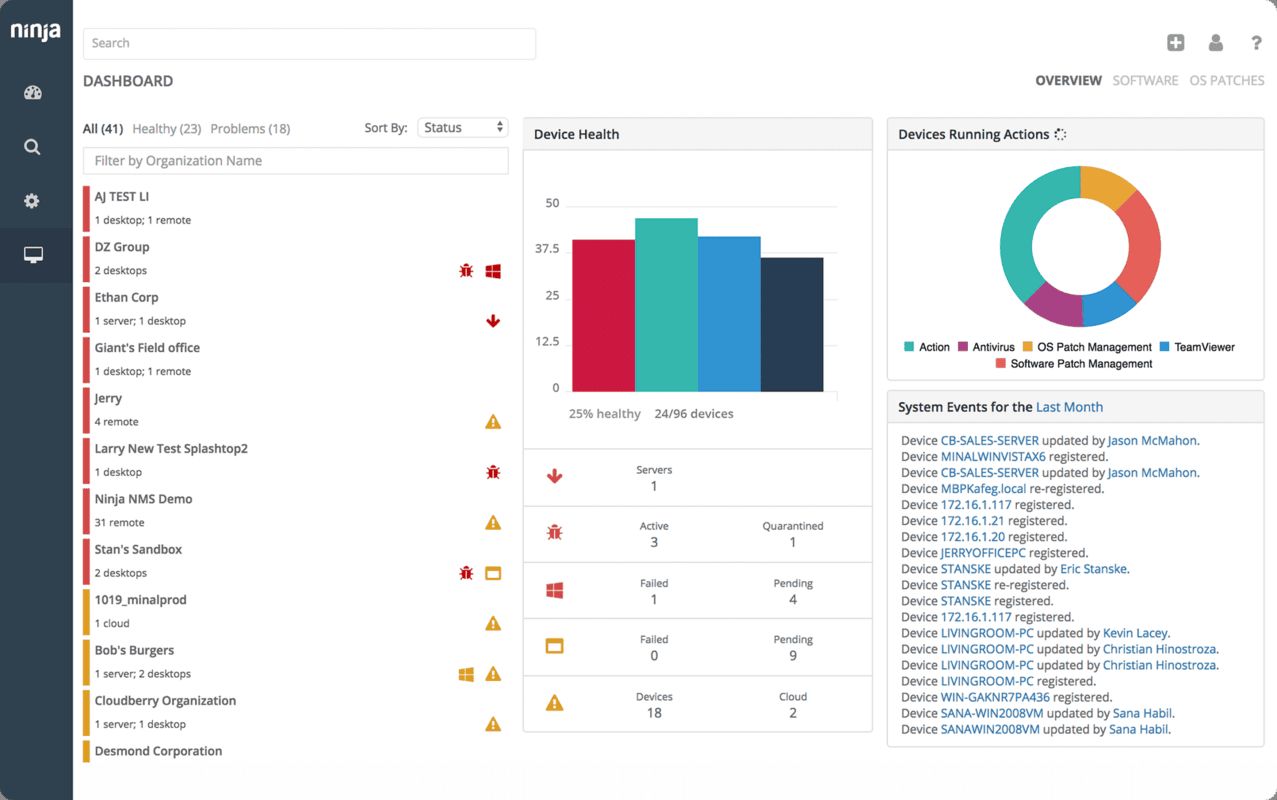
A demo of NinjaOne is available, giving users hands-on access to the interface and showcasing monitoring, automation, and reporting features before committing to deployment.

NinjaOne Pricing

NinjaOne uses a flexible pricing model based on the number of devices managed and the features required. Pricing is available on request and typically scales per endpoint, making it adaptable for both smaller IT teams and larger enterprises.

NinjaOne Reviews

Users and IT professionals often praise NinjaOne for its simplicity, speed of deployment, and powerful automation features. Its clean interface makes it easy for new users to adopt, while its broad feature set reduces reliance on multiple tools. Many reviewers highlight the platform’s responsive customer support, time-saving automation, and strong return on investment. Some note that pricing may feel higher compared to simpler RMM solutions, but the robust functionality and scalability justify the cost.

Alternative

42Gears UEM

By 42Gears UEM

0.0
Rating out of 5 Based on 0 reviews

ManageEngine Desktop Central

By ManageEngine Desktop Central

0.0
Rating out of 5 Based on 0 reviews

ManageEngine Endpoint Central

Effortless IT management, enhanced endpoint security

0.0
Rating out of 5 Based on 0 reviews

NinjaOne Video/Screenshots

NinjaOne Key Clients

User Reviews

no-reviews
Share your experience! Be the very first reviewer. Write a Review

Frequently Asked Questions (FAQs)

The user group of NinjaOne are as follows :

  • Startups
  • SMEs
  • Agencies
  • Enterprises

NinjaOne has 0 plans.

NinjaOne is allowed 0 Days Free Trial.

NinjaOne pricing model : Yearly,Monthly,Onetime(Perpetual License)

NinjaOne is Cloud Hosted,Hybrid Software.

Yes

NinjaOne offers Phone,Email,Live Chat,Online (Ticket),Business Hours support.

NinjaOne provides Help Guides,Video Guides,Blogs,Webinars,Infographics,Case Studies for the software training.