Excalidraw

Excalidraw

0.0
Rating out of 5 Based on 0 reviews

What is Excalidraw?

Excalidraw is a free, open-source virtual whiteboard enabling individuals and teams to quickly and cooperatively create hand-drawn diagrams. This tool is made for sketching diagrams that look more informal and visually appealing. It is used often for brainstorming, wireframing, mind mapping, product planning, and team meetings. Both developers and creatives find it perfect due to its straightforwardness and real-time collaboration features.

Pricing of Excalidraw

no-pricing
For get detailed pricing as per your requirements.

Key Features of Excalidraw

Key Features:
  • Team collaboration
  • Native desktop app

Key Specification

Other Categories: Collaboration Tool Whiteboard Software Team Collaboration Software
Deployment: Cloud Hosted
Customer Support: Email
Customization: Yes
Languages Support: English

Who uses Excalidraw

Personal
Personal
StartUps
StartUps
SMEs
SMEs
Agencies
Agencies
Enterprises
Enterprises

Company Details

Company Name: Excalidraw
Headquarter:
Social Media:

Excalidraw Description

Why Choose Excalidraw?

Excalidraw is unique because it offers a straightforward, user-friendly interface that mimics the feeling of drawing on a physical whiteboard. It's especially helpful for remote teams, educators, UX/UI designers, and anyone wanting to create clear visual notes. Whether working alone or brainstorming with your team, Excalidraw helps clarify your ideas through visual sketches.

Benefits of Excalidraw

  • Allows real-time teamwork with colleagues worldwide.
  • No login or account creation needed for basic use.
  • Data privacy is prioritized, supporting local file storage and self-hosting.
  • Supports offline functionality - users can create and edit without an internet connection.
  • Simple exporting to PNG, SVG, and other formats for presentations or documentation.
  • Highly customizable via community plug-ins and integrations.
  • Free to use with an open-source code base.
  • Integrates well into team workflows thanks to embeddable features.

How to Use Excalidraw

  • Open the Excalidraw app in your web browser or host it on your server.
  • Begin sketching using shapes, arrows, freehand tools, and text.
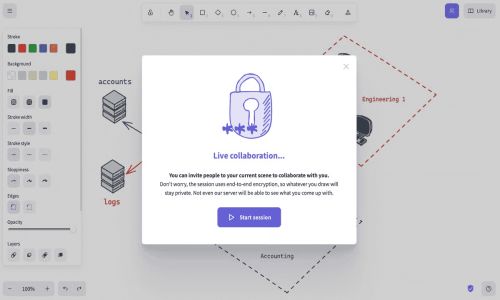
  • Collaborate by sharing the live room link with others.
  • Customize the drawing area by uploading images or incorporating templates.
  • Save your diagrams locally or export them for sharing across platforms.
  • Use version history to keep track of changes during team collaborations.

Features of Excalidraw

  • Hand-drawn Style Output: Generates informal, sketched visuals, great for casual communication.
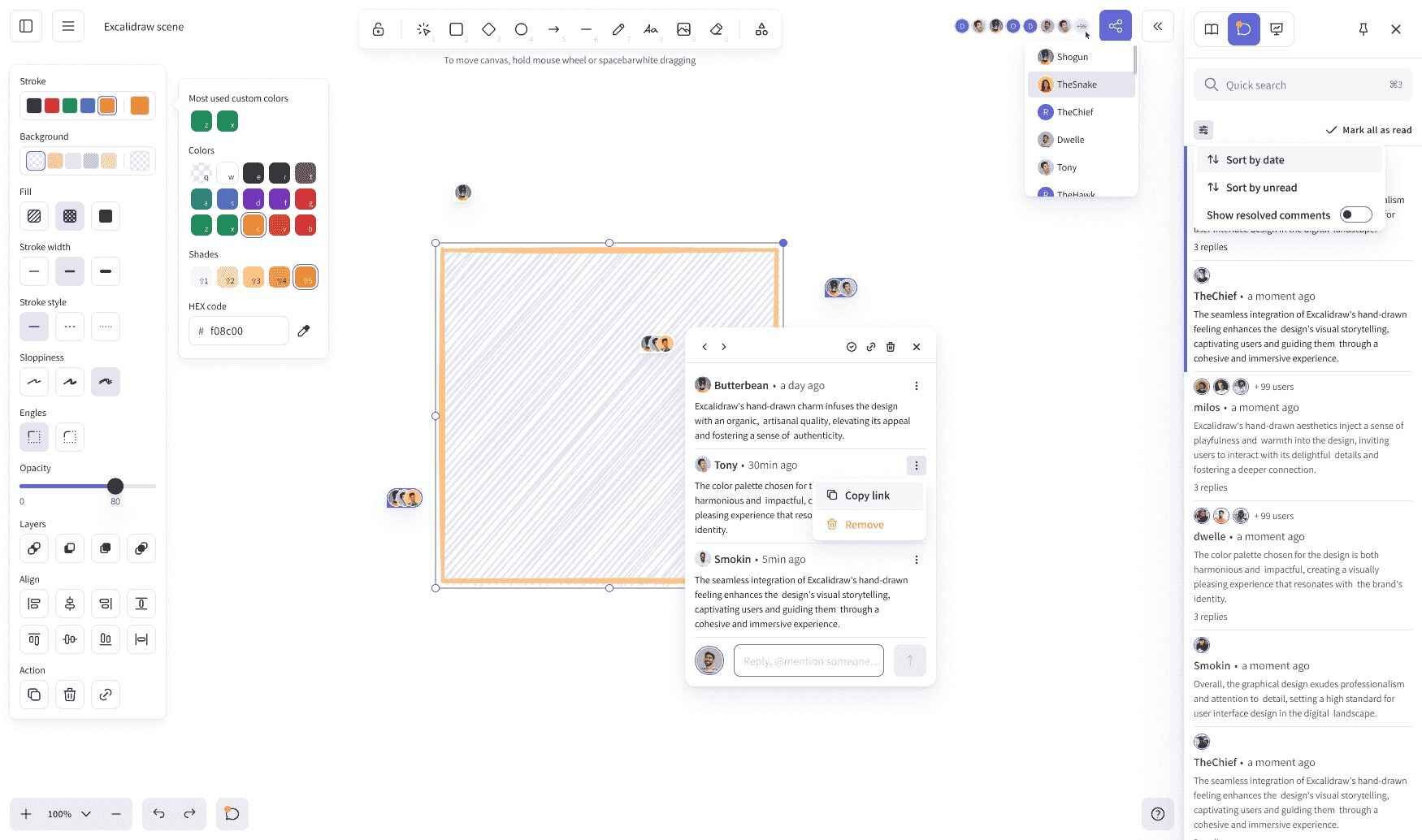
  • Real-time Collaboration: Multiple users can draw on the same canvas simultaneously.
  • Version History: Track changes and revert to previous versions if required.
  • Offline Access: Continue working even without internet connectivity.
  • Open Source & Extensible: Developers can contribute or self-host to meet business requirements.
  • Export Options: Save diagrams as PNG, SVG, or even copy them to the clipboard.
  • Shape & Icon Library: Easily access and use reusable shapes and customize diagrams swiftly.
  • Markdown Support: Blend visual content with text formatting for documentation.

Excalidraw Demo

Users can access the Excalidraw demo directly through its interface, enabling them to start sketching immediately, without the need to sign-up. The immediate usability serves as a live demo, showcasing its collaborative and drawing capabilities in real-time.

Excalidraw Pricing

Excalidraw is available for free. However, advanced enterprise and customized hosting choices are available via its open-source nature. Teams seeking extra privacy and customization can self-host Excalidraw or incorporate it into their internal tools at no cost.

Excalidraw Reviews

Excalidraw Reviews highlight high satisfaction among users in the design, engineering, and education fields. Most users value its simple design, ease of use, and collaboration features. Reviewers also point out its lack of a learning curve and its distraction-free experience, making it a top collaborative drawing app for visual thinkers.
 

Alternative

Zoho Workplace

Unified collaboration app for businesses

0.0
Rating out of 5 Based on 0 reviews

Connecteam

Powerful Hubs, Flexible Pricing

0.0
Rating out of 5 Based on 0 reviews

Hiver

The AI-first customer service platform

0.0
Rating out of 5 Based on 0 reviews

Excalidraw Video/Screenshots

User Reviews

no-reviews
Share your experience! Be the very first reviewer. Write a Review

Frequently Asked Questions (FAQs)

The user group of Excalidraw are as follows :

  • Personals
  • Startups
  • SMEs
  • Agencies
  • Enterprises

Excalidraw has 0 plans.

Excalidraw is not allowing Free Trial.

Excalidraw is Online Software.

Yes

Excalidraw offers Email support.

Excalidraw provides Help Guides,Video Guides,Blogs for the software training.