DeskTime

By DeskTime

0.0
Rating out of 5 Based on 0 reviews

What is DeskTime?

DeskTime is an automatic time tracking and employee productivity management software designed for remote, hybrid, and on-site teams. Its desktop application for Windows and Mac automatically records work hours, app usage, website activity, and document titles. It also offers a web timer, mobile apps, and offline time entry to track work across different environments. Additional features include productivity reports, project time tracking, screenshots, AI-powered activity summaries, shift scheduling, and absence management. DeskTime integrates with tools such as Google Calendar, Outlook, Jira, Asana, and Zapier to streamline workforce management.

Pricing of DeskTime

Pro

USD 4.58
USD 0.00

/Month

Buy Now
  • Document title tracking
  • Productivity calculations
  • Calendar integrations

Premium

USD 6.42
USD 0.00

/Month

Buy Now
  • Everything in Pro
  • Screenshots
  • Integrations & API
  • Shift scheduling

Enterprise - Custom pricing

USD
USD 0.00

Buy Now
  • Custom API on request
  • Account manager
  • Employee training

Awards & Badges Received

Get More Awards & Badges from Techimply
Badge-1
Badge-2
Badge-3

Key Features of DeskTime

Key Features:
  • Timesheet Management
  • Overtime Calculation
  • Offline Time Tracking
  • Multiple Billing Rates
  • Mobile Time Tracking
  • Billable & Non-billable Hours
  • Automatic Time Capture
  • Employee Database
  • Leave Tracking (Vacation)
  • Billing and Invoicing

Key Specification

Other Categories: Time Tracking App & Software Employee Monitoring Software Time Tracking Software For PC Open Source Tool
Deployment: Cloud Hosted
Customer Support: Online (Ticket),Business Hours
Customization: No
Languages Support: English

Who uses DeskTime

Personal
Personal
SMEs
SMEs
Enterprises
Enterprises

Company Details

Company Name: DeskTime
Headquarter: Los Angeles, California United States
Social Media:

DeskTime Description

Why choose DeskTime?

DeskTime records work time automatically from the moment employees start using their computer, so teams don't have to start timers or fill in timesheets by hand. Managers see which apps, websites and documents time goes to, along with productivity calculations and project time. The same tool covers shift scheduling, an absence calendar and attendance, which suits remote, hybrid and office-based teams.

Benefits of DeskTime

  • Automatic Time Tracking: Captures work hours without manual timers.

  • Productivity Insight: Shows time spent in apps, URLs and documents, with productivity calculations.

  • Project Visibility: Tracks time and progress on specific tasks and projects.

  • Proof of Work: Optional screenshots on the Premium plan.

  • Employee Well-being: Break time reminders and private time for off-the-clock computer use.

  • Planning: Shift scheduling and an absence calendar in the same tool.

How to Use DeskTime

  • Start a free 14-day trial.

  • Install the DeskTime desktop app for employees (Windows or Mac).

  • Time and app, URL and document activity are tracked automatically while employees work.

  • Use the web timer or mobile app, or log offline time, for work away from the computer.

  • Set up projects, shifts and integrations such as Google Calendar, Outlook, Jira or Asana.

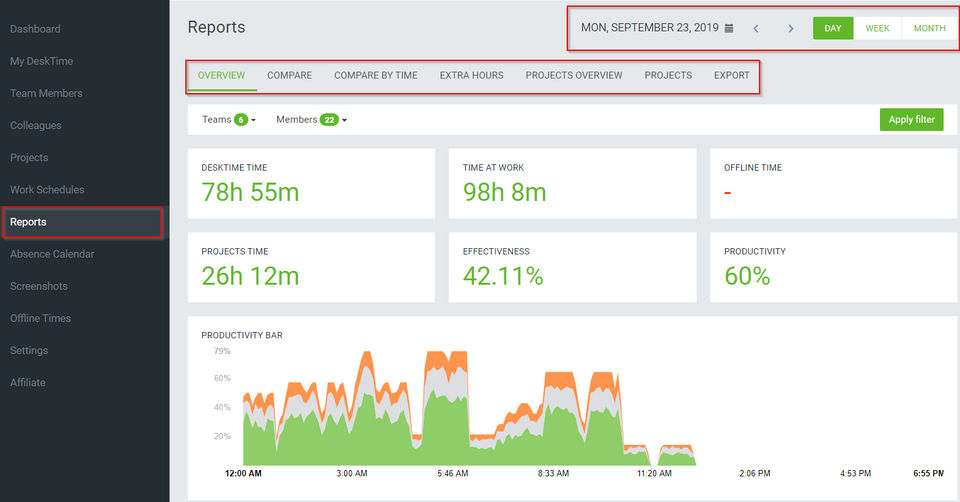
  • Review the user and admin dashboards, AI summaries and reports, and export the data.

Features of DeskTime

  • Automatic time tracking with the desktop app

  • Idle time detection

  • Web timer and mobile time tracking (Android and iOS)

  • Meeting and video time tracking

  • Offline time logging

  • IP location

  • URL and app tracking, document title tracking

  • Project time tracking

  • Productivity calculations

  • Screenshots

  • AI summary of daily work activity

  • User and admin dashboards, reports and exports

  • Shift scheduling and absence calendar

  • Break time reminders and private time

  • Two-factor authentication

  • Integrations: Google Calendar, Outlook, Jira, Asana, Zapier, plus an API

What Support Does DeskTime Offer?

DeskTime provides a Help Center, a setup guide and API documentation. Enterprise customers also get an account manager, personalised onboarding and employee training. Live support channels and hours: verify with vendor.

Alternative

TimeMate

Get the Best Time & Attendance Solution for your Business

0.0
Rating out of 5 Based on 0 reviews

Shiftbase

Solve today's chaos, grow tomorrow.

0.0
Rating out of 5 Based on 0 reviews

Clockwise

Overview and convenience in your time tracking

4.2
Rating out of 5 Based on 10 reviews

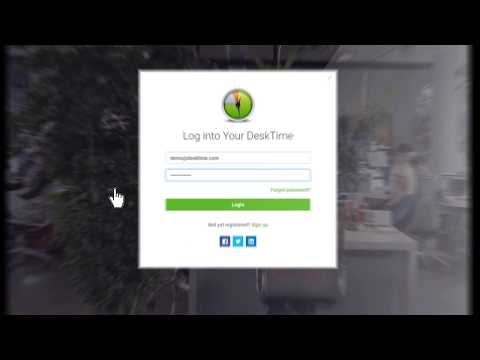
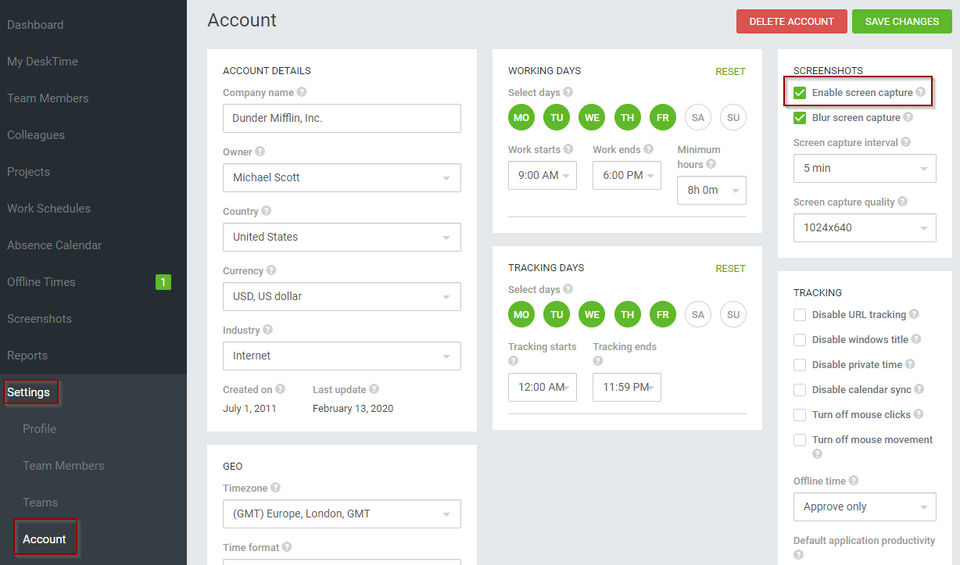
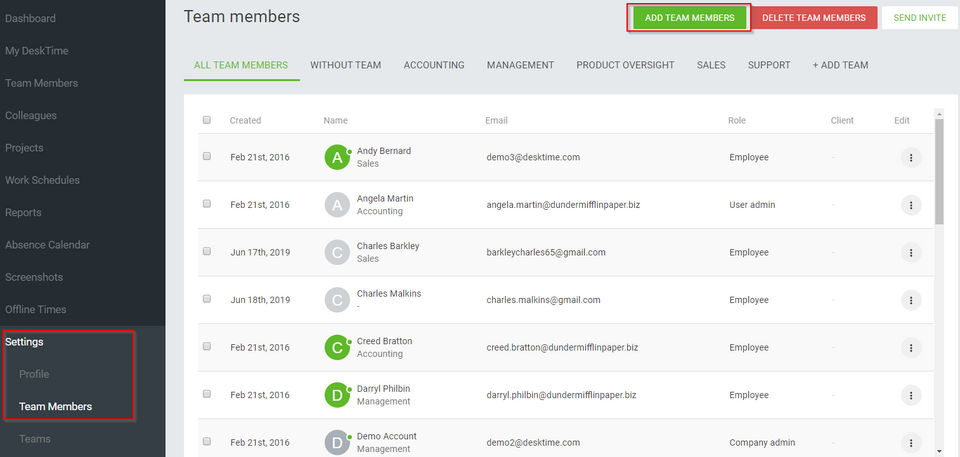
DeskTime Video/Screenshots

DeskTime Key Clients

User Reviews

no-reviews
Share your experience! Be the very first reviewer. Write a Review

Frequently Asked Questions (FAQs)

The user group of DeskTime are as follows :

  • Personals
  • SMEs
  • Enterprises

DeskTime has 3 plans,

  • Pro USD 4.58 /Month
  • Premium USD 6.42 /Month
  • Enterprise - Custom pricing USD

DeskTime is allowed 0 Days Free Trial.

The key featuers of DeskTime are as follows :

  • Timesheet Management
  • Overtime Calculation
  • Offline Time Tracking
  • Multiple Billing Rates
  • Mobile Time Tracking
  • Billable & Non-billable Hours
  • Automatic Time Capture
  • Employee Database
  • Leave Tracking (Vacation)
  • Billing and Invoicing

DeskTime pricing model : Yearly,Monthly

DeskTime is Online Software.

No

DeskTime offers Online (Ticket),Business Hours support.

DeskTime provides Help Guides,Video Guides,Blogs for the software training.