Comindware Tracker

Low-code Workflow Optimization Software

0.0
Rating out of 5 Based on 0 reviews

What is Comindware Tracker

Comindware Tracker is a workflow and task management software designed to automate and streamline business processes without requiring complex coding. It helps organizations manage tasks, approvals, and workflows with a flexible drag-and-drop interface. Businesses across industries explore the Comindware Tracker Demo and review Comindware Tracker Features to understand how it fits their process automation needs.

Pricing of Comindware Tracker

no-pricing
For get detailed pricing as per your requirements.

Key Specification

Other Categories: Business Process Management Software
Deployment: Cloud Hosted
Customer Support: Online (Ticket)
Customization: No
Languages Support: English

Who uses Comindware Tracker

SMEs
SMEs
Enterprises
Enterprises

Company Details

Company Name: Comindware Tracker
Headquarter: Foxborough,
Social Media:

Comindware Tracker Description

Why Choose Comindware Tracker

Organizations choose Comindware Tracker for its no-code workflow builder, quick implementation, and seamless integration with third-party systems. It is ideal for businesses looking to reduce manual tasks and improve collaboration. Many companies start by evaluating the Comindware Tracker Demo, checking Comindware Tracker Pricing, and reading Comindware Tracker Reviews to ensure it meets their workflow requirements.

Benefits of Comindware Tracker

  • Automates repetitive and manual business processes

  • Improves team collaboration and task visibility

  • Speeds up task approvals and decision-making

  • Allows non-technical users to create workflows easily

  • Reduces operational costs and increases efficiency

These benefits are commonly cited in Comindware Tracker Reviews and are demonstrated clearly in the Comindware Tracker Demo and supported by robust Comindware Tracker Features.

How to use Comindware Tracker

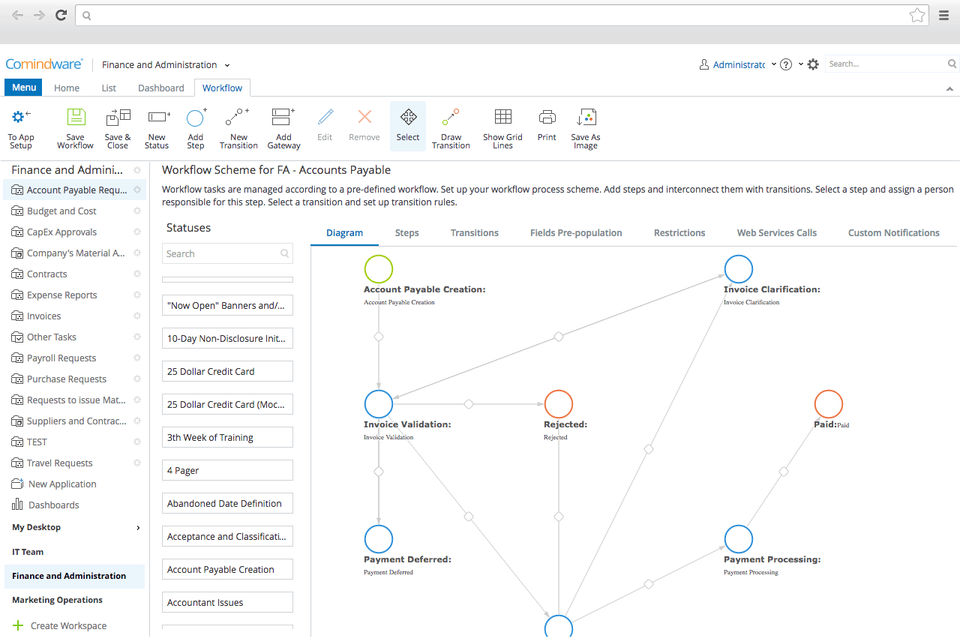
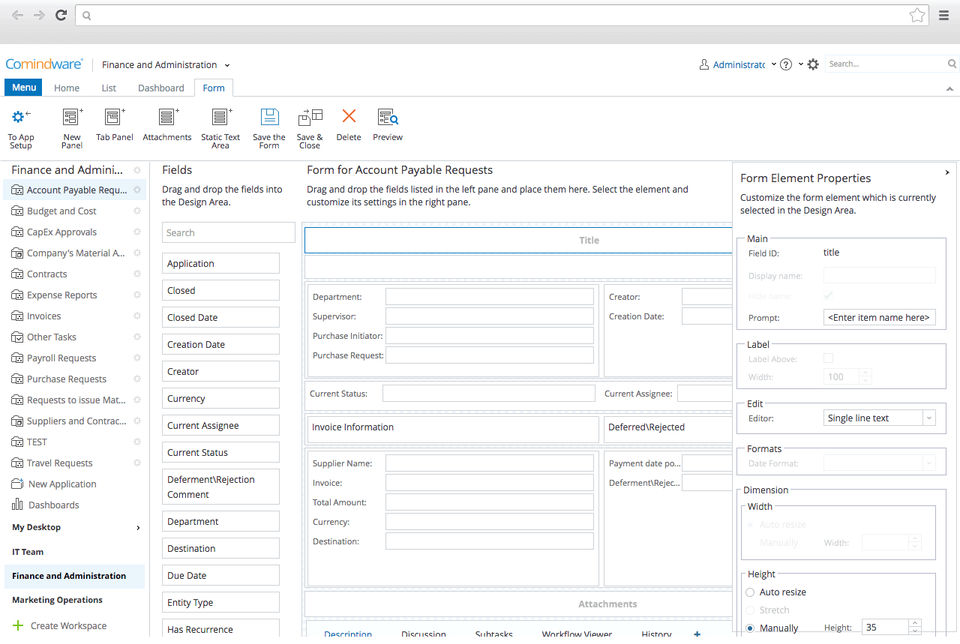
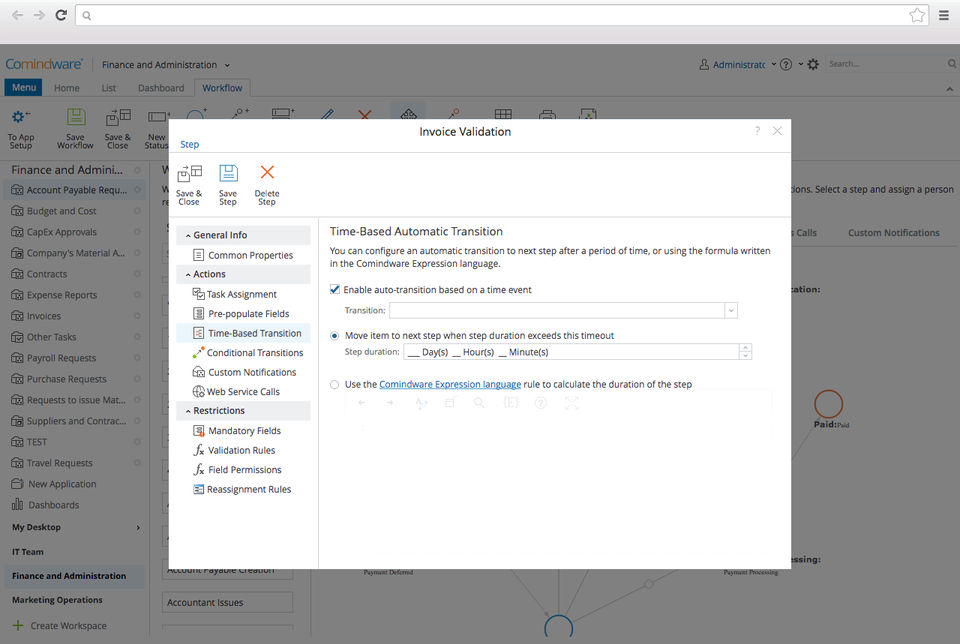
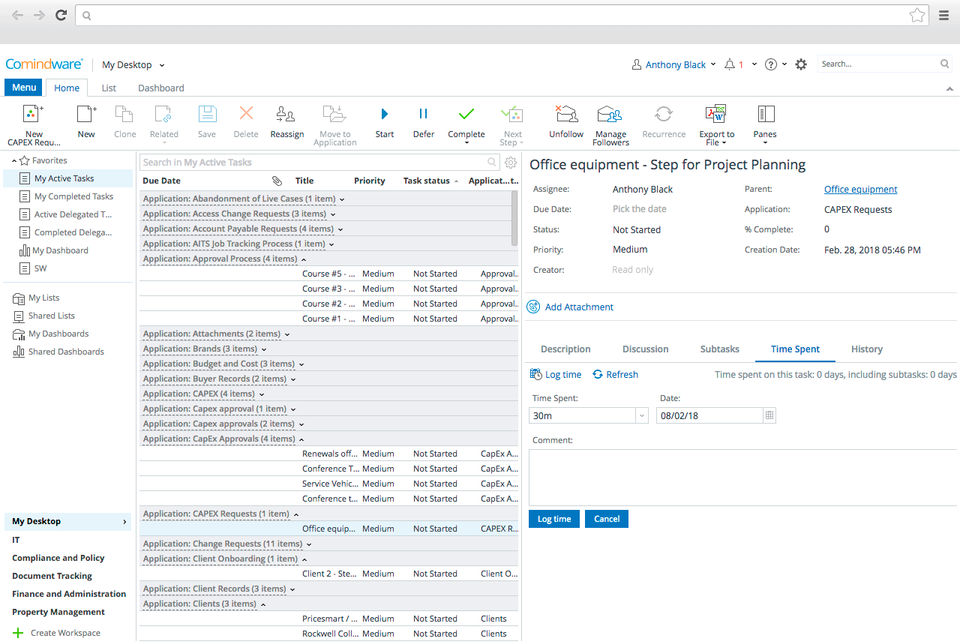
To use Comindware Tracker, begin by setting up a workflow using its intuitive drag-and-drop interface. Define tasks, roles, and rules without needing any coding skills. Track progress in real time and make changes as needed. Most users first explore the Comindware Tracker Demo, compare Comindware Tracker Pricing plans, and explore available Comindware Tracker Features before full deployment. Businesses also often compare it with other workflow automation tools to ensure they choose the most efficient solution for their operations.

Features of Comindware Tracker

  • Visual workflow designer with drag-and-drop interface

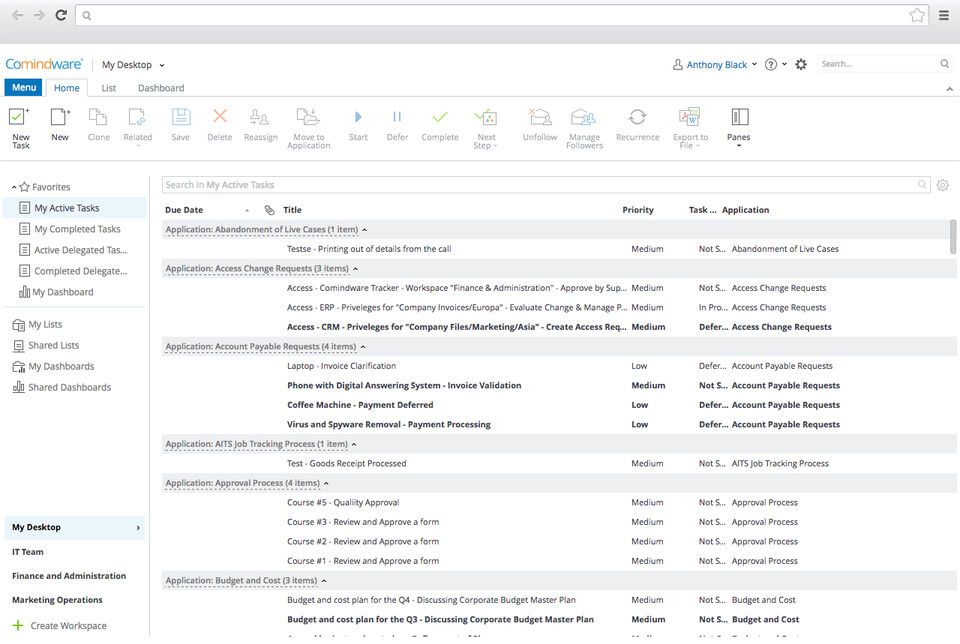
  • Role-based task assignment and tracking

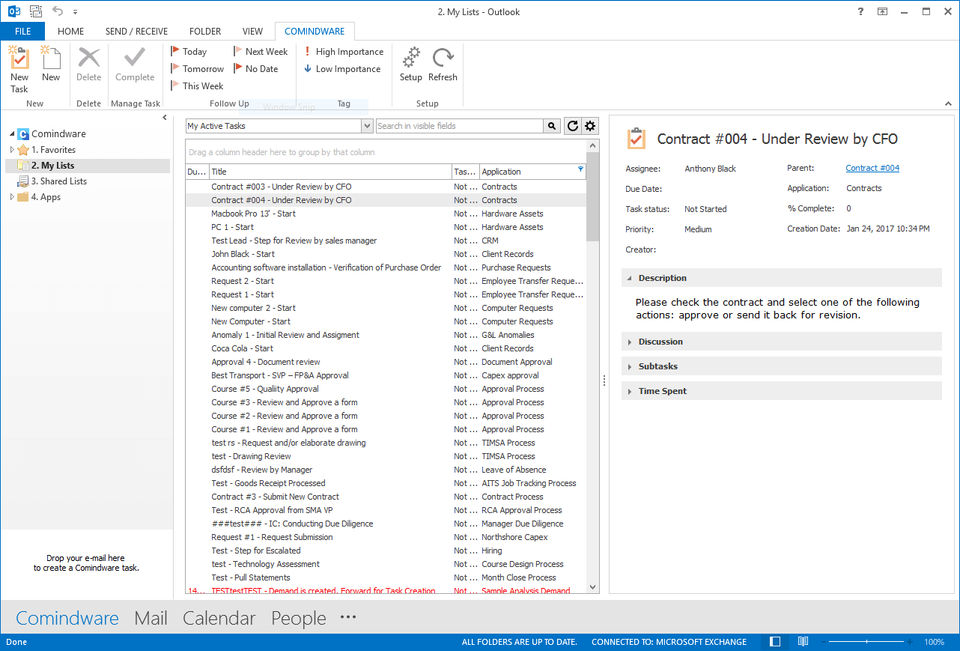
  • Integration with Outlook, SharePoint, and other systems

  • Real-time reporting and customizable dashboards

  • Mobile access for on-the-go task management

These Comindware Tracker Features are highlighted in Comindware Tracker Reviews and showcased in the Comindware Tracker Demo, making it a practical solution for process automation.

Alternative

Pipedrive

The easy and effective CRM for closing deals

5.0
Rating out of 5 Based on 19 reviews

monday.com

Made for work, designed to love

3.9
Rating out of 5 Based on 10 reviews

Visma-eAccounting

Financial administration

4.1
Rating out of 5 Based on 20 reviews

Comindware Tracker Video/Screenshots
Comindware Tracker Key Clients

User Reviews

no-reviews
Share your experience! Be the very first reviewer. Write a Review

Frequently Asked Questions (FAQs)

The user group of Comindware Tracker are as follows :

  • SMEs
  • Enterprises

Comindware Tracker has 0 plans.

Comindware Tracker is allowed 0 Days Free Trial.

Comindware Tracker pricing model : Onetime(Perpetual License)

Comindware Tracker is Online Software.

No

Comindware Tracker offers Online (Ticket) support.

Comindware Tracker provides Help Guides,Video Guides,Blogs for the software training.