 0.0
0.0
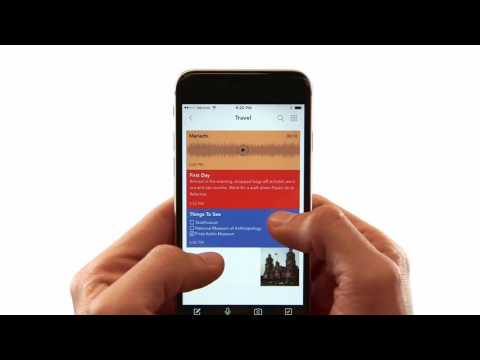
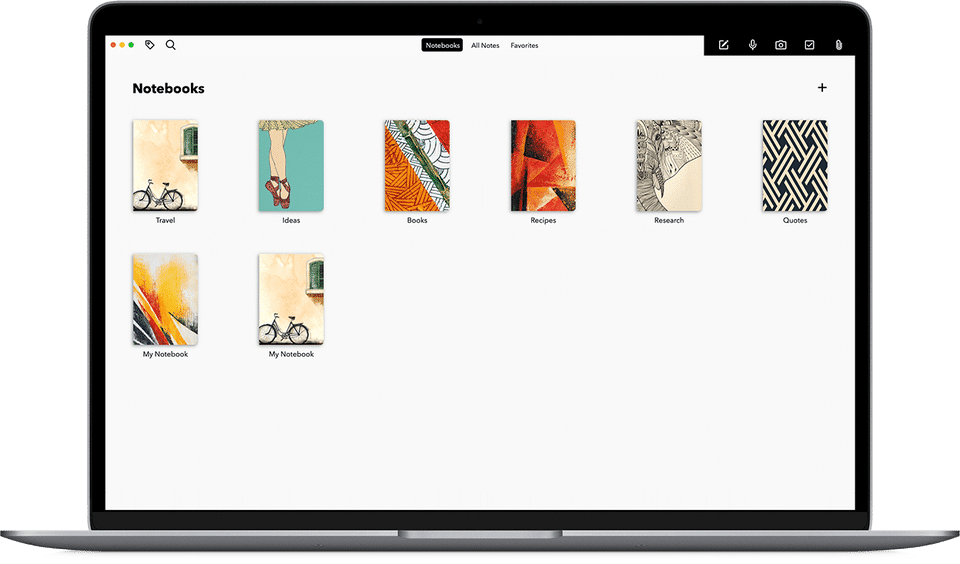
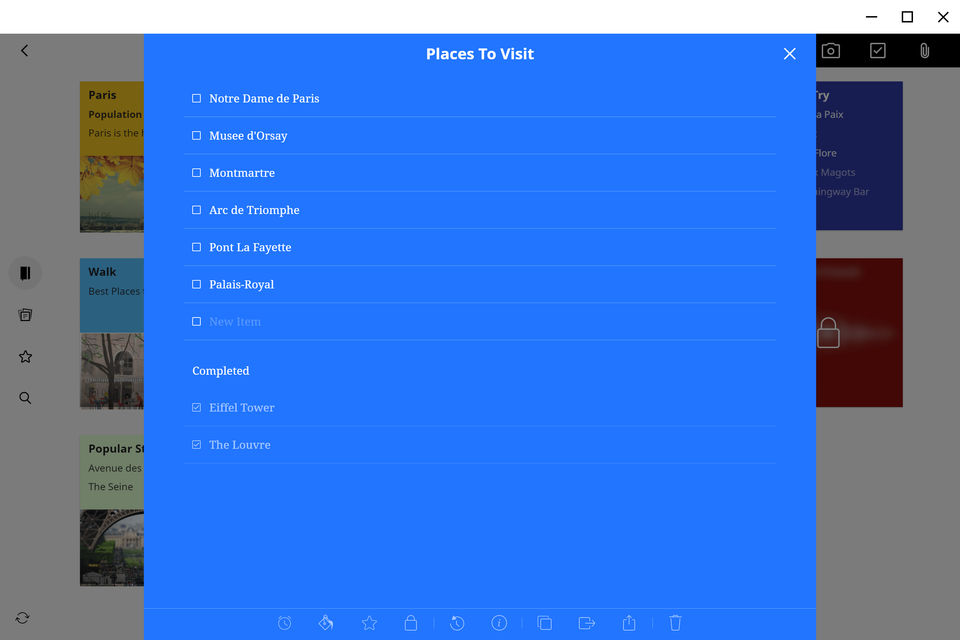
Zoho Notebook is an efficient note-taking app that can be used across devices. With this tool, one can uniquely create different types of notes. Each note card type has been designed to match the type of note one is taking down. There is a pool of options to choose from, like text, checklist, audio, photo, file, sketch and more. Developers have designed this software with the idea of a smooth syncing facility to cloud and across all devices. Besides this, it even allows effective back-up, which prevents one from losing any critical notes. The app is highly mobile-friendly and supports a line of hand gestures too. Apart from this, users can customize and organize all their work correctly, choose unique covers, copy or move note cards, edit colors, and offer a more personalized touch to their work. Additionally, users can tag their notes for easy search, secure them with a password, refer to previous versions, or multi-
Pricing of Zoho Notebook
- Flick to find the Note Cards you need
- Pinch to group Note Cards into a stack
- Pinch to fold Note Cards like an accordion
- Swipe your notebooks and Note Cards for information
- Make each notebook yours by selecting one of our handcrafted covers
- Copy and move Note Cards to keep your ideas in order
- Assign colors to your Note Cards to stay organized
- See your Note Cards in either grid or landscape style views
- Flick to find the Note Cards you need
- Pinch to group Note Cards into a stack
- Pinch to fold Note
Key Features of Zoho Notebook
Key Features:
Key Specification
| Other Categories: | Note Taking Software For Mac Note Taking Software For PC Note Taking Software |
|---|---|
| Deployment: | Cloud Hosted |
| Customer Support: | Online (Ticket) |
| Customization: | No |
| Languages Support: | English |
Who uses Zoho Notebook

Personal

SMEs

Enterprises
Company Details
| Company Name: | Zoho Notebook |
|---|---|
| Headquarter: | Austin, Texas United States |
| Social Media: |
Most Popular Software




Alternative
Zoho Notebook Video/Screenshots
User Reviews

Frequently Asked Questions (FAQs)
The user group of Zoho Notebook are as follows :
- Personals
- Enterprises
- SMEs
- SMEs
Zoho Notebook has 1 plans,
- Zoho Notebook USD 0.00
Zoho Notebook is not allowing Free Trial.
The key featuers of Zoho Notebook are as follows :
- Recurring Tasks
- To-do List
- Share Link
- File Sharing
- Real-time Collaboration
- Task Tracking
- Templates
- Version Control
- Calendar Notification
- Meetings
Zoho Notebook pricing model : Onetime(Perpetual License)
Zoho Notebook is Online Software.
No
Zoho Notebook offers Online (Ticket) support.
Zoho Notebook provides Help Guides,Blogs,Video Guides for the software training.