 0.0
0.0
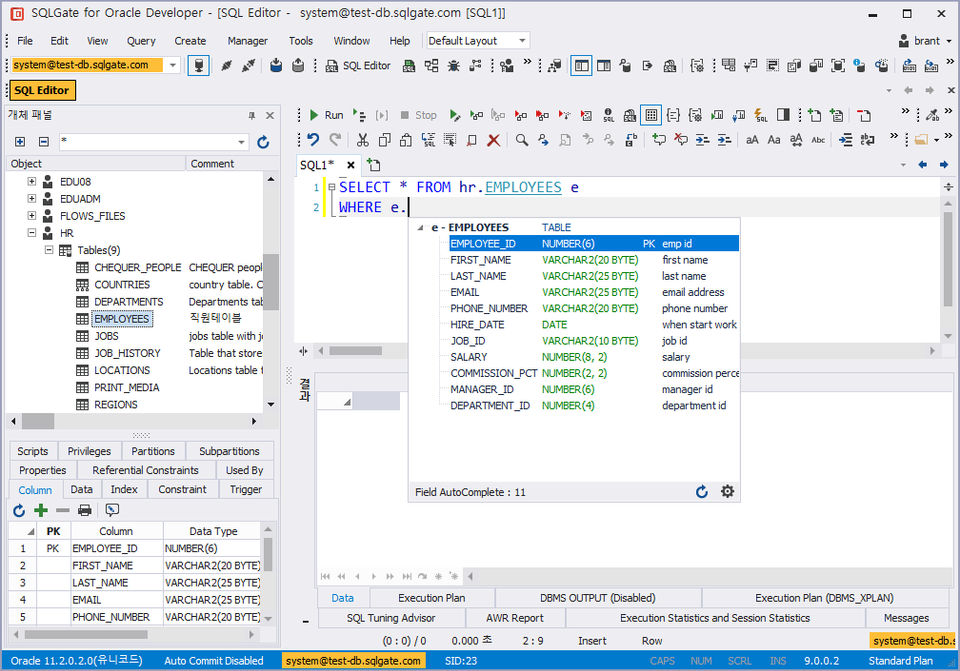
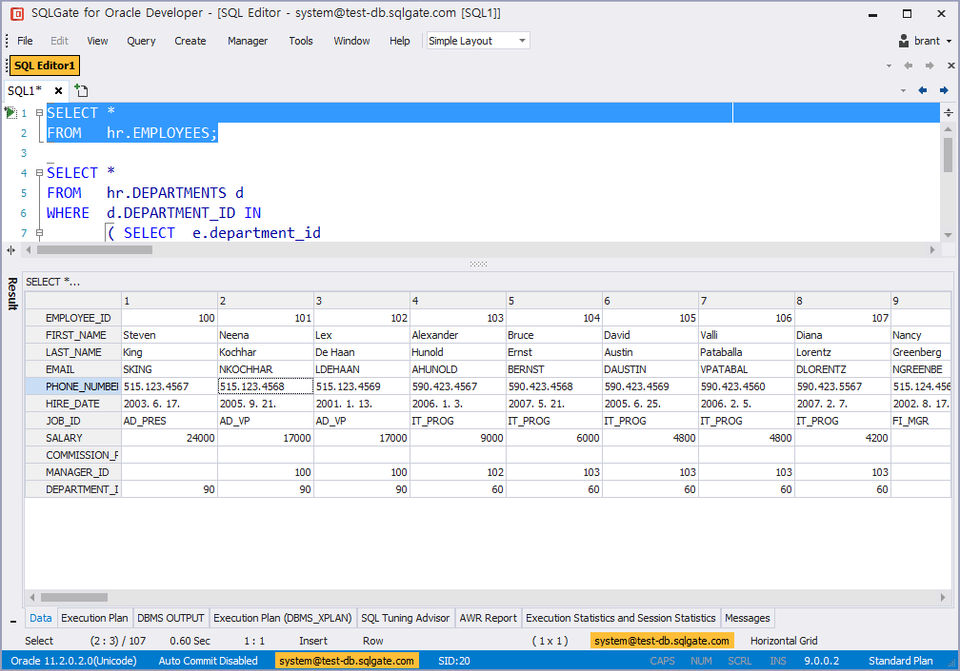
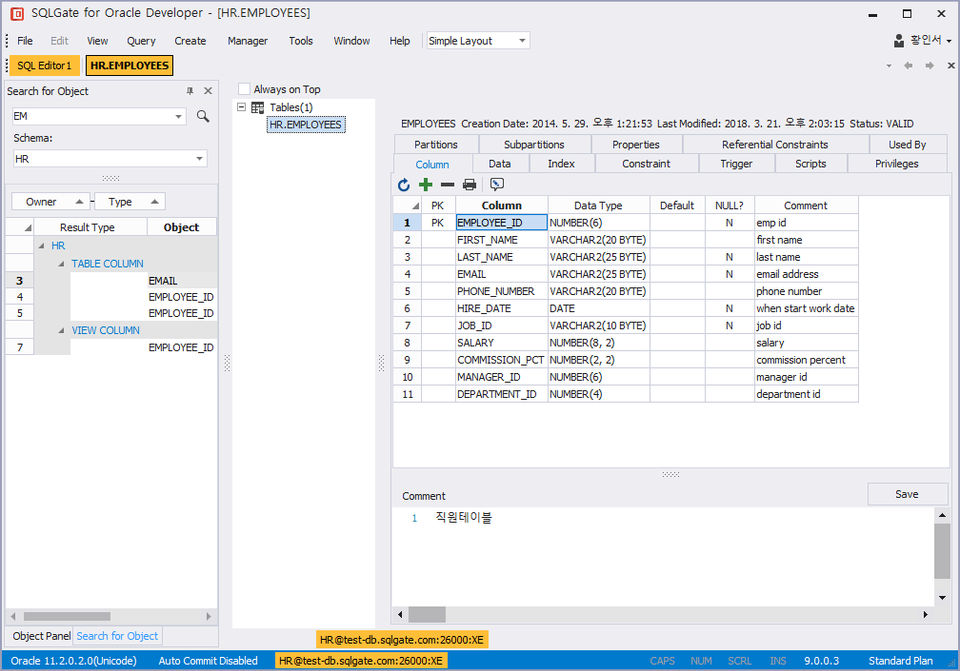
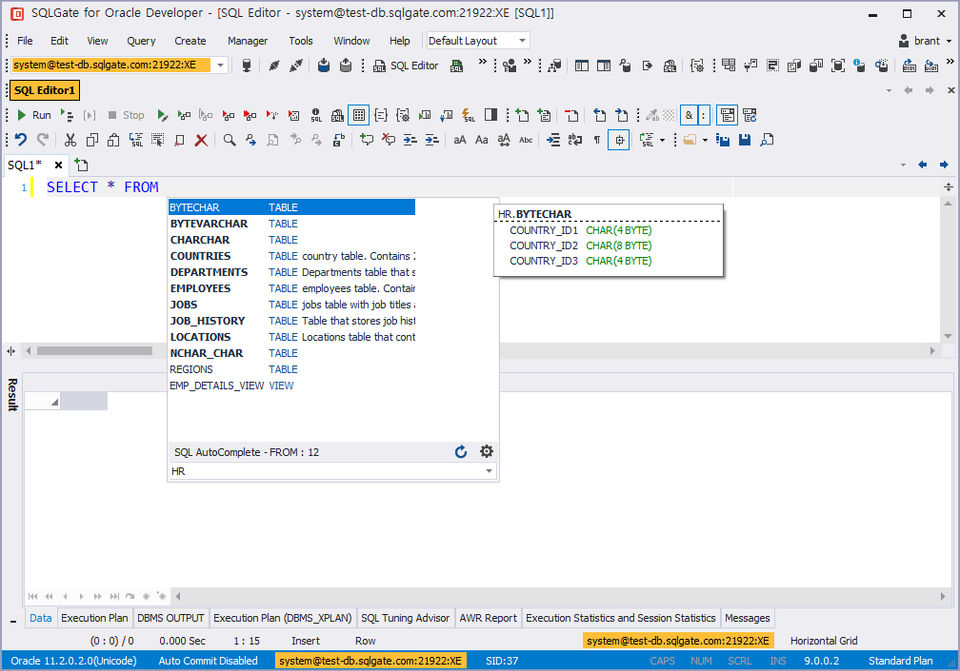
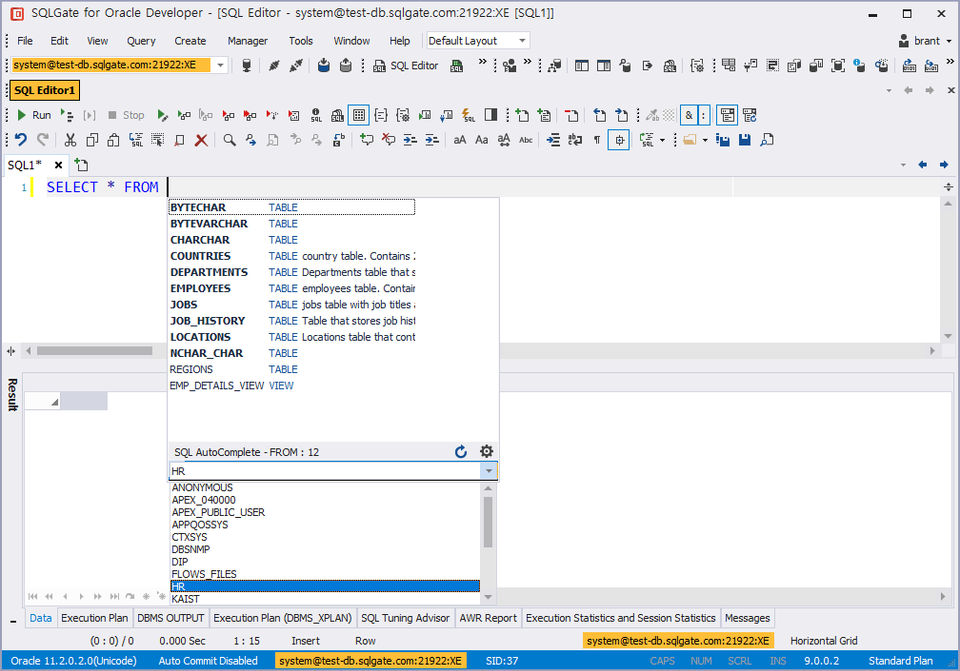
SQLGate is an IDE (integrated development environment) for databases that aims to simplify the construction and operation of databases. The tool supports eight different databases: Oracle, SQL Server, Tibero, DB2, MySQL, MariaDB, PostgreSQL, and CUBRID. Users can directly connect to databases and access their data quickly without the need for complex client installations. Object explorer & object panel are also available for developers to check the information of objects and connect object panels to editors for analysis. The debugging features let each query to detect the exact error while also creating multiple queries. This helps users write queries more accurately. The tool also features net login, themes, object explorer, multiple SQL execution & auto-completion, grid functions, modifying fetched data, PL/SQL Editor, and Debugger. Other features include SQL execution plan viewer and formatting and query builder. Database reports are accessible as well that deliver holistic management views.
Pricing of SQLGate
- License Period : 30 months
- Max Available Copies : 1 copy
- Offline use
- Extension of Maintenance Contract : not available (new license purchase required)
- Software Update : 30 months
- Online Technical Support
- License Period : 30 months
- Max Available Copies : 1 copy
- Offline use
- Extension of Maintenance Contract : not available (new license purchase required)
- Software Update : 30 months
- Online Technical Support
- License Period : Perpetual
- Max Available Copies : No limit
- Offline use
- Extension of Maintenance Contract : available (extension available within 1 year after expiration date)
- Software Update : 1 year
- Online Technical Support
- Remote Technical Support
- Phone Support
- License Period : Perpetual
- Max Available Copies : No limit
- Offline use
- Extension of Maintenance Contract : available (extension available within 1 year after expiration date)
- Software Update : 1 year
- Online Technical Support
- Remote Tech
- Tree View Object Panel
- Themes
- Load SQL files
- Save SQL filesConnect without database client
- Save connection history
- Label session with color
- Concurrent session limit : 1
- Maximum number of windows : 1
- Maximum number of tabs : 1
- Number of concurrent executions : 5
- SQL History
- Run SubQuery Only
- Query Builder
- Clipboard size limit : 10
- PL/SQL Editor
- View
- Create
- Filter Objects
- Object Privilege & Script Generation
- Tree View Object Panel
- Themes
- Load SQL files
- Save SQL filesConnect without database clie
- Includes features of Free plan
- plus
- Autosave worksapce
- Offline use authoentication
- Concurrent session limit : Unlimited
- Maximum number of windows : 20
- SQL Editor Split
- Maximum number of tabs : 20
- Number of concurrent executions : Umlimited
- SQL auto-save and recovery
- SQL Execution Plan
- SQL Formatting
- SQL Tuning Advisor
- AWR Report
- Object auto-complete
- SQL auto-complete
- Create - All objects
- Data import
- Data export
- Clipboard size limit : Unlimited
- Run PL/SQL
- Single Stepping
- Step Over
- Execute until
- Available for students using SQLGate for educational purposes
- Free student licenses can be renewed on a yearly basis
- Net Login
- Themes
- Object Explorer
- Multiple SQL Execution & Auto-Completion
- Grid Functions
- Modifying Fetched Data
- PL/SQL Editor
- PL/SQL Debugger
- SQL Execution Plan Viewer
- SQL Formatting
- Query Builder
- ER design
- Generating Database Report
- Available for students using SQLGate for educational purposes
- Free student licenses can be renewed on a yearly basis
- Net Login
- Themes
- Object Explorer
Key Features of SQLGate
Key Features:
Key Specification
| Other Categories: | Online IDE |
|---|---|
| Deployment: | Cloud Hosted |
| Customer Support: | Online (Ticket) |
| Customization: | No |
| Languages Support: | English |
Who uses SQLGate

Personal

SMEs
Company Details
| Company Name: | SQLGate |
|---|---|
| Headquarter: | Seoul, |
| Social Media: |
Most Popular Software






Alternative
SQLGate Video/Screenshots

User Reviews

Frequently Asked Questions (FAQs)
The user group of SQLGate are as follows :
- Personals
- SMEs
- SMEs
SQLGate has 5 plans,
- Indie Developer License USD 300.00 One-Time Payment
- Enterprise License USD 500.00 One-Time License
- Free USD 0.00
- Standard subscription USD 40.00 /Month
- Student License USD 0.00
SQLGate is not allowing Free Trial.
The key featuers of SQLGate are as follows :
- Refactoring
- Syntax Highlighting
- Code Completion
- Real-time Collaboration
- Debugger
- Source code editor
- Chat (Messaging)
- Drag and Drop
- Version Control
SQLGate pricing model : Monthly,Yearly
SQLGate is Online Software.
No
SQLGate offers Online (Ticket) support.
SQLGate provides Help Guides,Blogs,Video Guides for the software training.