Schedule360

By Schedule360

0.0
Rating out of 5 Based on 0 reviews

What is Schedule360?
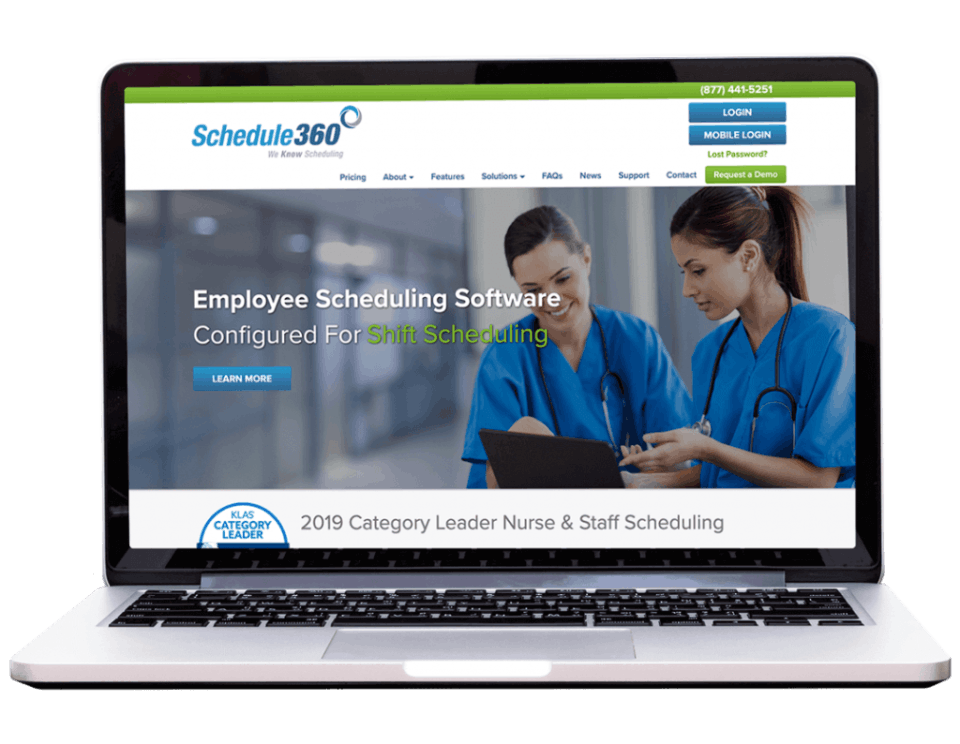
Schedule360 is a cloud-based workforce management and employee scheduling software designed to streamline complex staff scheduling processes, particularly in industries like healthcare, public safety, and retail. It offers automated scheduling, shift swaps, real-time updates, and advanced reporting tools, helping organizations improve efficiency, reduce labor costs, and ensure proper shift coverage. With customizable rules, role-based access, and mobile access, Schedule360 empowers managers and employees alike with greater flexibility and control over work schedules. Its robust integration capabilities and user-friendly interface make it an ideal solution for organizations seeking to optimize staffing and enhance workforce productivity.

Pricing of Schedule360

no-pricing
For get detailed pricing as per your requirements.

Key Features of Schedule360

Key Features:
  • Mobile Access
  • Employee Scheduling
  • Resource Management
  • Employee Database
  • Reporting/Analytics
  • Automated Scheduling
  • Vacation/Leave Tracking
  • Schedule Distribution
  • Online Time Clock
  • Shift Swapping
  • Payroll Management
  • Messaging

Key Specification

Other Categories: Time Management Tool & Software Time Tracking App & Software Workflow Management Software Employee Scheduling Software Time Tracking Software For PC Time & Attendance Software
Deployment: Cloud Hosted
Customer Support: Phone,Email,Online (Ticket)
Customization: No
Languages Support: English

Who uses Schedule360

StartUps
StartUps
SMEs
SMEs
Agencies
Agencies
Enterprises
Enterprises

Company Details

Company Name: Schedule360
Headquarter: United States
Social Media:

Schedule360 Description

What is Schedule360?

  • Cloud-based workforce management software designed to automate and optimize employee scheduling

  • Widely used in healthcare, retail, call centers, and public safety sectors

  • Allows customizable scheduling rules, real-time updates, and streamlined communication

  • Reduces manual scheduling errors and ensures adequate shift coverage

  • Enhances overall operational efficiency

Why Choose Schedule360?

  • Scalable and flexible scheduling for various industries

  • 24/7 access via desktop and mobile devices

  • Automates labor processes to reduce overtime and ensure compliance

  • Powerful analytics and reporting tools

  • Trusted for reliability, configurability, and strong customer support

Benefits of Schedule360

  • Minimizes scheduling conflicts and improves shift coverage

  • Enhances employee satisfaction with shift swapping and time-off requests

  • Reduces administrative workload and labor costs

  • Real-time alerts improve communication between staff and management

  • Provides audit-ready reporting for compliance and productivity

How to Use Schedule360

  • Managers configure rules, roles, and department needs via a dashboard

  • Staff log in to view schedules, request time off, or pick up shifts

  • System automates approvals and sends notifications

  • Managers can monitor attendance and make real-time changes

  • Accessible from both desktop and mobile devices

Features of Schedule360

  • Automated scheduling with rule templates

  • Mobile-friendly interface for flexibility

  • Shift swapping, self-scheduling, and leave requests

  • Real-time notifications and messaging tools

  • Analytics and reporting dashboards

  • Integrates with payroll and HR systems

  • Secure role-based access control

What Makes Schedule360 Different?

  • Highly customizable for industry-specific needs

  • Strong compliance focus with labor laws and policies

  • Scalable for teams of all sizes

  • Dedicated onboarding and setup support

  • Combines scheduling, communication, and analytics in one platform

Who Can Benefit from Schedule360?

  • Hospitals, clinics, and nursing homes

  • Retail chains and customer support teams

  • Public safety departments (e.g., police, EMS)

  • Organizations with rotating shifts or multiple locations

  • HR managers and team leaders managing large teams

Is Schedule360 Easy to Use?

  • Designed with a user-friendly interface

  • Easy navigation for both admins and employees

  • Training and tutorials provided

  • Self-service options empower employees

  • Web and mobile app access for convenience

What Support Does Schedule360 Offer?

  • Personalized onboarding and implementation support

  • Customer service via email and phone

  • Access to documentation, video tutorials, and user guides

  • Technical team for troubleshooting and customization

  • Regular updates to ensure modern, secure, and compliant functionality

Alternative

When I Work

Scheduling for Shift Based Workplaces

0.0
Rating out of 5 Based on 0 reviews

Buddy Punch

Employee Time Clock Software

0.0
Rating out of 5 Based on 0 reviews

Connecteam

Powerful Hubs, Flexible Pricing

0.0
Rating out of 5 Based on 0 reviews

Schedule360 Video/Screenshots

User Reviews

no-reviews
Share your experience! Be the very first reviewer. Write a Review

Frequently Asked Questions (FAQs)

The user group of Schedule360 are as follows :

  • Startups
  • SMEs
  • Agencies
  • Enterprises

Schedule360 has 0 plans.

Schedule360 is not allowing Free Trial.

Schedule360 pricing model : Yearly,Monthly,Onetime(Perpetual License)

Schedule360 is Online Software.

No

Schedule360 offers Phone,Email,Online (Ticket) support.

Schedule360 provides Help Guides,Video Guides,Blogs,Webinars,On-Site Training for the software training.