Open Office

the Free and Open Productivity Suite

0.0
Rating out of 5 Based on 0 reviews

What is Open Office?

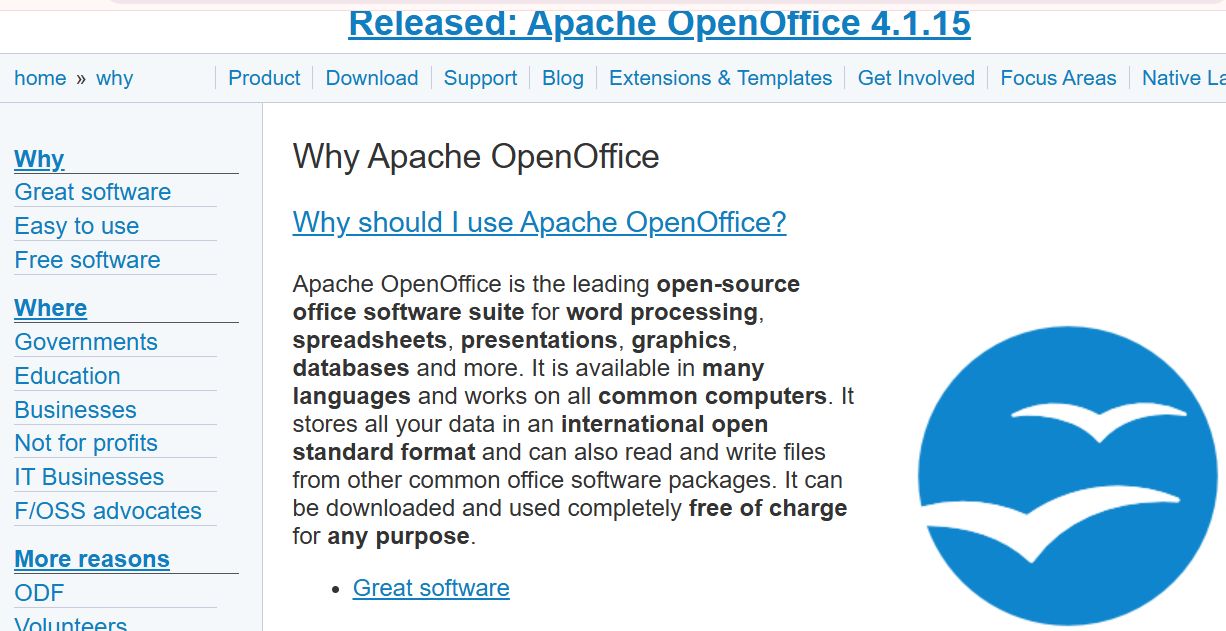
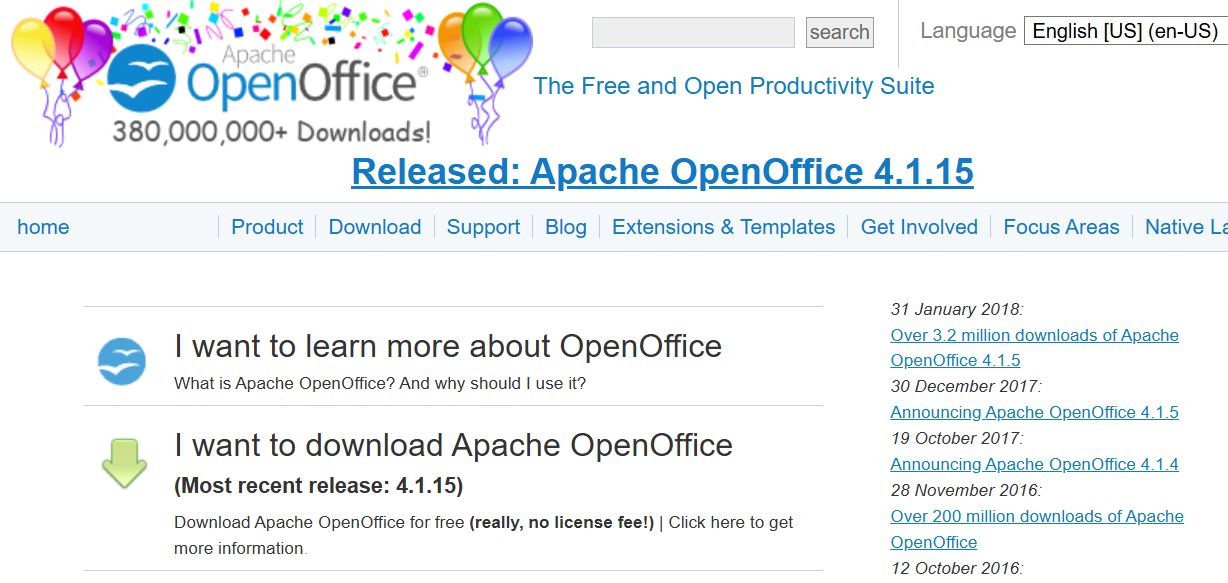
Open Office (formally Apache OpenOffice) is a leading, free and open source office productivity software suite. It is a comprehensive alternative to commercial suites, offering six fully-featured applications that cover the essential needs of any user—from word processing and spreadsheets to presentations and database management. It is cross-platform, meaning it works on Windows, macOS, and Linux, and its default file format is the international OpenDocument Format (ODF).

Pricing of Open Office

no-pricing
For get detailed pricing as per your requirements.

Key Features of Open Office

Key Features:
  • Cooperative Writing
  • Database Conversion
  • Data Search
  • Data Replication
  • Data Migration

Key Specification

Other Categories: Open Source Project Management Software Presentation Software For PC Spreadsheets Software Database Management Software Presentation Software
Deployment:
Customer Support: Phone,Email,Live Chat
Customization: No
Languages Support: English

Who uses Open Office

StartUps
StartUps
SMEs
SMEs
Agencies
Agencies
Enterprises
Enterprises

Company Details

Company Name: Apache Software Foundation
Headquarter: Delaware United States
Social Media:

Open Office Description

Who Uses Open Office?

Because it is entirely free to use and distribute, Open Office is popular among a diverse range of users and organizations seeking cost-effective productivity tools:

  • Individuals and Home Users: Looking for a powerful, free alternative to paid office software.
  • Educational Institutions: Schools and universities that need to equip labs and students with productivity software at no cost.
  • Small Businesses and Non-Profits: Organizations wanting to reduce software licensing fees while maintaining full document compatibility.
  • Governments and Public Sector: Many public bodies worldwide use Open Office for its adherence to open standards (ODF) and budget savings.

Why Choose Open Office?

The primary reason to choose Open Office is its commitment to being 100% free for any purpose—domestic, commercial, or educational—with no license fees. It offers a comparable, consistent feature set to proprietary suites but uses an open-source development model. This means continuous community updates, reliable cross-platform support, and the ability to read and write files from other major office packages, ensuring excellent document compatibility.

What are the Benefits of Open Office?

This open source suite provides significant advantages for users worldwide:

  1. Zero Cost of Ownership: It is genuinely free software for personal and commercial use, eliminating all licensing fees and saving substantial budget money.
  2. Cross-Platform Availability: Works seamlessly on Windows, macOS, and Linux, allowing users to maintain consistent tools regardless of their operating system.
  3. Superior Format Support: Supports the OpenDocument Format (ODF) international standard, and can easily read and write files from other major office suites (like DOCX, XLSX, PPTX).
  4. Complete Suite Functionality: Provides all the essential tools—Open Office Word (Writer), Open Office Excel (Calc), Impress, Draw, Base, and Math—in one integrated package.
  5. Direct PDF Export: Includes a one-click feature to export any document, spreadsheet, or presentation directly to the universally viewable PDF format.

What are the Features of Open Office?

The Open Office suite is packed with productivity and creative features:

  1. Writer (Word Processor): A full-featured word processor for letters, reports, and books, complete with a powerful Styles and Formatting tool.
  2. Calc (Spreadsheet): A powerful spreadsheet application with robust functions, Scenario Manager for "what if" analysis, and support for pivot tables.
  3. Impress (Presentations): A multimedia presentation tool that supports various views and can export presentations to multiple formats, including Flash (SWF).
  4. Draw (Vector Graphics): A sophisticated tool for creating diagrams, flowcharts, and dynamic 3D illustrations.
  5. Base (Database): A relational database management tool that can serve as a front-end to various systems, including MySQL and PostgreSQL.
  6. Math (Formula Editor): An editor for creating and embedding mathematical formulas and equations into your documents.

How to Use Open Office?

Getting started with Open Office is simple and requires minimal system resources:

  1. Download: Perform the OpenOffice download or Open Office free download for Windows 10 (or your OS) from the official Apache website.
  2. Install: Run the installer, typically accepting the default "Complete" setup type.
  3. Launch: After installation, launch the main Open Office application. You will be prompted to choose which component you want to use (Writer, Calc, Impress, etc.).
  4. Create/Open: Start a new document (e.g., an Open Office Word document in Writer) or open existing files from any format.

How to Get Demo of Open Office?

Since Open Office is fully free and open source, you do not need a restrictive demo:

  • Full Download: The best way to "demo" the software is to perform the OpenOffice download from the official Apache OpenOffice website and install the full version for free on your system.
  • Tutorials: The official website and community forums offer comprehensive tutorials and user guides that showcase how to use each application (Writer, Calc, etc.).

Alternative

Quickbase

Meet Quickbase AI! The future of dynamic work is now

4.0
Rating out of 5 Based on 10 reviews

AFAS Software

One solution for your entire organization

4.3
Rating out of 5 Based on 20 reviews

Clockwise

Overview and convenience in your time tracking

4.2
Rating out of 5 Based on 10 reviews

Open Office Video/Screenshots

User Reviews

no-reviews
Share your experience! Be the very first reviewer. Write a Review

Frequently Asked Questions (FAQs)

The user group of Open Office are as follows :

  • Startups
  • SMEs
  • Agencies
  • Enterprises

Open Office has 0 plans.

Open Office is not allowing Free Trial.

Open Office pricing model : Yearly,Monthly,Transaction

Open Office is Software.

No

Open Office offers Phone,Email,Live Chat support.

Open Office provides Help Guides,Video Guides,Blogs,Webinars,Case Studies,Whitepapers for the software training.