Notesnook

By Notesnook

0.0
Rating out of 5 Based on 0 reviews

What is Notesnook?

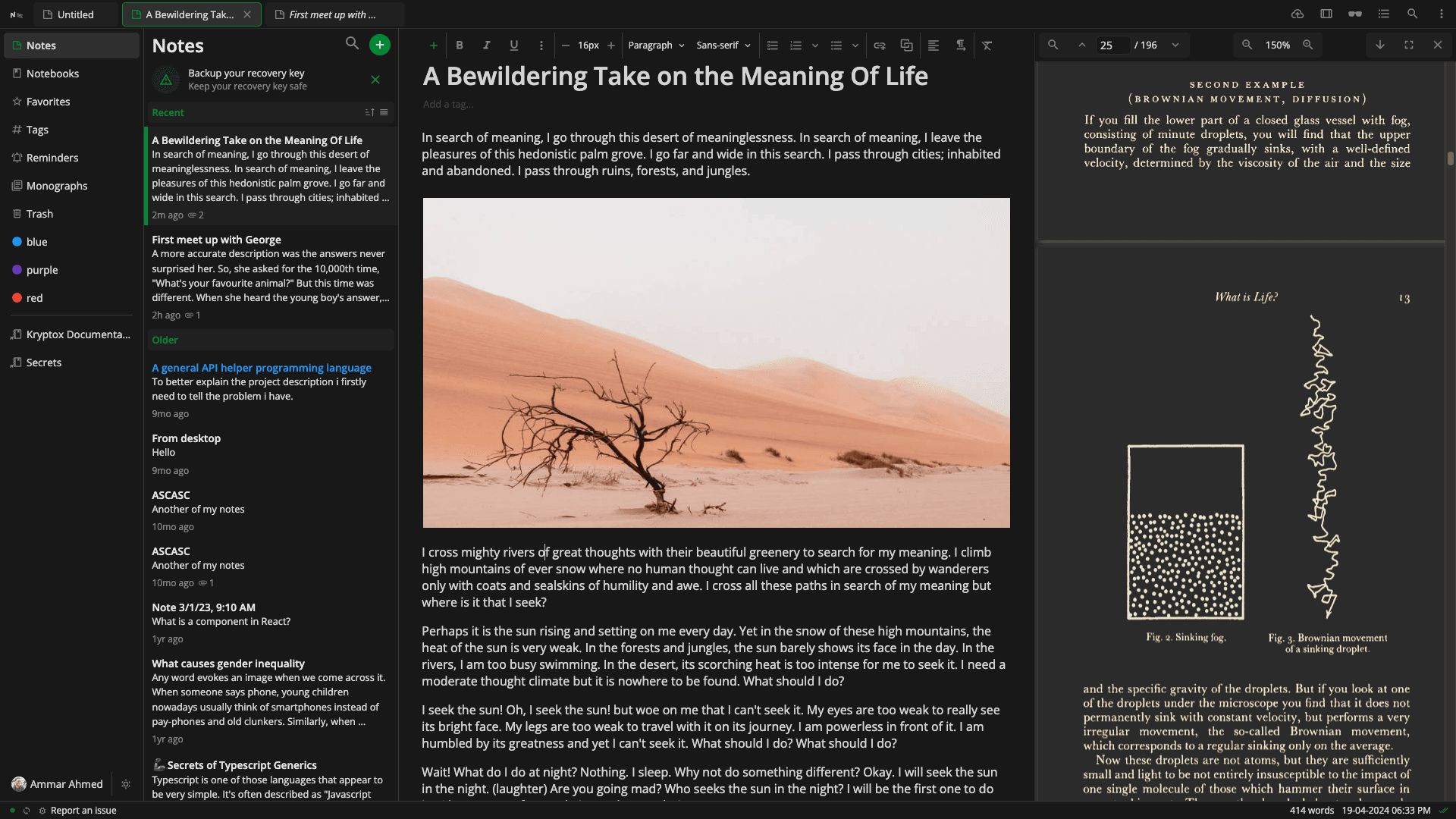
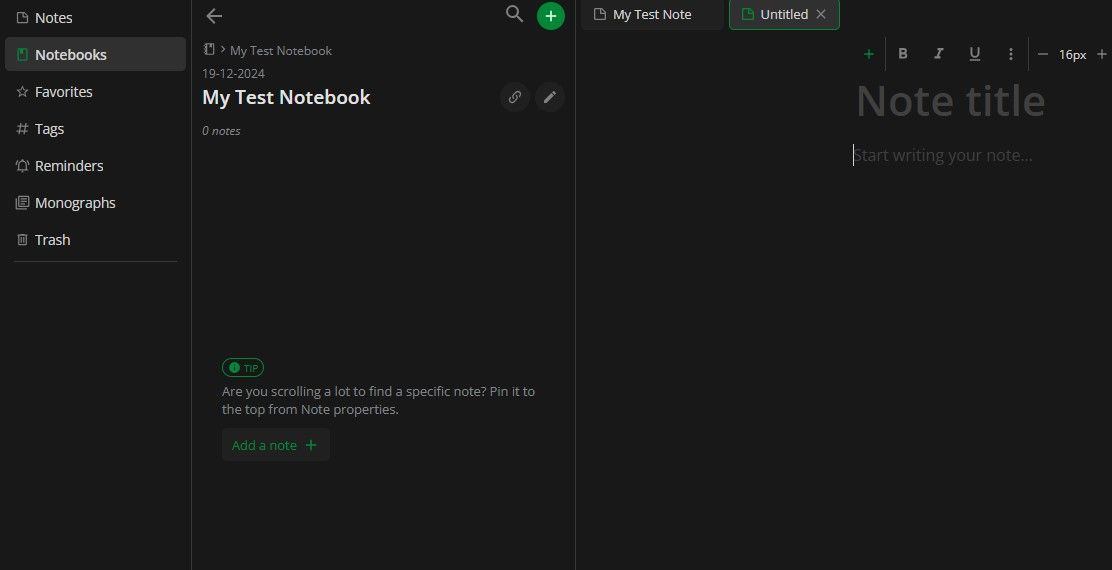
Notesnook is a secure, open-source note-taking application designed to prioritize user privacy. Employing end-to-end encryption with advanced algorithms like XChaCha20-Poly1305 and Argon2, it ensures that only you can access your notes. Available across platforms—including Windows, macOS, Linux, iOS, Android, and web Notesnook offers features like rich text editing, markdown support, offline access, and seamless synchronization. Its intuitive interface allows users to organize notes using notebooks, tags, and folders, making it suitable for personal journaling, professional documentation, and collaborative projects.

Pricing of Notesnook

Basic

INR 0.00
INR 0.00

Buy Now
  • Real time unlimited sync
  • 20 notebooks
  • Text-only exports
  • Limited organization
  • Manual backups
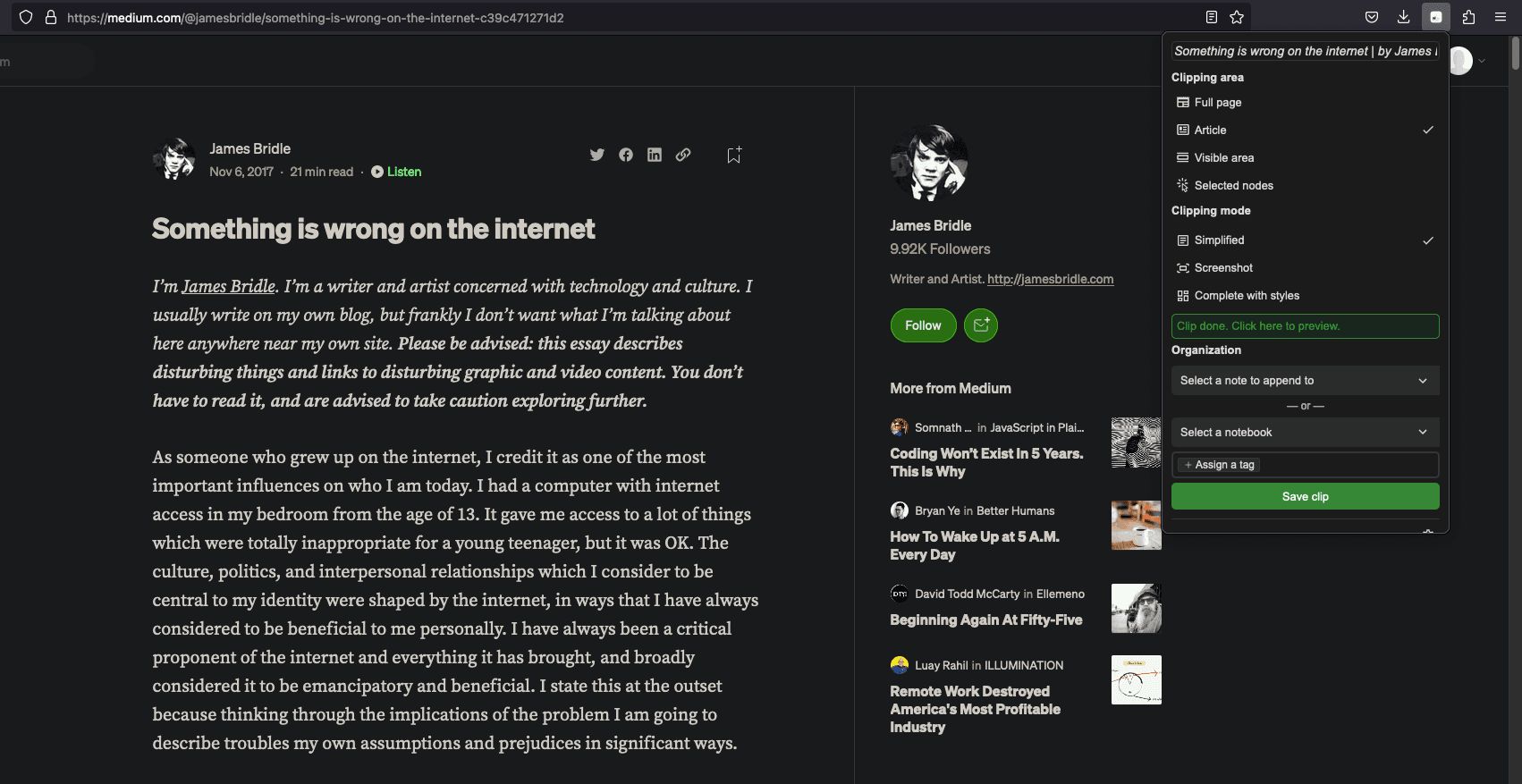
  • Basic web clipping

Pro

INR 86.02
INR 0.00

Month

Buy Now
  • Includes features of Basic plan
  • Unlimited storage
  • Advanced web clipper
  • Exports in PDF
  • HTML & Markdown
  • Recurring reminders
  • Unlimited notebooks & tags

Education

INR 1113.25
INR 0.00

Per Year

Buy Now
  • Who can apply?
  • Students
  • Teachers
  • Faculty members
  • What you get:
  • Everything in the Pro plan

Key Features of Notesnook

Key Features:
  • Recurring Tasks
  • To-do List
  • Share Link
  • File Sharing
  • Real-time Collaboration
  • Task Tracking
  • Templates
  • Version Control
  • Calendar Notification
  • Meetings

Key Specification

Other Categories: Note Taking Software For Mac Note Taking Software For PC Note Taking Software
Deployment: Cloud Hosted
Customer Support: Email,Live Chat,Online (Ticket)
Customization: No
Languages Support: English

Who uses Notesnook

SMEs
SMEs

Company Details

Company Name: Notesnook
Headquarter: Pakistan
Social Media:

Notesnook Description

Why Choose Notesnook?

  • Zero-knowledge architecture keeps your notes private—even from Notesnook itself.

  • High-end security without compromising on user experience.

  • Available across all major platforms—Windows, macOS, Linux, iOS, Android, and web.

  • Rich text editor with markdown support for versatile note creation.

  • Features include bidirectional linking, encrypted attachments, and customizable themes.

  • Fully open-source, promoting transparency and community collaboration.

Benefits of Notesnook

  • Enhanced Privacy: End-to-end encryption ensures complete data confidentiality.

  • Cross-Platform Access: Access notes on desktop, mobile, and web.

  • Offline Functionality: Write and edit notes without an internet connection.

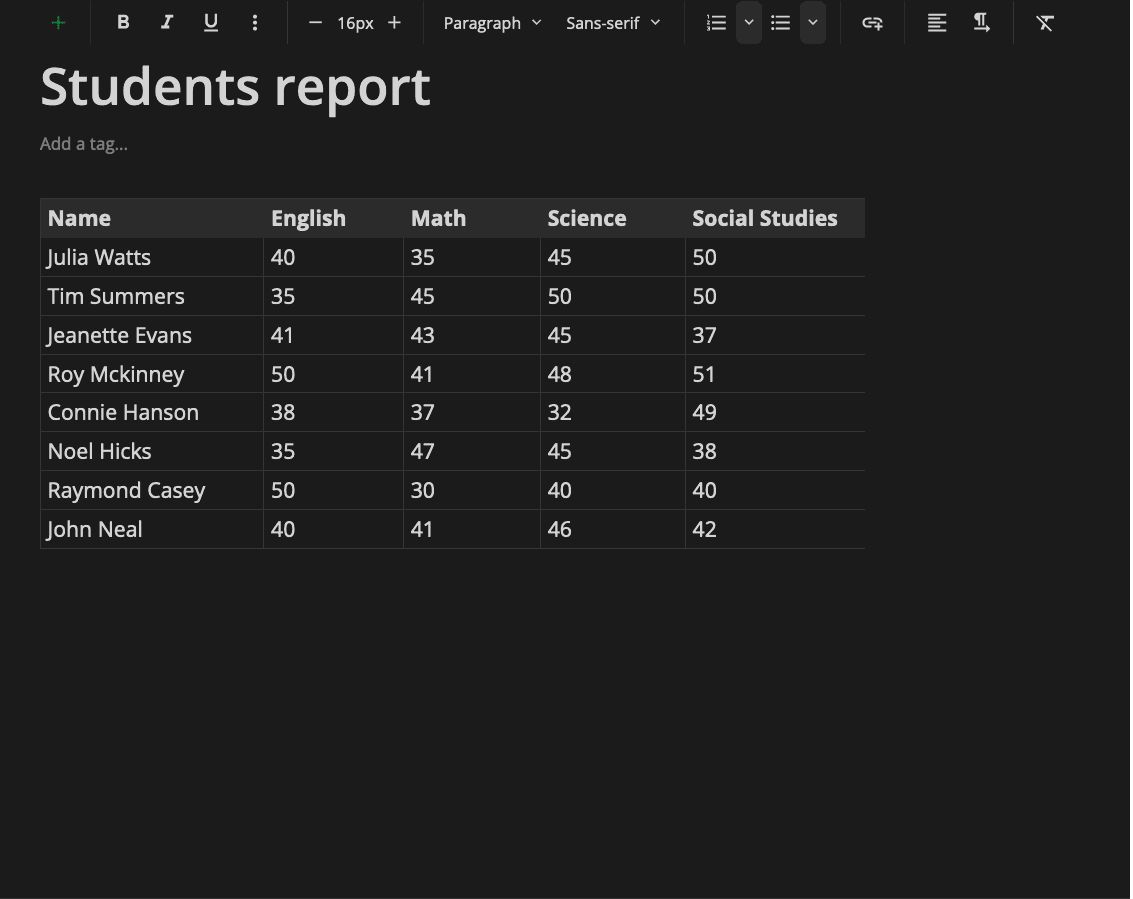
  • Rich Text Editing: Supports markdown, code blocks, tables, and media.

  • Organizational Tools: Use notebooks, folders, and tags to categorize notes.

  • Secure Sharing: Share with Monographs—protected by passwords and self-destruct options.

  • Regular Backups: Daily, weekly, and monthly backups for data safety.

  • Customizable Interface: Light/dark modes, font styles, and layout preferences.

  • Open-Source: Transparent development and community involvement.

How to Use Notesnook

  • Download & Install: Available for all major operating systems and browsers.

  • Create an Account: Enables sync and backup features across devices.

  • Set Up Notebooks: Organize your content using notebooks and subfolders.

  • Take Notes: Use the rich editor to format and add multimedia.

  • Tag Notes: Assign tags for easy search and organization.

  • Use the Vault: Add extra protection to sensitive notes.

  • Share Securely: Send notes using Monograph with privacy controls.

  • Customize Settings: Adjust themes, fonts, and appearance as needed.

Features of Notesnook

  • End-to-End Encryption: Powered by XChaCha20-Poly1305 and Argon2.

  • Cross-Platform Sync: Notes stay updated across all devices.

  • Advanced Editor: Markdown, tables, code, and embedded media supported.

  • Offline Access: No internet? Still take and read notes.

  • Organizational Tools: Notebooks, folders, tags, and bidirectional links.

  • Monograph Sharing: Secure, password-protected links with expiration options.

  • Vault Security: Lock away confidential information with added encryption.

  • Custom Interface: Light/dark mode and font customization.

  • Regular Backups: Automatically backs up your notes.

  • Open-Source: Transparent and community-driven development.

What Makes Notesnook Different?

  • Privacy-First: Zero-knowledge design means only you can access your notes.

  • Advanced Security: Uses modern encryption standards.

  • Open-Source Model: Anyone can audit or contribute to the code.

  • Vault & Monograph: Enhanced tools for sensitive content and secure sharing.

  • Usability + Security: Easy to use without sacrificing protection.

  • Transparent Roadmap: Users can see and influence development priorities.

Who Can Benefit from Notesnook?

  • Journalists & Researchers: Store sensitive data securely.

  • Students & Teachers: Organize study materials and lectures.

  • Writers & Creatives: Draft content using a powerful text editor.

  • Business Professionals: Collaborate securely and manage confidential notes.

  • Everyday Users: Use it for personal journaling, task lists, and more.

  • Cross-Platform Users: Access your notes anytime, anywhere.

Is Notesnook Easy to Use?

  • User-Friendly Interface: Clean layout and intuitive navigation.

  • Rich Editor: Easily format content using markdown and visual tools.

  • Simple Organization: Folders, tags, and search make finding notes quick.

  • Customization Options: Adjust fonts, themes, and layout to your liking.

  • Seamless Security Tools: Vault and Monograph are easy to enable and manage.

  • For All Skill Levels: Designed for both beginners and power users.

What Support Does Notesnook Offer?

  • Help Center: Step-by-step guides and FAQs.

  • Community Forums: Engage with other users for tips and help.

  • Open-Source Involvement: Report bugs, request features, or contribute code.

  • Regular Updates: Transparent development with ongoing improvements.

  • User-Driven Roadmap: Feedback shapes future features and fixes.

Alternative

Google Workspace

The better way to work

0.0
Rating out of 5 Based on 0 reviews

MeetGeek

Maximize the value of your meetings & customer calls & hiring interviews

0.0
Rating out of 5 Based on 0 reviews

Fathom AI Notetaker

Never take notes again #1 rated AI Notetaker

0.0
Rating out of 5 Based on 0 reviews

Notesnook Video/Screenshots

User Reviews

no-reviews
Share your experience! Be the very first reviewer. Write a Review

Frequently Asked Questions (FAQs)

The user group of Notesnook are as follows :

  • SMEs

Notesnook has 3 plans,

  • Basic INR 0.00
  • Pro INR 86.02 Month
  • Education INR 1113.25 Per Year

Notesnook is allowed 0 Days Free Trial.

The key featuers of Notesnook are as follows :

  • Recurring Tasks
  • To-do List
  • Share Link
  • File Sharing
  • Real-time Collaboration
  • Task Tracking
  • Templates
  • Version Control
  • Calendar Notification
  • Meetings

Notesnook pricing model : Yearly,Monthly

Notesnook is Online Software.

No

Notesnook offers Email,Live Chat,Online (Ticket) support.

Notesnook provides Help Guides,Blogs for the software training.