Nagios XI

By Nagios XI

0.0
Rating out of 5 Based on 0 reviews

What is Software?

Software refers to a set of instructions or programs that tell a computer how to perform specific tasks. Unlike hardware, which is the physical aspect of a computer, software is intangible and operates within the system to enable functions such as word processing, browsing the internet, managing databases, and running games or applications. It is categorized into system software (like operating systems), application software (like spreadsheets and browsers), and development software (used for creating applications). Software is essential for computer operations and enhances productivity across various industries.

Pricing of Nagios XI

no-pricing
For get detailed pricing as per your requirements.

Key Features of Nagios XI

Key Features:
  • Web Traffic Reporting
  • Uptime Monitoring
  • SLA Monitoring
  • Server Monitoring
  • Real Time Analytics
  • IP Address Monitoring
  • Internet Usage Monitoring
  • Diagnostic Tools
  • Baseline Manager
  • Bandwidth Monitoring
  • Resource Management

Who uses Nagios XI

SMEs
SMEs
Enterprises
Enterprises

Company Details

Company Name: Nagios XI
Headquarter: Saint Paul,
Social Media:

Nagios XI Description

Why Choose Nagios XI?

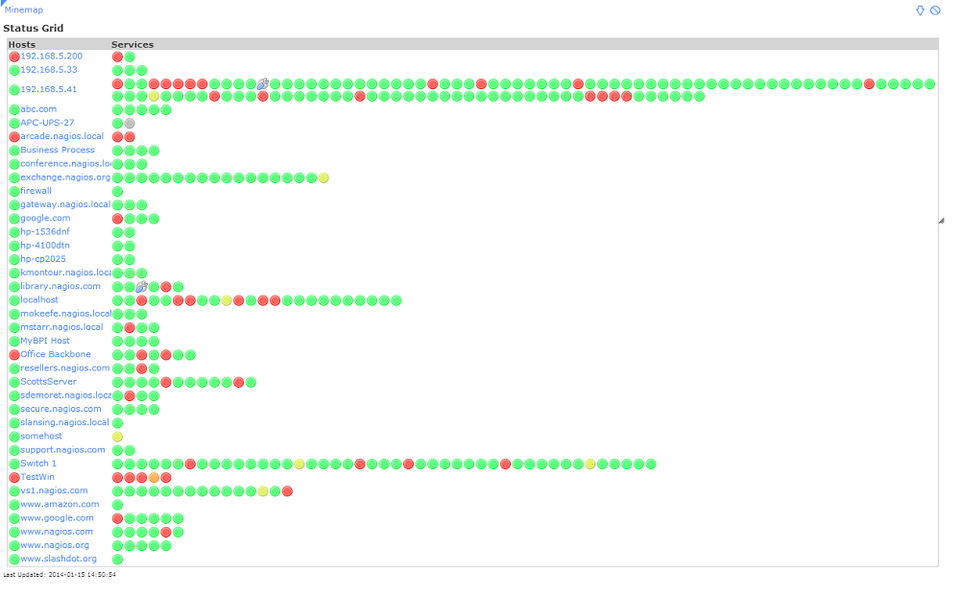
Nagios XI is a comprehensive IT infrastructure monitoring solution designed for businesses of all sizes. It provides detailed visibility into network performance, servers, applications, and services, helping organizations identify and resolve issues before they affect users. One of the main reasons to choose Nagios XI is its powerful monitoring engine, flexibility, and extensive plugin ecosystem, which supports thousands of devices and applications. With a user-friendly web interface, advanced alerting, customizable dashboards, and robust reporting tools, Nagios XI enables proactive system management and minimizes downtime. It's a trusted choice for IT teams looking to enhance network reliability and performance.


Benefits of Nagios XI

Nagios XI offers a wide range of benefits that make it a preferred monitoring tool. First, it significantly improves system uptime by detecting issues early and sending alerts before problems escalate. It increases visibility across the entire IT infrastructure, making it easier for teams to manage performance and resolve outages quickly. With customizable dashboards, detailed reports, and centralized monitoring, administrators can make informed decisions and optimize resource usage. The scalability of Nagios XI allows organizations to grow without limitations, while its vast plugin library ensures compatibility with nearly any device or application, delivering a versatile and future-ready solution.


How to Use Nagios XI

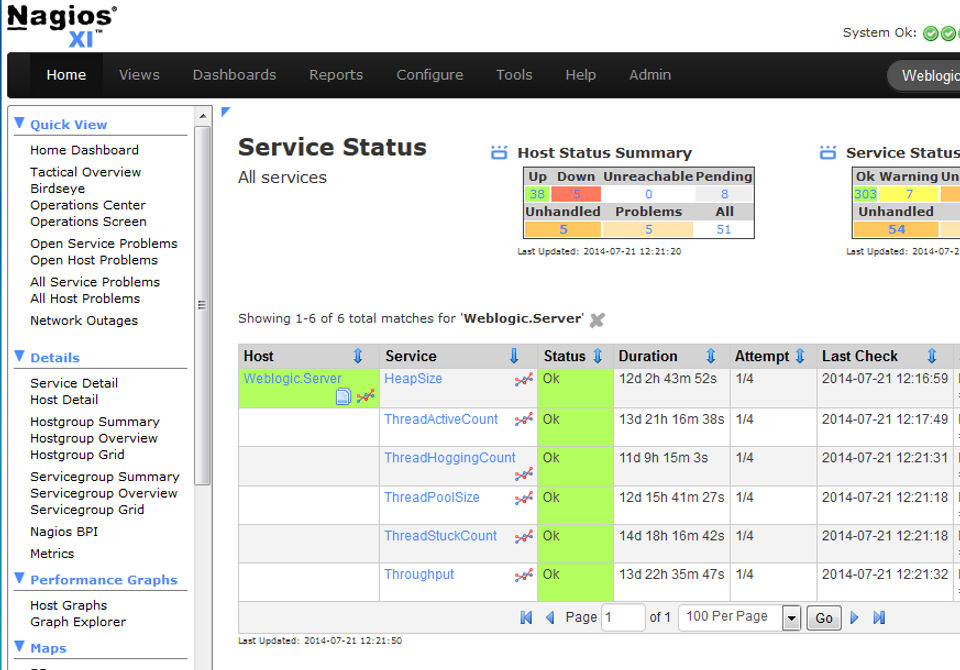
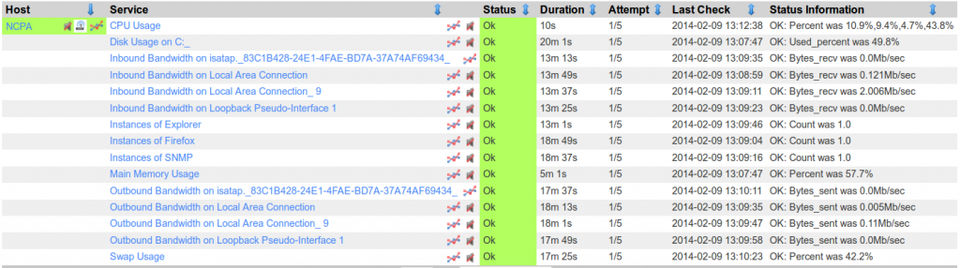
Using Nagios XI begins with installation on a supported Linux distribution. After setup, users can log into the web interface to configure hosts, services, and alerts. The Configuration Wizard simplifies adding devices, applications, and network components. Once configured, Nagios XI continuously monitors system health and performance metrics. Users can set thresholds to trigger alerts via email, SMS, or other methods. Dashboards provide real-time insights, and reports help analyze trends and performance over time. Advanced users can take advantage of custom plugins and scripts to extend functionality. Regular updates and backups help maintain optimal operation and system security.


Features of Nagios XI

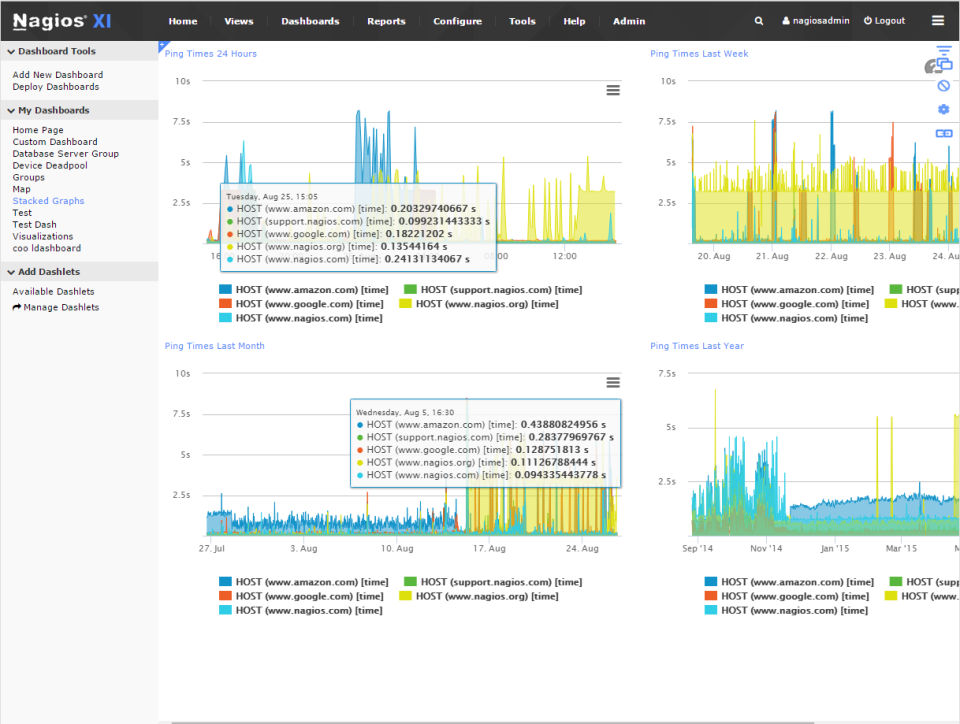
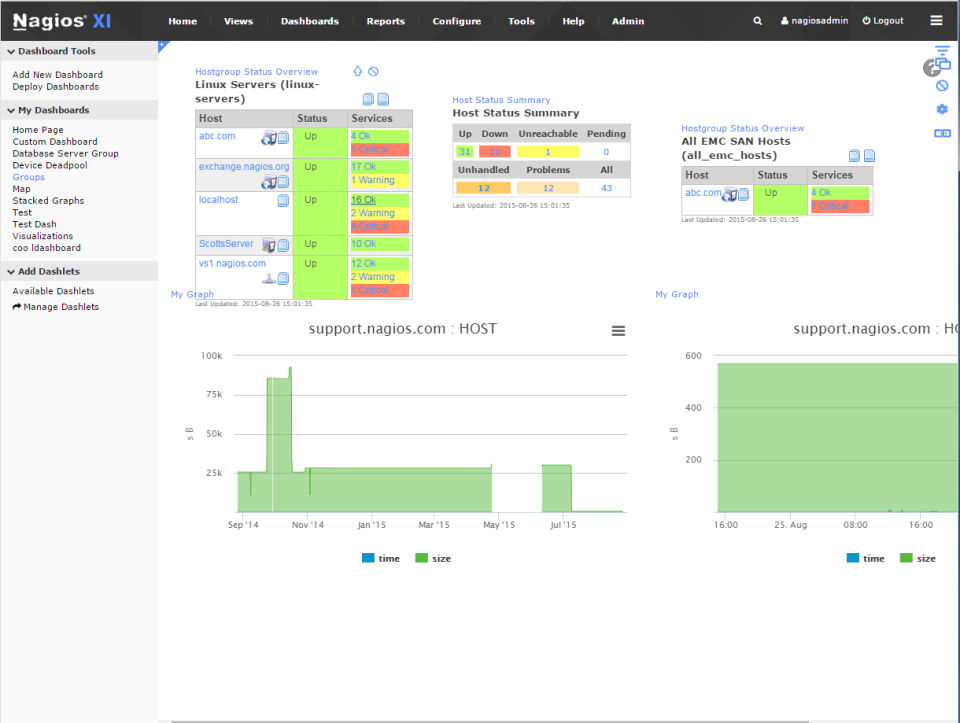
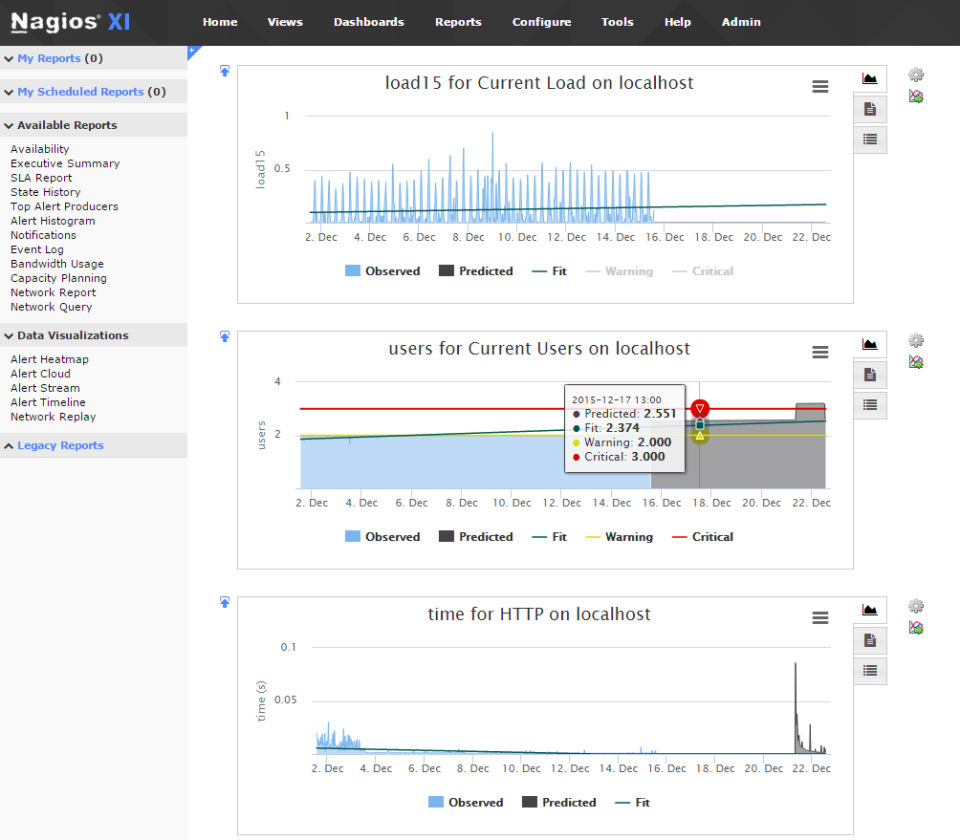
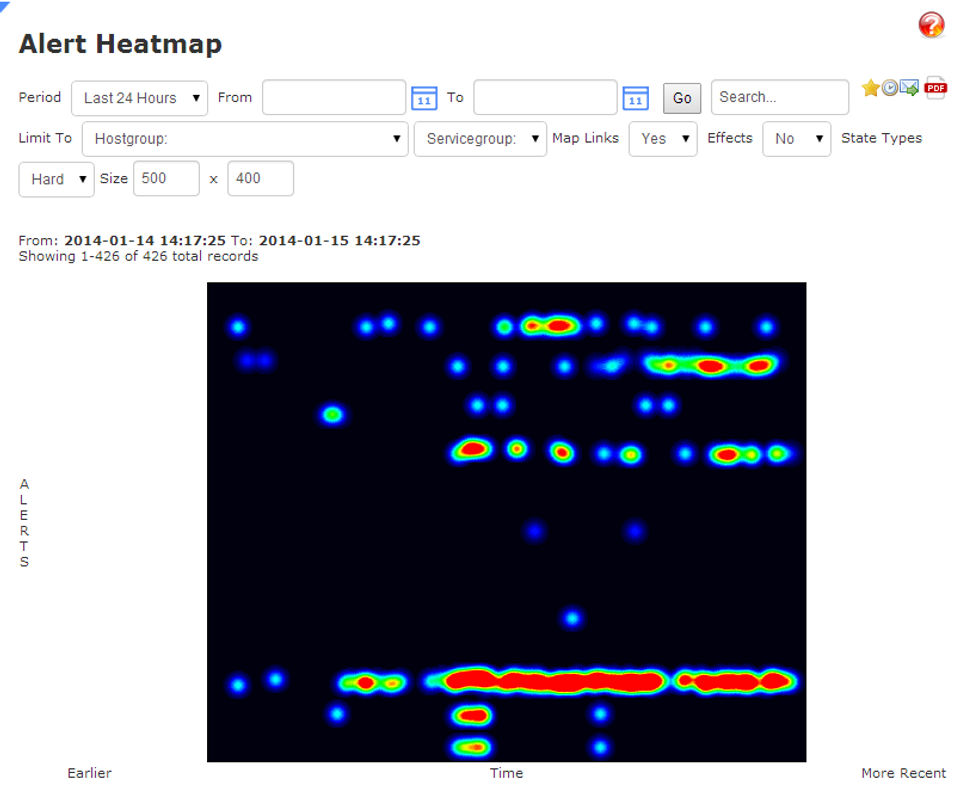
Nagios XI boasts a rich feature set that enhances infrastructure monitoring. Key features include a user-friendly web interface, powerful configuration wizards, and customizable dashboards. It supports multi-tenant views, allowing different departments or clients to access specific monitoring data. Advanced alerting mechanisms help users stay informed through SMS, email, and mobile notifications. Nagios XI provides detailed reports, including availability and capacity planning. Its plugin architecture supports thousands of community-built extensions for monitoring virtually any application or device. Additional features like SNMP monitoring, auto-discovery, and REST APIs make it a flexible, scalable, and robust monitoring platform for enterprise needs.


What Makes Nagios XI Different?

Nagios XI stands out due to its flexibility, scalability, and extensive customization options. Unlike many proprietary tools, Nagios XI is built on an open-source core, allowing users to adapt it to their specific needs with custom plugins and scripts. Its web-based interface is highly intuitive, and the software supports both on-premise and hybrid environments. The ability to monitor virtually any application, server, or network device with a large community-supported plugin ecosystem adds to its uniqueness. Its focus on proactive monitoring, coupled with enterprise-class reporting and alerting features, makes Nagios XI a distinctive solution in the IT monitoring landscape.


Who Can Benefit from Nagios XI?

Nagios XI is ideal for IT administrators, DevOps teams, and system/network engineers who need comprehensive monitoring solutions. Small to large enterprises across industries like finance, healthcare, education, and manufacturing can benefit from its capabilities. Managed Service Providers (MSPs) also find it valuable for offering IT infrastructure monitoring services to clients. Organizations with complex or hybrid environments gain the most from its flexibility and plugin support. Whether you're monitoring a few servers or thousands of devices across multiple locations, Nagios XI provides the insights and tools needed to ensure optimal performance and reduce downtime.


Is Nagios XI Easy to Use?

Nagios XI is designed to be user-friendly, even for those new to network monitoring. The web-based interface is intuitive, allowing easy navigation and quick access to monitoring data. Configuration wizards streamline the setup process, making it simple to add hosts, services, and notifications. While it offers advanced features for experienced users, its default settings and templates help beginners get started quickly. Training materials, documentation, and a supportive community make onboarding easier. However, because of its depth and customizability, some advanced features may require technical knowledge. Overall, it strikes a good balance between usability and advanced functionality.


What Support Does Nagios XI Offer?

Nagios XI offers robust support options to help users at every stage. Official support plans provide access to technical assistance, software updates, and priority response times. Users also benefit from an extensive knowledge base, comprehensive documentation, and training videos. Community forums allow users to share tips, ask questions, and find solutions to common issues. For enterprise customers, Nagios offers professional services, including custom development and consulting. This multi-layered support system ensures that users can troubleshoot problems efficiently, optimize performance, and make the most of their investment in Nagios XI.

Alternative

ManageEngine OpManager Plus

Achieve holistic IT infrastructure monitoring with OpManager Plus, an AI-powered full-stack observability solution.

0.0
Rating out of 5 Based on 0 reviews

Obkio

By Obkio

0.0
Rating out of 5 Based on 0 reviews

Ne.Mo. Network Monitoring

By Ne.Mo. Network Monitoring

0.0
Rating out of 5 Based on 0 reviews

Nagios XI Video/Screenshots

User Reviews

no-reviews
Share your experience! Be the very first reviewer. Write a Review

Frequently Asked Questions (FAQs)

The user group of Nagios XI are as follows :

  • SMEs
  • Enterprises

Nagios XI has 0 plans.

Nagios XI is allowed 0 Days Free Trial.

Nagios XI pricing model : Onetime(Perpetual License)

Nagios XI is Online Software.

No

Nagios XI offers Phone,Email,Live Chat,Business Hours support.

Nagios XI provides Help Guides,Video Guides,Blogs for the software training.