0.0
0.0
What is Microsoft SharePoint?
Microsoft SharePoint is a powerful document management system that helps businesses store, organize, share, and access information from any device. It provides a secure and collaborative platform for teams to manage documents effectively. With the Microsoft SharePoint download, users can connect with Microsoft 365 tools and streamline business workflows.
Pricing of Microsoft SharePoint
- Check Out Recent and Popular Files
- Enterprise Search
- Get Your Intranet in Your Pocket With the Sharepoint Mobile App
- Quickly Find Your Sites
- 1 TB of OneDrive storage per user
- Share files securely inside or outside your organization
- Sync local copies of files or folders for offline viewing and editing on Mac or PC
- Co-author in real time in familiar Microsoft Office apps
- Inform and connect your people with intranets and portals
- Tell your story with beautiful communication sites
- Use team sites to connect teams to content
- expertise
- and processes
- Organize and manage content in libraries and lists with metadata
- records management
- and r
- Unlimited personal cloud storage.
- Customize your enterprise search and results with enhanced features to surface resources across Microsoft 365.
- Find content in electronic format for litigation or audit scenarios.
- Use advanced DLP capabilities to identify
- monitor
- and protect sensitive information.
- Use In-Place Holds to programmatically preserve content from deletion or edit.
- Unlimited personal cloud storage.
- Customize your enterprise search and results with enhanced features to surface resourc
- Business-class email hosting with unlimited mailbox.
- Custom email domain addresses (name@yourcompany.com).
- Desktop versions of Office applications: Outlook
- Word
- Excel
- PowerPoint
- plus Access and Publisher for PC only2.
- OneNote: Access to additional OneNote features (features vary).
- Web versions of Outlook
- Word
- Excel
- and PowerPoint.
- One license covers 5 PCs or Macs
- 5 phones
- and 5 tablets per user3.
- Online video-conferencing meetings for up to 250 people4.
- Online video-conferencing meeti
Key Features of Microsoft SharePoint
Key Features:
Key Specification
| Other Categories: | Document Management Software Content Collaboration Software Collaboration Tool File Sharing Software Content Management Software For Mac Intranet Software |
|---|---|
| Deployment: | Cloud Hosted,Hybrid,On Premise,Any |
| Customer Support: | Phone,Email,Live Chat |
| Languages Support: | English |
Who uses Microsoft SharePoint

StartUps

SMEs

Agencies

Enterprises
Company Details
| Company Name: | Microsoft |
|---|---|
| Headquarter: | United States |
| Social Media: |
Microsoft SharePoint Description
Most Popular Software


Alternative


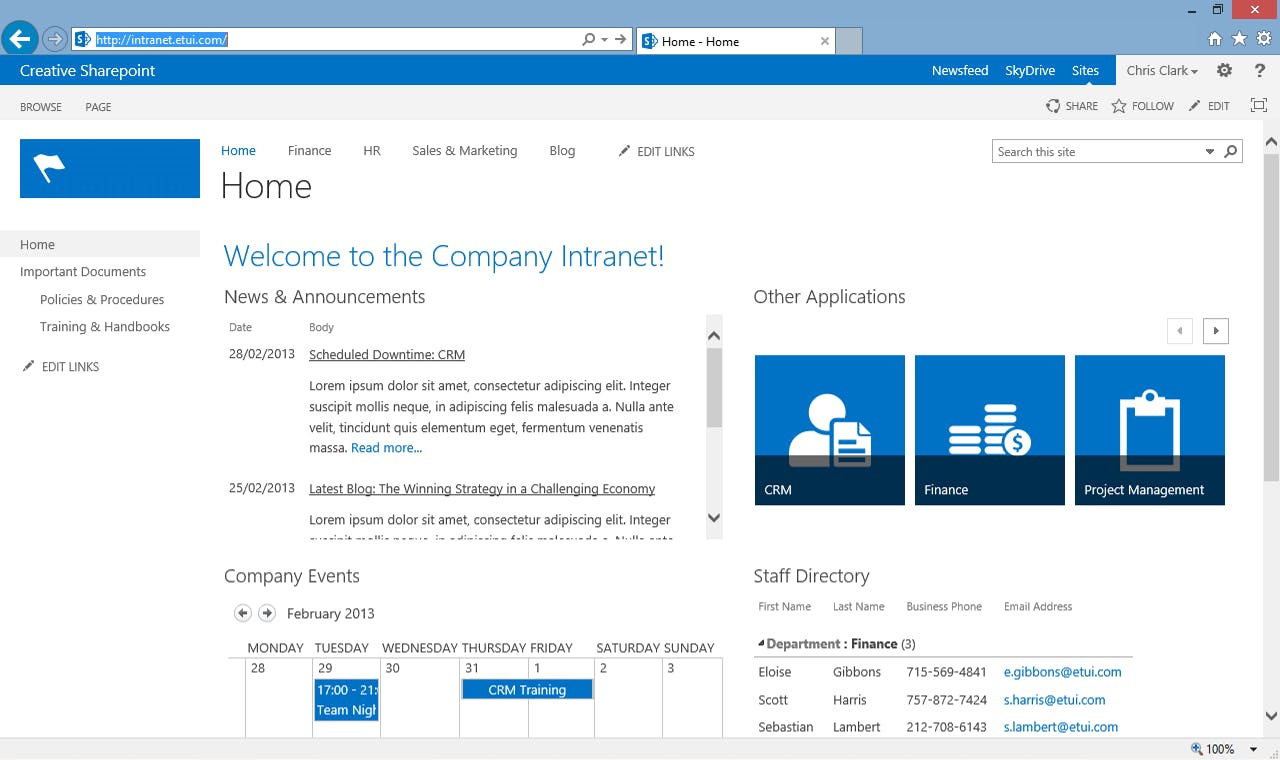
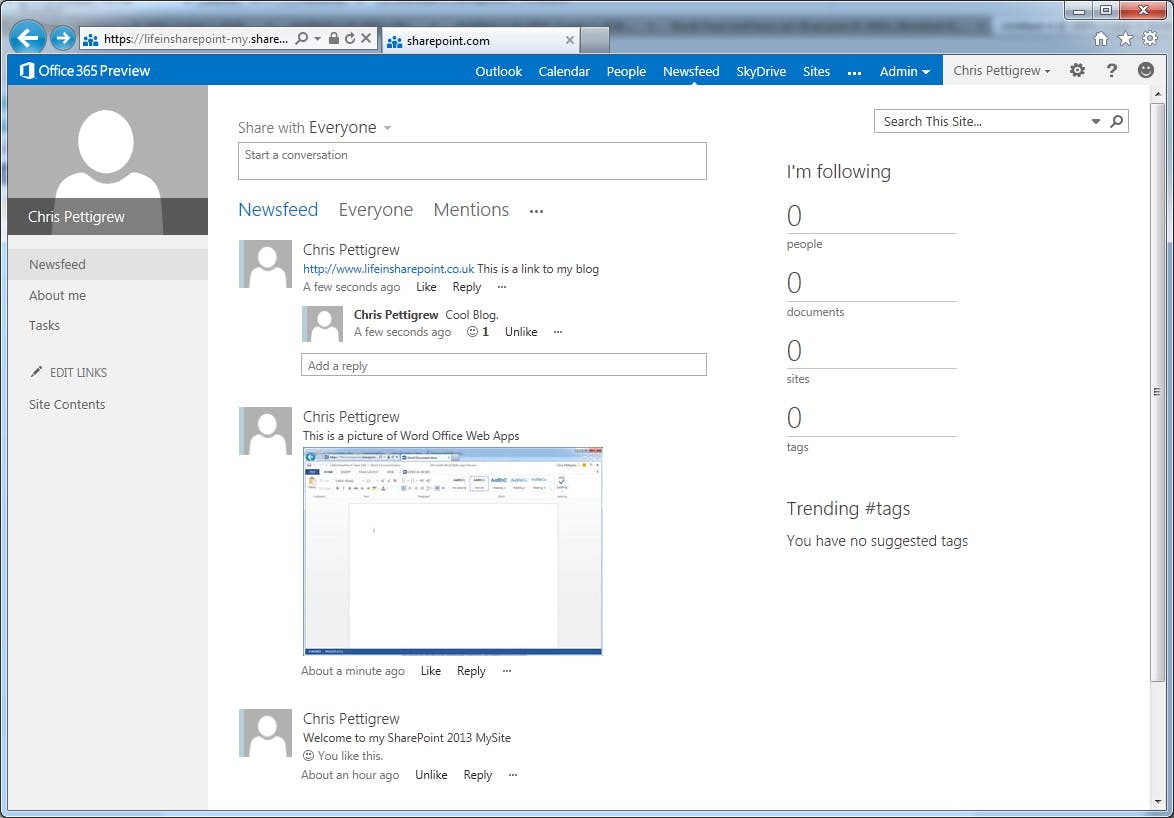
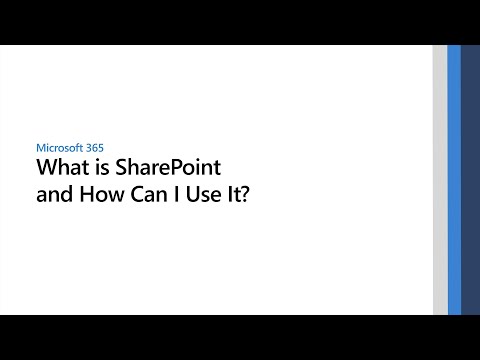
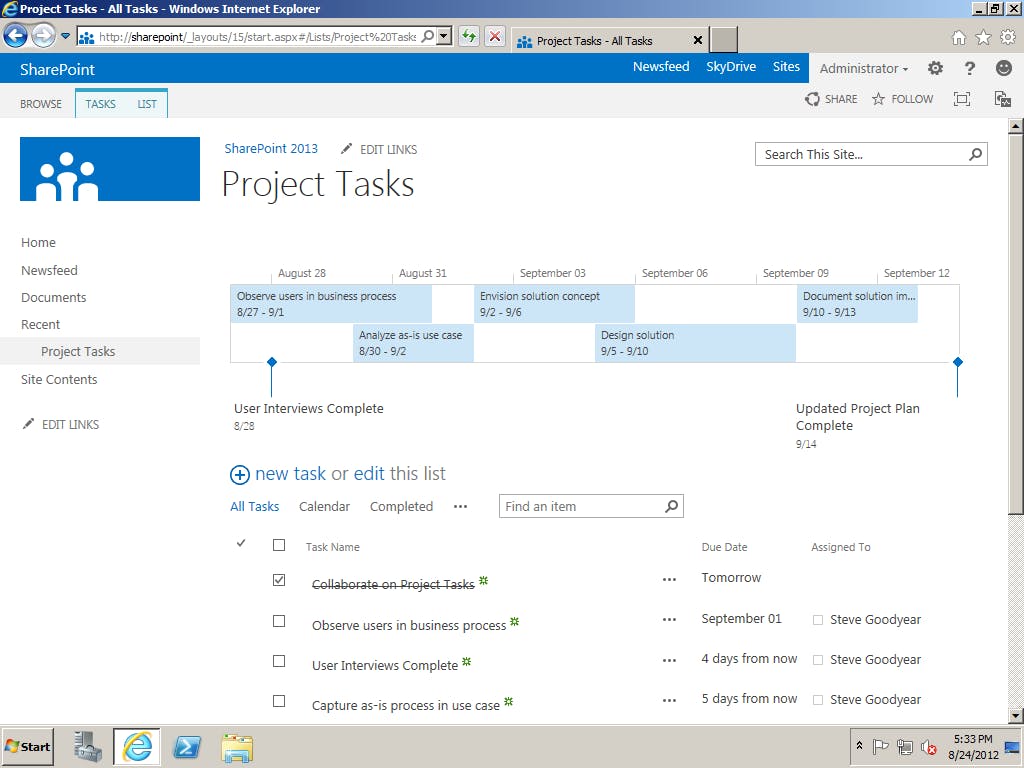
Microsoft SharePoint Video/Screenshots
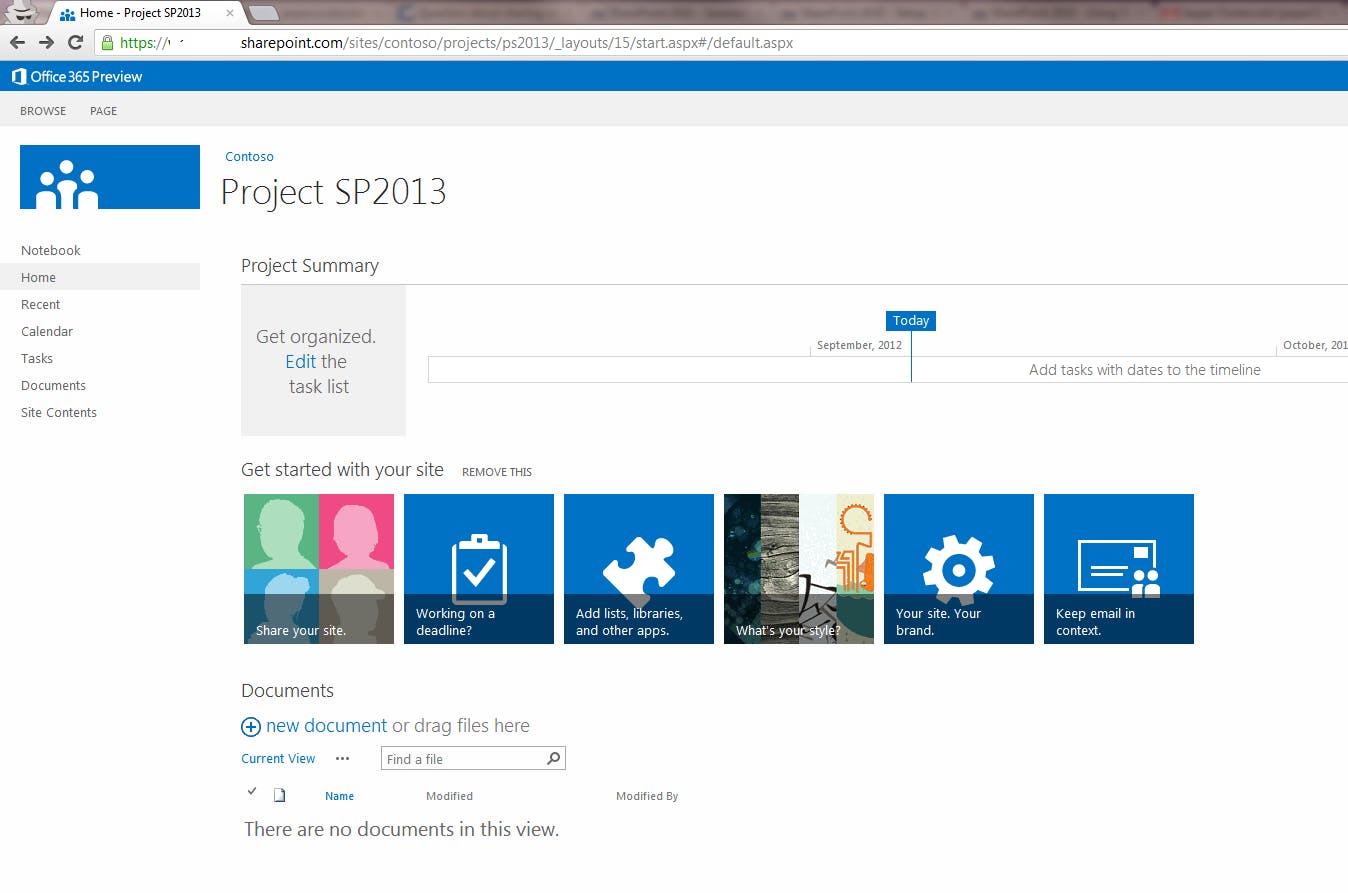
User Reviews

Frequently Asked Questions (FAQs)
The user group of Microsoft SharePoint are as follows :
- Startups
- SMEs
- Agencies
- Enterprises
Microsoft SharePoint has 4 plans,
- SharePoint USD 0.00 null
- SharePoint Online Plan 1 USD 5.00 /User/Month
- SharePoint Online Plan 2 USD 10.00 /User/Month
- Office 365 Enterprise E3 USD 20.00 /User/Month
Microsoft SharePoint is not allowing Free Trial.
The key featuers of Microsoft SharePoint are as follows :
- Contact Management
- Discussions / Forums
- Project Management
- Real Time Editing
- Calendar Management
- Document Management
- Task Management
- Content Management
Microsoft SharePoint pricing model : Yearly,Monthly,Onetime(Perpetual License)
Microsoft SharePoint is Cloud Hosted,Hybrid,On Premise,Any Software.
Microsoft SharePoint offers Phone,Email,Live Chat support.
Microsoft SharePoint provides Help Guides,Video Guides,Blogs for the software training.