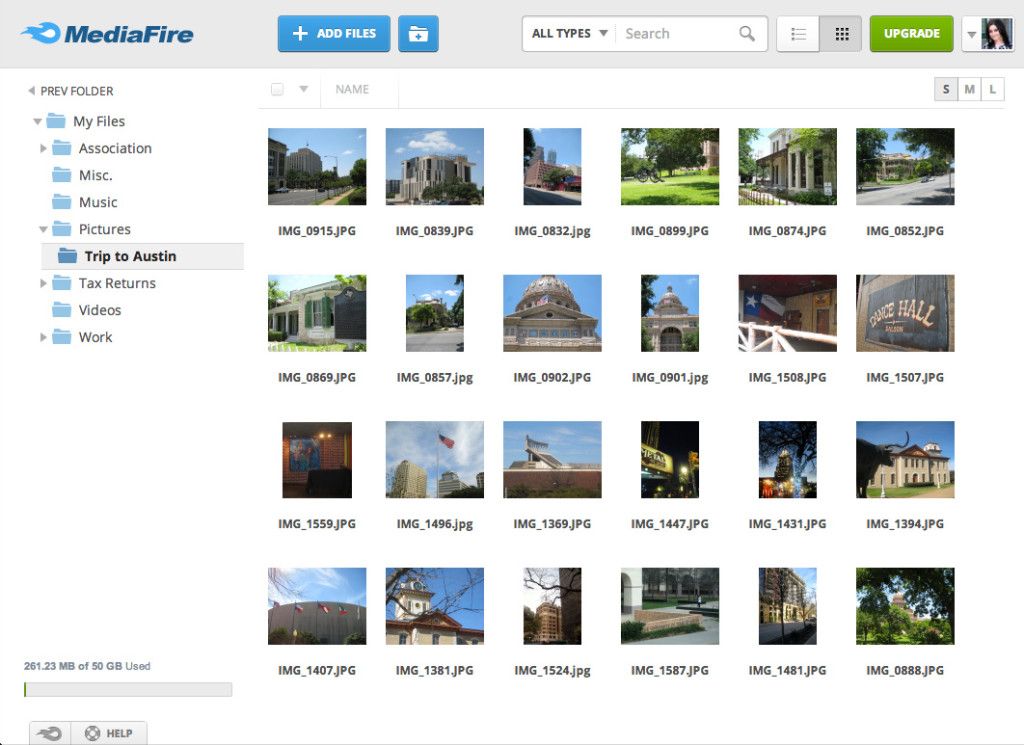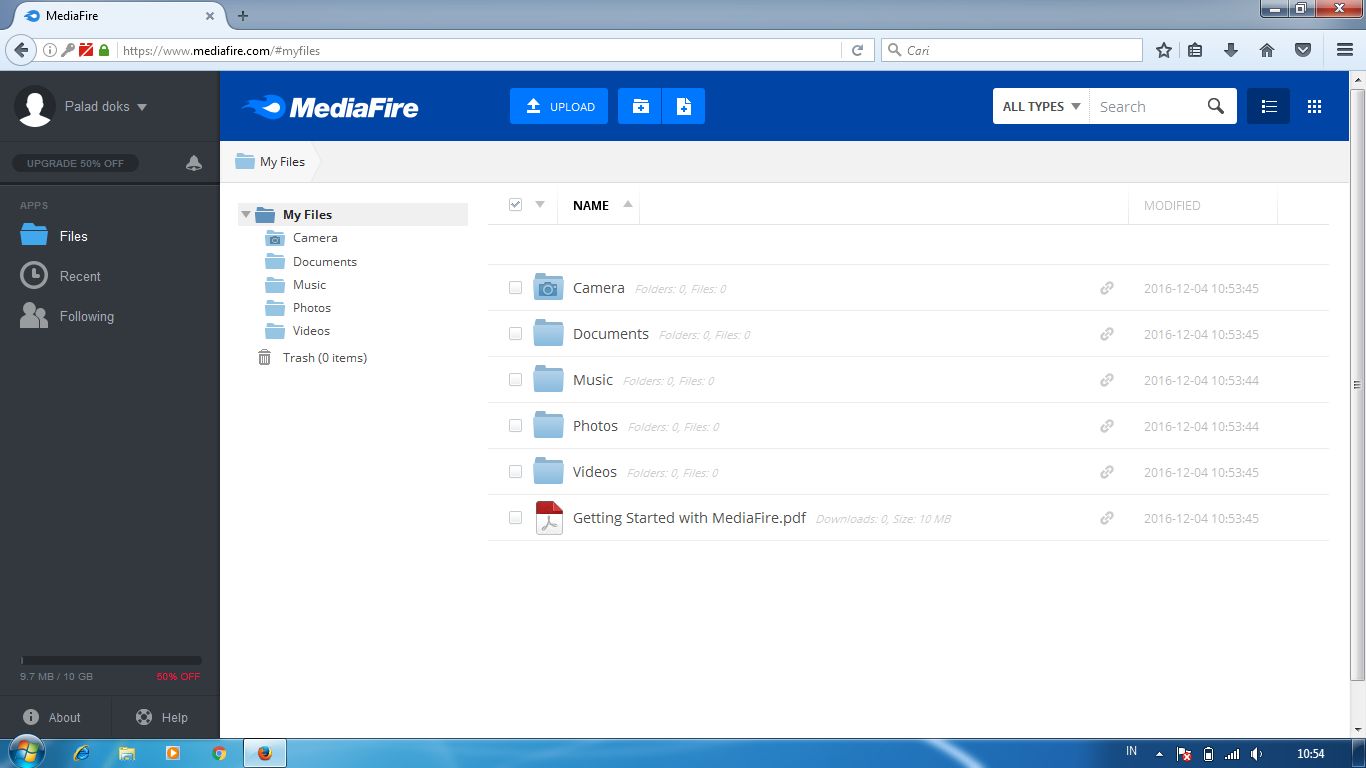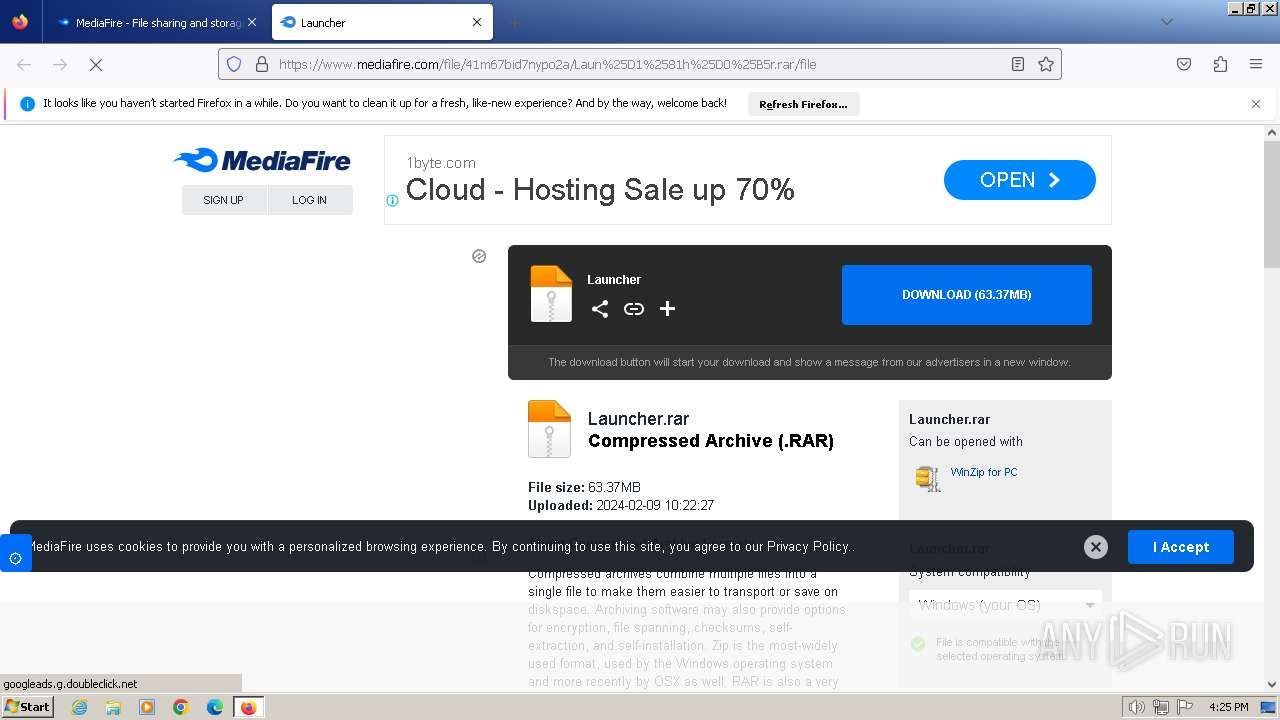
MediaFire

By MediaFire

0.0
Rating out of 5 Based on 0 reviews

What is MediaFire?

MediaFire is a cloud-based file storage and sharing platform that allows users to upload, store, access, and share files online. It supports a wide variety of file types including documents, images, videos, and audio files. Users can generate shareable links and access their files from any internet-connected device. MediaFire is popular for both personal and professional use due to its simple interface, generous free storage, and cross-platform accessibility. Whether you need to back up your files or share large files quickly, MediaFire offers a reliable and user-friendly solution for cloud storage and file management.

Pricing of MediaFire

Basic

USD
USD 0.00

Per Month

Buy Now
  • 10GB of space

Business

USD 40
USD 0.00

Per Month

Buy Now
  • 100 user
  • Download entire folders
  • Ad-free sharing and downloads
  • Up to 100TB
  • 20GB per file
  • Long-term storage
  • No captcha codes
  • Direct links to files
  • Upload from any website
  • Priority support
  • Password protected files
  • Password protected files
  • Detailed security logBIZ
  • Fully customizable brandingBIZ
  • 100+ additional usersBIZ

Pro

USD 4
USD 0.00

Per Month

Buy Now
  • 1 user
  • Ad-free sharing and downloads
  • 1TB (1000GB) of space
  • 20GB per file
  • Long-term storage
  • No captcha codes
  • Direct links to files
  • Upload from any website
  • Priority support
  • Password protected files
  • One-Time Links
  • FileDrop
  • Download entire folders

Key Features of MediaFire

Key Features:
  • Access Controls
  • Document Conversion
  • Collaboration Tools
  • Document Analytics
  • Mobile Access
  • File Synchronization
  • File Sharing
  • File Versioning
  • File Preview
  • Large File Uploads
  • Link Sharing

Key Specification

Other Categories: Document Management Software File Sharing Software Document Management Software For Mac Document Creation Software Document Workflow Software Document Control Software
Deployment: Cloud Hosted,Hybrid
Customer Support: Phone,Email
Customization: No
Languages Support: English

Who uses MediaFire

StartUps
StartUps
SMEs
SMEs
Agencies
Agencies
Enterprises
Enterprises

Company Details

Company Name: MediaFire
Headquarter: Texas United States
Social Media:

MediaFire Description

Why Choose MediaFire?

MediaFire stands out as one of the most accessible and user-friendly cloud storage platforms available today. With 10GB of free storage, quick file uploads, and seamless file sharing capabilities, it's an excellent solution for both individuals and businesses. Functioning similarly to lightweight document management software, MediaFire emphasizes simplicity and speed over complexity. Users can upload multiple files at once, access them from any device, and share them through direct links or social platforms. It also supports collaborative work by allowing teams to exchange documents and media with ease. The service offers browser-based access as well as mobile apps for Android and iOS, ensuring that your data is always within reach. For those seeking an affordable, no-hassle cloud solution, MediaFire delivers real value.

Benefits of MediaFire

  • Generous Free Storage: Start with 10GB free, expandable through referrals
  • Fast Upload Speeds: Upload files quickly without long wait times
  • Cross-Platform Access: Use on web, Android, iOS, and Windows devices
  • Link Sharing: Share direct download links with anyone
  • No Download Limits: Unlimited downloads for shared files
  • File Organization: Easy folder creation and drag-and-drop functionality
  • Data Security: Files are stored with encryption and secure access
  • No Installation Needed: Use via web browser without software downloads
  • Upgrade Options: Affordable premium plans for more storage and features

How to Use MediaFire

Using MediaFire is simple and intuitive. First, visit the MediaFire website and sign up for a free account. Once logged in, you can upload files by clicking the “Upload” button or dragging files directly into your account dashboard. Files are organized into folders for easy management. To share a file, just click on it and generate a public link, which you can send via email or post on social media. The platform supports multiple file uploads and automatic syncing through its mobile apps. Users can also track file downloads, manage access permissions, and organize documents with tags or folders. For added convenience, install the MediaFire app on your smartphone or tablet to upload, access, or share files on the go.

Features of MediaFire

  • 10GB Free Storage: Free plan with potential upgrades to 50GB through referrals
  • Direct Link Sharing: Instantly share files via copy-paste links
  • Bulk Uploads: Upload multiple files and folders at once
  • Cross-Device Sync: Access your files from any internet-enabled device
  • One-Time Links: Send secure links that expire after a single download
  • File Preview: View documents, images, and videos without downloading
  • No Captcha for Downloads: Hassle-free downloading for shared files
  • Mobile App Support: Apps for Android and iOS with seamless performance
  • Ad-Free Experience (Premium): Enjoy an ad-free experience with paid plans

What Makes MediaFire Different?

What truly sets MediaFire apart is its balance between simplicity and performance. Unlike many cloud storage services that focus solely on business users, MediaFire offers an easy-to-navigate interface for everyday users while still meeting professional demands. Its direct link sharing without login requirements, no download limits, and fast uploads make it a favorite among content creators and students. Moreover, the ability to generate one-time links, organize content into structured folders, and preview files without downloading enhances the overall user experience. MediaFire does not overload the platform with complex tools—instead, it focuses on core features that matter most. With affordable upgrades and minimal learning curve, MediaFire ensures users don’t need to be tech experts to manage their files efficiently.

Who Can Benefit from MediaFire?

MediaFire is ideal for a wide range of users. Students and teachers can use it to store and share academic resources. Freelancers and content creators appreciate its quick upload times and shareable links for delivering client work or media files. Small businesses benefit from its affordable storage plans and easy team collaboration options. Photographers, designers, and videographers use MediaFire to back up large portfolios and share high-resolution files effortlessly. Even casual users benefit from MediaFire’s user-friendly setup for storing personal photos, documents, or music collections. Because it works across mobile, desktop, and web, anyone needing on-the-go access to their files will find MediaFire incredibly useful. Whether you need it for professional or personal use, MediaFire offers a dependable and efficient storage solution.

Is MediaFire Easy to Use?

Yes, MediaFire is designed to be exceptionally easy to use—even for first-time users. The interface is clean and straightforward, with intuitive icons for uploading, sharing, and organizing files. No complex setup or technical skills are required to get started. You can simply drag and drop files into your account, create folders, and share with a few clicks. The mobile apps are equally user-friendly, letting you manage your files from anywhere. Even advanced tasks, like setting one-time download links or renaming large file batches, can be done quickly. The dashboard provides helpful tooltips and visual cues to guide you along. Whether you're a student uploading homework or a professional sharing large project files, MediaFire ensures a hassle-free experience with minimal learning curve.

What Support Does MediaFire Offer?

MediaFire provides a solid range of support options to assist users. Its Help Center includes detailed FAQs, step-by-step guides, and troubleshooting tips for common issues like upload errors or password recovery. Users on paid plans receive priority support, meaning their queries are answered faster. For technical issues or account-related concerns, users can submit support tickets directly from the website. MediaFire also has an active presence on social media where they provide updates and respond to questions. While live chat and phone support are not available, the email support system is responsive and knowledgeable. For developers, MediaFire offers API documentation and integration help. Overall, while the support is mainly ticket-based, it’s reliable and efficient for solving most user problems.

Alternative

MASV

The Fastest File Transfer for Media

0.0
Rating out of 5 Based on 0 reviews

Wrike

One platform to streamline all workflows

4.2
Rating out of 5 Based on 10 reviews

Atera

All-in-one IT management with built-in AI agents

0.0
Rating out of 5 Based on 0 reviews

MediaFire Video/Screenshots

MediaFire Key Clients
User Reviews

no-reviews
Share your experience! Be the very first reviewer. Write a Review

Frequently Asked Questions (FAQs)

The user group of MediaFire are as follows :

  • Startups
  • SMEs
  • Agencies
  • Enterprises

MediaFire has 3 plans,

  • Basic USD Per Month
  • Business USD 40 Per Month
  • Pro USD 4 Per Month

MediaFire is not allowing Free Trial.

The key featuers of MediaFire are as follows :

  • Access Controls
  • Document Conversion
  • Collaboration Tools
  • Document Analytics
  • Mobile Access
  • File Synchronization
  • File Sharing
  • File Versioning
  • File Preview
  • Large File Uploads
  • Link Sharing

MediaFire pricing model : Yearly,Monthly,Onetime(Perpetual License)

MediaFire is Cloud Hosted,Hybrid Software.

No

MediaFire offers Phone,Email support.

MediaFire provides Blogs for the software training.