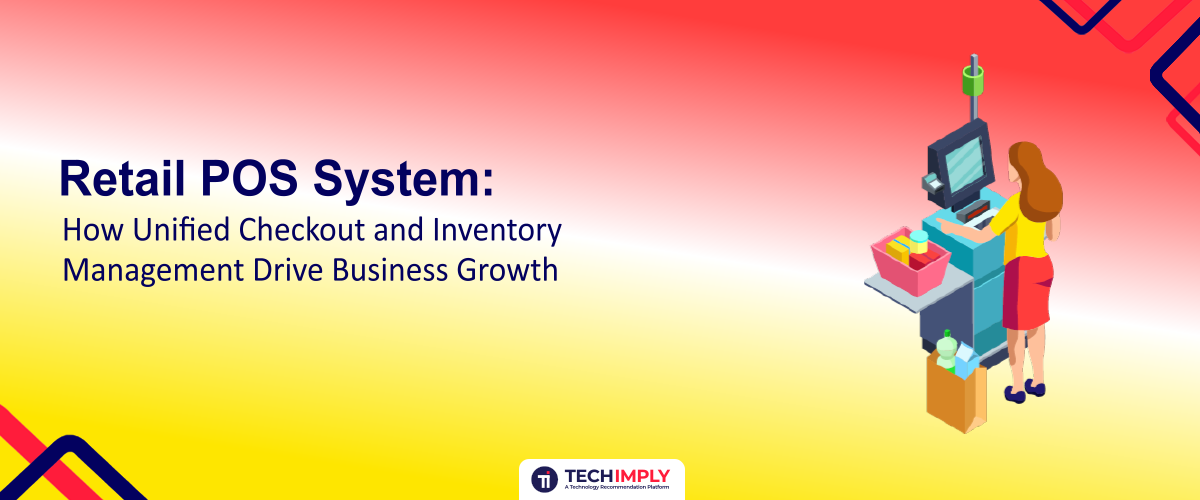
In today's fast-paced retail environment, managing a storefront requires much more than just a cash register and a smile. Whether you run a single boutique, a growing specialty shop, or a multi-location chain, having the right retail POS system is the heartbeat of your daily operations. A modern retail POS system bridges the gap between physical checkout counters and digital back-end infrastructure, ensuring that every transaction, stock movement, and customer interaction is recorded seamlessly.
As consumer expectations soar demanding omnichannel shopping, lightning-fast payment processing, and flawless product availability—outdated cash drawers and disconnected spreadsheets simply cannot keep up. To stay competitive, forward-thinking retailers are turning to advanced, cloud-based architectures to streamline everything from stock management to deep-dive retail analytics.

Request a Demo Today - Techimply's Top Retail POS System .
What Is a Retail POS System?
To understand how modern commerce thrives, we must first answer the foundational question: what is a retail POS system? At its core, a retail POS system (Point of Sale system) is a combination of hardware and software designed specifically to facilitate commercial transactions in a retail setting.
Unlike basic restaurant or service-industry payment setups, a robust retail POS system is engineered to handle complex product catalogs, varied pricing tiers, promotional discounts, and intricate inventory hierarchies. When a customer decides to make a purchase, the system rings up the items via barcode scanning, calculates applicable taxes, processes secure credit card or mobile payments, and immediately updates your business records.
Beyond simply taking money, a comprehensive retail POS system acts as the central brain of your retail business. It connects front-of-house sales with back-of-house operations, giving store owners and managers a real-time window into sales performance, employee productivity, and customer purchasing habits.
Traditional POS vs Unified Retail POS System
Before exploring the immense value of a unified platform, it is helpful to look at how far checkout technology has evolved. Traditional cash registers and legacy POS terminals operated in isolation. They recorded cash and credit card totals at the end of the day, but they offered zero visibility into your actual warehouse inventory, customer demographics, or online sales channels.
|
Feature / Metric |
Traditional POS |
Unified Retail POS System |
|
Data Synchronization |
Manual end-of-day reconciliation; high risk of human error. |
Real-time automated sync across all sales channels. |
|
Inventory Tracking |
Periodic manual counts; frequent stockouts and discrepancies. |
Automated stock deductions, low-stock alerts, and multi-location tracking. |
|
Customer Insights |
Anonymous transactions with little to no buyer history. |
Built-in customer relationship management (CRM) and purchase tracking. |
|
Software Architecture |
On-premise local servers prone to crashes and data loss. |
Secure, cloud-based retail POS system architecture accessible anywhere. |
|
Scalability |
Expensive hardware upgrades required for every new store or register. |
Effortless addition of new registers, locations, or eCommerce integrations. |
By moving away from siloed legacy hardware, modern merchants adopt a unified approach where physical storefronts and digital eCommerce platforms talk to one another instantly. This unification eliminates data discrepancies and provides the foundation for sustainable business growth.
How a Retail POS System Connects Checkout and Inventory
One of the most common operational bottlenecks for retailers is the disconnect between what the computer says is on the shelf and what is actually sitting in the stockroom. Understanding how does a retail POS system work reveals how it eliminates this friction.
When a cashier scans an item's barcode at the checkout counter, the software does not just tally the price. Behind the scenes, the retail POS system triggers an immediate, automated sequence of events:
- Sales Tracking: The item is logged as sold, updating daily revenue reports.
- Inventory Deduction: The central database subtracts one unit from the specific store location's inventory count.
- Threshold Checking: The software evaluates if the remaining stock has dipped below a pre-set minimum threshold. If it has, it flags the item for reordering.
- Customer Profiling: If the customer is part of your loyalty program, the purchase is tied directly to their buying history, feeding valuable data into your customer relationship management tools.
This instantaneous communication ensures that your physical storefront, your warehouse, and your online web store share a single, accurate source of truth.
Key Features of a Modern Retail POS System
When you set out to buy retail POS system hardware and software, knowing which capabilities to look for will protect your investment. A feature-rich retail POS system features package should cover every aspect of day-to-day store management.
- Intuitive Sales Processing & Checkout: Fast transaction speeds, offline mode capabilities (so you never lose sales if the internet drops), and flexible split-payment options.
- Advanced Barcode Scanning: Rapid product lookups using laser or camera-based scanners to keep checkout lines moving smoothly.
- Integrated Payment Processing: Secure support for EMV chip cards, contactless mobile wallets (Apple Pay, Google Pay), and traditional swipe cards with transparent processing fees.
- Employee Management: Role-based permissions, clock-in/clock-out time tracking, and individual sales performance reporting.
- Multi-Location Support: Centralized management dashboards that allow you to oversee inventory levels and sales performance across multiple brick-and-mortar branches and pop-up shops.
Benefits of Using a Retail POS System for Your Business
Investing in a high-performing retail POS system yields immediate returns across your entire organization. The measurable benefits of a retail POS system include:
- Elimination of Human Error: Manual data entry invites costly mistakes. Automated calculations for taxes, discounts, and change ensure total pricing accuracy.
- Accelerated Checkout Speeds: Shorter lines lead to happier customers and higher customer retention rates, especially during peak shopping hours and holiday rushes.
- Enhanced Security: Cloud encryption and role-based permissions protect sensitive customer data and prevent internal theft or unauthorized cash drawer openings.
- Actionable Retail Analytics: Turn raw transaction data into visual reports that show your best-selling products, peak shopping hours, and profit margins.
How a Retail POS System Improves Inventory Management
Effective retail POS inventory management is the ultimate differentiator between profitable retail stores and those that struggle with cash flow. Dead stock ties up capital that could be used elsewhere, while out-of-stock items lead to missed revenue and frustrated shoppers.
A specialized retail POS inventory management module transforms stock control from a tedious chore into an automated asset. Features that drive this efficiency include:
- Real-Time Stock Counts: Every sale, return, or transfer between warehouses updates your counts instantly.
- Automated Purchase Orders: Set minimum stock levels so that when an item runs low, the system generates a draft purchase order to your supplier automatically.
- Omnichannel Synchronization: If you operate a brick-and-mortar storefront alongside an online webshop, the system prevents overselling by pulling from the exact same inventory pool.
- Stock Valuation Reports: Easily track cost of goods sold (COGS), profit margins, and inventory turnover rates to make smarter purchasing decisions.
Why Retail Businesses Need a Unified POS Solution
Modern consumer behavior is omnichannel. Shoppers research products on their smartphones, browse in-store, purchase online, and occasionally return items to a physical storefront. To support this journey, retailers need more than a basic cash register—they need a modern retail POS solution.
A unified cloud-based retail POS system centralizes all customer touchpoints. Whether a buyer interacts with your brand via your mobile app, your eCommerce website, or your flagship retail store, their preferences, purchase history, and loyalty points remain synchronized. This seamless integration breaks down organizational silos, improves marketing accuracy, and delivers a consistent brand experience that builds long-term customer loyalty.

Pro-tip
Don’t simply drop affiliate links add cost first. Use non-public tales, tutorials, or honest reviews to build trust. People click on (and buy) from the ones they believe!
How to Choose the Best Retail POS System
Selecting the best retail POS system for your unique store requires careful evaluation of your budget, business size, and industry niche. Use this step-by-step checklist to guide your decision:
- Assess Your Business Model: Are you running a high-volume apparel boutique, a grocery store with thousands of distinct SKUs, or a specialty gift shop? Choose a system tailored to your specific vertical.
- Evaluate Total Cost of Ownership: Look beyond the initial software subscription. Factor in retail POS system pricing, hardware bundles (receipt printers, cash drawers, tablet stands, barcode scanners), payment processing fees, and mandatory support tiers.
- Prioritize Scalability: Ensure the software can easily accommodate new registers, additional warehouse locations, or future eCommerce integrations without requiring a complete system overhaul.
- Test the User Interface: Schedule a live demonstration or request a retail POS demo to test the software firsthand. Your cashiers should be able to master basic checkout operations within minutes to minimize staff training time.
- Check Integration Ecosystems: Verify that the platform integrates seamlessly with your existing accounting software (like QuickBooks or Xero), email marketing platforms, and eCommerce engines (like Shopify or WooCommerce).
Conclusion
Transitioning away from fragmented cash registers and manual spreadsheets is no longer optional for retailers aiming for sustainable growth. Implementing a feature-rich, affordable retail POS system empowers your business to streamline checkout lines, eliminate inventory discrepancies, and unlock deep insights into consumer behavior.
Whether you are looking to get retail POS software for a single neighborhood shop or deploy a robust multi-store network, the right technology foundation pays for itself through saved time and increased sales. Explore how a retail POS system can simplify your store operations and position your business for long-term success in today's competitive retail landscape.