Ideally, when it comes to customer data, it's colossal. There can be millions of insights you churn from customer data. A narrative that illuminates your company's strengths and weaknesses. A common problem in businesses is that the sales team has no idea how marketing works, & vice versa. This can lead to a breakdown in communication and cooperation between the two departments.
Salesforce deserves a big shout-out. A unified view of your customers and their histories can be shared across teams & departments thanks to this helpful tool.
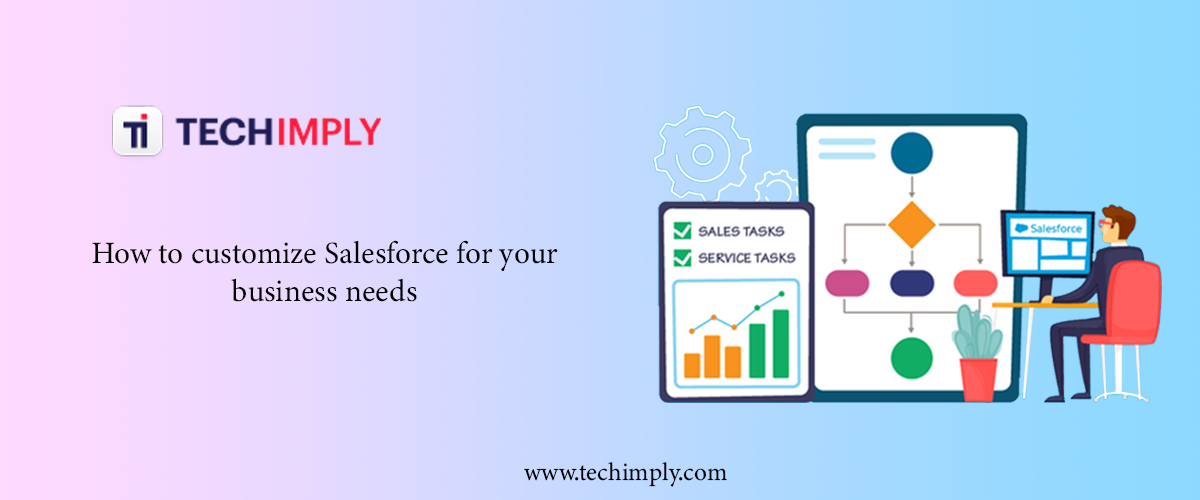
Still, hold on a second. Ignoring the fact that every company has its unique requirements. How flexible is Salesforce? Maybe not, but probably not. Personalization is essential. This post will examine how adding your twist on Salesforce can make it shine. From managing leads to maintaining relationships with customers and beyond, Salesforce's plethora of capabilities is a boon to organizations of all sizes at every stage of the sales process. Salesforce as-is can serve as a solid foundation for your organization, but as you expand, you'll need a Salesforce solution tailored to your specific needs to continue your success. Keep reading to learn more about it!
What’s Salesforce Customization?
The process of modifying the Salesforce platform to be compatible with your company's workflows is known as Salesforce customization.
However, as Salesforce configuration & customization are sometimes mistaken for one another, making a clear distinction between them is essential. Modifying Salesforce to meet your specific requirements is referred to interchangeably as configuration & customization. On the other hand, customizing requires more attention to detail and may involve aspects like Salesforce security to ensure your customizations maintain a high level of data protection.
For Candidates who want to advance their Salesforce skills, Salesforce Training is the best option.
The configuration of Salesforce can only be done through a point-and-click interface. You simply need to navigate the "Settings" tab to configure Salesforce. From there, you can create apps, add or modify fields, objects, and tabs, and automate workflows by clicking on various tabs.
There is no need for a code. Therefore, knowledge of programming languages is not required to customize Salesforce.
On the other hand, to customize Salesforce, you need to have some programming or coding knowledge, as the procedure entails making modifications at the code level. This is where Salesforce development becomes essential, allowing businesses to tailor their CRM to unique requirements and optimize workflows efficiently.
The following are examples of common customizing activities:
- Developing individualized procedures for the anticipated taxes and revenues
- Facilitating processes in bulk (to process large data volumes)
- Making it possible to use personalized email templates with Visualforce
The Positive Effects of Salesforce Customization on Small Businesses
Businesses typically make changes to Salesforce in two ways: to improve revenue and maximize return on investment (ROI) from the platform. But how do you think Salesforce's adaptability and personalization play a role in these two?
-
It optimizes your platform's usability
Salesforce's interface isn't exactly user-friendly. Usability is a real issue that many new CRM users have reported.
It's challenging to navigate the site and locate what you're looking for. Usability issues can be costly to businesses because they cause employees to waste time. The sales team, for example, might need to take more time to close deals, which could mean missing out on a potential gain.
Through customization, businesses can make Salesforce more intuitive and user-friendly for their staff. Your Salesforce developer, for instance, can modify the user interface using Visualforce & APEX to streamline the user's experience.
-
Enables 3rd party integrations
As is common knowledge, Salesforce's full potential is only unlocked when integrated with additional e-commerce tools like ERPs & DMSs. You can even integrate Google Analytics with Salesforce. And it can give you essential data about your marketing efforts, enabling you to make data-driven decisions that drive growth and success. But you must tailor the platform to your needs before incorporating the most excellent third-party tools and solutions.
Similarly, Salesforce Commerce Cloud customization allows businesses to refine their e-commerce operations, aligning them more closely with unique customer needs and business models. This level of customization ensures that every aspect of the e-commerce experience is optimized for both usability and functionality.
Files Connect for Salesforce & other built-in API web services from Salesforce consulting are sometimes used for integration. But these features are only available in the more expensive Salesforce Enterprise Edition.
Developing a unique app is even more costly. Let's say you're using Sales/Service Cloud Essentials Edition, and you're interested in integrating it with external apps. If you choose Salesforce Service Cloud Implementation, you need to hire a programmer to make bespoke integration that works with everything.
-
Salesforce customization boosts analytics
If you don't have good analytics in place, your Salesforce experience will be a failure. Similarly, using subpar analytics will prevent you from reaching your Salesforce objectives.
Your customer relationship management system should be able to log all of your sales team's major activities & provide capabilities for drilling down into the data to help you get insight.
For example, your sales team should be able to track every time a lead is contacted via drip campaigns, direct emails, or social media platforms within Salesforce. The CRM software should also feature externally integrated or in-house data analysis tools. If you don't, the system won't be able to provide you with adequate information to boost your company.
A professional in Salesforce customization can modify your platform to improve the quality of data your team uses to make decisions.
-
Facilitates exhaustive reporting
Continuing with understanding, the most effective Salesforce data model implementations feature intuitive dashboards and thorough reporting that may immediately change results.
However, using the Report Builder's default settings to configure standard reports isn't sufficient. Many find its reports fall short to other Salesforce reporting tools regarding advanced visualization, types of reports, and complex data reporting. In Report Builder, you can only use predefined fields & objects to display your data. Where do we stand with one's objects? What if you need to mirror information from non-standard sources?
At such junctures, personalizations prove invaluable. The standard Salesforce setup doesn't allow for the same perspective customization provided in reports.
For instance, certain reports can't be fully completed with the data collection tools provided by Report Builder because more fields, rows, and lines are needed to collect all the necessary information. Generating reports like these require modification (usually with APEX code).
-
Customization enhances automation
Finally, a Salesforce setup unique to your needs is vital if you want to maximize your automation. Basic automation can be achieved through configuration, letting businesses use the in-built Workflow and Approvals features for the creation of workflow rules & approval procedures.
With Process Builder & Flow Builder, you can automate more tasks in Salesforce, such as triggering a refresh whenever a connected field is updated.
Yet, many businesses also seek to automate labor-intensive procedures like purchase order processing and rebate authorization.
Revenue calculation & tax processing could potentially be automated. Unfortunately, these cannot be accomplished through Salesforce settings. Changes must be made to your organization.
How to Customize Your Salesforce Org
Each of the tabs & record types may be altered to suit your needs, and you can create new fields and alter the page layouts to suit your preferences. All the search, tagging, & user interface settings can be modified to fit the needs of your business. Users of the Contact Manager, Group, Professional, Enterprise, Unlimited, & Performance Editions can also adjust their interface settings.
You can modify how the tabs, as well as other features of Salesforce, appear to fit your organization's needs. Choose a button to jump right into doing anything.
-
Find Object Management Settings
Salesforce's object model is highly customizable, down to the individual fields and page layouts, including validation criteria. These modifications can be seen in several places within Setup, depending on the Salesforce experience you've activated.
-
Control the User Access to Fields
Limit who can view particular fields by implementing security at that level. Salesforce, the Self-Service Portal, and the Salesforce Customer Portal all use page layouts to allow users to customize the look and feel of detail and edit pages.
Field-Level Security & Set Page Layouts
-
Page layouts
For object record pages, page layouts determine the positioning and visibility of elements like buttons, fields, s-controls, Visualforce, custom links, and related lists. Field visibility, read-only status, and mandatory status can all be set with their assistance. Create unique user experiences by modifying record page content with page layouts.
-
Compact designs
Salesforce's mobile app, Lightning Experience, and its interfaces with Outlook and Gmail all have condensed layouts that make it easy to see all of a record's crucial fields at a glance.
-
Custom help content
Customize your support materials so that users can easily navigate your Salesforce installation. The process of labor itself can be a learning opportunity in many forms. Include links to aid in the Utility Bar, the Path, or a text box on the page, or create your custom help for a specific page, app, item, or organization. Upon the first login, greet users with a unique welcome mat containing links to useful resources. Alternatively, you can incorporate micro-learning prompts & walkthroughs into your app to help you get the word out about relevant updates, training, and onboarding.
-
Tailor Business procedures to Different Users Using Record Type
You may customize the user experience using record types by providing them with a selection of unique business processes, picklist options, and page styles. You may need to develop new record types to separate your standard sales transactions from the professional services engagements, complete with separate drop-down menus. Alternatively, you might have separate page designs for billing and customer service inquiries.
-
Manage Your Translations
If the Salesforce org supports several languages, you'll need to oversee translations to ensure that users in every region can access the platform in their native tongue.
Conclusion
Your company's potential for expansion will be severely hampered if you disregard the capability of Salesforce customization. Continue to increase Salesforce's capabilities through customization, especially improve its scalability to accommodate expansion.
Before you even think about using Salesforce customization for your company, there is a lot you should learn about it first.
Author Bio
Bala SubbaRao is a digital marketer and writer at MindMajix, a leading global online training provider. He has expertise in various IT and cutting-edge technologies, including Business Intelligence, Salesforce, Cybersecurity, Software Testing, Data Analytics, Project Management, Manual Testing, and ERP tools. With a passion for writing and a deep understanding of the tech industry, He is dedicated to delivering insightful and informative content for his readers.