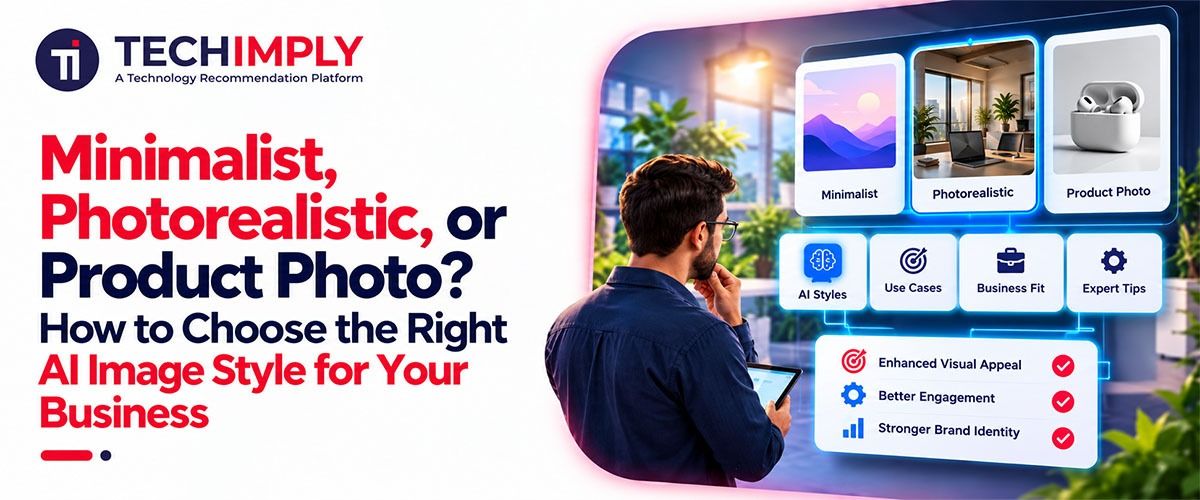
Choose Minimalist for clean, uncluttered visuals, Photorealistic when an image has to pass for a real photograph, and Product Photo when a product sits on a backdrop for a listing or an ad. Most businesses end up using more than one. In a free AI image generator, the style you pick shapes every result you get back, so choose it on purpose instead of rerolling until something looks right.
What Does an AI Image Style Actually Change?
An AI image style tells the generator which look to aim for, while your prompt describes the subject. The subject stays the same and the rendering changes: lighting, texture and how crowded the frame feels. Facy.ai, a browser-based AI image and video studio, lets you add a style with a tap and combine several, so you can run one prompt twice to generate an image from text in two looks and compare them side by side.
When Should You Choose Minimalist?
Pick Minimalist when the image has to share space with words. The generator's own label for it is "clean, simple, spacious," which suits website banners with a headline, catalog tiles and pitch deck backgrounds. Fewer elements also give the AI fewer places to slip. Skip it when texture or detail is what sells the product, because a stripped-back look can flatten it.
When Does Photorealistic Earn its Place?
Photorealistic works when credibility matters: lifestyle scenes, a product in someone's hands, food and interiors. It is the style most likely to make an AI generater picture pass for a real photo, which is both its strength and its risk. Zoom in on hands, printed text and reflections before you publish, because those are common trouble spots in AI photo generation.
Labeling rules apply here too. According to BSI's summary of the EU AI Act, providers of generative AI systems must mark AI-generated images in a machine-readable format. The obligation applies from 2 August 2026, and systems already on the market before that date have until 2 December 2026.
Is Product Photo the Right Call for Store Listings and Ads?
Yes, when the product is the point. Facy.ai describes this use as product-photo concepts, ad backgrounds and clean marketing mockups. The word "concepts" matters: treat the result as a strong draft and compare it with the real item before publishing, especially when labels, colors or proportions affect a purchase.
Store listings carry one more rule. Google's Merchant Center guidance tells sellers to preserve the metadata tags that mark an image as AI-generated, so don't strip them from the original file.
How Do You Write a Prompt That Works With a Style?
The style sets the look, so the prompt can stay on the scene. Name the subject, environment, lighting, composition and mood, as the generator's own prompt tips suggest. Then create an image with AI from "a ceramic coffee mug on a wooden table, soft morning light, close-up" once in Minimalist and once in Product Photo, and compare how much empty space each leaves.
Which Style Fits Which Business Visual?
Use this table as a starting point. The pairings are suggestions based on how each style is described, not fixed rules.
|
Business visual |
Suggested style |
Why it fits |
|---|---|---|
|
Website banner with headline text |
Minimalist |
Leaves room for copy |
|
Online store listing image |
Product Photo |
Keeps the product central |
|
Lifestyle or "in use" scene |
Photorealistic |
Reads as a real photograph |
|
Social media ad |
Marketing Visual or Product Photo |
Made for campaign images |
|
Packaging or icon illustration |
Line Art |
Clean ink-style lines |
For packaging and icon work, Line Art turns the generator into a simple AI illustration generator.
What Mistakes Should You Avoid When Choosing a Style?
- Choosing for impact, not channel. A dramatic style can fail as a 300-pixel store thumbnail.
- Changing style every post. One main style per channel keeps your visuals looking like one company.
- Skipping the real-product check. The more polished the style, the easier a wrong label slips through.
How Can You Decide Quickly?
Whenever you ask an AI to generate pictures for a business, test before you commit. Generate the same product in two styles and ask three questions: does it look like my real product, does it suit where it will be published, and would it still look like us next to last month's images? The style that answers yes three times is your default.
Conclusion
Pick the style for the job, not for the look. Minimalist makes room for words, Photorealistic earns trust, and Product Photo keeps the product in front. Try two on a real product, keep one as your default, and check every result against the real item before it goes live.


.png "5 Ways A Salesforce Consultant Can Help To Upgrade Your CRM")