


 0.0
0.0
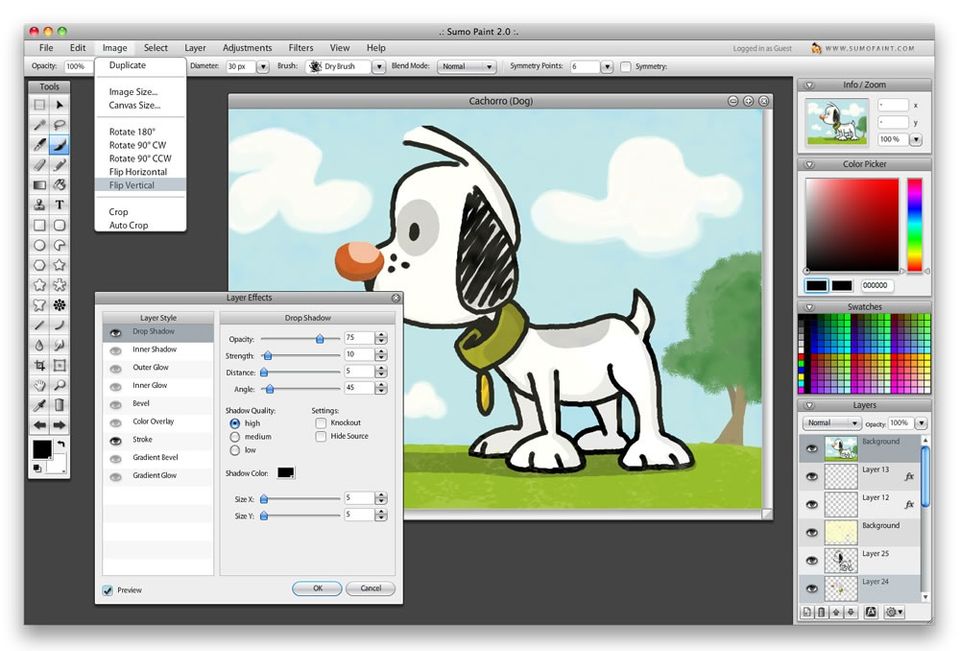
Sumopaint is an online image editor with unique features and drawing tools. It has filters, image manipulators, and painting tools, which are the smoothest, fastest, and most versatile tools available online. The software has over 300 brushes in its galleries, some of which are even animated. Additionally, this editing tool also comes with features like shape tools, gradient editor, gravity options, cube designer, layer effects, lightning effects, bump mapping, reflection, sphere designers, mosaic effects, advanced settings, etc. Besides these, users can make use of a palette of tools such as symmetry, ink tool, selection tools, text tools, distort transform tool, zoom, clone stamp, and the likes. This creative cloud-based platform works on any browser and requires no installation. This multi-user platform allows users to carry out their unique version of art anywhere. The application has an online community that provides feedback to its users on their publicly shared images. One can even participate in various online
Pricing of Sumopaint
- Symmetry
- Gravity
- Ink Tool
- Selection Tools
- Text Tool
- Distort Transform
- Clone Stamp Tool
- Zoom Tool
- Smudge Tool
- Line Tool
- Blur Tools
- Cylinder Designer
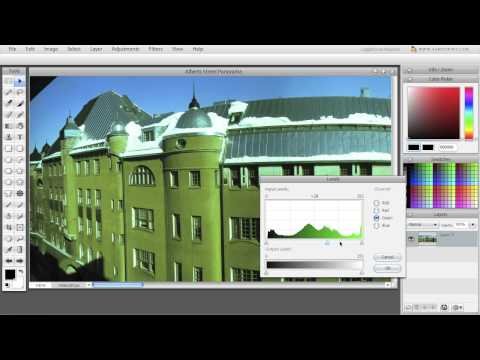
- Levels Adjustment
- Crystallize
- Swatches
- Symmetry
- Gravity
- Ink Tool
- Selection Tools
- Text Tool
- Distort Transform
- Clone Stamp Tool
- Zoom Tool
- Smudge Tool
- Line Tool
- Blur Tools
- Cylinder Designer
- Levels Adjustment
- Crystallize
- Swatches
Key Features of Sumopaint
Key Features:
Key Specification
| Other Categories: | Photo Editing Software For Free Photo Editing Software |
|---|---|
| Deployment: | Cloud Hosted |
| Customer Support: | Online (Ticket) |
| Customization: | No |
| Languages Support: | English |
Who uses Sumopaint

Personal

SMEs
Company Details
| Company Name: | Sumopaint |
|---|---|
| Headquarter: | Helsinki , Uusimaa Finland |
| Social Media: |
Most Popular Software




Alternative
Sumopaint Video/Screenshots
User Reviews

Frequently Asked Questions (FAQs)
The user group of Sumopaint are as follows :
- Personals
- SMEs
- SMEs
Sumopaint has 1 plans,
- Sumopaint USD 0.00
Sumopaint is not allowing Free Trial.
The key featuers of Sumopaint are as follows :
- Revision Control
- Text Tool
- Remove objects
- Import from web
- Enhancement Tools
- Effects and Filters
- Collaborative Editing
- Auto Select
- Social Media Integration
- Import-Export Option
- Built-in Templates
- Transform tools
- Batch Editing
- Cloud Storage
Sumopaint pricing model : Onetime(Perpetual License)
Sumopaint is Online Software.
No
Sumopaint offers Online (Ticket) support.
Sumopaint provides Help Guides,Blogs,Video Guides for the software training.


