
 0.0
0.0
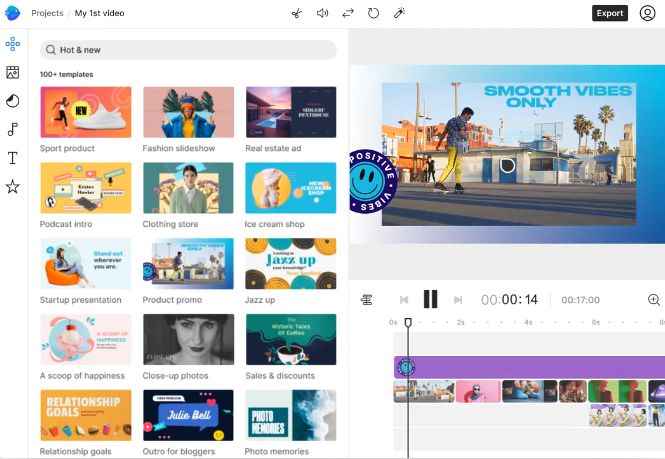
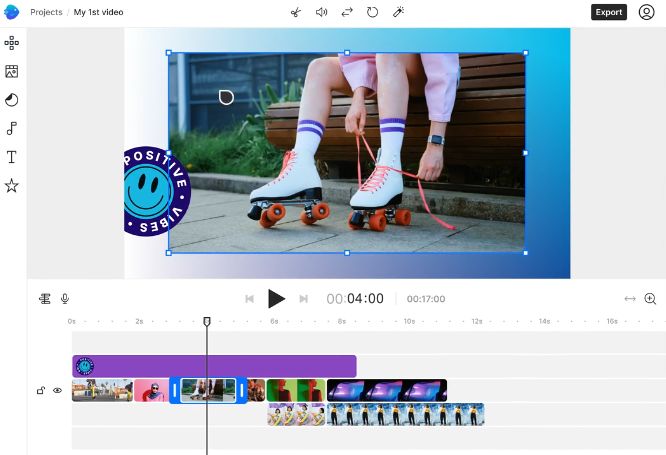
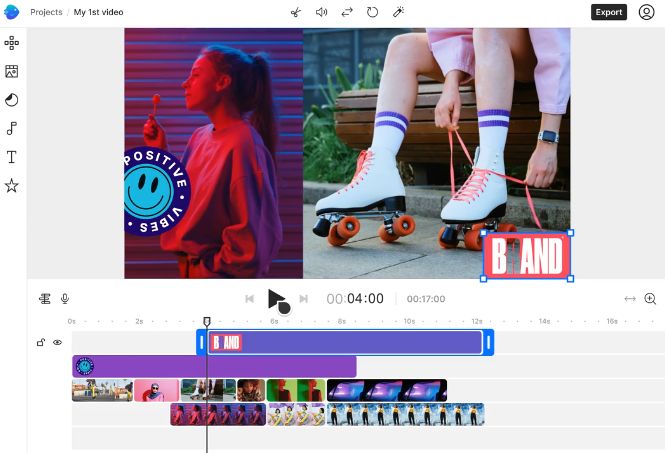
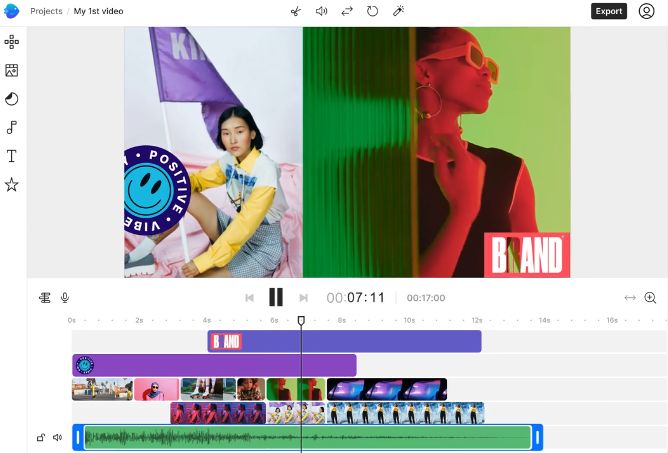
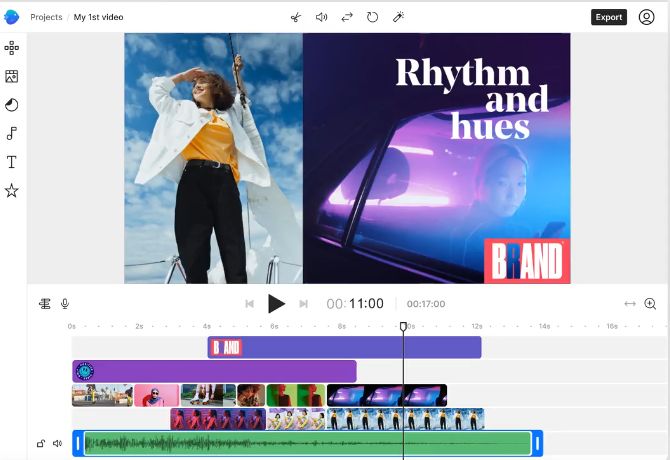
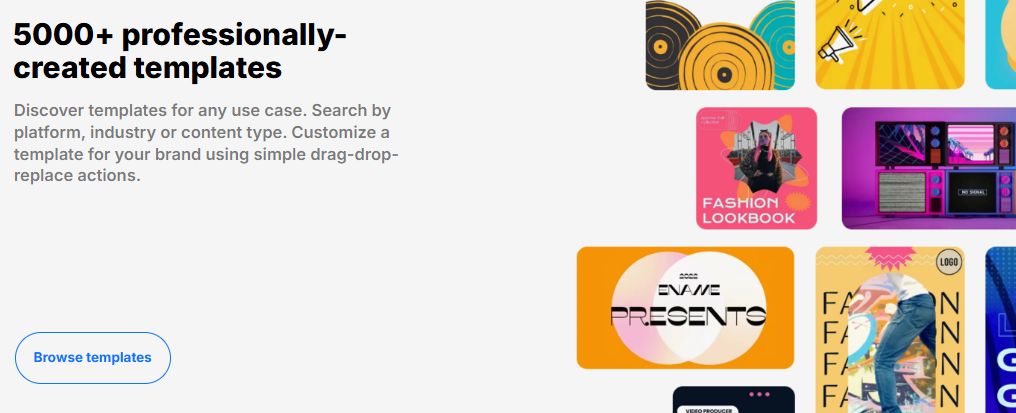
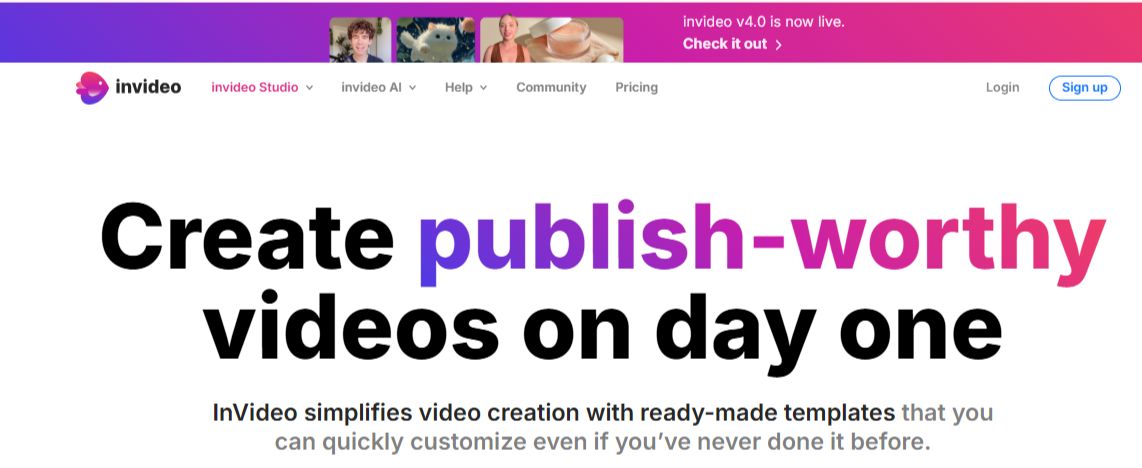
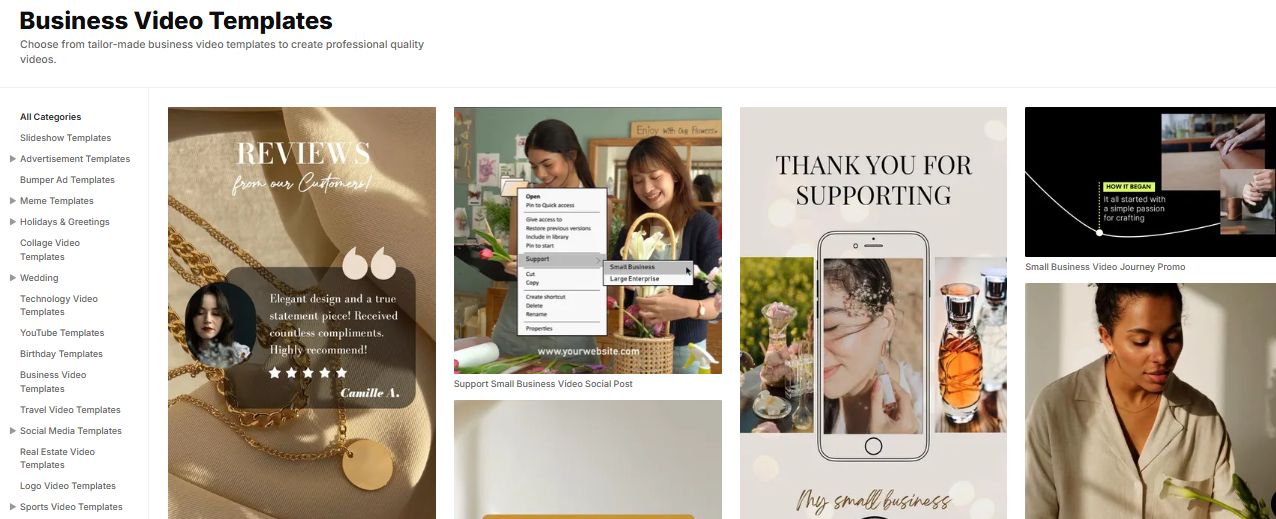
InVideo is a cloud-based video creation software designed to simplify the process of producing professional-quality videos for marketing, education, social media, and business use. It offers a user-friendly drag-and-drop interface, making it accessible for both beginners and advanced users. InVideo serves over 25 million users globally, providing tools for creating engaging videos from scratch or from thousands of pre-built templates.
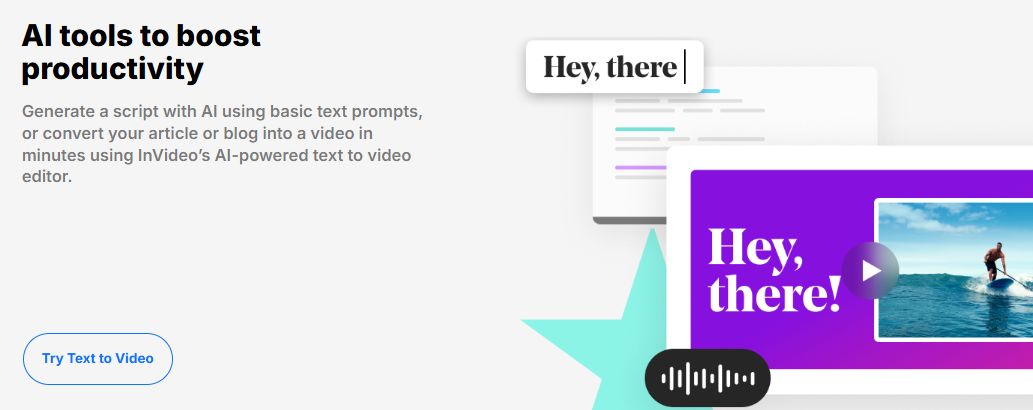
The platform is available in two main formats: InVideo Studio, which is tailored for hands-on editing with access to templates and media libraries; and InVideo AI, which allows users to generate videos using text prompts and automated suggestions. The AI-based editor includes features like script-to-video generation, AI avatars, voice cloning, and natural-sounding voiceovers.
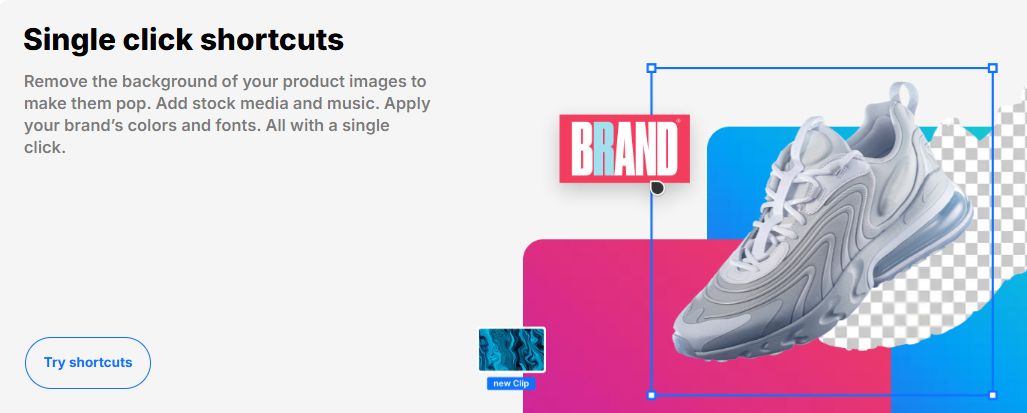
InVideo supports multiple output formats suited for different platforms such as YouTube, Instagram Reels, Facebook Stories, and TikTok. It also allows real-time collaboration, making it a great tool for teams. Cloud-based storage, branding tools, HD video export, and 24/7 customer support further enhance its usability.
With tiered pricing plans ranging from free to enterprise levels, users can choose according to their needs—whether they're individual creators, small businesses, or large enterprises. InVideo streamlines the video production process without requiring prior design or editing experience.
Pricing of InVideo
- 10 Credits
- 50 Video mins + 95 iStock
- 2 UGC product asset ads
- 30 secs of generative video
- 2 express clones
- 3 users 100GB storage
- Unlimited exports
- 40 Credits
- 200 Video mins + 320 iStock
- 8 UGC product asset ads
- 120 secs of generative video
- 5 express clones
- 3 users 400GB storage
- Unlimited exports
- 100 Credits
- 200 Video mins + 320 iStock
- 5 generative UGC ads
- 300 secs of generative video
- 8 express clones
- 3 users 400GB storage
- Unlimited exports
- 1000 Credits
- 2000 Video mins + 3200 iStock
- 2000 Video mins + 3200 iStock
- 50 mins of generative videos
- 40 express clones
- 1 seat 4TB storage
- Unlimited exports
- 10 Video mins per week
- 1 Express avatar
- 4 Exports per week with invideo watermark
- Custom solutions for large organizations. Advanced security and flexible pricing based on your needs.
Key Features of InVideo
Key Features:
Key Specification
| Other Categories: | Video Editing Software Video Management Software Photo Editing Software For Free Photo Editing Software For PC Video Editing Software For Free Video Editing Software For PC Image Optimization Software Photo Editing Software Video Survey Software AI Image Generators Audio Editing Software Ai Video Generator product demo video software global video editing software AI Product Demo Video Maker |
|---|---|
| Deployment: | Cloud Hosted,Hybrid,Any |
| Customer Support: | Phone,Email,Live Chat |
| Customization: | Yes |
| Languages Support: | English |
Who uses InVideo

Personal

StartUps

SMEs

Agencies

Enterprises
Company Details
| Company Name: | InVideo |
|---|---|
| Headquarter: | San Francisco, California United States |
| Website: |
Visit Website 
|
| Social Media: |
InVideo Description
Most Popular Software


Alternative



InVideo Video/Screenshots
User Reviews

Frequently Asked Questions (FAQs)
The user group of InVideo are as follows :
- Personals
- Startups
- SMEs
- Agencies
- Enterprises
InVideo has 6 plans,
- Plus - best for stock video USD 35 Month
- Max - best for stock video USD 60 Month
- Generative - best for ads and films USD 120 Month
- Team USD 999 Month
- Free USD 0 Month
- Enterprise USD Custom Year
InVideo is allowed 14 Days Free Trial.
The key featuers of InVideo are as follows :
- 3D Video Editing
- Video Capture
- Merge video
- Split Video
- Video Speed Controller
- Video Stabilization
- Video
- Video Cropping
- Video Trimming
- Upload Video Or Audio File
- Convert Videos to MP4 or MP3
- Download YouTube videos in 4K/HD resolution
- Video Editing Tools
- Video and Audio Filters
InVideo pricing model : Yearly,Monthly
InVideo is Cloud Hosted,Hybrid,Any Software.
Yes
InVideo offers Phone,Email,Live Chat support.
InVideo provides Help Guides,Video Guides,Blogs,Case Studies,Whitepapers for the software training.