0.0
0.0
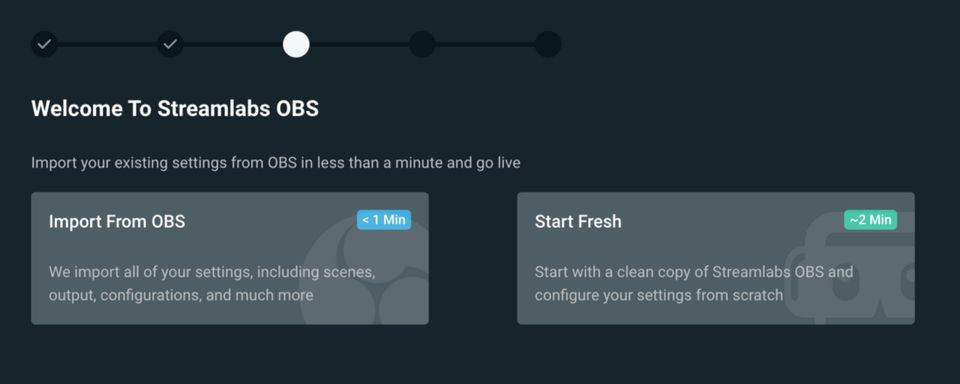
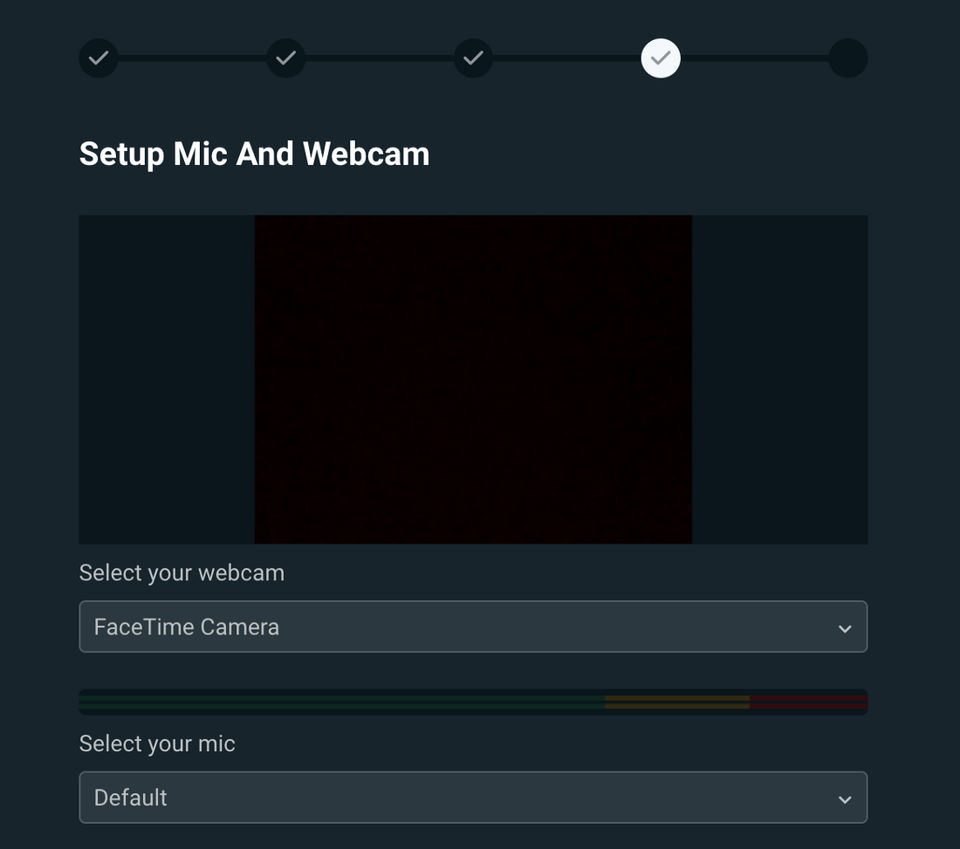
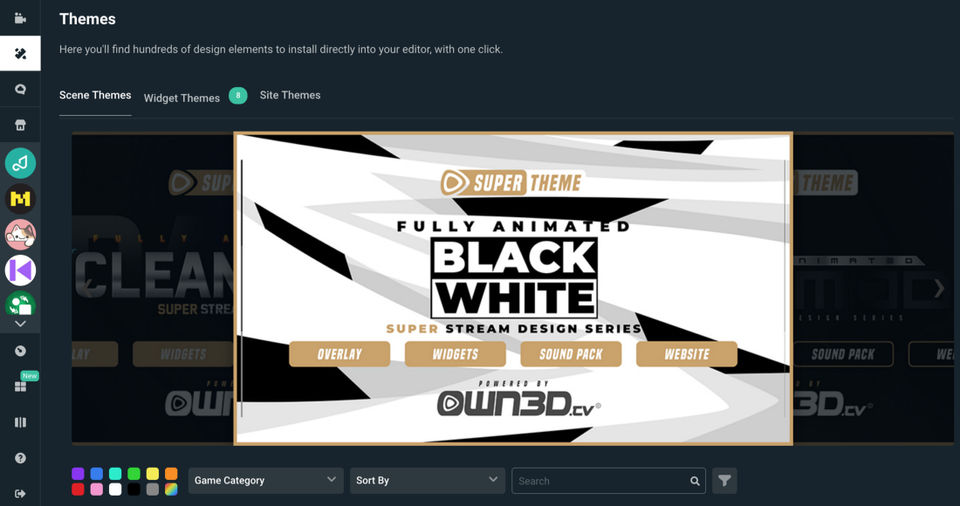
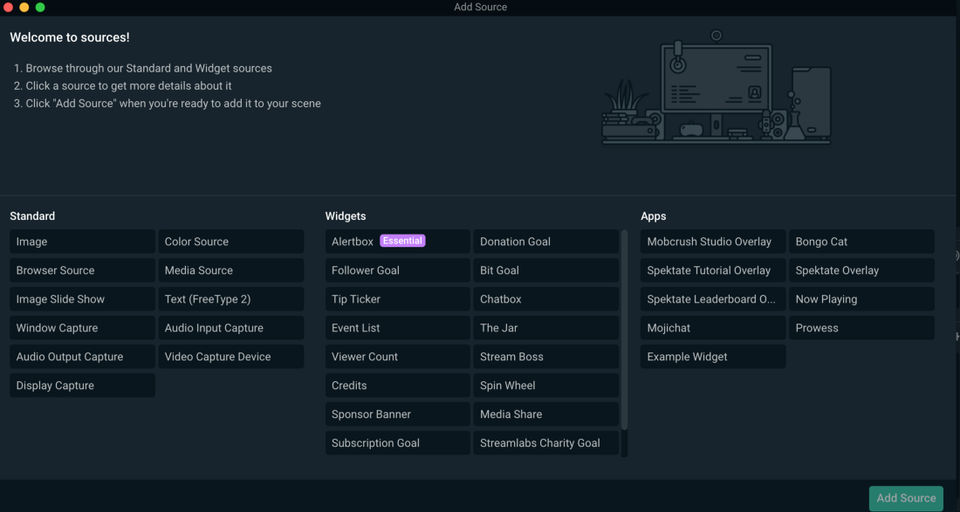
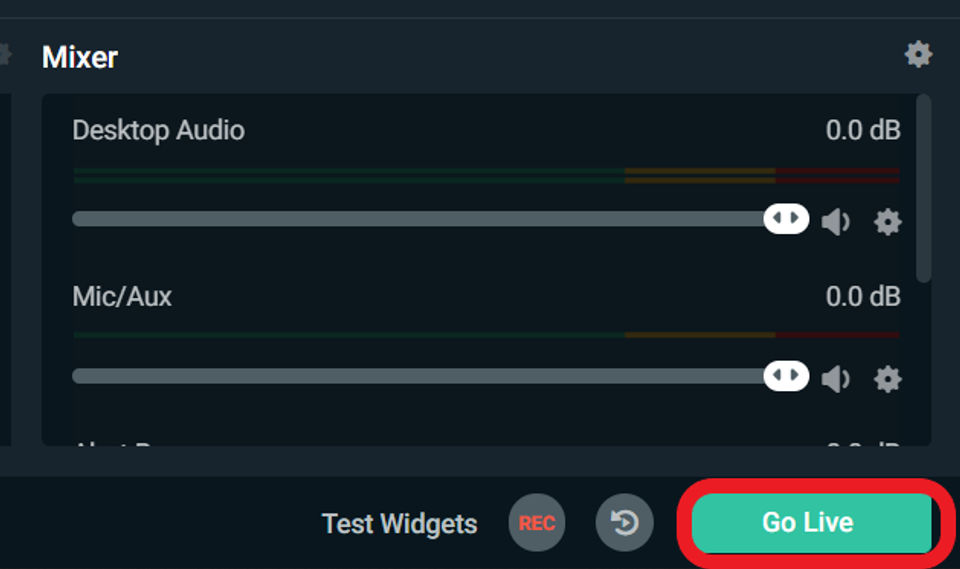
Streamlabs OBS is a live streaming software that allows content creators to stream videos on YouTube, Twitch, Facebook and other platforms of their choice. The software has an inbuilt layout editor and drag & drop functionality that allows users to personalize their live streaming platform as per convenience and create a unique UI. Moreover, users can record their live stream videos or choose the sources appearing in the live stream. They can easily save replays of their clips or live streams, enabling viewers to watch them later. Streamlabs OBS’s simple and user-friendly interface allows users to view recent events and chats within a single screen. The software can also be used to create custom video intros for YouTube and Twitch channels using a variety of pre-made templates. Further, a wide range of unique shapes and symbols available within the software can be used to design unique logos.
Pricing of Streamlabs OBS
- Broadcast live stream to Twitch
- YouTube
- or Facebook
- Layout Editor
- Selective Recording
- Replay Buffer
- Game Overlay
- Streamlabs Deck
- Stream Overlays
- Alert Box Themes
- Alert Box Sounds
- Intro Maker
- Logo Maker
- Multistream
- Broadcast live stream to Twitch
- YouTube
- or Facebook
- Layout Editor
- Selective Recording
- Replay Buffer
- Game Overlay
- Streamlabs Deck
- Stream Overlays
- Alert Box Themes
- Alert Box Sounds
- Intro Maker
- Logo Maker
- Multistream
Key Features of Streamlabs OBS
Key Features:
Key Specification
| Other Categories: | Live Stream Software For Mac Live Stream Software For PC Live Streaming Software Webcam Software |
|---|---|
| Deployment: | |
| Customer Support: | Online (Ticket) |
| Customization: | No |
| Languages Support: | English |
Who uses Streamlabs OBS

SMEs

Enterprises
Company Details
| Company Name: | Streamlabs OBS |
|---|---|
| Headquarter: | San Francisco, California United States |
| Social Media: |
Most Popular Software





Alternative
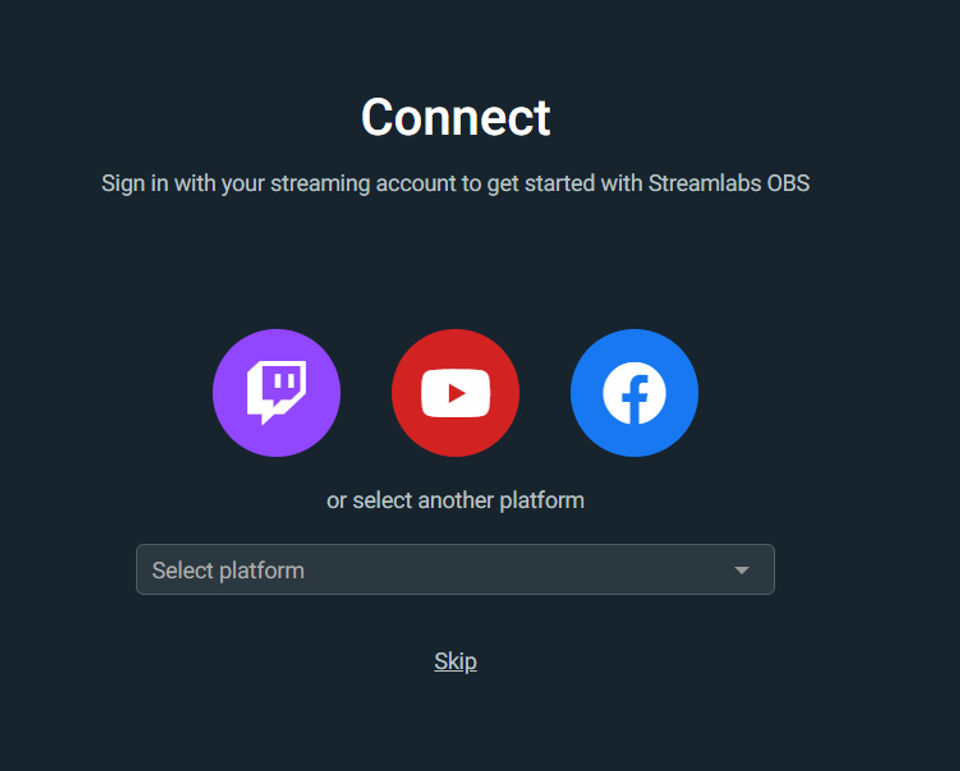
Streamlabs OBS Video/Screenshots
User Reviews

Frequently Asked Questions (FAQs)
The user group of Streamlabs OBS are as follows :
- SMEs
- Enterprises
Streamlabs OBS has 1 plans,
- Streamlabs OBS USD 0.00
Streamlabs OBS is not allowing Free Trial.
The key featuers of Streamlabs OBS are as follows :
- Video Monetization
- Multistreaming
- HD Video Streaming
- Event Scheduling
- Broadcast Recording
- Audience Engagement
- Audience Analytics
- Customizable Branding
- Q&A
- Live Chat
- Video Annotations
- Live Polling
- Multi-camera feed
Streamlabs OBS pricing model : Onetime(Perpetual License)
Streamlabs OBS is Software.
No
Streamlabs OBS offers Online (Ticket) support.
Streamlabs OBS provides Help Guides,Video Guides,Blogs for the software training.