SmartDraw

By SmartDraw

0.0
Rating out of 5 Based on 0 reviews

What is smartdraw?

Smartdraw is a effective diagramming software program designed to help people and groups create professional-excellent flowcharts, organizational charts, thoughts maps, ground plans, engineering diagrams, task charts, and greater. Recognized for its ease of use and tremendous template library, smartdraw allows customers across industries to visualize complicated statistics and streamline communique with clean, visually compelling diagrams.

Pricing of SmartDraw

Individual

USD 9.95
USD 0.00

Per Month

Buy Now
  • Automatic Spacing
  • Diagramming
  • Formatting
  • Templates

Team

USD 5.95
USD 0.00

Per Month

Buy Now
  • Administrative Controls
  • Consolidated Accounts
  • Document Retention
  • Shared Team Folders

Site

USD 2995.00
USD 0.00

Per Year

Buy Now
  • Customizable Branding
  • Document Control
  • Multiple Shared Folders
  • SSO

Single User

USD 9.95
USD 0.00

/Month

Buy Now
  • 4
  • 500+ templates and 34
  • 000+ symbols
  • Integration with Microsoft Office
  • Google Workspace
  • and the Atlassian stack including Confluence and Jira
  • Save and open diagrams from Dropbox
  • Google Drive
  • Box
  • and OneDrive
  • Visio import and export
  • 4
  • 500+ templates and 34
  • 000+ symbols
  • Integration with Microsoft Office
  • Google Workspace
  • and the Atlassian stack including Confluence and Jira
  • Save and open diagrams from Dropbox
  • Google Drive
  • Box
  • and OneDrive
  • Visio import and export

Multiple Users

USD 5.95
USD 0.00

/Month

Buy Now
  • Team administrative controls
  • Document retention and control
  • Ability to consolidate accounts
  • Premium support
  • Team administrative controls
  • Document retention and control
  • Ability to consolidate accounts
  • Premium support

Enterprise

USD 0.00
USD 0.00

Buy Now
  • Intelligent Formatting
  • Professional Results
  • Integrates With the Tools
  • Breadth of Content
  • Import and Export Visio
  • Collaborate Anywhere
  • Intelligent Formatting
  • Professional Results
  • Integrates With the Tools
  • Breadth of Content
  • Import and Export Visio
  • Collaborate Anywhere

Key Features of SmartDraw

Key Features:
  • Project Management
  • Quotes/Estimates
  • Presentation Tools
  • Drafting
  • 2D Drawing

Key Specification

Other Categories: Law Enforcement Software Architecture Software Diagramming Software For Mac
Deployment: Cloud Hosted,Hybrid,On Premise,Any
Customer Support: Phone,Email,Live Chat
Languages Support: English

Who uses SmartDraw

StartUps
StartUps
SMEs
SMEs
Agencies
Agencies
Enterprises
Enterprises

Company Details

Company Name: SmartDraw
Headquarter: United States
Social Media:

SmartDraw Description

Who uses smartdraw?

Smartdraw is used by venture managers, engineers, entrepreneurs, commercial enterprise analysts, architects, and educators who require versatile diagramming gear to demonstrate thoughts, processes, and plans. It fits teams and individuals in search of a comprehensive, easy-to-learn software program for growing targeted diagrams on windows or mac platforms.

Why Choose smartdraw?

Pick smartdraw for its robust features, intuitive interface, and significant library of templates and logos. The software supports seamless integration with microsoft office, google workspace, and famous mission control gear. Its pass-platform support consists of a committed smartdraw software for mac version. With cloud get admission to and actual-time collaboration, smartdraw allows efficient teamwork. Users can attempt its capabilities hazard-free with a smartdraw loose trial.

Blessings of smartdraw:

  • Huge range of diagram sorts and professional templates
  • Clean drag-and-drop interface with computerized formatting
  • Well matched with home windows, mac, and internet browsers
  • Integrates with famous business and workplace applications
  • Actual-time collaboration and document sharing features
  • Superb export alternatives for displays and reports
  • Customizable themes and symbols to fit branding needs
  • Cost-powerful with flexible smartdraw pricing

Features of smartdraw:

  • Automated flowchart, mind map, and org chart introduction
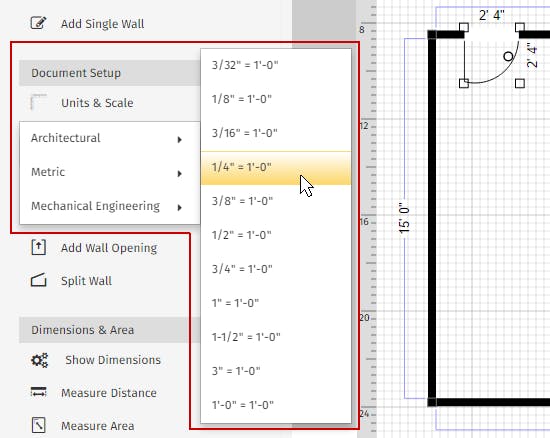
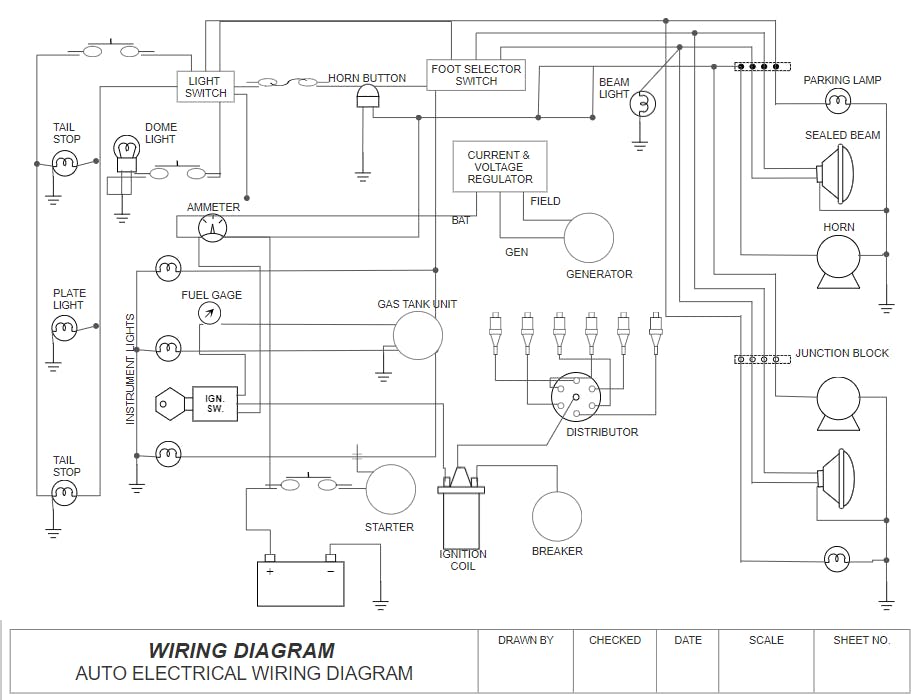
  • Engineering and architectural diagram gear
  • Floor plan and panorama design abilities
  • Challenge timeline and gantt chart templates
  • Cloud storage and desktop application options
  • Multi-person collaboration with commenting
  • Tremendous symbol libraries and template gallery
  • Import/export assist for visio and other formats

How to use smartdraw?

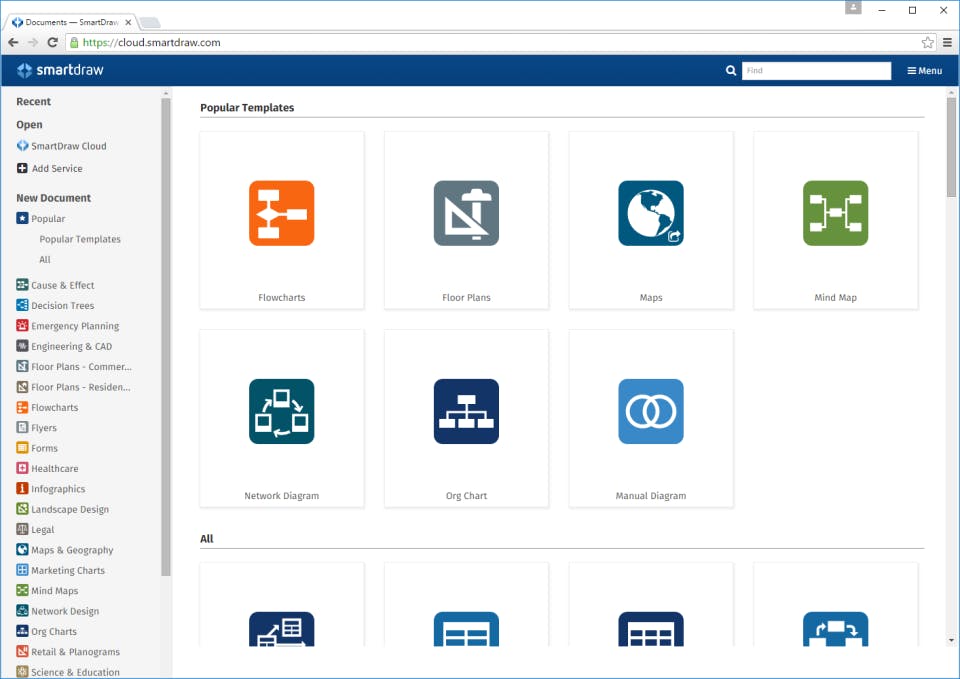
Customers pick a diagram kind or template, drag and drop shapes and connectors, and customize text and patterns the use of the intuitive interface. Diagrams may be saved locally or within the cloud, shared with group members for collaboration, and exported for shows or reviews. The software program’s automated tools make certain professional layouts without advanced layout talents.

Smartdraw Demo

Smartdraw gives demos showcasing capabilities along with template choice, diagram creation, collaboration equipment, integrations, and export options, assisting potential customers fast apprehend its capabilities.

Smartdraw Pricing

Smartdraw charge plans consist of flexible monthly and annual subscriptions, with tiered alternatives for individual users, teams, and enterprises. The smartdraw software program rate varies primarily based on features and licensing. A free trial is available for assessment.

Smartdraw Reviews 

Customers reward smartdraw software program review for its ease of use, expert output excellent, and sizable templates. The mac model is appreciated for function parity with windows. Some users are trying to find extra advanced design customization, but usual, smartdraw gets superb feedback for its reliability and efficiency.

Alternative

Gliffy

By Gliffy

0.0
Rating out of 5 Based on 0 reviews

OmniGraffle

By OmniGraffle

0.0
Rating out of 5 Based on 0 reviews

diagrams.net

By diagrams.net

0.0
Rating out of 5 Based on 0 reviews

SmartDraw Video/Screenshots

User Reviews

no-reviews
Share your experience! Be the very first reviewer. Write a Review

Frequently Asked Questions (FAQs)

The user group of SmartDraw are as follows :

  • Startups
  • SMEs
  • Agencies
  • Enterprises

SmartDraw has 6 plans,

  • Individual USD 9.95 Per Month
  • Team USD 5.95 Per Month
  • Site USD 2995.00 Per Year
  • Single User USD 9.95 /Month
  • Multiple Users USD 5.95 /Month
  • Enterprise USD 0.00

SmartDraw is allowed 0 Days Free Trial.

The key featuers of SmartDraw are as follows :

  • Project Management
  • Quotes/Estimates
  • Presentation Tools
  • Drafting
  • 2D Drawing

SmartDraw pricing model : Yearly,Monthly,Onetime(Perpetual License)

SmartDraw is Cloud Hosted,Hybrid,On Premise,Any Software.

SmartDraw offers Phone,Email,Live Chat support.

SmartDraw provides Help Guides,Video Guides,Webinars for the software training.