

 0.0
0.0
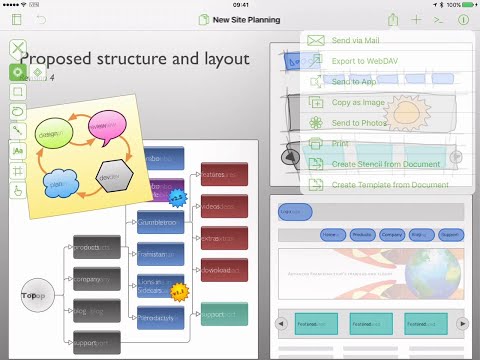
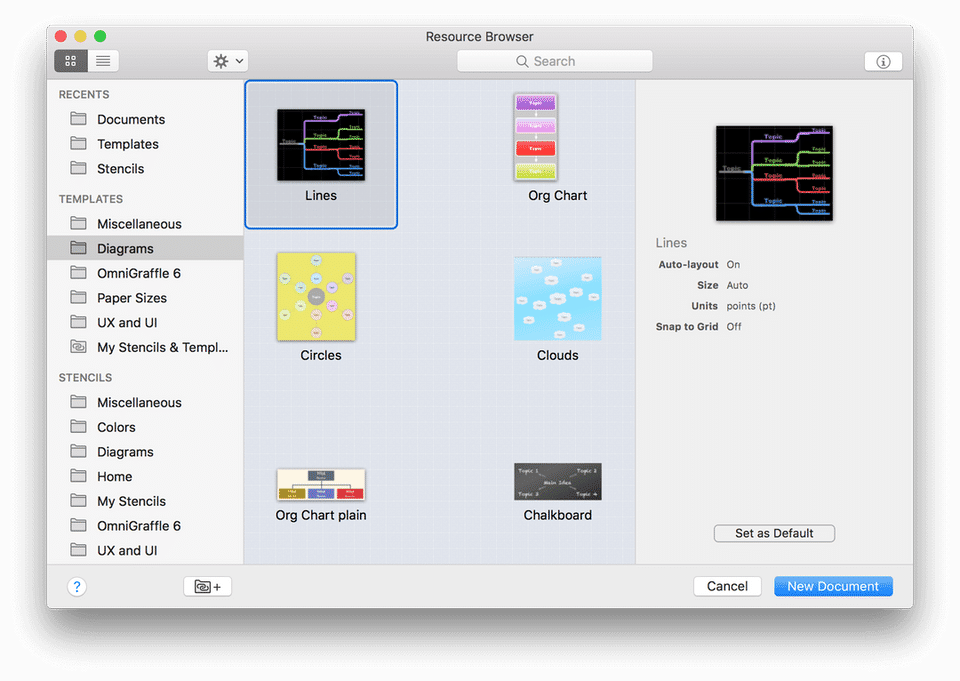
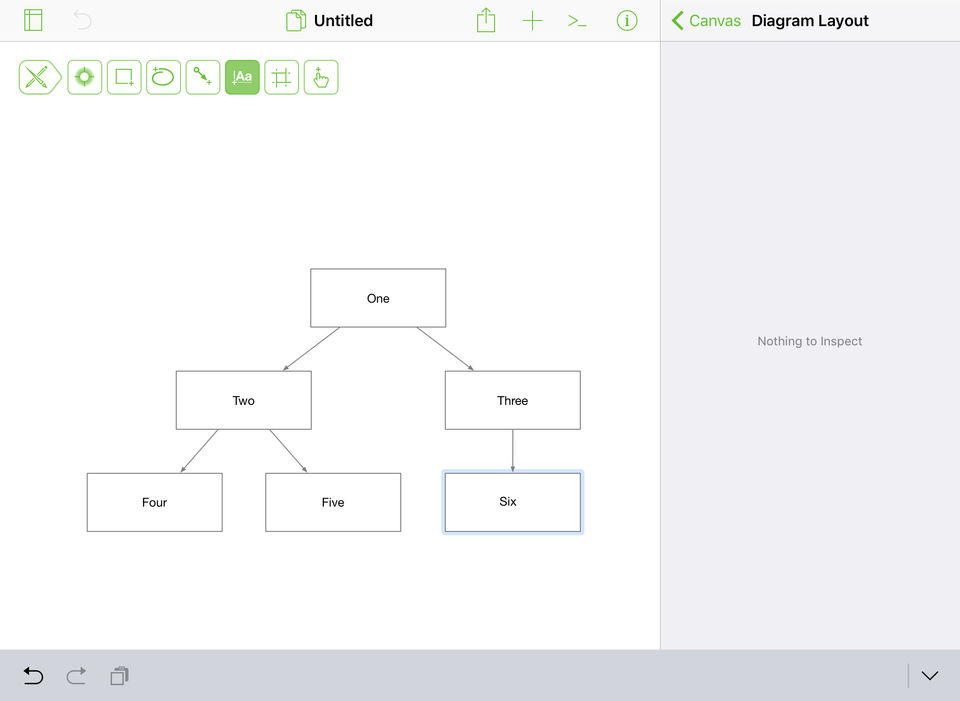
OmniGraffle is a powerful visualization tool that helps professionals communicate complicated ideas in a precise way. The software comes loaded with diagrams, prototypes, and designs that can be used by professionals to communicate with their teammates and clients. They can quickly create beautiful wireframes and project their ideas accurately. With OmniGraffle, professionals can also generate documents with ease and organize them into different categories or folders. Moreover, a Document Picker present within the same can be utilized to store the entire collection of Graffles, Templates, Stencils, and Plug-ins. OmniGraffle comes with a wide range of tools, such as selection, pen, shape, line, text, and more, allowing users to create professional-grade vector graphics embedded presentations in real-time. It is available in more than 12 languages, enabling seamless business operations throughout the globe. Also, exceptional customer support is provided by the platform to help users reach their set goals.
Pricing of OmniGraffle
- Layered Documents
- Grids
- Automatic Layout
- Unit Scaling
- Fixed
- Flexible
- and Infinite Canvas Modes
- Bezier Lines
- Bezier Shapes
- Pen Tool
- Text Tool
- Magnet Control
- Shape Tool
- Line Tool
- Point Editor Tool
- Document Zoom
- Diagram Tool
- Rubber Stamp Tool
- Dark Mode
- Unified Sidebar
- Smart Guides
- Manual Guides
- Touch Bar Support
- Flexible Inspectors
- Improved Workspaces
- Keyboard Shortcut Presets
- PNG
- PDF Export
- SVG Import
- JPG
- GIF
- BMP
- TIFF Export
- Single-click
- multiple resolutions
- Photoshop
- Full Screen Split View
- Shared Layers
- Artboard Layers
- Subgraphs
- Blending Modes
- Fill Effects
- Shape Combinations
- Convert Text to Shape
- Convert Line to Shape
- Share Keyboard Shortcut Sets
- SVG Export
- Visio Support
- Shape Tables
- Automation with JavaScript
- Object Properties
- Interactive Actions
- AppleScript
- Resolution Independence
- Individual Point Positioning
- Presentation Mode
- Shared Layers
- Artboard Layers
- Subgraphs
- Blending Modes
- Fill Effects
- Shape Combinations
- Convert Text to Shape
- Convert Line to Shape
- Share Keyboard Shortcut
- Layered Documents
- Grids
- Automatic Layout
- Unit Scaling
- Fixed
- Flexible
- and Infinite Canvas Modes
- Shape Recognition
- Bézier Lines
- Bézier Shapes
- Pen Tool
- Text Tool
- Magnet Control
- Shape Tool
- Line Tool
- Point Editor Tool
- Document Zoom
- Dark Mode
- Document Browser in iOS 13
- Multiple Windows in iOS 13
- Drag and Drop
- Unified Sidebar
- Smart Guides
- PNG
- PDF Export
- SVG Import
- Full Screen Split View
- Siri Shortcuts
- Layered Documents
- Grids
- Automatic Layout
- Unit Scaling
- Fixed
- Flexible
- and Infinite Canvas Modes
- Sh
- Shared Layers
- Artboard Layers
- Blending Modes
- Fill Effects
- Shape Combinations
- Convert Text to Shape
- Visio Support
- Shape Tables
- Automation with JavaScript
- Object Properties
- Interactive Actions
- Shared Layers
- Artboard Layers
- Blending Modes
- Fill Effects
- Shape Combinations
- Convert Text to Shape
- Visio Support
- Shape Tables
- Automation with JavaScript
- Object Properties
- Interactive Actions
Key Specification
| Other Categories: | Diagramming Software For Mac |
|---|---|
| Deployment: | |
| Customer Support: | Online (Ticket),Business Hours |
| Customization: | No |
| Languages Support: | English |
Who uses OmniGraffle

SMEs
Company Details
| Company Name: | OmniGraffle |
|---|---|
| Headquarter: | Seattle, Washington United States |
| Social Media: |
Most Popular Software





Alternative
OmniGraffle Video/Screenshots
User Reviews

Frequently Asked Questions (FAQs)
The user group of OmniGraffle are as follows :
- SMEs
OmniGraffle has 4 plans,
- Omnigraffle Standard (for Mac) USD 149.99 One-time
- Omnigraffle Pro (for Mac) USD 249.99 One-time
- Omnigraffle Standard (for iOS) USD 59.99 One-time
- Omnigraffle Pro (for iOS) USD 119.99 One-time
OmniGraffle is not allowing Free Trial.
OmniGraffle pricing model : Onetime(Perpetual License)
OmniGraffle is Software.
No
OmniGraffle offers Online (Ticket),Business Hours support.
OmniGraffle provides Help Guides,Video Guides,Blogs for the software training.


