0.0
0.0
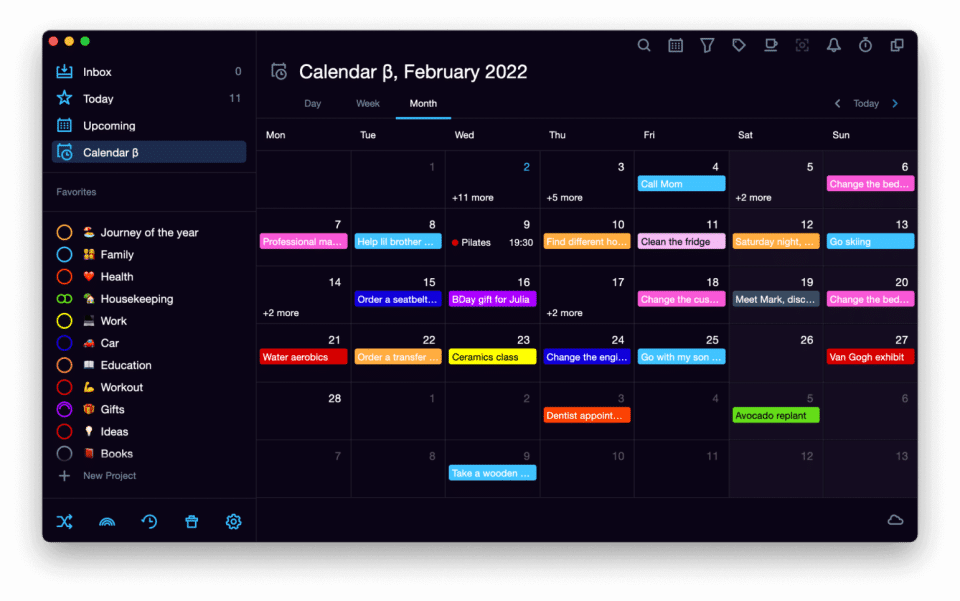
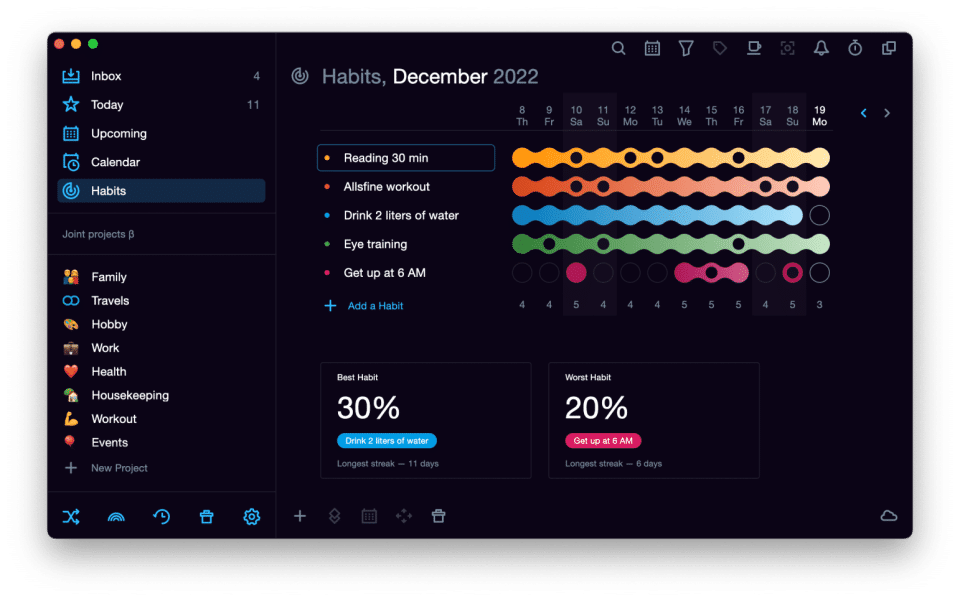
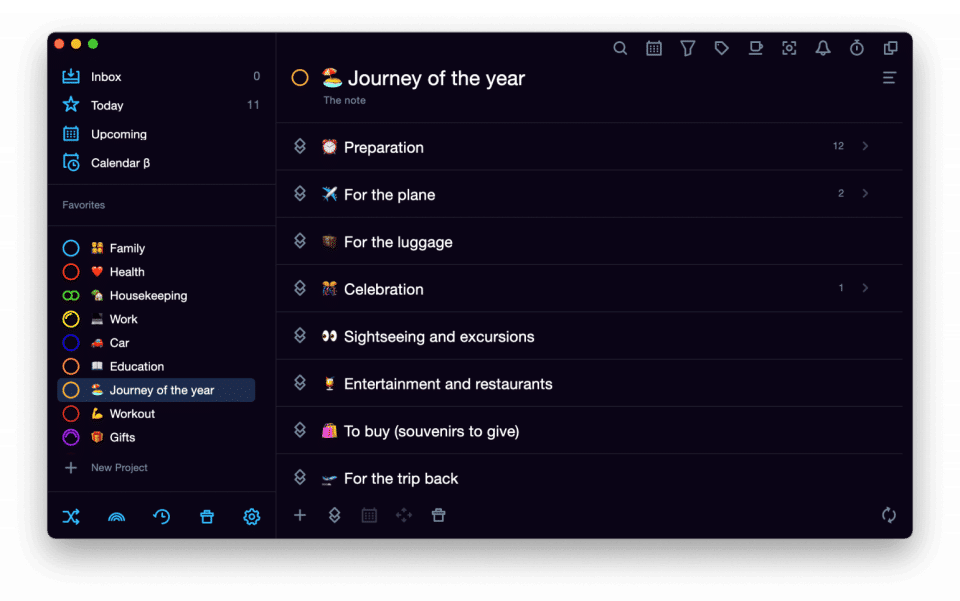
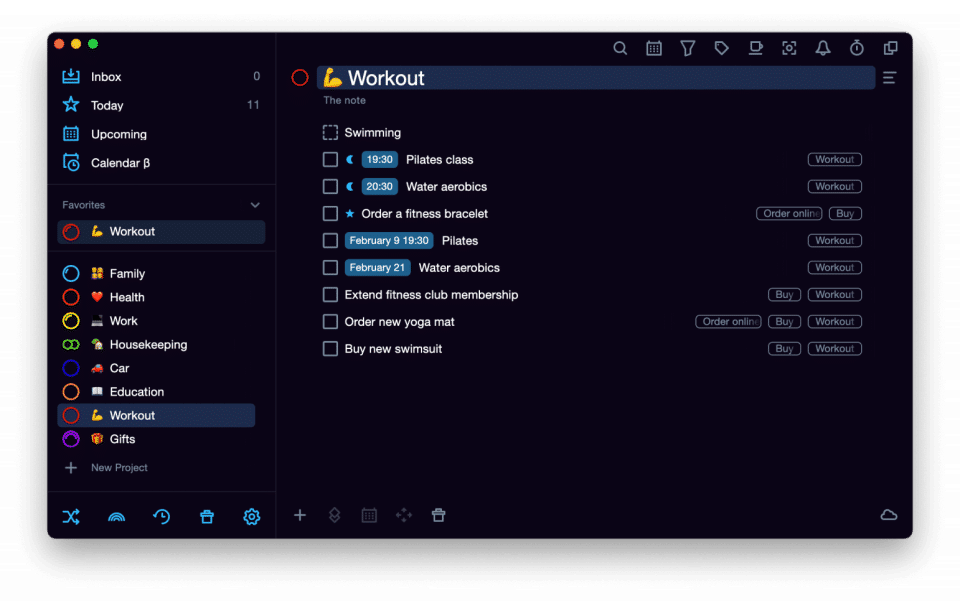
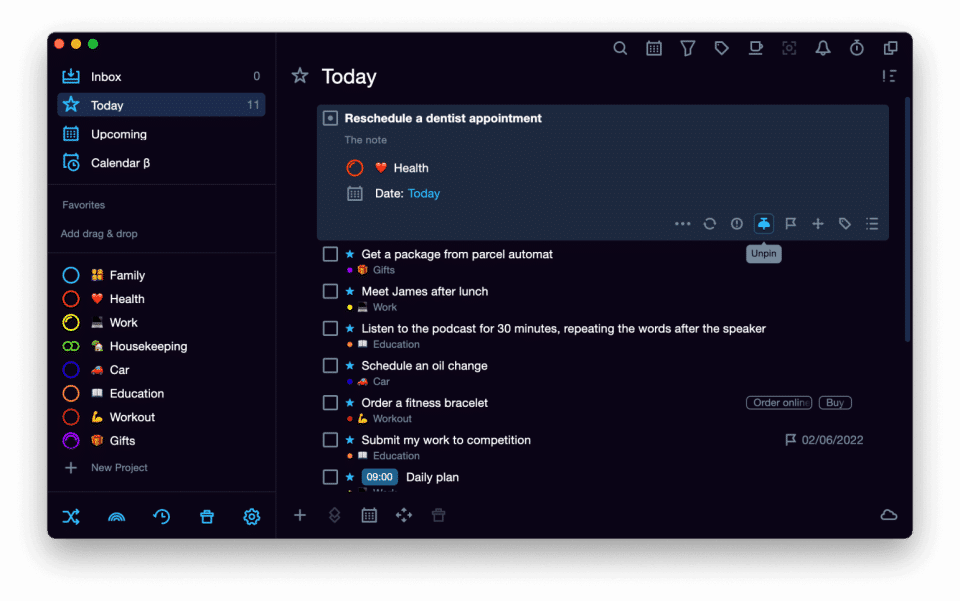
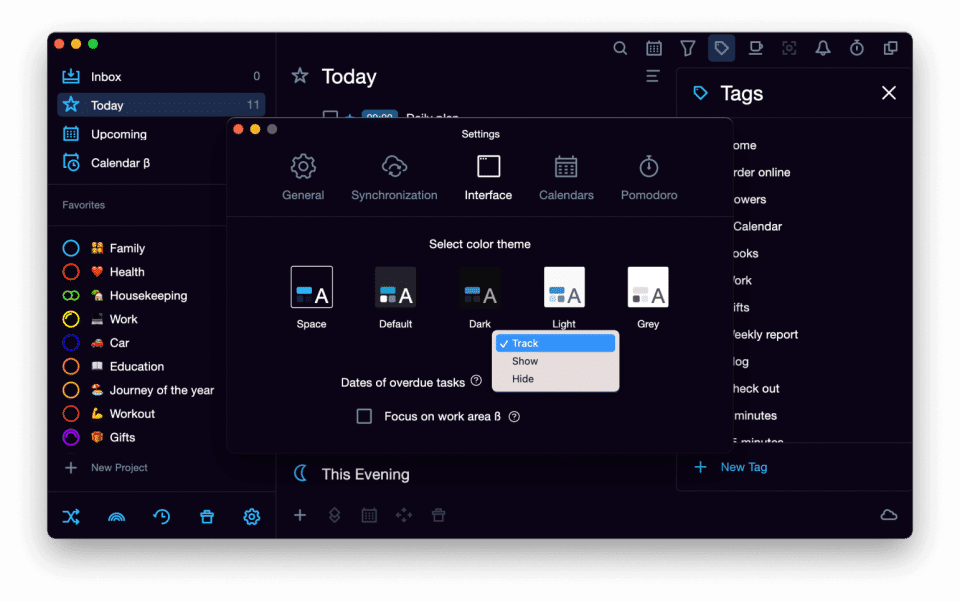
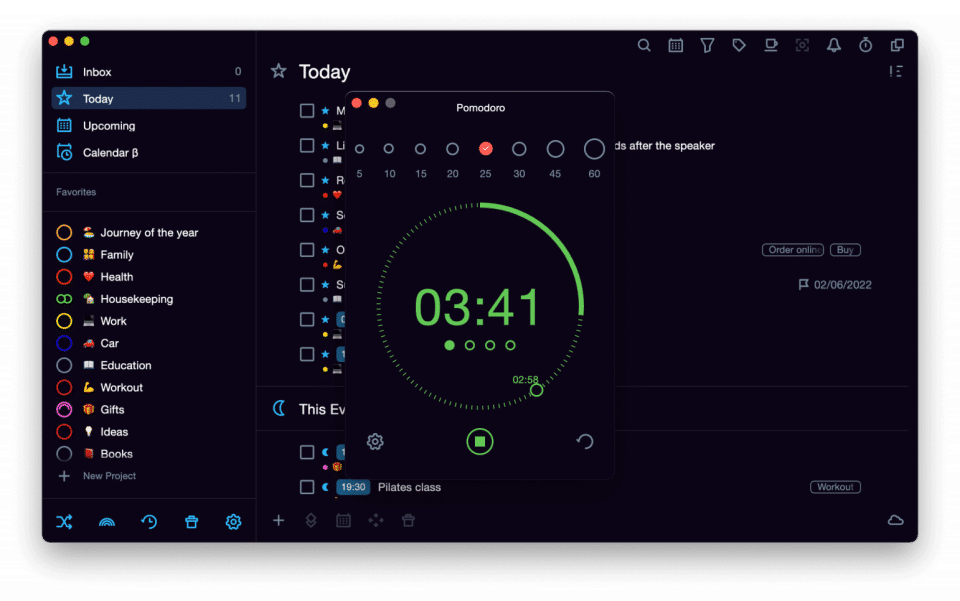
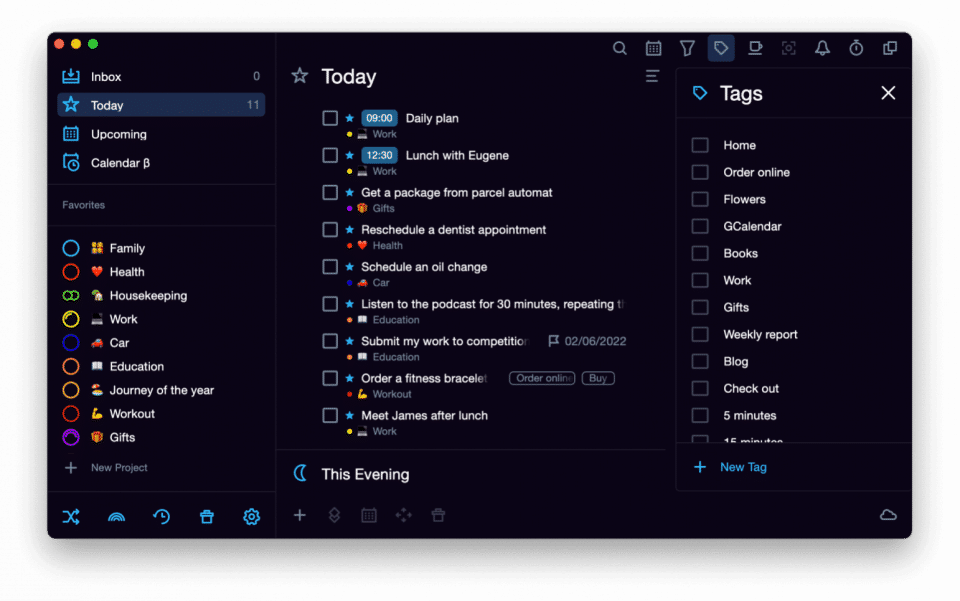
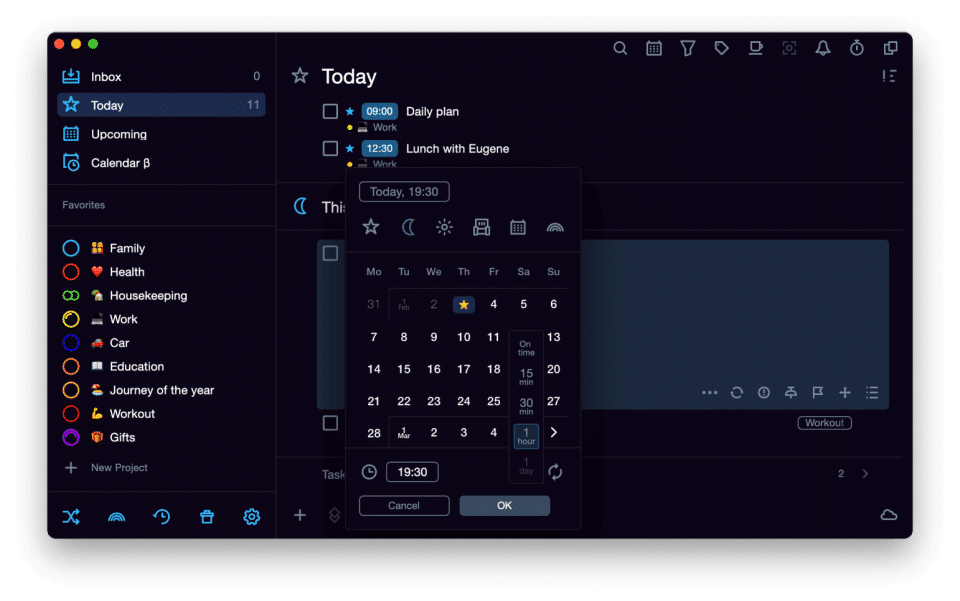
SingularityApp is the perfect task manager for professionals who want to optimize their daily workflow. With its ability to infinitely nest tasks, projects, and tags, SingularityApp makes organization easy. It also offers two widgets for iOS devices: a Task list widget to quickly access tasks and projects, and a Long tap widget that gives quick access to tasks and projects. Android users also get an advanced Quick Create widget for rapidly creating new tasks. The app also features a macOS widget to manage today's tasks and stay on top of upcoming obligations. The synchronization with Google Calendars allows users to access real-time updates across multiple devices and share links or texts from any platform. Finally, SingularityApp has a built-in Pomodoro timer that helps prevent burnout in your workday. Plus, it features easy importing from other planners should you have any existing tasks elsewhere that need consolidating into one calendar system. Take your schedule into your hands with SingularityApp's ultimate professional task management prowess
Pricing of SingularityApp
- Projects: 10
- Sections in the project: 5
- Habits: 3
- Pomodoro timer [for PC]
- Multiple level projects and tasks: Infinity
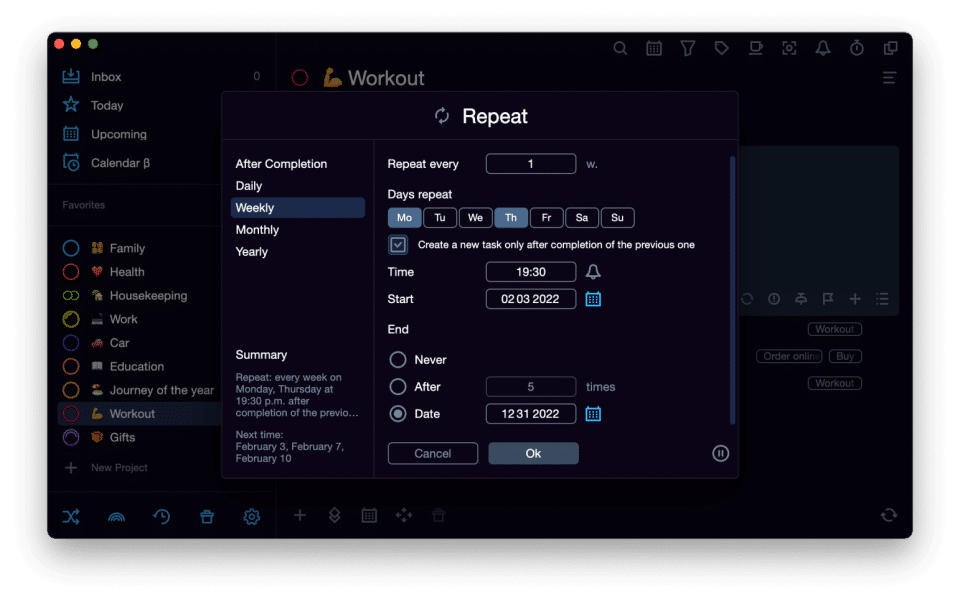
- Recurring tasks
- Notifications
- Quick task widget
- Priorities and pinned tasks
- Track overdue tasks
- Colored task tags and subtags
- Undo/redo history
- Hotkey and D&D support
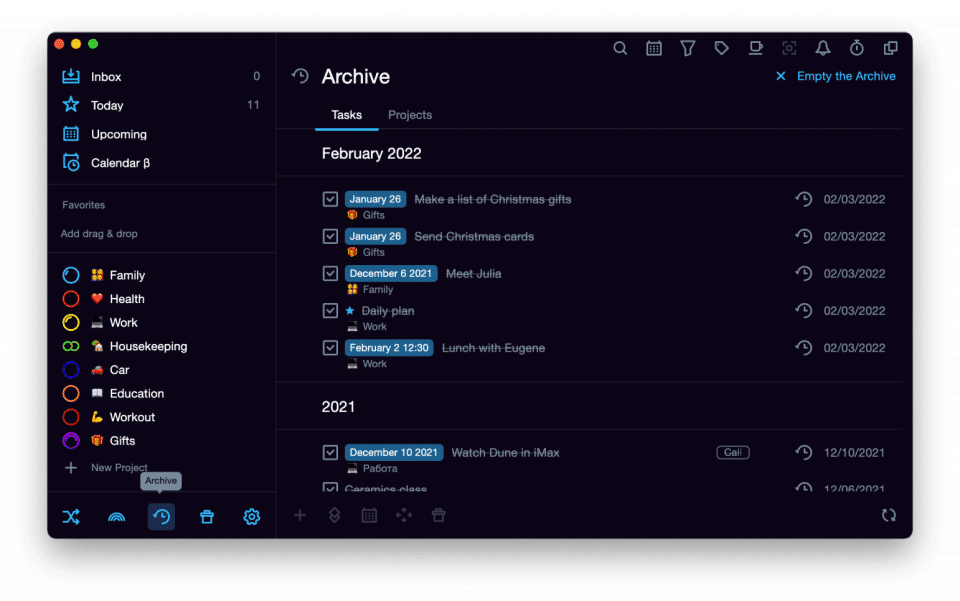
- Archive of tasks and projects
- Favorites for tasks
- projects
- tags
- Focus mode
- Review mode
- iOS and Android widgets
- Dark and light themes
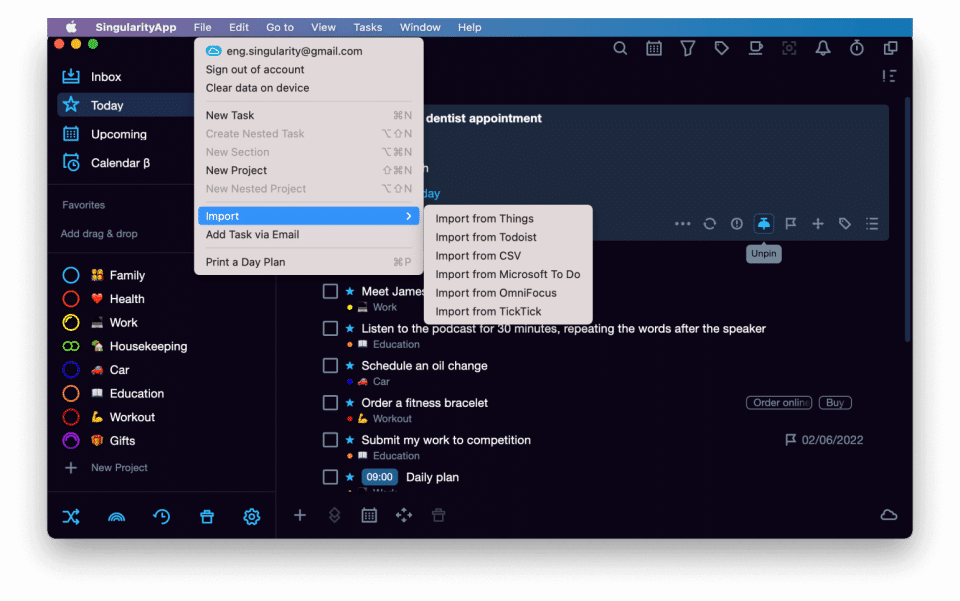
- Import from other apps
- Connecting web calendars
- Automatic backups
- Projects: 10
- S
- Synchronization among devices
- Saving data on the SingularityCloud server
- Sharing Projects
- Includes features of Free plan
- plus
- Projects: Infinity
- Sections in the project: Infinity
- Telegram bot to add tasks
- Tasking via email
- Voice input [mobile]
- Two-way sync with Google.Calendar
- Printable daily planner + in-app marks recognition
- Displaying tasks as a schedule [for PC]
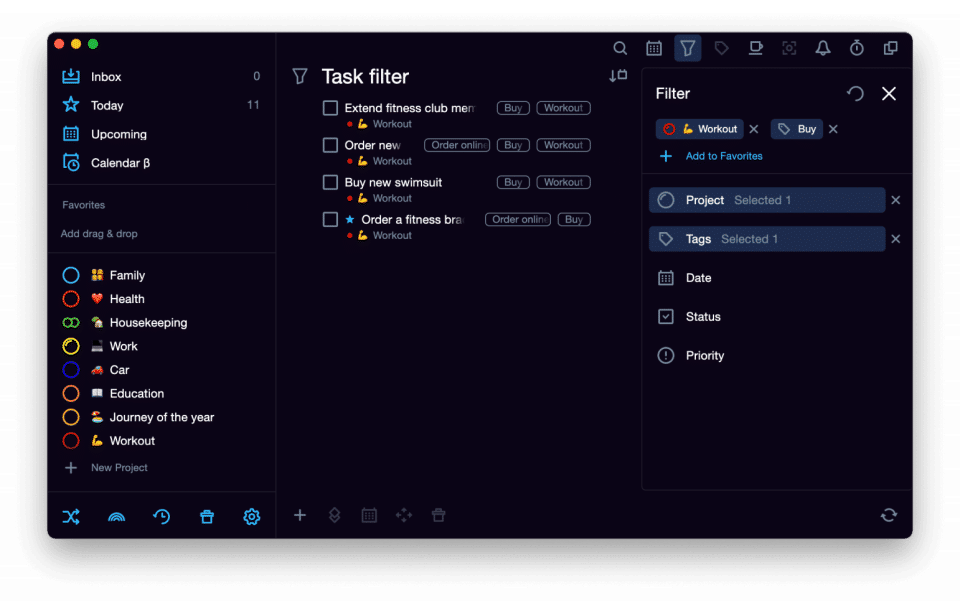
- Tasks filter
- Interface color customization
- Hiding icons and folders [for PC]
- Habits
- Pomodoro timer [mobile]
- Synchronization among
- Includes features of Singularity PRO plan
- Includes features of Singularity PRO plan
Key Features of SingularityApp
Key Features:
Key Specification
| Other Categories: | Task Management Software Task Management Software For Mac Task Management Software For PC |
|---|---|
| Deployment: | Cloud Hosted |
| Customer Support: | Online (Ticket) |
| Customization: | No |
| Languages Support: | English |
Who uses SingularityApp

SMEs

Enterprises
Company Details
| Company Name: | SingularityApp |
|---|---|
| Headquarter: | NA, |
| Social Media: |
Most Popular Software


Alternative
User Reviews

Frequently Asked Questions (FAQs)
The user group of SingularityApp are as follows :
- Enterprises
- SMEs
- SMEs
SingularityApp has 3 plans,
- Singularity Basic USD 0.00
- Singularity PRO USD 2.99 /Month
- Singularity Forever USD 89.99 One-time-payment
SingularityApp is allowed 0 Days Free Trial.
The key featuers of SingularityApp are as follows :
- Collaboration Tools
- Percent-Complete Tracking
- Time Tracking
SingularityApp pricing model : Onetime(Perpetual License)
SingularityApp is Online Software.
No
SingularityApp offers Online (Ticket) support.
SingularityApp provides Help Guides,Blogs for the software training.