OpenShot

OpenShot is incredibly amazingly wonderfully fantastically incredibly simple and powerful!

0.0
Rating out of 5 Based on 0 reviews

What is OpenShot

OpenShot is an open-source video editing software designed for beginners and professionals alike. It offers a simple interface with powerful features like trimming, transitions, animation, and audio editing. Users across different platforms can use it without any licensing fee. OpenShot Reviews often highlight its ease of use and effectiveness, and users can try out the platform through the OpenShot Demo before getting started.

Pricing of OpenShot

no-pricing
For get detailed pricing as per your requirements.

Key Features of OpenShot

Key Features:
  • 3D Video Editing
  • Video Capture
  • Social Sharing
  • Text Overlay
  • Supports HD Resolution
  • Merge video
  • Split Video
  • Video Speed Controller
  • Media Library
  • Brand Overlay
  • Audio Tools
  • Collaboration
  • Video Stabilization

Key Specification

Other Categories: Video Editing Software Live Chat Software For Mac Video Editing Software For Free Video Editing Software For PC Live Stream Software For Mac
Deployment: Cloud Hosted
Customer Support: Online (Ticket)
Customization: No
Languages Support: English

Who uses OpenShot

SMEs
SMEs

Company Details

Company Name: OpenShot
Headquarter: Rockwall, United States
Social Media:

OpenShot Description

Why Choose OpenShot

OpenShot is a strong choice for users looking for a free yet feature-rich video editor. It supports a wide range of video formats and offers unlimited tracks, making it suitable for complex projects. OpenShot Reviews praise its user-friendly design and multi-language support. Since OpenShot Pricing is entirely free, it's an ideal solution for small creators, educators, and professionals working with limited budgets.

Benefits of OpenShot

  1. Completely free and open-source with no licensing costs

  2. Intuitive drag-and-drop interface for easy editing

  3. Supports multiple video, audio, and image formats

  4. Cross-platform support for Windows, macOS, and Linux

  5. Active community and frequent software updates
    OpenShot Features provide flexibility for creating professional-level videos. OpenShot Reviews often emphasize the cost-efficiency and versatility of the tool, while OpenShot Pricing remains accessible for all users regardless of skill level or background.

How to Use OpenShot

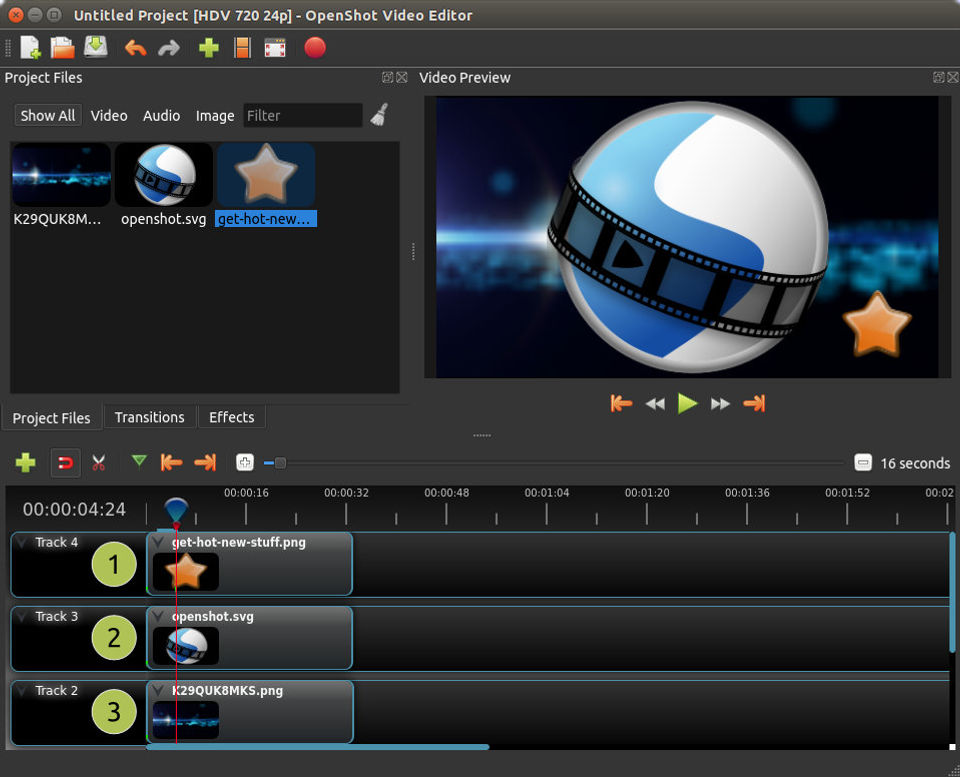
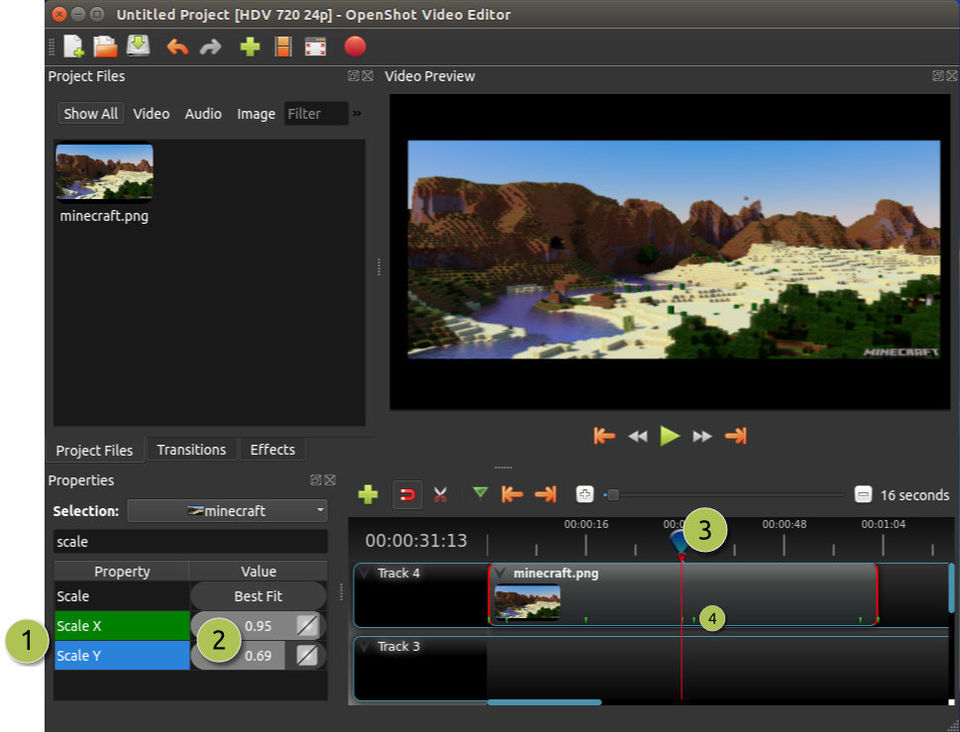
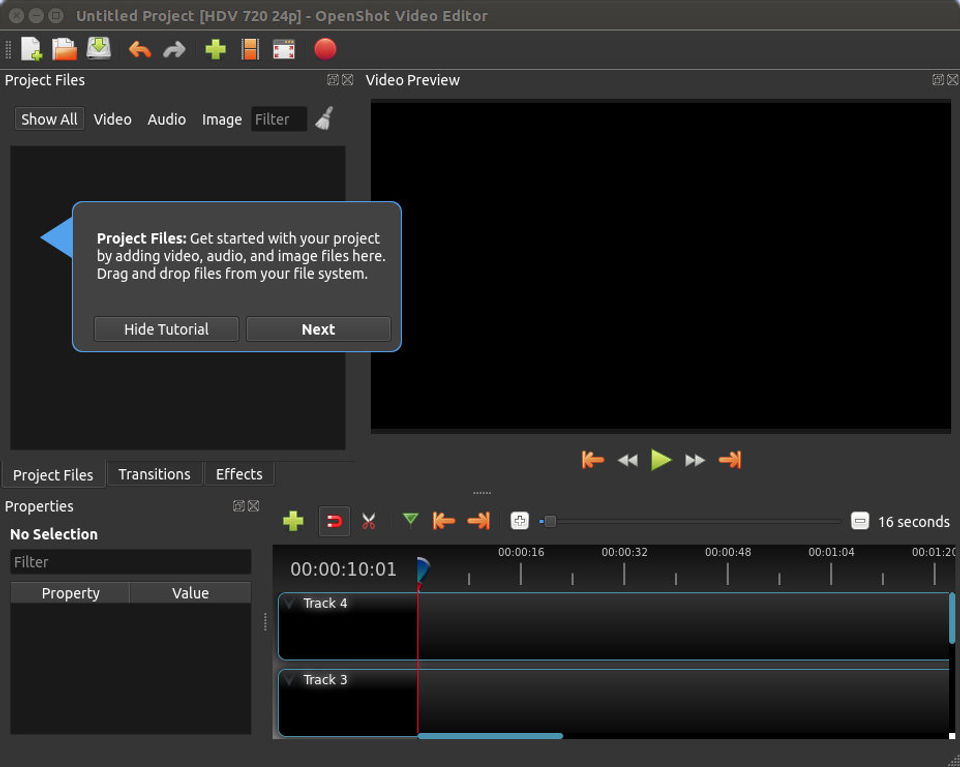
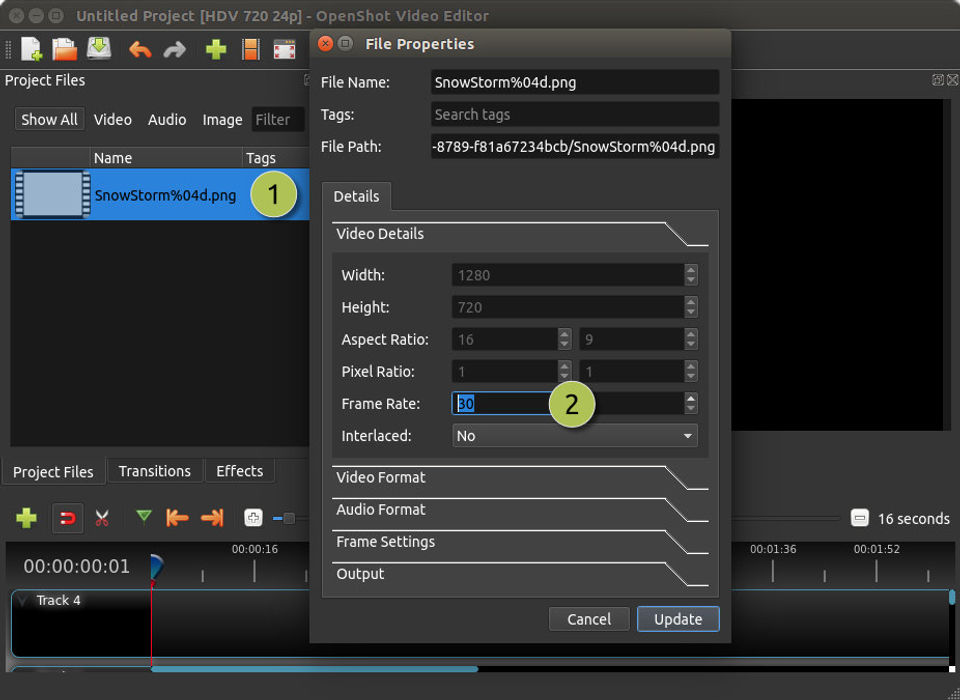
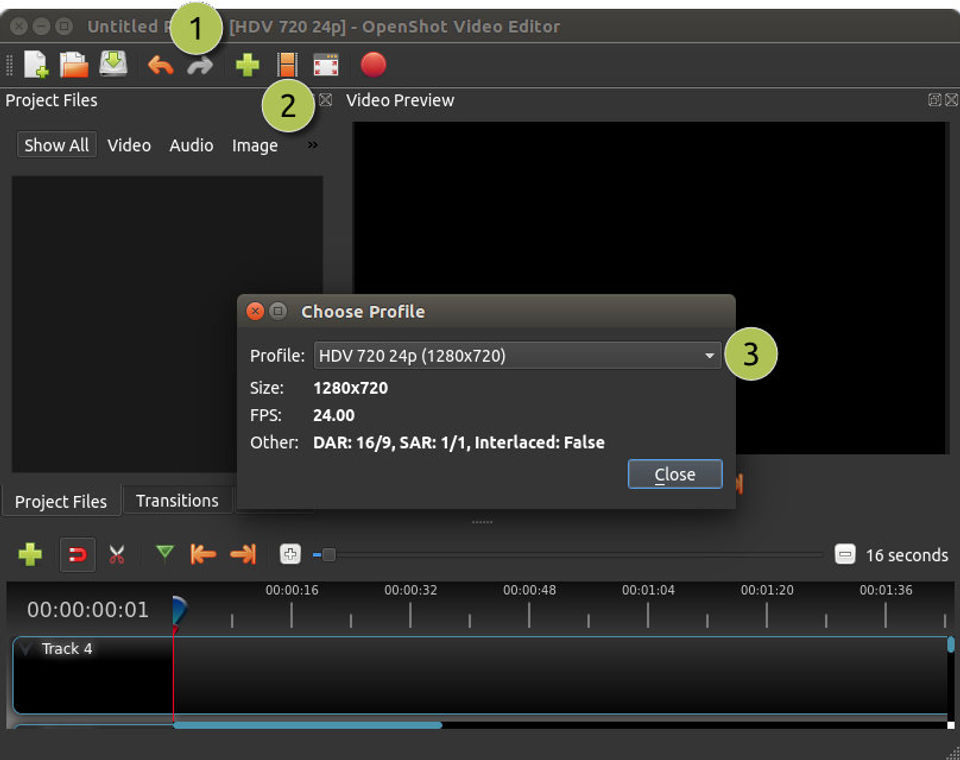
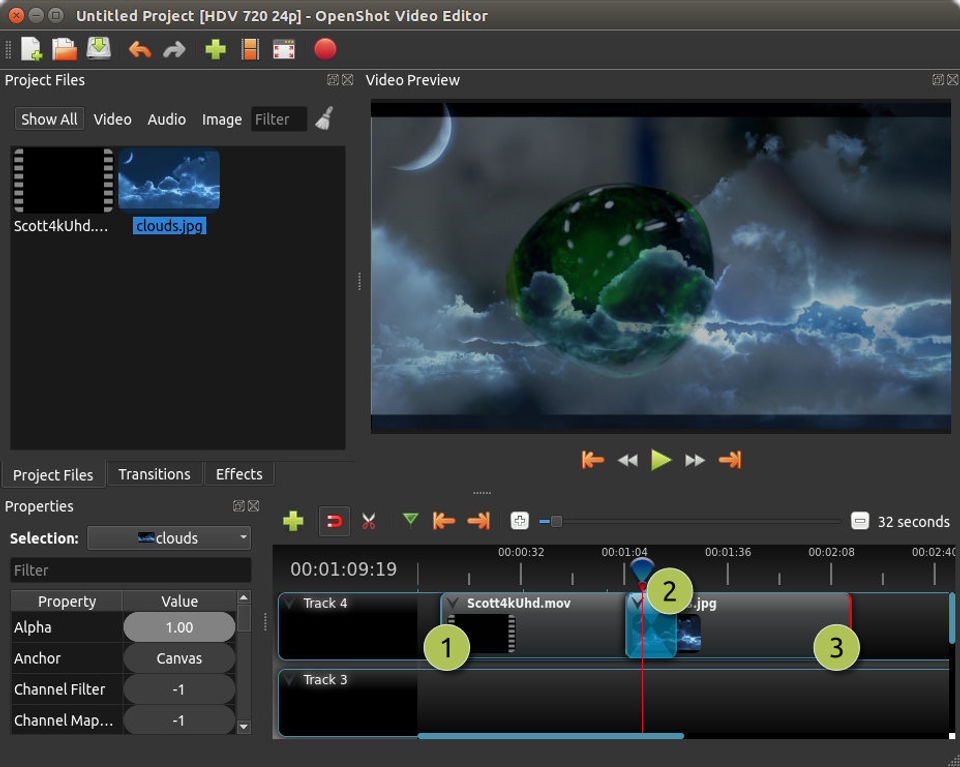
To use OpenShot, download and install the software, then import your video and audio files into the timeline. You can trim clips, add transitions, insert titles, and adjust audio levels with the drag-and-drop interface. Users can export videos in multiple formats. The OpenShot Demo is helpful for first-time users to understand the workflow before exploring more advanced options offered by OpenShot Features. It also integrates smoothly into a broader creative workflow that may include screen recording tools, helping content creators capture, edit, and publish professional videos efficiently.

Features of OpenShot

  1. Unlimited layers for video, audio, and images

  2. Keyframe-based animation support

  3. 3D titles and effects

  4. Video transitions and compositing

  5. Slow motion and time effects

  6. Export options in various resolutions and formats
    OpenShot Features make it a flexible tool for everything from quick edits to complex video projects. With no cost involved in OpenShot Pricing, it’s accessible to all, and OpenShot Reviews consistently highlight the range and power of its creative capabilities.

Alternative

Riverside

Create your best content yet.

0.0
Rating out of 5 Based on 0 reviews

Flocksy

Dedicated Creative Team · Zero Overhead

0.0
Rating out of 5 Based on 0 reviews

Promo.com

Your Creative Video CoPilot For Business Marketing Success

0.0
Rating out of 5 Based on 0 reviews

OpenShot Video/Screenshots

User Reviews

no-reviews
Share your experience! Be the very first reviewer. Write a Review

Frequently Asked Questions (FAQs)

The user group of OpenShot are as follows :

  • SMEs

OpenShot has 0 plans.

OpenShot is not allowing Free Trial.

OpenShot pricing model : Onetime(Perpetual License)

OpenShot is Online Software.

No

OpenShot offers Online (Ticket) support.

OpenShot provides Help Guides,Video Guides,Blogs for the software training.