NoRedInk

Build better writers

0.0
Rating out of 5 Based on 0 reviews

What is NoRedInk?
NoRedInk is an online writing and grammar platform designed to help students improve their writing skills through personalized, adaptive learning. Widely used in schools across the U.S., it offers interactive exercises, guided writing practice, and real-time feedback based on students’ interests and performance. Teachers can assign grammar lessons, writing prompts, and assessments aligned with state standards, while tracking student progress through detailed reports. NoRedInk supports a wide range of writing genres and conventions, making it a valuable tool for building strong literacy foundations from middle school through high school.

Pricing of NoRedInk

Free Version

USD
USD 0.00

Buy Now
  • Personalized Learning
  • Guided Draft Prompts and Genres
  • Quick Write Prompts
  • Customer Feedback Software

NoRedInk Premium

USD
USD 0.00

Buy Now
  • All Free Version plus
  • AI powered Grading Assistant
  • Originality Insights
  • State Test specific Filters Prompts and Rubrics
  • Schoology Canvas and Clever Integrations
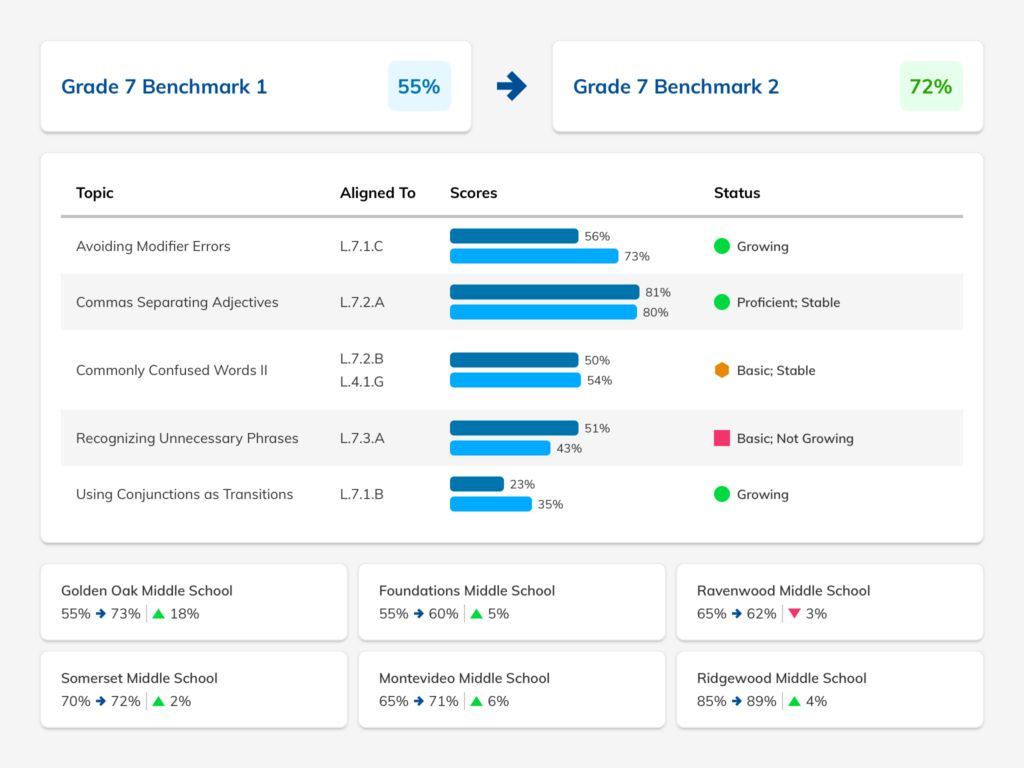
  • School and District level Benchmark Assessments

Key Features of NoRedInk

Key Features:
  • Student Progress Tracking
  • Data Import/Export
  • Synchronous Learning
  • Grade Calculations

Key Specification

Other Categories: School Management Software Education Software Education ERP Software School ERP Software
Deployment: Cloud Hosted,Hybrid
Customer Support: Phone,Email
Customization: Yes
Languages Support: English

Who uses NoRedInk

Personal
Personal
StartUps
StartUps
SMEs
SMEs

Company Details

Company Name: NoRedInk
Headquarter: San Francisco, California United States
Social Media:

NoRedInk Description

What is NoRedInk?

  • NoRedInk is a web-based writing and grammar platform for students and teachers

  • Helps students improve their writing through personalized, interest-based exercises

  • Offers grammar, mechanics, style, and writing skills practice

  • Used widely in middle and high schools across the U.S.

  • Adapts to each student’s needs, tracking progress and offering real-time feedback

  • Aligns with Common Core and state educational standards

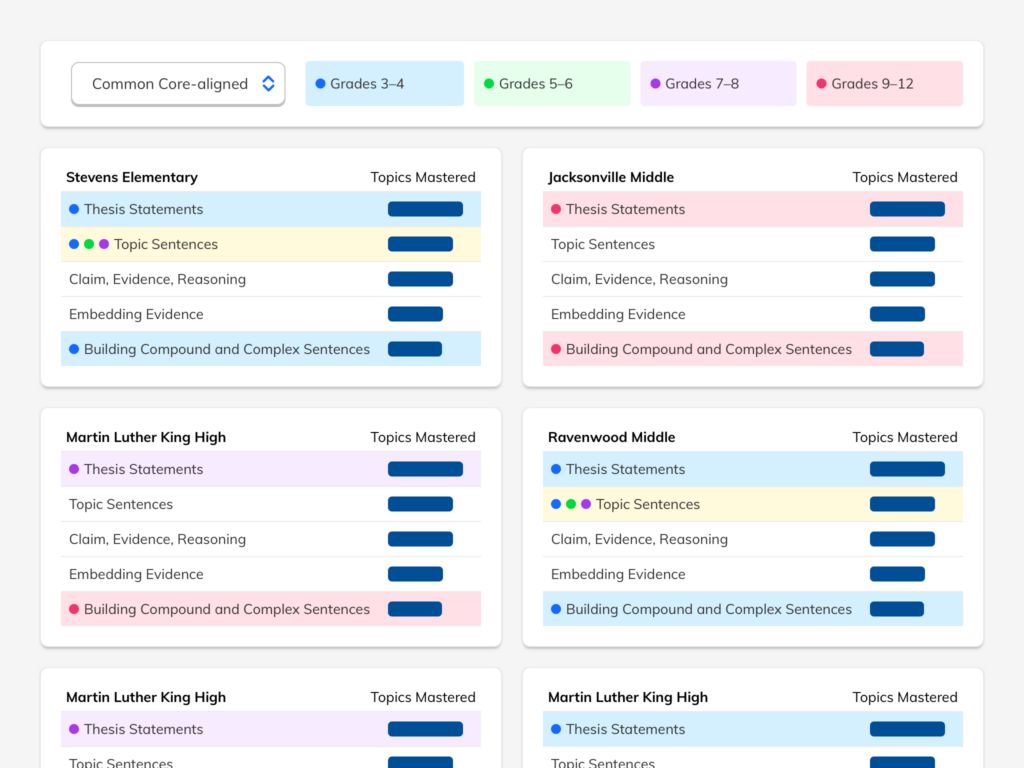
  • Teachers can assign lessons, monitor progress, and grade writing assignments online

Why Choose NoRedInk?

  • Provides a personalized learning path for every student based on their interests

  • Adaptive technology ensures that students are always working at the right level

  • Teachers can assign targeted exercises to meet curriculum goals

  • Tracks student performance in real-time, allowing for data-driven instruction

  • Encourages student engagement with fun, relatable content and interactive activities

  • Reduces the workload for teachers by automating grading and tracking

  • Supports classroom, remote, and hybrid learning environments effectively

Benefits of NoRedInk

  • Improves student writing skills in grammar, sentence structure, and essay writing

  • Builds student confidence through gradual skill development and instant feedback

  • Offers standards-aligned content, ideal for exam prep and academic growth

  • Saves teachers time with auto-graded quizzes and writing rubrics

  • Provides detailed insights into individual and class-level performance

  • Enhances student engagement by allowing content customization

  • Helps close writing skill gaps through differentiated instruction

How to Use NoRedInk

  • Teachers create an account and set up their classes

  • Students join using a class code or invite link

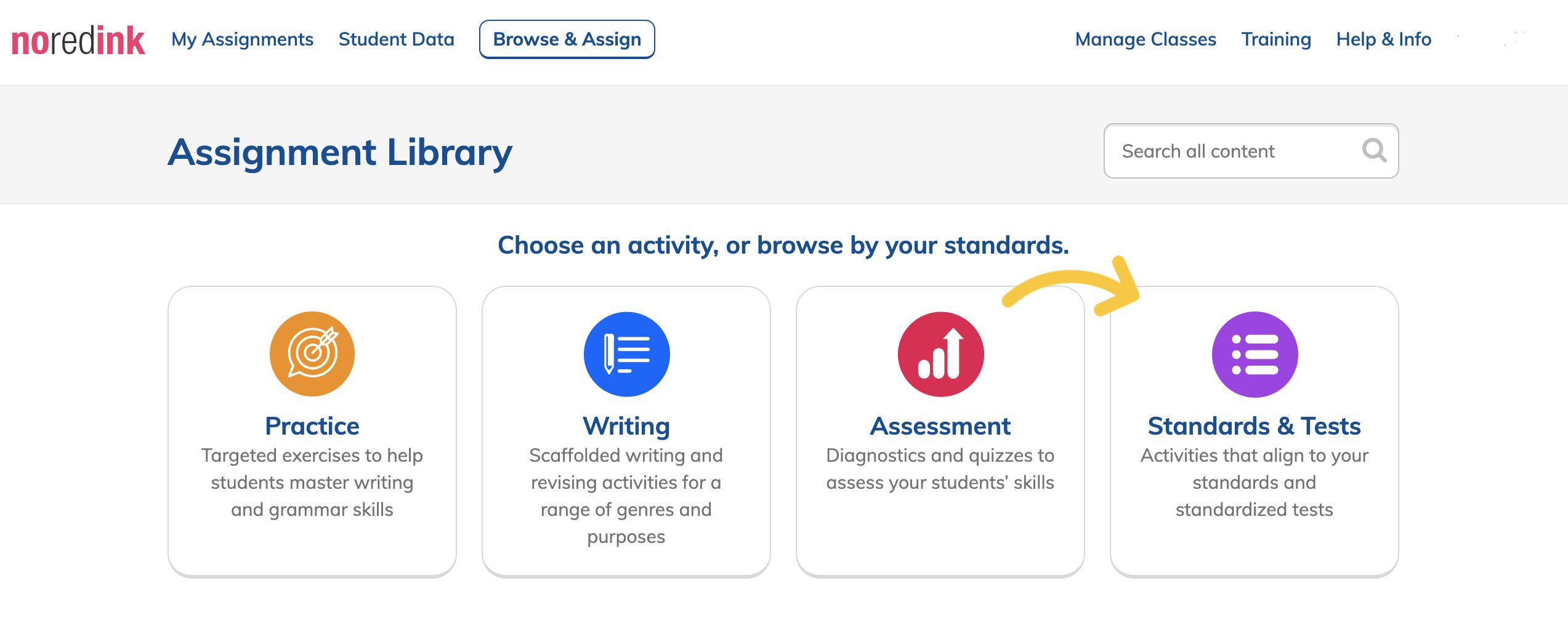
  • Teachers assign grammar, writing, or diagnostic activities

  • Students complete interactive exercises based on their skill level

  • Writing assignments are submitted and can be graded with built-in rubrics

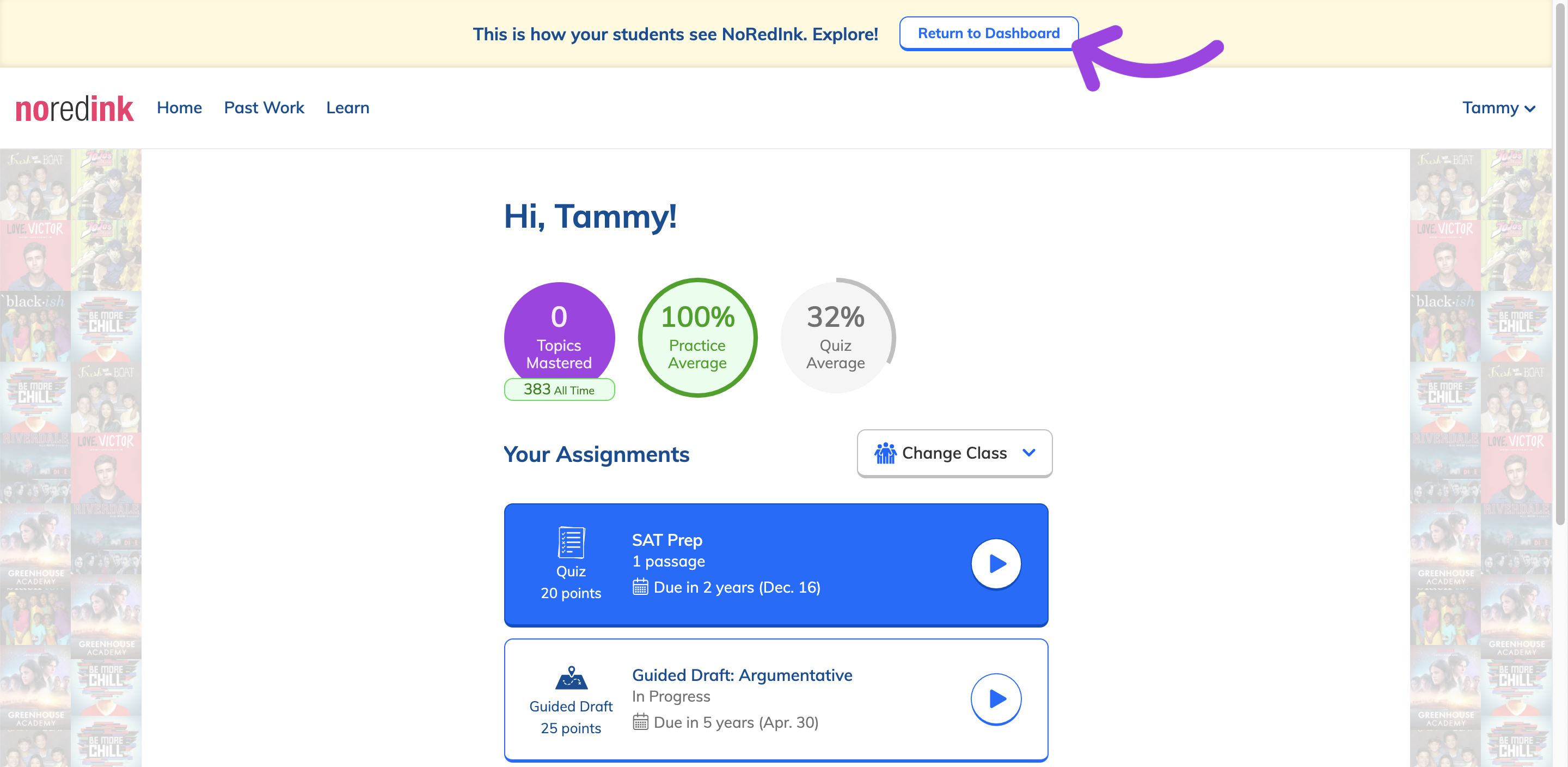
  • Progress and results are tracked in real-time on teacher dashboards

  • Can be used for homework, in-class practice, or assessments

Features of NoRedInk

  • Adaptive grammar and writing exercises tailored to each student

  • Interest-based content that keeps students engaged

  • Guided writing practice with clear prompts and scaffolding

  • Writing assignments with rubrics and real-time feedback tools

  • Diagnostic tests to identify learning gaps

  • Standards-aligned curriculum for grades 5–12

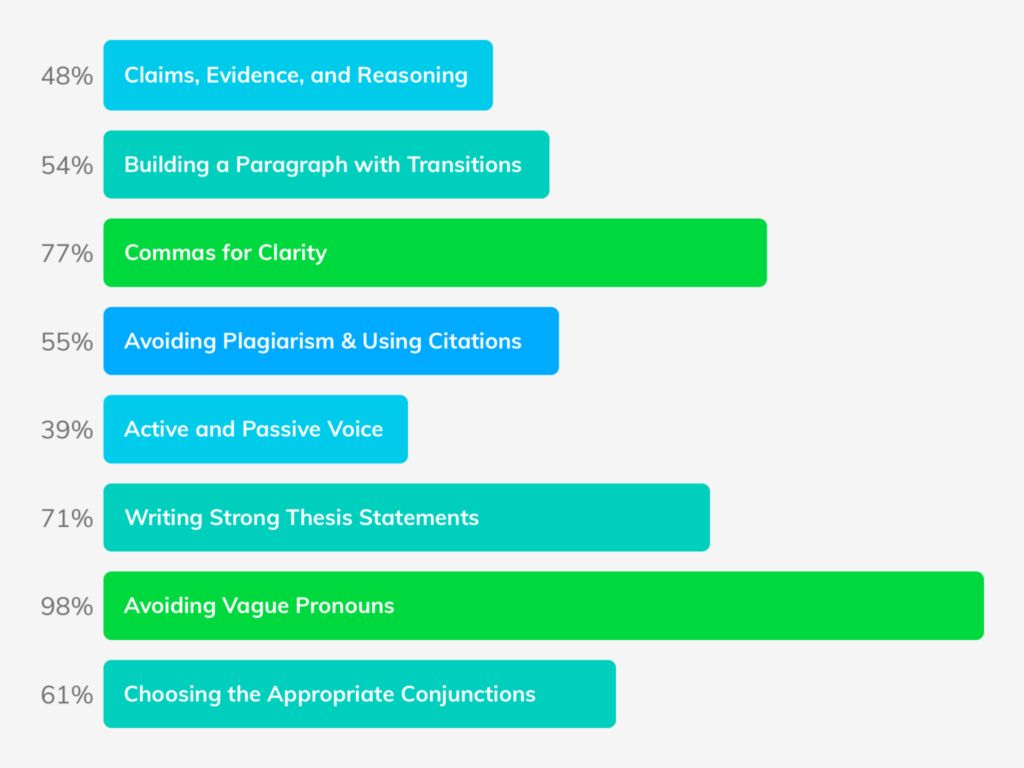
  • Detailed performance reports for both students and teachers

What Makes NoRedInk Different?

  • Uses student interests (sports, music, movies, etc.) to make learning relatable

  • Focuses on both grammar fundamentals and actual writing practice

  • Combines adaptive learning with creative writing support

  • Offers formative assessments and long-term skill-building

  • Highly customizable for teachers, with flexible assignment options

  • Seamlessly integrates with Google Classroom and other LMS platforms

  • Designed specifically for ELA educators with classroom-tested tools

Who Can Benefit from NoRedInk?

  • Middle and high school students looking to improve their writing and grammar

  • English and Language Arts (ELA) teachers needing targeted writing instruction tools

  • Schools and districts aiming to raise literacy scores and meet standards

  • Special education teachers needing personalized, differentiated content

  • Homeschool educators and tutors looking for online writing support

  • Administrators seeking tools for standards alignment and progress tracking

  • ESL students and teachers focusing on foundational English skills

Is NoRedInk Easy to Use?

  • Clean, intuitive interface for both students and teachers

  • Simple onboarding process—no advanced technical skills required

  • Step-by-step guidance throughout assignments and practice sessions

  • Students receive instant feedback and explanations for every answer

  • Teachers can assign work in just a few clicks

  • Works on Chromebooks, desktops, and tablets with no downloads

  • Integrates easily with classroom technology like Google Classroom

What Support Does NoRedInk Offer?

  • Online help center with FAQs, guides, and tutorials

  • Email-based customer support for teachers and administrators

  • Free webinars and training sessions for educators

  • In-app walkthroughs and tips to support first-time users

  • Regular updates and improvements based on user feedback

  • Classroom resources, assignment templates, and best practices

  • Premium users receive priority support and implementation guidance

Alternative

Canvas LMS

Canvas LMS, The World's #1 Teaching and Learning Software

0.0
Rating out of 5 Based on 0 reviews

Google Classroom

By Google Classroom

0.0
Rating out of 5 Based on 0 reviews

Moodle Workplace

By Moodle

0.0
Rating out of 5 Based on 0 reviews

NoRedInk Video/Screenshots

NoRedInk Key Clients

User Reviews

no-reviews
Share your experience! Be the very first reviewer. Write a Review

Frequently Asked Questions (FAQs)

The user group of NoRedInk are as follows :

  • Personals
  • Startups
  • SMEs

NoRedInk has 2 plans,

  • Free Version USD
  • NoRedInk Premium USD

NoRedInk is not allowing Free Trial.

The key featuers of NoRedInk are as follows :

  • Student Progress Tracking
  • Data Import/Export
  • Synchronous Learning
  • Grade Calculations

NoRedInk pricing model : Yearly,Monthly

NoRedInk is Cloud Hosted,Hybrid Software.

Yes

NoRedInk offers Phone,Email support.

NoRedInk provides Help Guides,Video Guides,Blogs,Infographics for the software training.