


 0.0
0.0
What is Microsoft Word?
Microsoft Word is a data processing software application. You can conveniently transform your word paper into a website. Obtain creativity by putting 3D versions directly in your publication reports, nonprofit discussion, or any record. Microsoft Word uses a function called Researcher, which helps customers search for details, pictures, or products they need for their research paper or any record they are dealing with.
Pricing of Microsoft Word
- Premium apps included Microsoft Word Microsoft Excel Microsoft PowerPoint Microsoft OneNote Microsoft Outlook Microsoft Access (PC only) Microsoft Publisher (PC only)
- Microsoft Word
- Microsoft Excel
- Microsoft PowerPoint
- Microsoft OneNote
- Microsoft Outlook
- Microsoft Access (PC only)
- Microsoft Publisher (PC only)
- Services included OneDrive Microsoft Skype
- OneDrive
- Microsoft Skype
- Usage: Up to 6 people
- Word
- Excel
- PowerPoint
- OneNote: Premium
- OneDrive cloud storage: Up to 6 TB (1 TB per person)
- Out
- Premium apps included Microsoft Word Microsoft Excel Microsoft PowerPoint Microsoft OneNote Microsoft Outlook Microsoft Access (PC only) Microsoft Publisher (PC only)
- Microsoft Word
- Microsoft Excel
- Microsoft PowerPoint
- Microsoft OneNote
- Microsoft Outlook
- Microsoft Access (PC only)
- Microsoft Publisher (PC only)
- Services included OneDrive Microsoft Skype
- OneDrive
- Microsoft Skype
- Usage: 1 people
- Word
- Excel
- PowerPoint
- OneNote: Premium
- OneDrive cloud storage: Up to 6 TB (1 TB per person)
- Outlook
- A
- Premium apps included Microsoft Word Microsoft Excel Microsoft PowerPoint
- Microsoft Word
- Microsoft Excel
- Microsoft PowerPoint
- Usage: 1 PC/Mac
- Word
- Excel
- PowerPoint
- OneNote: Classic
- Premium apps included Microsoft Word Microsoft Excel Microsoft PowerPoint
- Microsoft Word
- Microsoft Excel
- Microsoft PowerPoint
- Usage: 1 PC/Mac
- Word
- Excel
- PowerPoint
- OneNote: Classic
- Microsoft Word
- Microsoft Excel
- Microsoft PowerPoint
- Services included Exchange Microsoft OneDrive Microsoft SharePoint Microsoft Teams
- Exchange
- Microsoft OneDrive
- Microsoft SharePoint
- Microsoft Teams
- Web and mobile versions of Office apps
- Email and calendaring
- Teamwork and communication
- File storage and sharing
- Security and compliance
- This feature is partially included
- Support and deployment
- Tools to build and manage your business: Partially included
- Services included Exchange Microsoft OneDrive Microsoft SharePoint Microsoft Teams
- Exchange
- Micro
- Office apps included Microsoft Outlook Microsoft Word Microsoft Excel Microsoft PowerPoint Microsoft Publisher (PC only) Microsoft Access (PC only)
- Microsoft Outlook
- Microsoft Word
- Microsoft Excel
- Microsoft PowerPoint
- Microsoft Publisher (PC only)
- Microsoft Access (PC only)
- Services included Exchange Microsoft OneDrive Microsoft SharePoint Microsoft Teams
- Exchange
- Microsoft OneDrive
- Microsoft SharePoint
- Microsoft Teams
- Web and mobile versions of Office apps
- Email and calendaring
- Teamwork and com
- Office apps included Microsoft Outlook Microsoft Word Microsoft Excel Microsoft PowerPoint Microsoft Publisher (PC only) Microsoft Access (PC only)
- Microsoft Outlook
- Microsoft Word
- Microsoft Excel
- Microsoft PowerPoint
- Microsoft Publisher (PC only)
- Microsoft Access (PC only)
- Services included Exchange Microsoft OneDrive Microsoft SharePoint Microsoft Teams Intune Microsoft Azure Information Protection
- Exchange
- Microsoft OneDrive
- Microsoft SharePoint
- Microsoft Teams
- Intune
- Microsoft Azure Informat
- Office apps included Microsoft Outlook Microsoft Word Microsoft Excel Microsoft PowerPoint Microsoft Publisher (PC only) Microsoft Access (PC only)
- Microsoft Outlook
- Microsoft Word
- Microsoft Excel
- Microsoft PowerPoint
- Microsoft Publisher (PC only)
- Microsoft Access (PC only)
- Services included Microsoft OneDrive
- Microsoft OneDrive
- Web and mobile versions of Office apps
- File storage and sharing
- Security and compliance: Partially included
- This feature is partially included
- Support and deployment
- Des
Awards & Badges Received
Get More Awards & Badges from Techimply


Key Features of Microsoft Word
Key Features:
Key Specification
| Other Categories: | Accounting Software Document Management Software Document Creation Software |
|---|---|
| Deployment: | Cloud Hosted,Hybrid |
| Customer Support: | |
| Customization: | Yes |
| Languages Support: | English |
Who uses Microsoft Word

StartUps

Agencies

Enterprises
Company Details
| Company Name: | Microsoft Word |
|---|---|
| Headquarter: | Redmond, Washington United States |
| Social Media: |
Microsoft Word Description
Most Popular Software


Alternative


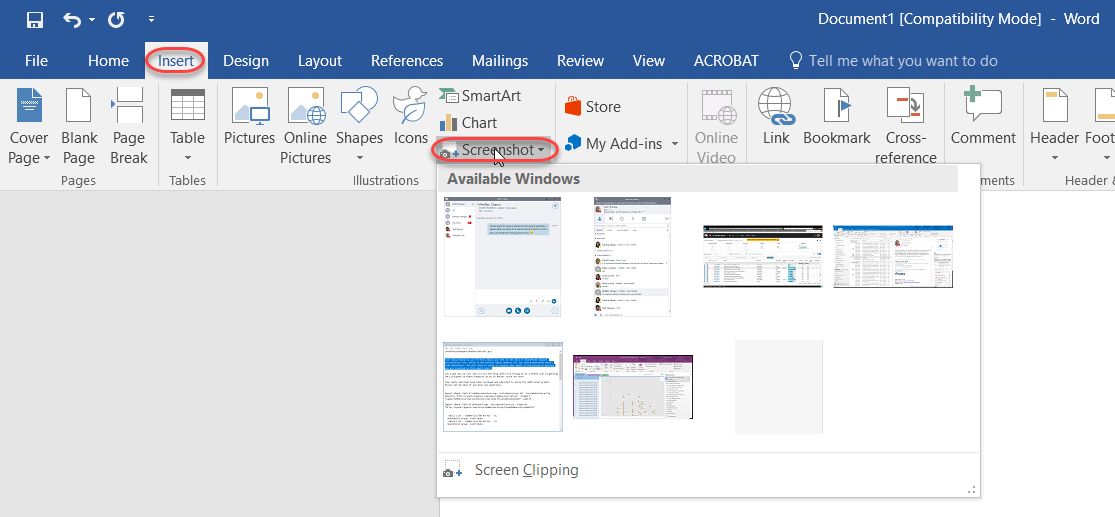
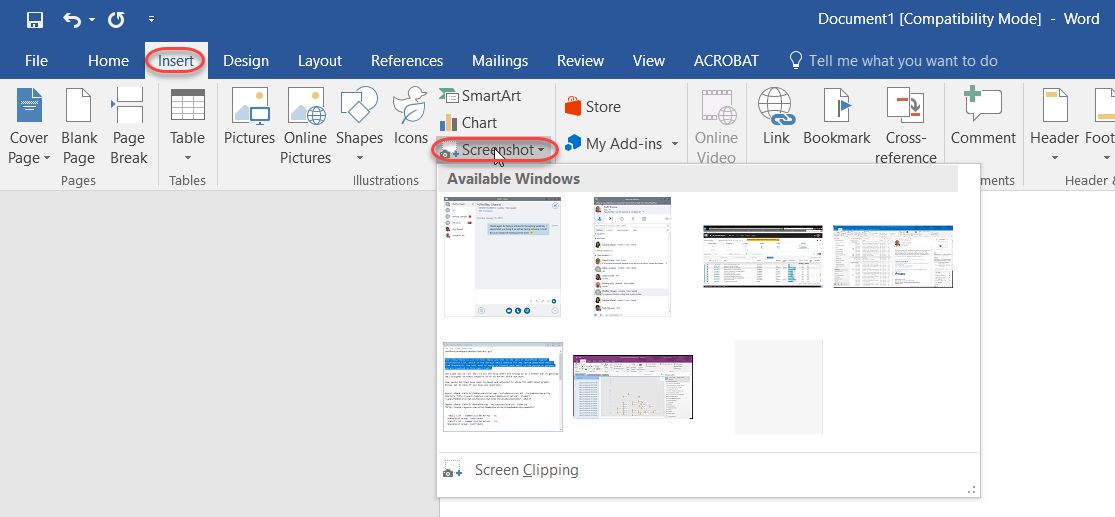
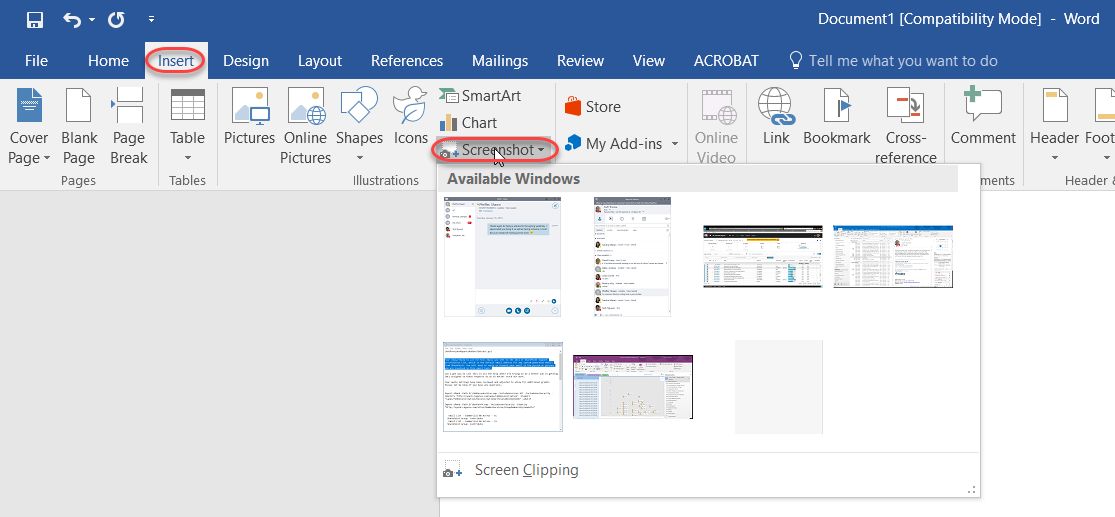
Microsoft Word Video/Screenshots
User Reviews

Frequently Asked Questions (FAQs)
The user group of Microsoft Word are as follows :
- Startups
- Agencies
- Enterprises
Microsoft Word has 7 plans,
- Microsoft 365 Family (For Home) USD 9.99 /Month
- Microsoft 365 Personal (For Home) USD 6.99 /Month
- Office Home & Student 2019 (For Home) USD 149.99 One Time Payment
- Microsoft 365 Business Basic USD 6.00 /User/Month
- Microsoft 365 Business Standard USD 15.00 /User/Month
- Microsoft 365 Business Premium USD 20.00 /User/Month
- Microsoft 365 Apps USD 10.00 /User/Month
Microsoft Word is not allowing Free Trial.
The key featuers of Microsoft Word are as follows :
- HR & Payroll
- POS invoicing
- Project Management
- Accounts payable
- Access your Data on the Go
- Payment Gateway Integration
- Cash Management
- Document Printing
- Multi-Branch Connectivity
- Accounting
- Application Sharing
Microsoft Word pricing model : Monthly
Microsoft Word is Cloud Hosted,Hybrid Software.
Yes
Microsoft Word offers Email support.
Microsoft Word provides Help Guides,Blogs for the software training.


