Lunapic

By Lunapic

0.0
Rating out of 5 Based on 0 reviews

What is Lunapic

Lunapic is a free online photo editing tool that allows users to edit, enhance, and apply effects to images without needing advanced graphic design skills. It supports various file formats and offers a wide range of filters and editing tools. Lunapic is ideal for quick edits and creative enhancements. Many Lunapic Reviews highlight its ease of use and accessibility for all experience levels.

Pricing of Lunapic

no-pricing
For get detailed pricing as per your requirements.

Key Features of Lunapic

Key Features:
  • Revision Control
  • Text Tool
  • Remove objects
  • Import from web
  • Enhancement Tools
  • Effects and Filters
  • Collaborative Editing
  • Auto Select
  • Social Media Integration
  • Import-Export Option
  • Built-in Templates
  • Transform tools
  • Batch Editing
  • Cloud Storage

Key Specification

Other Categories: Photo Editing Software For Free Photo Editing Software
Deployment: Cloud Hosted
Customer Support: Online (Ticket)
Customization: No
Languages Support: English

Who uses Lunapic

SMEs
SMEs

Company Details

Company Name: Lunapic
Headquarter: Pennsylvania,
Social Media:

Lunapic Description

Why Choose Lunapic

Lunapic stands out for its browser-based access, no installation requirements, and wide toolset for photo effects and editing. It’s perfect for users who want to edit images on the go or without expensive software. Lunapic Reviews often mention its rich feature set, fast load times, and user-friendly interface. Additionally, Lunapic Pricing is free, making it a cost-effective solution for both casual and frequent users.

Benefits of Lunapic

  1. Free to use with no sign-up required

  2. Accessible from any device with a browser

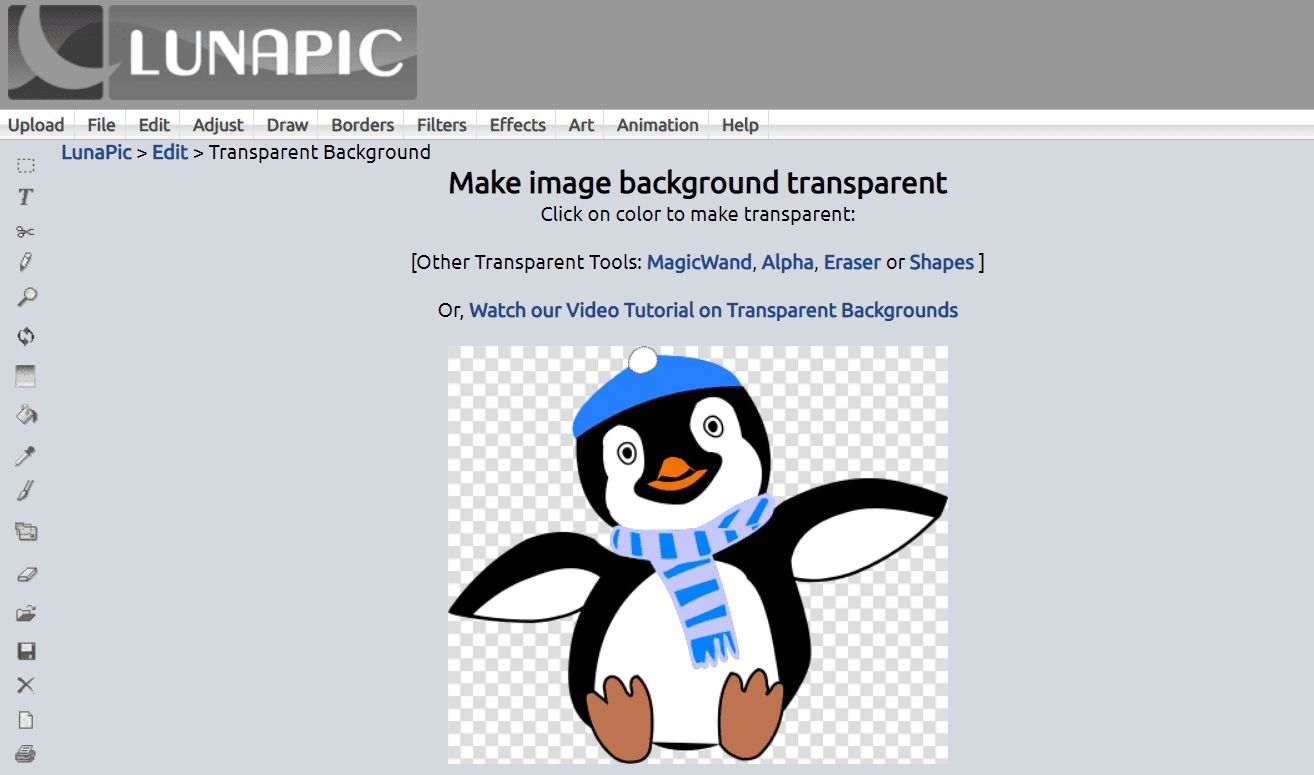
  3. Supports transparent backgrounds and GIF editing

  4. Offers artistic effects like sketch, cartoon, and oil painting

  5. Allows fast cropping, resizing, and rotating tools
    Lunapic Features give users quick access to both basic and advanced tools. According to Lunapic Reviews, it’s especially appreciated for ease of use and creative effect options.

How to Use Lunapic

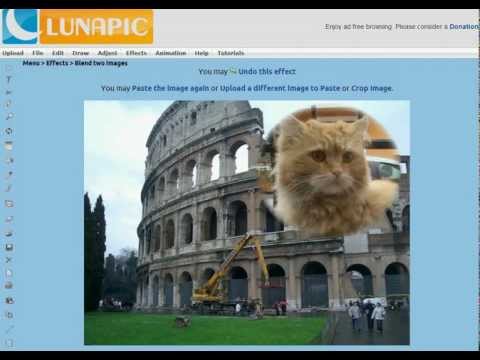
To use Lunapic, simply visit the platform, upload your image, and start editing using the menu of tools available. You can apply filters, crop, resize, add text, and even create animations. Edits are made in real time, with the option to undo at any step. Those unfamiliar can check Lunapic Reviews or a Skore Demo to understand how visual tools like this enhance user experience. It works well alongside other photo editing platforms that cover background removal, layer blending, and advanced image retouching for content creators and marketers.

Features of Lunapic

  1. Image cropping, resizing, and rotation

  2. Artistic filters like sketch, watercolor, and emboss

  3. Transparent background tool

  4. Animation creation and GIF editing

  5. Layering, text addition, and drawing tools

  6. Undo/redo support and real-time preview
    Lunapic Features cater to both basic editing and creative projects. Lunapic Pricing being completely free adds to its popularity, and Lunapic Reviews consistently highlight the value of its wide-ranging toolset.

Alternative

Luminar Neo

Effortlessly enhance your photo editing with Generative & AI capabilities

0.0
Rating out of 5 Based on 0 reviews

InVideo

Create publish-worthy videos on day one

0.0
Rating out of 5 Based on 0 reviews

Adobe Photoshop Express

By Adobe Photoshop Express

0.0
Rating out of 5 Based on 0 reviews

Lunapic Video/Screenshots

User Reviews

no-reviews
Share your experience! Be the very first reviewer. Write a Review

Frequently Asked Questions (FAQs)

The user group of Lunapic are as follows :

  • SMEs

Lunapic has 0 plans.

Lunapic is not allowing Free Trial.

Lunapic pricing model : Onetime(Perpetual License)

Lunapic is Online Software.

No

Lunapic offers Online (Ticket) support.

Lunapic provides Help Guides,Blogs for the software training.