Lucidchart

Where seeing becomes doing

0.0
Rating out of 5 Based on 0 reviews

What is Lucidchart?

Lucidchart is a powerful cloud-based diagramming and visual collaboration software that helps individuals and teams streamline complex ideas, processes, and systems through intuitive visuals. Whether you're working on flowcharts, org charts, network diagrams, or mind maps, Lucidchart offers an easy-to-use drag-and-drop interface combined with smart formatting and real-time collaboration. It seamlessly integrates with productivity tools like Google Workspace, Microsoft Office, Slack, and more, making it ideal for business analysts, designers, engineers, and project managers. Lucidchart is widely used across industries for brainstorming, system planning, process optimization, and visual storytelling, making complex data easy to understand and act upon.

Pricing of Lucidchart

Free

USD 0.00
USD 0.00

Buy Now
  • 3 editable Lucidchart documents
  • 60 shapes per Lucidchart document
  • 100 templates
  • Basic Visual Activities
  • Basic data linking
  • Presentation mode
  • Commenting
  • Learning center

Individual

USD 9.00
USD 0.00

Buy Now
  • Unlimited editable documents
  • Unlimited objects per document
  • Premium Visual Activities
  • 1 GB of storage
  • Visio import and export
  • Premium shape libraries
  • Premium templates

Team

USD 10.00
USD 0.00

Buy Now
  • Developer platform
  • Visual Activities advanced controls
  • Revision history with versioning
  • Call others to me
  • Password protected publishing
  • Microsoft 365
  • Confluence
  • Jira
  • and LeanIX integrations

Key Features of Lucidchart

Key Features:
  • Reports
  • Feedback Collection
  • Prioritization
  • For Developers
  • Page Linking
  • Drag and Drop
  • Mock-up Creation
  • Prototype Creation
  • Desktop Interface
  • Mobile Interface
  • Built-in Templates
  • Collaboration
  • Synchronous Editing
  • Brainstorming
  • Project Management
  • Task Management
  • Document Management
  • Interactive Elements

Key Specification

Other Categories: Wireframe Tools New Saas Software Diagramming Software For Mac Wireframe Tools For Mac UX Software
Deployment: Cloud Hosted,Hybrid,On Premise,Any
Customer Support: Phone,Email,Live Chat
Customization: Yes
Languages Support: English

Who uses Lucidchart

StartUps
StartUps
SMEs
SMEs
Agencies
Agencies
Enterprises
Enterprises

Company Details

Company Name: Lucid Software
Headquarter: South Jordan, Utah United States
Social Media:

Lucidchart Description

Why Choose Lucidchart?

Lucidchart stands out as an all-in-one visual workspace and whiteboard software designed to simplify complex workflows and enhance team communication. Whether you're mapping out business processes, technical architectures, or marketing plans, it offers a flexible platform that scales with your needs. One of its strongest advantages is its collaborative environment—multiple users can work on the same diagram in real time, adding comments, editing visuals, or assigning tasks without confusion. With extensive template libraries, smart shapes, data linking, and third-party integrations, Lucidchart eliminates the need for multiple design tools. It's accessible from any browser and supports version history, permissions, and cloud storage, ensuring control and security. For businesses seeking productivity, clarity, and alignment—whether you're using diagramming, project management, or SEO software to support your goals—Lucidchart is a smart choice.

Benefits of Lucidchart 

  • Visualize Complex Ideas: Easily break down technical or business systems into clear diagrams.

  • Collaborative Workflows: Multiple team members can collaborate in real time on shared projects.

  • Cross-Platform Access: Use Lucidchart on any device with a browser—no software install needed.

  • Time-Saving Templates: Access pre-built templates for flowcharts, wireframes, mind maps, and more.

  • Smart Integrations: Sync with Google Workspace, Microsoft Office, Jira, Slack, and others.

  • Data-Driven Diagrams: Link your visuals to live data to automate updates and analysis.

  • Enhanced Communication: Diagrams make team discussions more productive and goal-focused.

  • Secure & Scalable: Enterprise-grade security and user permissions ensure safe collaboration.

How to Use Lucidchart

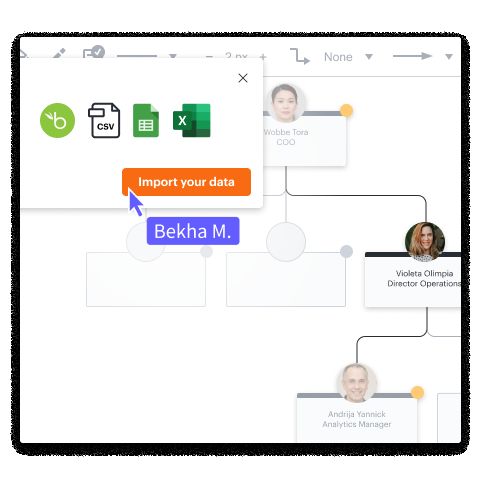
Getting started with Lucidchart is simple. After signing up, you can choose from hundreds of pre-made templates or start with a blank canvas. Use the intuitive drag-and-drop interface to create diagrams by adding shapes, lines, text, and icons. You can connect elements logically to represent processes, systems, or organizational structures. Customize styles, add labels, import data, or insert images as needed. Collaboration is easy—just share the document link with team members, who can edit or comment in real time. Use layers and containers to manage complex designs and switch between versions if needed. Once completed, export diagrams to PDF, PNG, or embed them into presentations or wikis. The software auto-saves your progress and ensures accessibility from anywhere.

Features of Lucidchart 

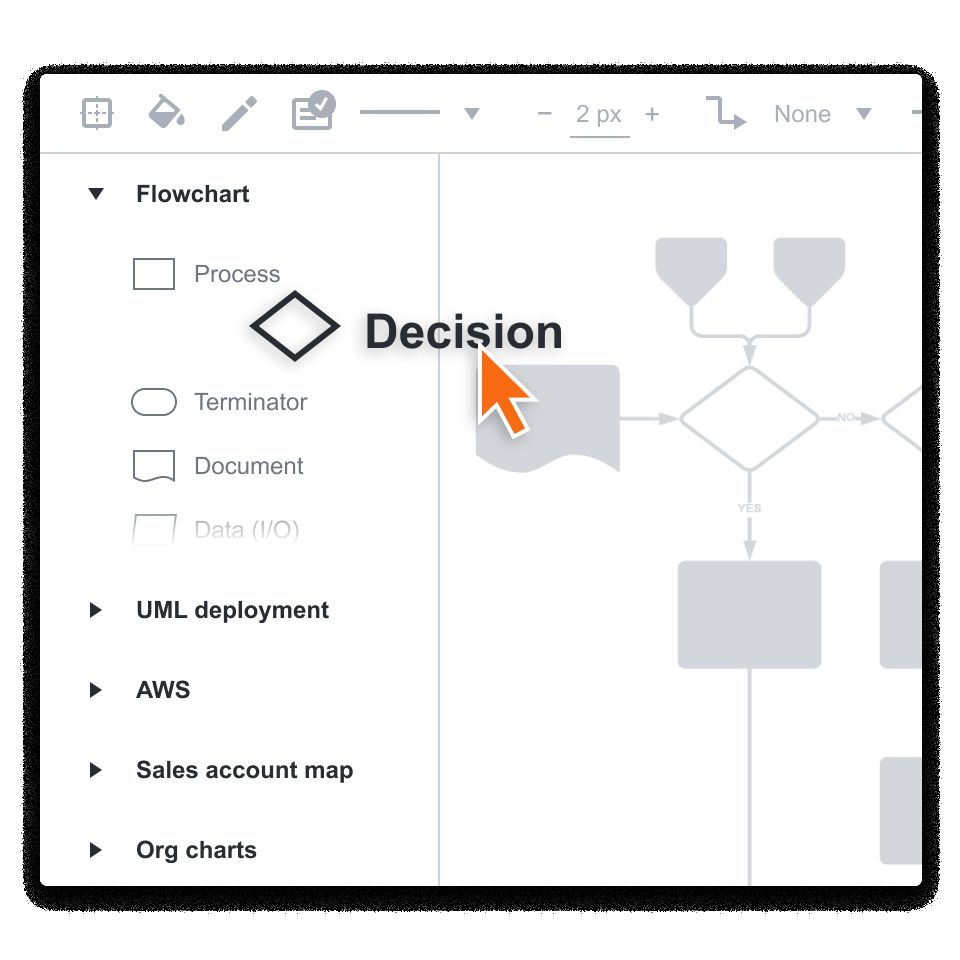
  • Drag-and-Drop Diagramming: Build flowcharts, mind maps, and system diagrams with ease.

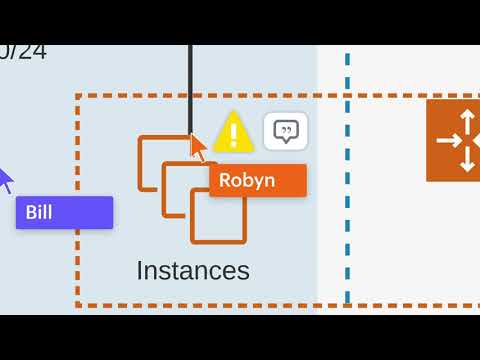
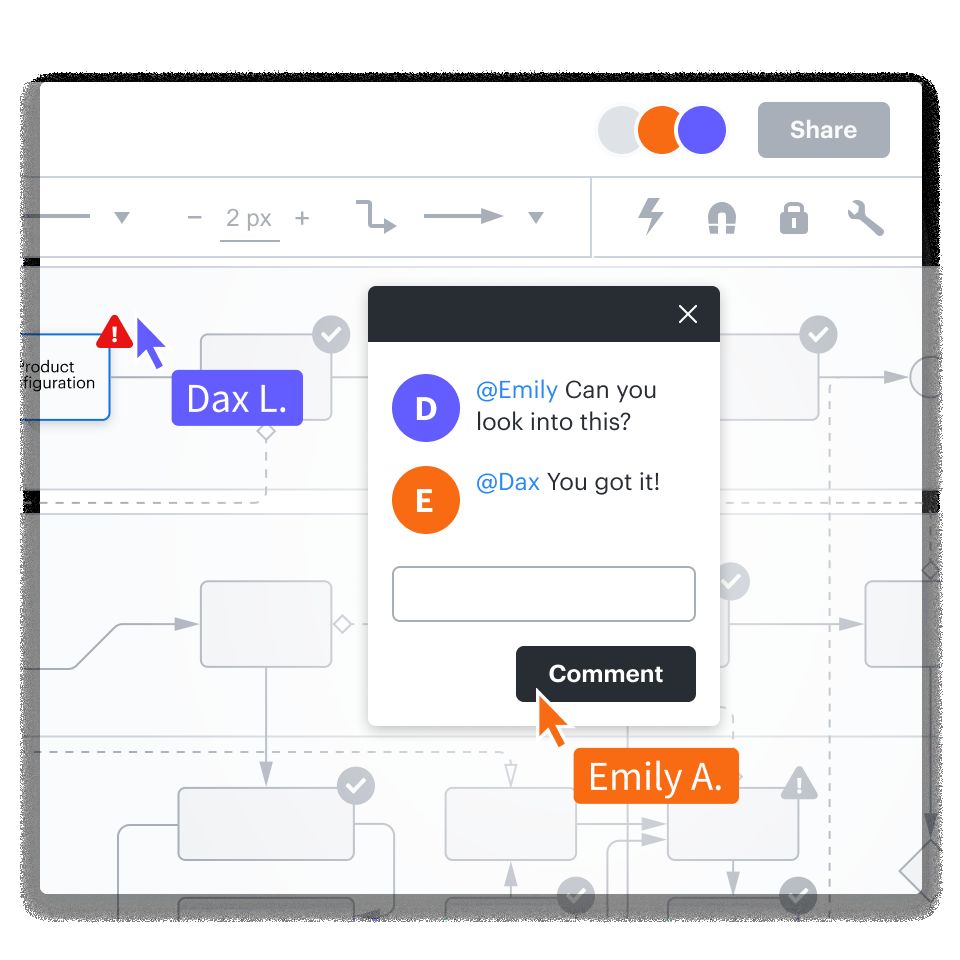
  • Real-Time Collaboration: Team members can view, edit, and comment simultaneously.

  • Data Linking: Connect diagrams to spreadsheets or databases to auto-populate content.

  • Extensive Template Library: Start fast with ready-made templates for every use case.

  • Presentation Mode: Turn diagrams into interactive slides for team meetings or pitches.

  • Conditional Formatting: Apply rules to highlight patterns or performance issues.

  • Multi-User Access Control: Assign permissions to protect and manage team diagrams.

  • Cloud-Based Access: Access your projects from anywhere via browser—no downloads required.

What Makes Lucidchart Different?

Lucidchart isn’t just another diagramming tool—it’s a comprehensive visual collaboration platform that integrates deeply with your existing workflow. What sets it apart is its combination of intuitive design with enterprise-level features. Unlike traditional diagramming software, Lucidchart allows real-time editing, comments, and updates among distributed teams without version conflicts. Its smart data linking feature automatically updates visual elements based on data inputs, which is a major productivity booster. Additionally, its ability to integrate with platforms like Atlassian, Salesforce, and Zapier enables a seamless work environment. Lucidchart also supports conditional formatting, advanced shape libraries, and presentation tools to take your visuals from planning to execution. With scalability for teams of any size, Lucidchart adapts to both individual professionals and large organizations.

Who Can Benefit from Lucidchart? 

Lucidchart is ideal for professionals and teams across a wide range of industries. Business analysts and project managers use it to map out workflows, while developers and IT teams rely on it for network architecture and system diagrams. Educators and students find it useful for visual learning, and marketing teams use it to plan campaigns or content strategies. Product managers, consultants, and HR professionals can also benefit from its ability to streamline communication and clarify processes. Whether you’re designing a product roadmap, creating an org chart, or planning a client strategy, Lucidchart offers visual clarity that improves decision-making. Teams of any size—from startups to large enterprises—can boost productivity and collaboration with its centralized, cloud-based workspace.

Is Lucidchart Easy to Use? 

Yes, Lucidchart is known for its user-friendly interface and minimal learning curve. Users can start creating professional-quality diagrams without prior design experience. The intuitive drag-and-drop builder, along with clearly labeled menus and toolbars, makes it easy to add and customize elements. Contextual guidance, tooltips, and built-in templates further simplify the process. Its real-time collaboration ensures smooth teamwork without the hassle of switching tools or managing version conflicts. Lucidchart also offers keyboard shortcuts, shape search, and snap-to-grid alignment for more efficient diagramming. Whether you’re creating a quick flowchart or a complex IT architecture, Lucidchart’s simplicity and helpful UI make it accessible for beginners while still being powerful enough for professionals.

What Support Does Lucidchart Offer? 

Lucidchart provides comprehensive support to ensure users can get the most out of the platform. Its Help Center includes step-by-step tutorials, videos, and searchable documentation covering everything from basic diagramming to advanced features. Users on any plan can access live chat support and email assistance, while enterprise users receive priority support and dedicated account managers. Lucidchart also offers in-app guidance, onboarding materials, and community forums for peer-to-peer help. For teams, training webinars and live demos are available to accelerate adoption. The support system is designed to be responsive, educational, and accessible, ensuring that whether you're troubleshooting a feature or learning how to optimize your workflows, help is always available.

Alternative

Gliffy

By Gliffy

0.0
Rating out of 5 Based on 0 reviews

OmniGraffle

By OmniGraffle

0.0
Rating out of 5 Based on 0 reviews

diagrams.net

By diagrams.net

0.0
Rating out of 5 Based on 0 reviews

Lucidchart Video/Screenshots

Lucidchart Key Clients

User Reviews

no-reviews
Share your experience! Be the very first reviewer. Write a Review

Frequently Asked Questions (FAQs)

The user group of Lucidchart are as follows :

  • Startups
  • SMEs
  • Agencies
  • Enterprises

Lucidchart has 3 plans,

  • Free USD 0.00
  • Individual USD 9.00
  • Team USD 10.00

Lucidchart is allowed 0 Days Free Trial.

The key featuers of Lucidchart are as follows :

  • Reports
  • Feedback Collection
  • Prioritization
  • For Developers
  • Page Linking
  • Drag and Drop
  • Mock-up Creation
  • Prototype Creation
  • Desktop Interface
  • Mobile Interface
  • Built-in Templates
  • Collaboration
  • Synchronous Editing
  • Brainstorming
  • Project Management
  • Task Management
  • Document Management
  • Interactive Elements

Lucidchart pricing model : Yearly,Monthly,Onetime(Perpetual License)

Lucidchart is Cloud Hosted,Hybrid,On Premise,Any Software.

Yes

Lucidchart offers Phone,Email,Live Chat support.

Lucidchart provides Help Guides,Video Guides,Blogs,Webinars,On-Site Training for the software training.