KeepVid

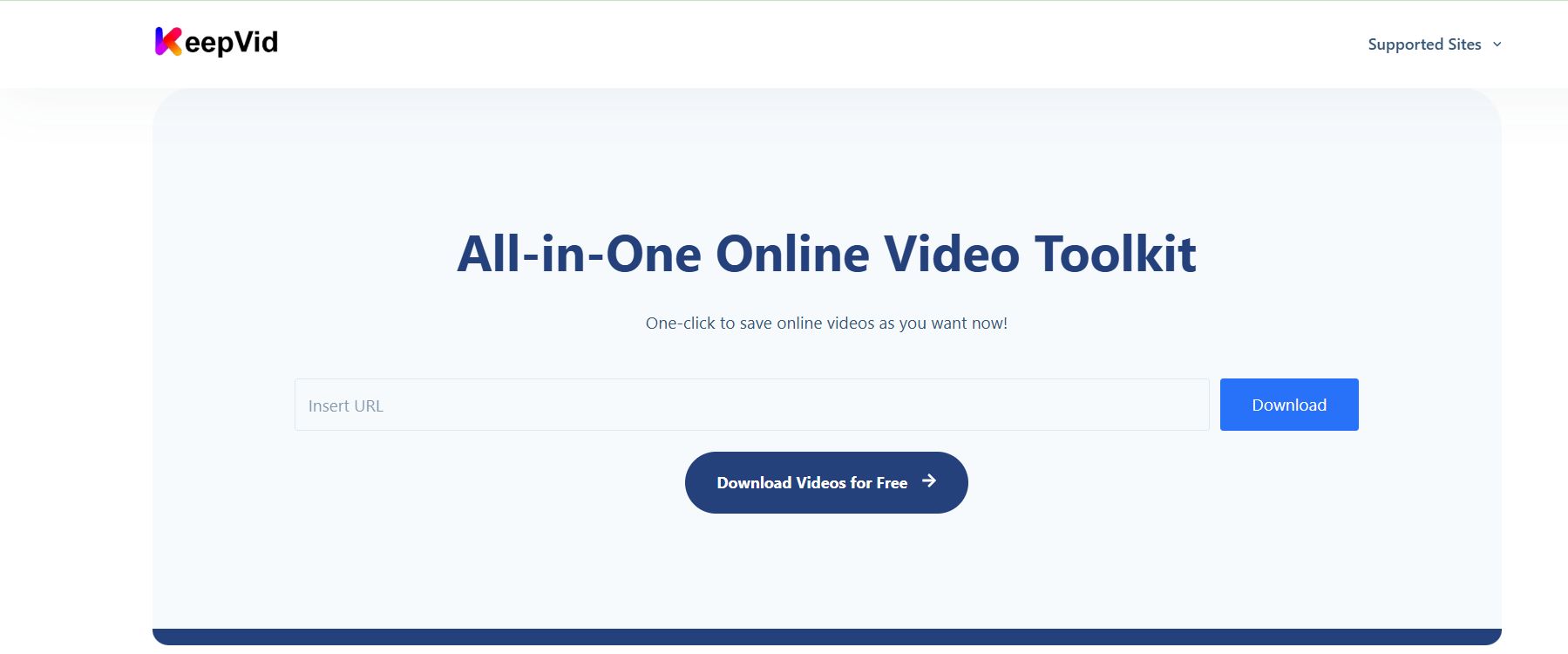
All-in-One Online Video Toolkit

0.0
Rating out of 5 Based on 0 reviews

What is KeepVid?

KeepVid is an online video downloader and converter service that allows users to download videos from various platforms like YouTube, Vimeo, Dailymotion, Twitter, Instagram, and Facebook. It typically operates as a web-based tool, but also offers desktop versions (like KeepVid Pro) for enhanced features. KeepVid enables users to save videos in different formats and qualities, facilitating offline viewing and content management.

Pricing of KeepVid

no-pricing
For get detailed pricing as per your requirements.

Key Features of KeepVid

Key Features:
  • Proxy Setup
  • High Download Speed
  • High Quality Downloads
  • Multiple Formats Support
  • Built In Video Converter
  • Browser Integration
  • Secure Downloads
  • User Friendly Interface
  • Fast Download Speed

Key Specification

Other Categories: Video Management Software
Deployment: Cloud Hosted
Customer Support: Phone,Email,Live Chat,Online (Ticket)
Customization: Yes
Languages Support: English

Who uses KeepVid

Personal
Personal
StartUps
StartUps
SMEs
SMEs
Agencies
Agencies
Enterprises
Enterprises

Company Details

Company Name: KeepVid
Headquarter:
Social Media:

KeepVid Description

Why Choose KeepVid?

KeepVid is chosen for its ability to download videos from a wide array of online sources, offering various formats and resolutions. It's often used for offline viewing, archiving content, or extracting audio from videos. Its user-friendly interface makes it accessible for quickly saving desired multimedia content.

Benefits of KeepVid

  • Downloads from numerous platforms
  • Supports multiple video qualities and formats
  • Extracts audio (MP3) from videos
  • Easy to use, often browser-based
  • Facilitates offline viewing

How to Use KeepVid?

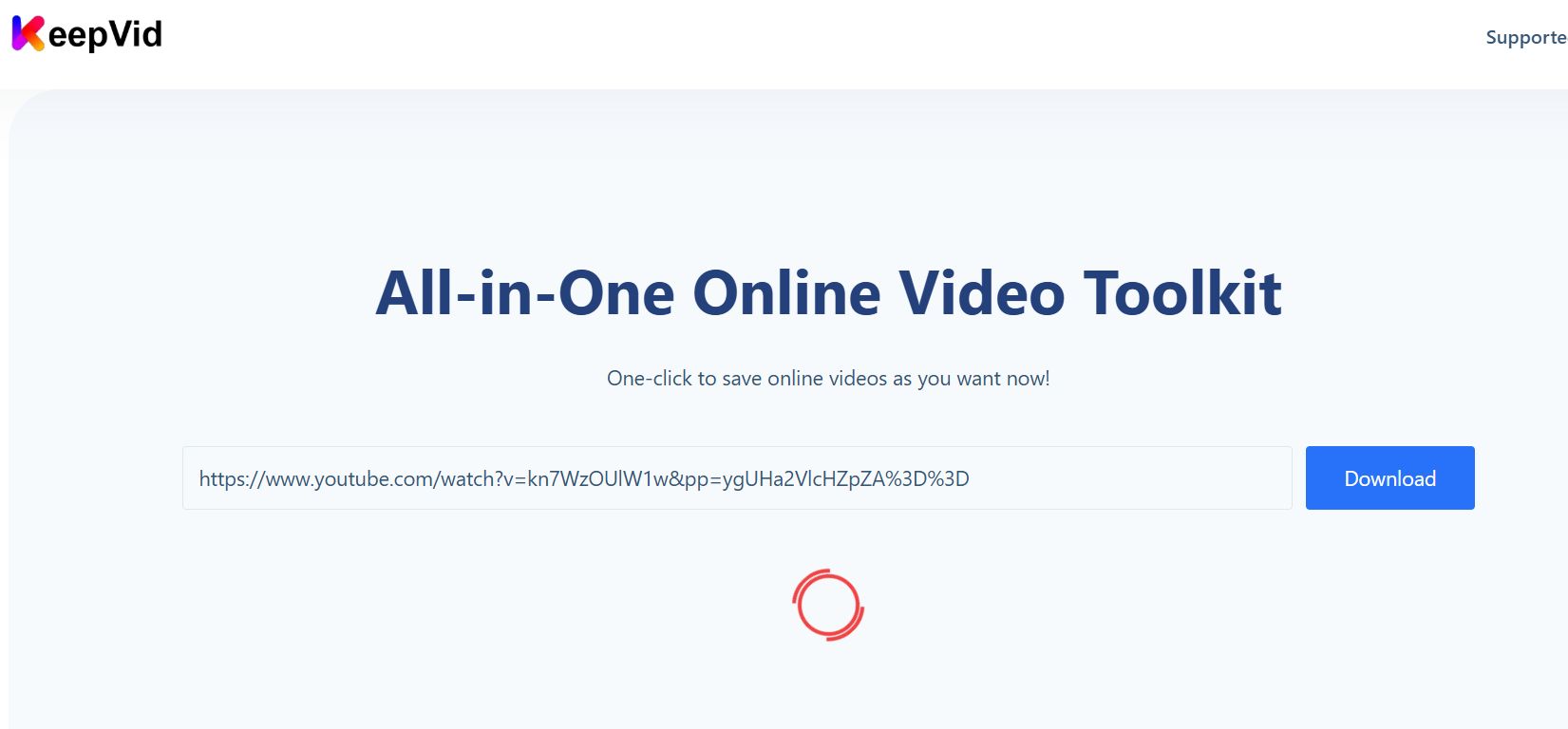
To use KeepVid, simply copy the URL of the video you wish to download from its source platform. Then, paste this URL into the designated field on the KeepVid website or desktop application. Select your preferred video format and quality, and click the download button to initiate the process.

Features of KeepVid

  • Video Downloading (from various sites)
  • Video to Audio Conversion (MP3)
  • Multiple Resolution Options (HD, SD)
  • Batch Downloading (in Pro versions)
  • Subtitle Downloading
  • Built-in Browser (in some versions)

Alternative

hireflix

The most effi|one-way video interview software

0.0
Rating out of 5 Based on 0 reviews

Promo.com

Your Creative Video CoPilot For Business Marketing Success

0.0
Rating out of 5 Based on 0 reviews

InVideo

Create publish-worthy videos on day one

0.0
Rating out of 5 Based on 0 reviews

KeepVid Video/Screenshots

User Reviews

no-reviews
Share your experience! Be the very first reviewer. Write a Review

Frequently Asked Questions (FAQs)

The user group of KeepVid are as follows :

  • Personals
  • Startups
  • SMEs
  • Agencies
  • Enterprises

KeepVid has 0 plans.

KeepVid is allowed 0 Days Free Trial.

KeepVid pricing model : Transaction

KeepVid is Online Software.

Yes

KeepVid offers Phone,Email,Live Chat,Online (Ticket) support.

KeepVid provides Help Guides,Infographics for the software training.