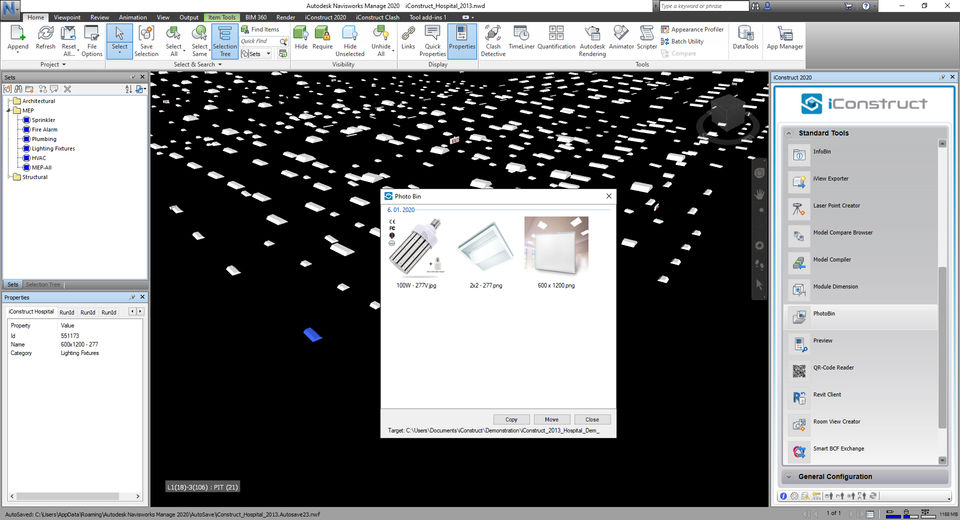
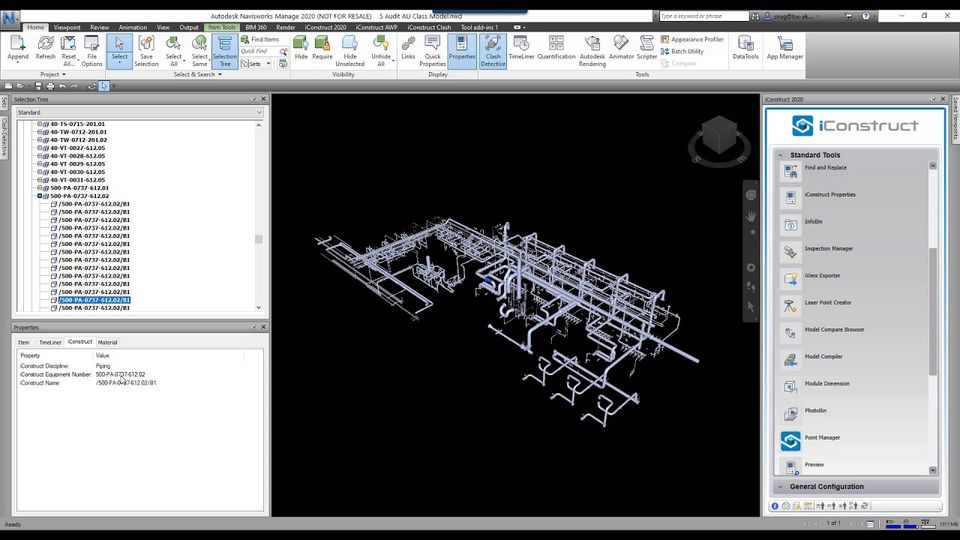
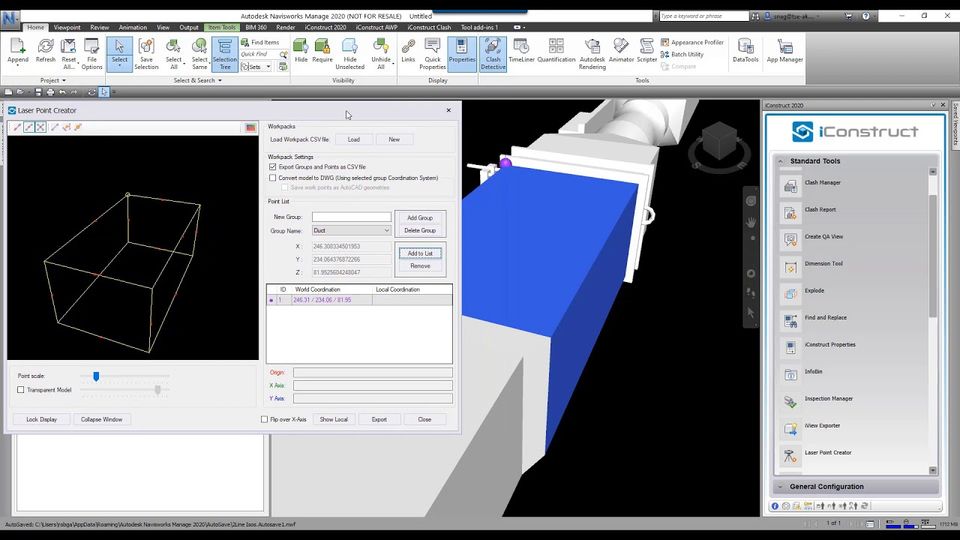
iConstruct

By iConstruct

0.0
Rating out of 5 Based on 0 reviews

What is iConstruct?

iConstruct is an award-winning Building Information Modeling (BIM) software that functions as a powerful plugin for Autodesk Navisworks®. It is engineered to transform raw, complex design models and data into highly intelligent, manageable, and actionable information throughout the entire project lifecycle (from concept to completion). iConstruct focuses on data standardization, model optimization, and workflow automation, making it the premier tool for advanced work packaging (AWP) and model conditioning in large-scale industrial and construction projects.

Pricing of iConstruct

Clash

USD 80.00
USD 0.00

/Month

Buy Now
  • Clash Group
  • Clash Review
  • Clash Viewpoints
  • Procore Login
  • Clash Group
  • Clash Review
  • Clash Viewpoints
  • Procore Login

iConstruct Pro

USD 350.00
USD 0.00

/Month

Buy Now
  • Clash (ribbon-based UI)
  • ReConstruct
  • BIMflow
  • Clash (ribbon-based UI)
  • ReConstruct
  • BIMflow

Explorer

USD 80.00
USD 0.00

/Month

Buy Now
  • Smart IFC Exporter
  • Smart DWG Exporter
  • Smart BCF Exchange
  • Smart IFC Exporter
  • Smart DWG Exporter
  • Smart BCF Exchange

Key Specification

Other Categories: BIM Software
Deployment: Cloud Hosted
Customer Support: Online (Ticket)
Customization: No
Languages Support: English

Who uses iConstruct

SMEs
SMEs
Enterprises
Enterprises

Company Details

Company Name: iConstruct
Headquarter: Applecross,
Social Media:

iConstruct Description

Who Uses iConstruct?

iConstruct is an essential tool for all professionals focused on optimizing project efficiency and digital maturity in the AEC and Industrial sectors:

  • BIM Managers & Coordinators: Utilizing the iConstruct plugin to streamline data management, ensure model quality, and prepare federated models for various project stakeholders.
  • Project Engineers & Construction Managers: Leveraging iConstruct MAX features like the Control Panel for Workface Planning (WFP) and calculating installation work packages (IWPs).
  • Design Engineers & Consultants: Using tools like ReConstruct to optimize model hierarchy and prepare models for external sharing and collaboration.
  • Large-Scale Industrial Projects: Companies in Mining, Oil & Gas, Power & Utilities, and Hexagon ecosystem users who require robust Advanced Work Packaging (AWP) solutions.

Why Choose iConstruct?

Choose iConstruct because it was specifically designed by BIM practitioners to solve real-world problems that native Navisworks struggles with, ensuring a high-quality conditioned model. It is unique in its ability to integrate with existing business systems (like ERP and planning software) without replacing them, allowing for seamless data flow. With automated tools like BIMflow and superior clash management (iConstruct Clash), it drastically reduces repetitive tasks, enabling your team to focus on coordination and decision-making, leading to verifiable 25% field productivity increases.

What are the Benefits of iConstruct?

Implementing iConstruct delivers significant operational improvements and project de-risking:

  1. Accelerated Model Conditioning: Automates time-consuming tasks like data appending, model hierarchy reorganization (ReConstruct), and property management, saving hundreds of hours per month.
  2. Superior Clash Management: Provides a powerful, intuitive interface (iConstruct Clash) for quickly grouping, reviewing, and reporting clashes, significantly streamlining coordination meetings.
  3. Data-Driven Work Packaging (AWP): The iConstruct MAX package supports CII-defined Advanced Work Packaging, allowing for constraint management and the creation of installation work packages (IWPs) directly from the model data.
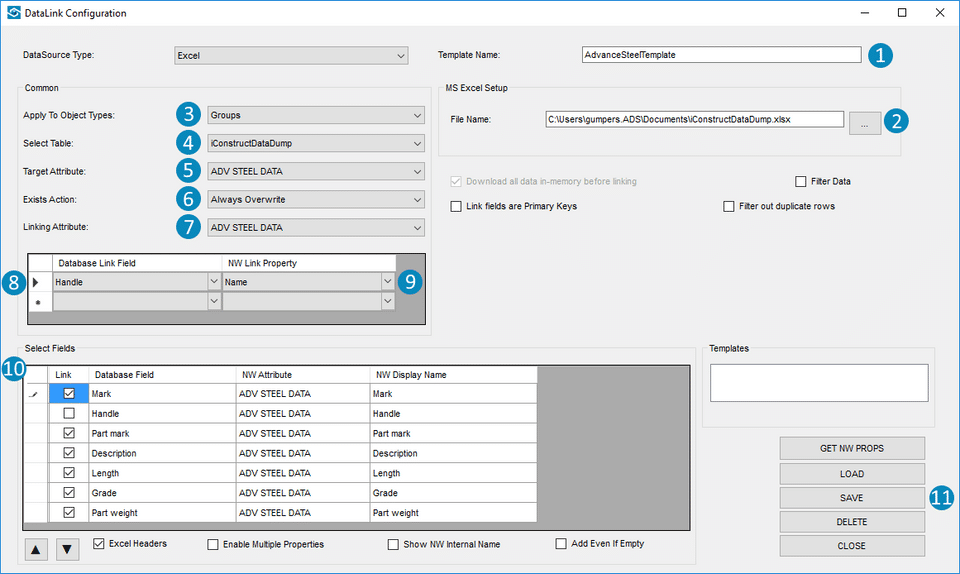
  4. Enhanced Interoperability: Enables easy data integration (via Data Links) from external sources (Excel, SQL) and advanced exporting to various formats (Smart IFC Exporter) for better communication.
  5. Standardized Workflows: Utilize BIMflow to create and schedule automated, repeatable workflows, ensuring organizational standards and consistency across all projects and teams.

What are the Features of iConstruct?

The iConstruct plugin provides a deep feature set designed to maximize the utility of BIM models:

  1. BIMflow: The powerful workflow automation engine that allows users to record, script, and schedule routine iConstruct and Navisworks routines.
  2. ReConstruct: Tool for reorganizing the model selection tree and geometry hierarchy to align with construction phases or specific project requirements.
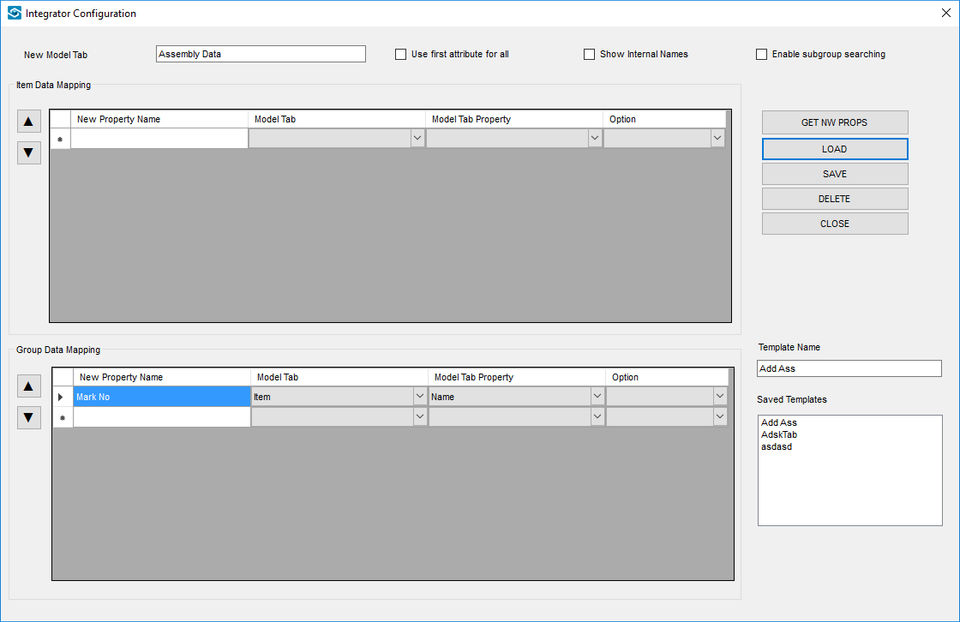
  3. Data Links & Integrator: Features to link external data sources (SQL, Excel) directly to model elements, creating an intelligent, single source of truth.
  4. iConstruct Clash Manager: Ribbon-based UI tool that supercharges clash detection by providing easy grouping by zone/proximity and one-click viewpoint creation.
  5. Advanced Exporting: Dedicated exporters (Smart DWG Exporter, Smart BCF Exchange) to prepare federated models for consumption in various third-party software applications.
  6. Audit & Color Code: Tools to simplify viewpoint creation based on internal model properties and instantly color-code models based on data attributes (e.g., status, material).

How to Use iConstruct?

iConstruct is used as an extension that enhances the base capabilities of Autodesk Navisworks:

  1. Installation & Launch: After installing the iConstruct plugin, launch Autodesk Navisworks. The iConstruct features appear as a new, dedicated ribbon tab.
  2. Data Conditioning: Use tools like Append Data and Data Links to enrich the model by pulling in information (e.g., procurement status, asset tags) from external databases.
  3. Automate Tasks: Set up a repeatable sequence using BIMflow to automatically execute tasks like ReConstruct, Clash detection, and reporting.
  4. Package Work: For users of iConstruct MAX, utilize the Control Panel to create and manage constraints, sequence installation tasks, and generate field work packages (IWPs).

How to Get Demo of iConstruct?

You can test the industry-leading features of this BIM intelligence tool:

  • Free Trial Request: You can typically request a free trial (often a 14-day evaluation) of the iConstruct PRO package to test its core features, including BIMflow and iConstruct Clash. Search for "iconstruct pro download" or visit the vendor's official page.
  • Pricing Information: iConstruct price is not standardized but is offered via custom quotes. iConstruct PRO price is generally priced lower than the full-featured iConstruct MAX package. Contact the vendor (now part of Hexagon) or an authorized reseller for detailed pricing based on your required modules (PRO, MAX, Clash, Exporter) and license type.

Alternative

Revit

BIM software to design and make anything

0.0
Rating out of 5 Based on 0 reviews

Trimble Connect

By Trimble Connect

0.0
Rating out of 5 Based on 0 reviews

FreeCAD

Your own 3D parametric modeler

0.0
Rating out of 5 Based on 0 reviews

iConstruct Video/Screenshots

User Reviews

no-reviews
Share your experience! Be the very first reviewer. Write a Review

Frequently Asked Questions (FAQs)

The user group of iConstruct are as follows :

  • SMEs
  • Enterprises

iConstruct has 3 plans,

  • Clash USD 80.00 /Month
  • iConstruct Pro USD 350.00 /Month
  • Explorer USD 80.00 /Month

iConstruct is allowed 0 Days Free Trial.

iConstruct pricing model : Onetime(Perpetual License)

iConstruct is Online Software.

No

iConstruct offers Online (Ticket) support.

iConstruct provides Help Guides,Video Guides,Blogs for the software training.