0.0
0.0
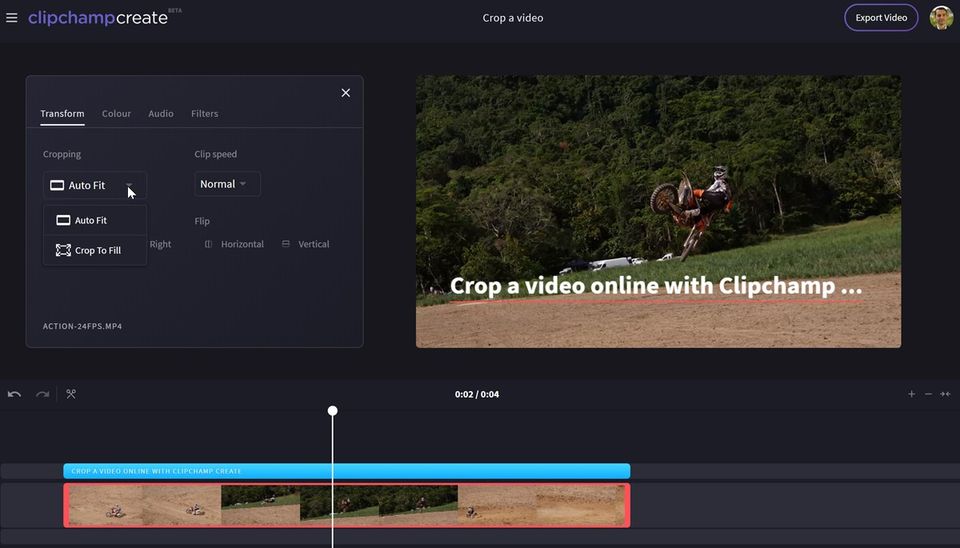
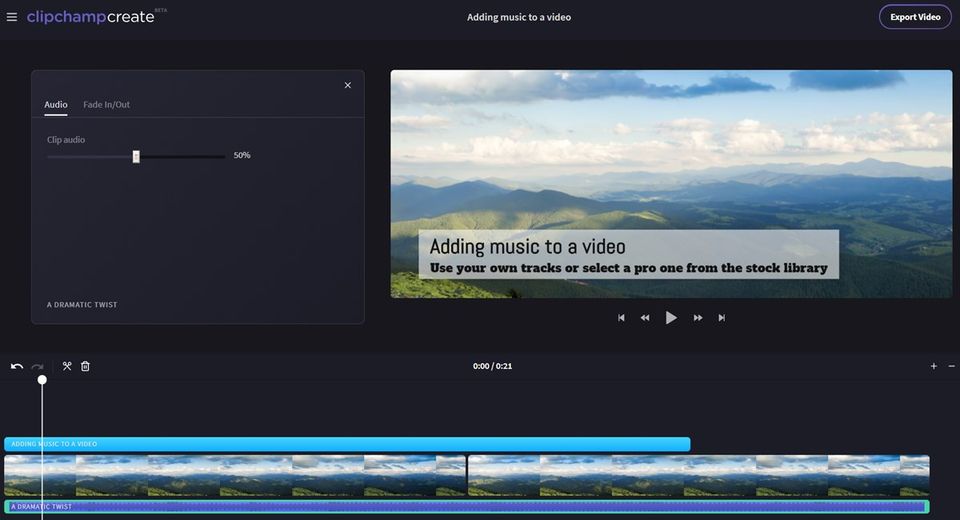
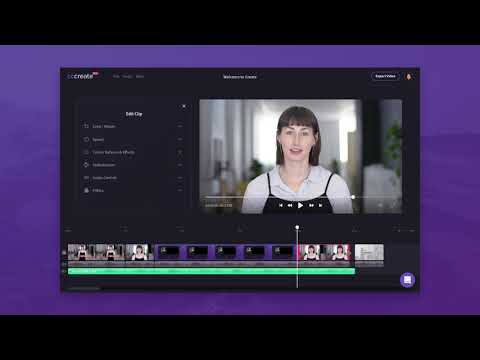
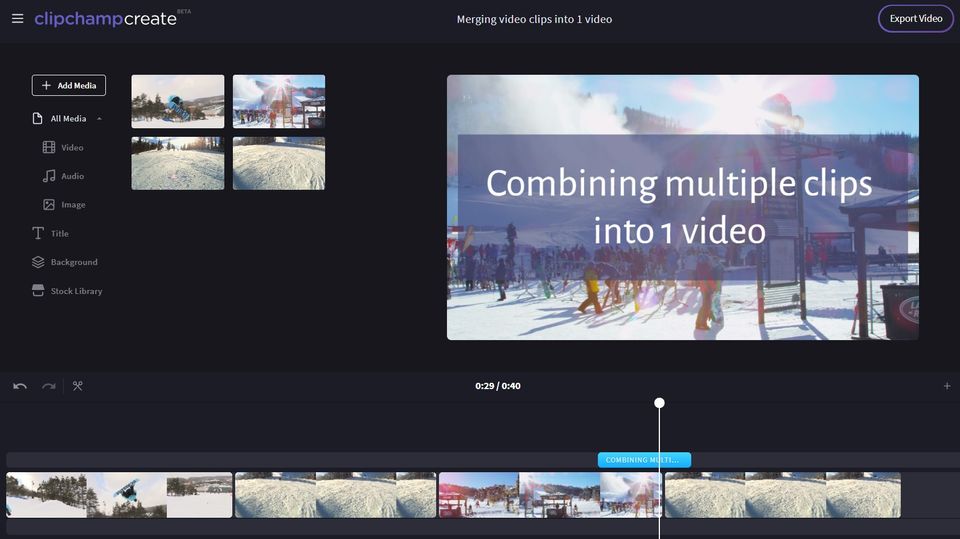
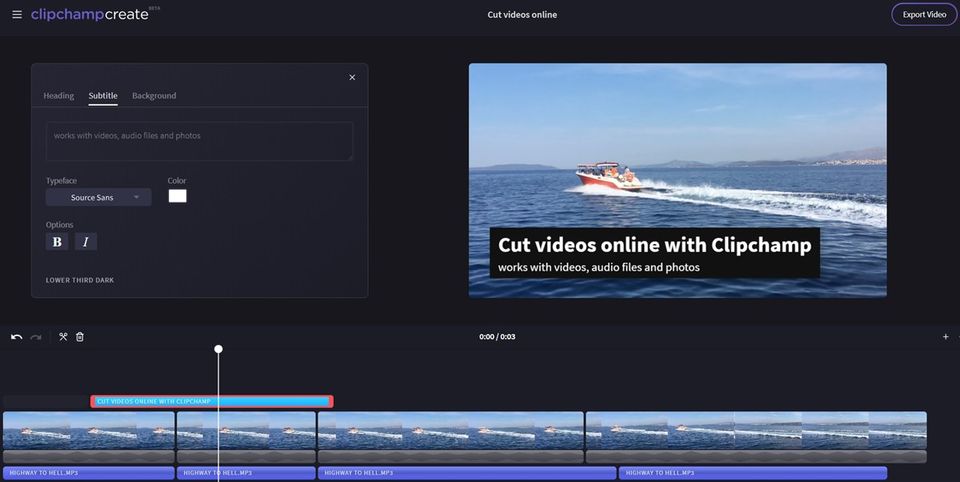
ClipChamp video editing software is a great tool for creating your own slideshows. You can upload videos, photos, and music, and access a host of features to edit your videos professionally. Trim and cut options help you crop off unnecessary video parts. The split and combine feature helps you split longer videos into smaller parts, delete the unnecessary ones, and then combine the important ones to give the final shape to the video. You can also add still photos and audio tracks and adjust the audio level. ClipChamp also features filter options.
Pricing of ClipChamp
- Unlimited video exports
- 480p exports (SD)
- Unlimited video exports
- 480p exports (SD)
- Unlimited video exports
- 720p exports (HD)
- Cloud media backup
- Unlimited audio stock
- Unlimited video exports
- 720p exports (HD)
- Cloud media backup
- Unlimited audio stock
- Unlimited video exports
- 1080p exports (Full HD)
- Cloud media backup
- Unlimited audio stock
- Custom branding
- Unlimited video exports
- 1080p exports (Full HD)
- Cloud media backup
- Unlimited audio stock
- Custom branding
- Unlimited video exports
- 1080p exports (Full HD)
- Cloud media backup
- Unlimited audio stock
- Unlimited video stock
- Custom branding
- Unlimited video exports
- 1080p exports (Full HD)
- Cloud media backup
- Unlimited audio stock
- Unlimited video stock
- Custom branding
Key Features of ClipChamp
Key Features:
Key Specification
| Other Categories: | Video Editing Software Video Editing Software For Free Webcam Software global video editing software |
|---|---|
| Deployment: | Cloud Hosted |
| Customer Support: | Online (Ticket) |
| Customization: | No |
| Languages Support: | English |
Who uses ClipChamp

SMEs

Enterprises
Company Details
| Company Name: | ClipChamp |
|---|---|
| Headquarter: | Brisbane , Queensland Australia |
| Social Media: |
Most Popular Software






Alternative
ClipChamp Video/Screenshots
User Reviews

Frequently Asked Questions (FAQs)
The user group of ClipChamp are as follows :
- SMEs
- Enterprises
ClipChamp has 4 plans,
- Basic USD 0.00
- Creator USD 9.00 /Month
- Business USD 19.00 /Month
- Business Platinum USD 39.00 /Month
ClipChamp is not allowing Free Trial.
The key featuers of ClipChamp are as follows :
- 3D Video Editing
- Video Capture
- Social Sharing
- Text Overlay
- Supports HD Resolution
- Merge video
- Split Video
- Video Speed Controller
- Media Library
- Brand Overlay
- Audio Tools
- Collaboration
- Video Stabilization
ClipChamp pricing model : Yearly,Monthly
ClipChamp is Online Software.
No
ClipChamp offers Online (Ticket) support.
ClipChamp provides Help Guides,Video Guides,Blogs for the software training.