


 0.0
0.0
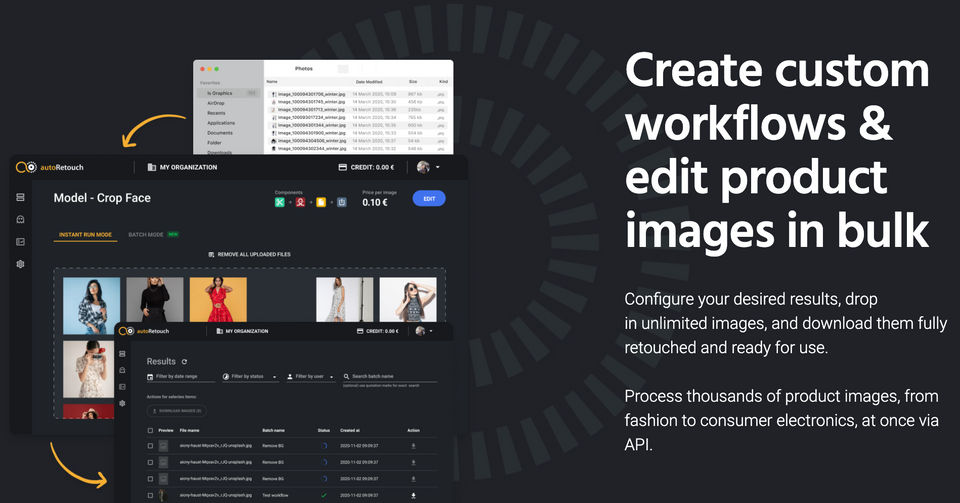
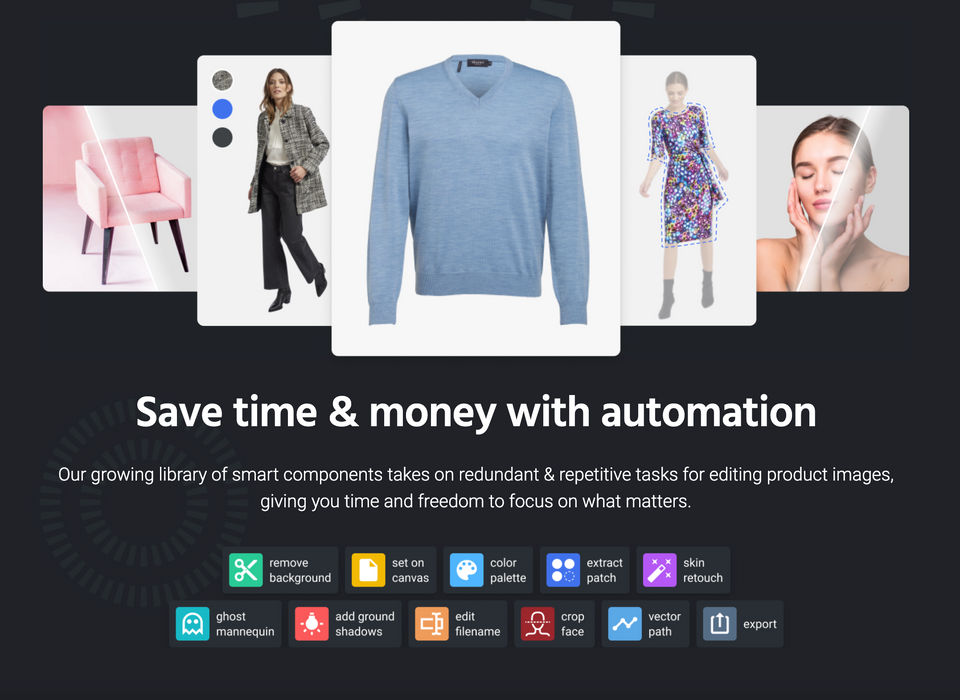
autoRetouch is expanding the possibilities within digital image editing. The AI-powered image editing platform is the one-stop-shop for product photography editing and provides product images. With autoRetouch, one can simply turn raw product photos into e-commerce ready product images and adapt existing images for any kind of online marketplace in seconds. Create workflows that handle tasks like background removal, skin retouch, ghost mannequin, and many more, with just a few clicks and process hundreds of images in parallel. All while retaining complete creative control and accessible wherever needed by using their API. Experience it yourself and try the comprehensive AI-powered image editing platform for free.
Pricing of autoRetouch
- Remove background
- Crop face
- Skin retouch
- Add ground shadows
- Set on canvas
- Extract color palette
- Extract material patch
- Define filename
- Export
- Remove background
- Crop face
- Skin retouch
- Add ground shadows
- Set on canvas
- Extract color palette
- Extract material patch
- Define filename
- Export
- Ghost mannequin effect
- Vector path around skin
- Ghost mannequin effect
- Vector path around skin
Key Features of autoRetouch
Key Features:
Key Specification
| Other Categories: | Photo Editing Software |
|---|---|
| Deployment: | Cloud Hosted |
| Customer Support: | Online (Ticket) |
| Customization: | No |
| Languages Support: | English |
Who uses autoRetouch

SMEs

Enterprises
Company Details
| Company Name: | autoRetouch |
|---|---|
| Headquarter: | Stuttgart , Baden-Wurttemberg Germany |
| Social Media: |
Most Popular Software




Alternative
autoRetouch Video/Screenshots
User Reviews

Frequently Asked Questions (FAQs)
The user group of autoRetouch are as follows :
- Enterprises
- SMEs
- SMEs
autoRetouch has 2 plans,
- Basic USD 0.00
- Advanced USD 0.00
autoRetouch is allowed 0 Days Free Trial.
The key featuers of autoRetouch are as follows :
- Revision Control
- Text Tool
- Remove objects
- Import from web
- Enhancement Tools
- Effects and Filters
- Collaborative Editing
- Auto Select
- Social Media Integration
- Import-Export Option
- Built-in Templates
- Transform tools
- Batch Editing
- Cloud Storage
autoRetouch pricing model : Onetime(Perpetual License)
autoRetouch is Online Software.
No
autoRetouch offers Online (Ticket) support.
autoRetouch provides Help Guides,Blogs,Video Guides for the software training.


