
 0.0
0.0
What is Google Meet?
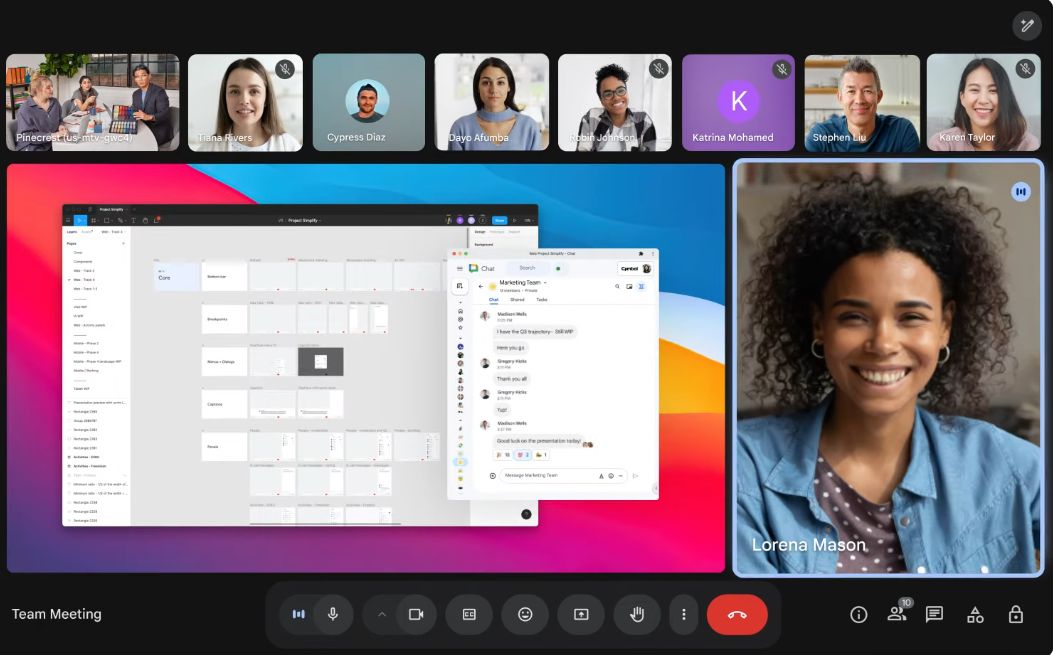
Google Meet is a steady, terrific video conferencing device by way of Google. Whether you're hosting a group assembly, virtual class, or catching up with buddies, Meet makes it seamless—right out of your browser or the Google Meet app.
Pricing of Google Meet
- Custom and secure business email
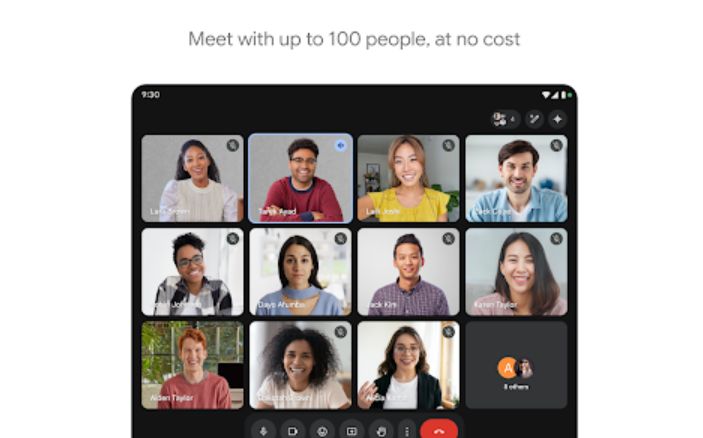
- 100 participant video meetings
- 30 GB cloud storage per user
- Security and management controls
- Standard Support
- Custom and secure business email
- 150 participant video meetings + recording
- 2 TB cloud storage per user*
- Security and management controls
- Standard Support (paid upgrade to Enhanced Support)
- Custom and secure business email
- 150 participant video meetings + recording
- 2 TB cloud storage per user*
- Security and management controls
- Standard Support (paid upgrade to Enhanced Support)
- Custom and secure business email + eDiscovery retention
- 500 participant video meetings + recording
- attendance tracking
- 5 TB cloud storage per user*
- Enhanced security and management controls
- including Vault and advanced endpoint management
- Standard Support (paid upgrade to Enhanced Support)
- Custom and secure business email + eDiscovery retention
- S/MIME encryption
- 500 participant video meetings + recording
- attendance tracking
- noise cancellation
- in-domain live streaming
- As much storage as you need*
- Advanced security management and compliance controls including Vault DLP data regions and enterprise endpoint management
- Enhanced Support (paid upgrade to Premium Support)
Key Features of Google Meet
Key Features:
Key Specification
| Other Categories: | Meeting Software Meeting Management Tools Video Conferencing Software For Mac Video Conferencing Software For PC Video Conferencing Software For Free Live Stream Software For Mac Live Stream Software For PC Video Interviewing Software Live Streaming Software Video Hosting Software Time & Attendance Software Free Video Interview Software |
|---|---|
| Deployment: | Cloud Hosted |
| Customer Support: | Phone,Email,Live Chat |
| Customization: | Yes |
| Languages Support: | English |
Who uses Google Meet

Personal

StartUps

SMEs

Agencies

Enterprises
Company Details
| Company Name: | Google LLC |
|---|---|
| Headquarter: | California United States |
| Social Media: |
Google Meet Description
Most Popular Software


Alternative



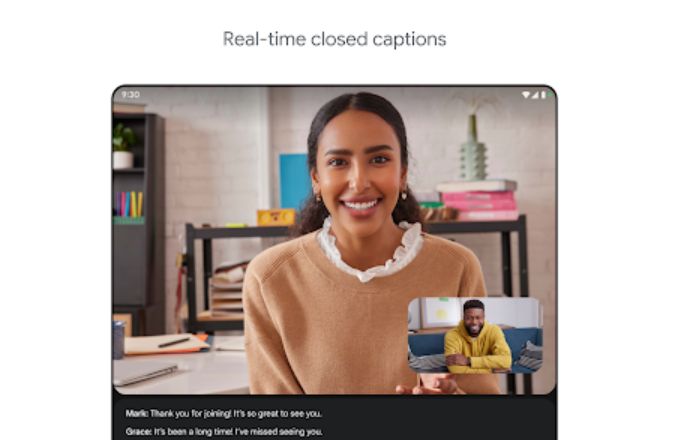
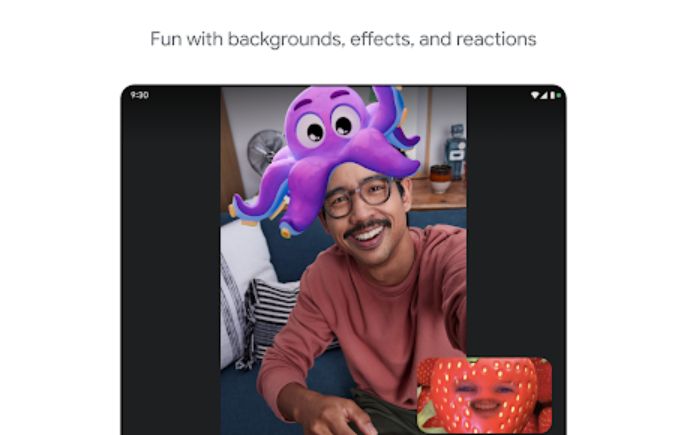
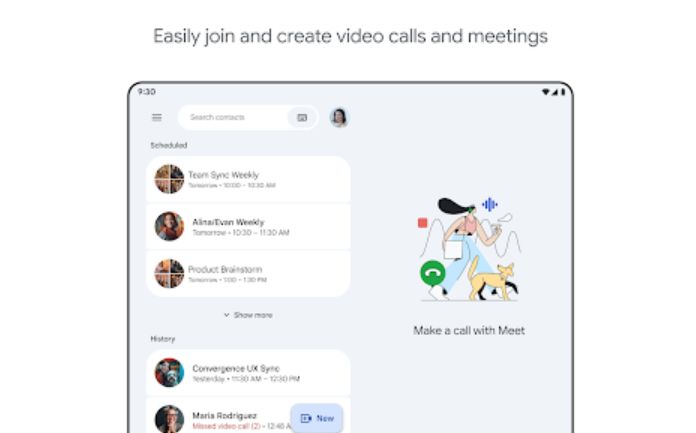
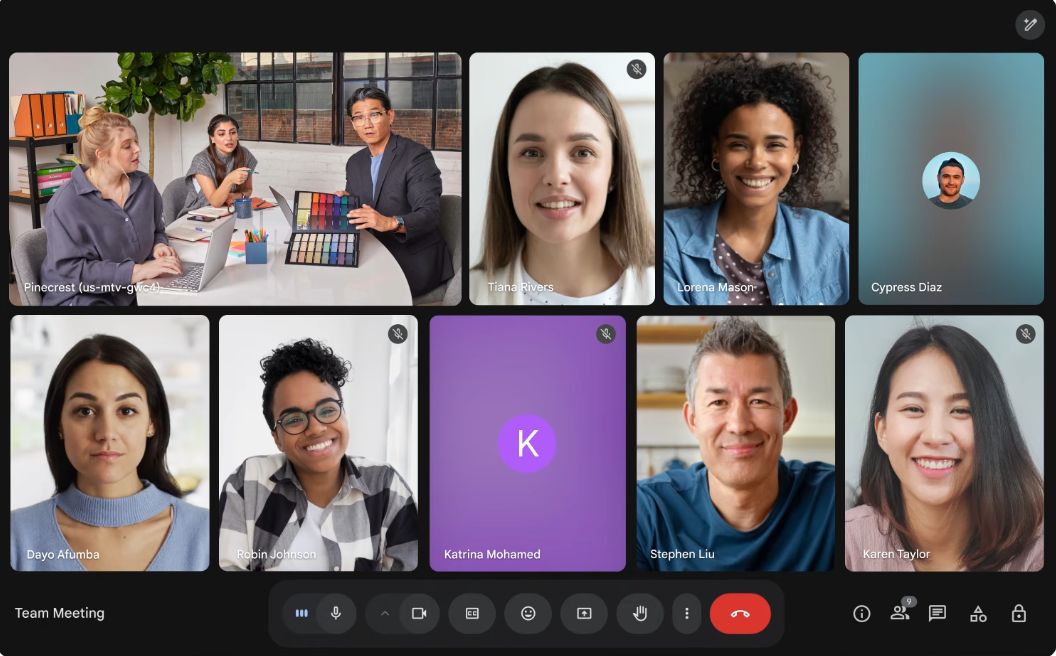
Google Meet Video/Screenshots

User Reviews

Frequently Asked Questions (FAQs)
The user group of Google Meet are as follows :
- Personals
- Startups
- SMEs
- Agencies
- Enterprises
Google Meet has 4 plans,
- Business Starter USD 6.00 /User/Month
- Business Standard USD 12.00 /User/Month
- Business Plus USD 18.00 /User/Month
- Enterprise USD Custom Year
Google Meet is not allowing Free Trial.
The key featuers of Google Meet are as follows :
- Video Conferencing
- Internal Meetings
- Meeting Preparation Tools
- Meeting Room Booking
- Calendar Management
- Automated Scheduling
- Resource Scheduling
- Meeting Scheduler
- Session Recording
- Screen Sharing
- Participant Permissions
- Hand Raising
- Live Video Interview
- One-way Video Interview
- Candidate Screening
- Multistreaming
- Live Chat
- Live Polling
- HD Video Streaming
- Q&A
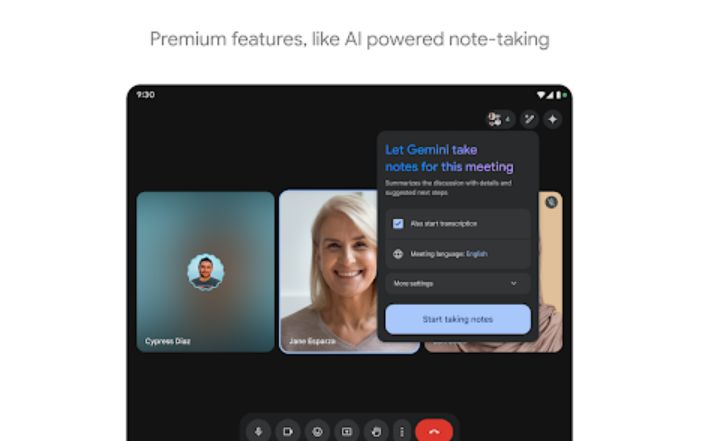
- Automated Meeting Notes
Google Meet pricing model : Yearly,Monthly
Google Meet is Online Software.
Yes
Google Meet offers Phone,Email,Live Chat support.
Google Meet provides Help Guides,Video Guides,Blogs,Webinars,Case Studies for the software training.