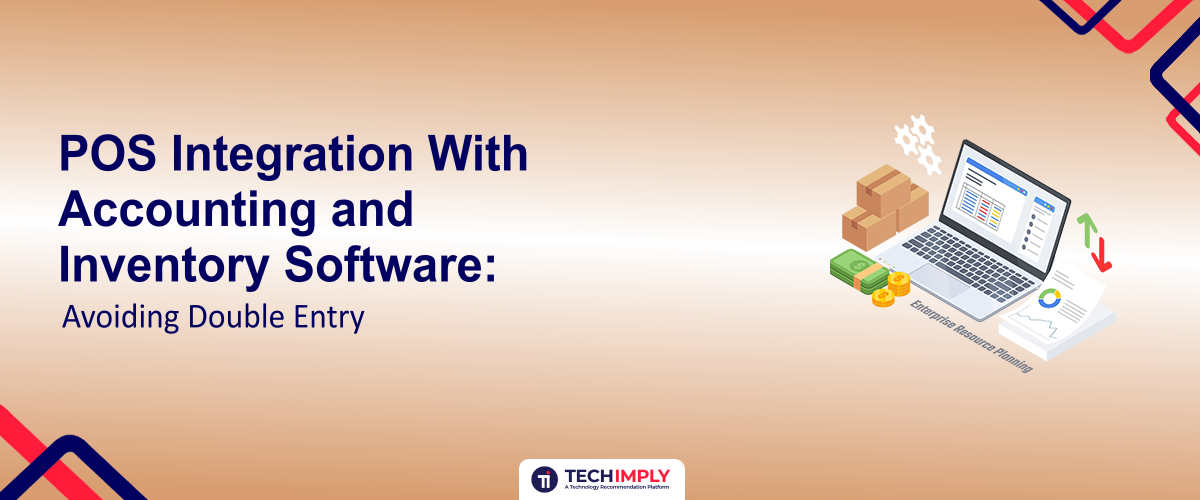
Ask any bookkeeper who works with retail or restaurant clients what wastes the most time, and manual re-entry usually tops the list. A sale happens at the register, and then someone often the owner, late at night has to type that same sale into QuickBooks or Xero by hand. Do that every day for a year and you've spent dozens of hours retyping numbers your POS system already recorded correctly the first time.

Looking for POS software?
Check out Techimply's List of the Best POS Software in India for your business.
It helps to clear up a naming mix-up first. "Double-entry bookkeeping" is a legitimate accounting method where every transaction hits at least two accounts, a debit and a credit. That's not what this article covers. Here, "double entry" means something more avoidable: staff keying the same sales, inventory, or payment data into two or more disconnected systems because those systems don't communicate on their own.
What Manual Double Entry Actually Costs You
The time cost is the most visible one. A modest 40-transaction day can take 20 to 30 minutes to summarize and post manually, and that number climbs fast once you add multiple payment types, discounts, and returns to reconcile. Multiply that across a year and you're looking at a part-time job's worth of hours spent on work that adds no value to the business. A two-register retail shop doing this daily could easily burn 150+ hours a year on entry alone, time that could go toward buying, merchandising, or actually running the floor.
The bigger cost is usually accuracy. Manual entry introduces typos, transposed digits, and skipped transactions, and these errors rarely get caught until the bank statement doesn't match the books at month-end. By then, tracing a $340 discrepancy back to one mis-keyed invoice from three weeks ago can take longer than the original entry would have.
There's also a timing problem. When sales data has to be entered by hand, the books are almost always a day or more behind reality. That means cash flow decisions, reorder decisions, and even payroll decisions get made on information that's already stale. Inventory suffers the same lag: the POS might show 12 units of a product on hand while a separate spreadsheet says 18, and neither number gets fully trusted.
The Three Things That Actually Need to Sync
Good integration isn't about connecting two pieces of software in some generic sense it's about making sure three specific data streams move automatically between systems.
Sales and payment data needs to flow from the POS into accounting as revenue, broken out by category, tax collected, and tender type (cash, card, gift card). Inventory movement needs to update stock counts in real time as items sell, get returned, or get received from vendors, so purchasing decisions are based on accurate numbers. Cost of goods sold and tax need to post correctly so gross margin reporting is accurate and sales tax liability is tracked by jurisdiction without anyone calculating it by hand. Connecting your POS with accounting software automatically records sales, taxes, and payment transactions without manual journal entries.
When all three sync properly, a bookkeeper's job shifts from data entry to review checking that the numbers make sense rather than typing them in from scratch.
Types of POS-to-Accounting Integration
Businesses with multiple business applications often use integration software to automate data exchange between POS, accounting, and inventory platforms. Not all integrations work the same way, and picking the wrong type for your business is a common source of frustration.
|
Integration type |
How it works |
Best for |
Watch out for |
|
Native/built-in |
Built and maintained by the POS or accounting vendor itself |
Businesses using popular, well-matched pairs (e.g., a mainstream POS with a mainstream accounting platform) |
Limited to specific software pairings; less flexible if you outgrow it |
|
Third-party connector |
Middleware (like a dedicated sync app) bridges two platforms that don't talk natively |
Businesses using niche or older software with no native option |
Adds a monthly fee and another point of failure if the connector breaks |
|
Custom API integration |
A developer builds a direct connection using both platforms' APIs |
Larger or multi-location operations with unique workflows |
Requires ongoing developer support and higher upfront cost |
Native integrations are worth prioritizing when they exist, simply because there's one vendor to call when something breaks instead of two vendors pointing fingers at each other. Third-party connectors fill real gaps, but treat them as a dependency to monitor, not a set-it-and-forget-it fix.
What to Map Before You Connect Anything
The integration itself is usually the easy part. The setup work that happens before you flip it on is where most future headaches get prevented or created.
Align Your Chart of Accounts
Your POS needs to know which revenue account each type of sale should hit. A coffee shop selling drinks, pastries, and merchandise needs those mapped to separate revenue lines, not dumped into one generic "Sales" account otherwise your accountant loses the ability to see which part of the business is actually profitable.
Match SKUs and Product Categories
If your inventory system and POS use different product identifiers, the sync will either fail silently or match the wrong items. Before going live, run a full export from both systems and reconcile SKUs, especially for products that have been renamed, discontinued, or bundled over time.
Map Tax Codes and Rates
Tax mapping errors are one of the most common and most expensive integration mistakes. A product taxed incorrectly won't just throw off one report it compounds every day until someone notices, usually during a sales tax filing.
Real-Time Sync vs. Batch Sync
Some integrations push data instantly, transaction by transaction. Others sync on a schedule every hour, or once at the end of the day. Real-time sync matters most for businesses where inventory accuracy affects the customer experience directly, like a shop selling online and in-store from the same stock. If you oversell an item because the online store didn't know it sold out in person twenty minutes ago, that's a real-time sync problem. Batch sync is perfectly adequate for simpler operations where a same-day lag doesn't create customer-facing issues, and it's often more stable since it doesn't rely on a constant live connection.
Common Pitfalls After Go-Live
A few problems show up repeatedly once integrations are running, even when the initial setup was done carefully. Duplicate transactions can appear if a sync fails partway through and retries without checking what already posted. Refunds and returns sometimes don't map back to the original sale correctly, which quietly inflates net sales figures. Multi-location businesses often run into payment-splitting issues, where a single transaction paid with two cards doesn't reconcile cleanly against the bank deposit. And inventory sync lag even a delay of a few minutes can cause overselling during high-traffic periods like a holiday sale.
A Practical Rollout Checklist
Before switching a new integration on for daily use, work through this list:
- Export and compare your chart of accounts against how the POS categorizes sales
- Reconcile SKUs between inventory and POS systems, including discontinued items
- Confirm tax rates and categories match for every product type you sell
- Run the integration in parallel with manual entry for at least one week
- Process a test refund and confirm it flows back correctly on both ends
- Confirm the bank deposit total matches the POS daily summary, tender by tender
How to Know If Your Integration Is Actually Working
Integrating Billing and Invoicing Software with your POS ensures invoices, payments, and customer records remain consistent across systems. You don't need a technical audit to check integration health; a few simple habits tell you everything. At the end of each day, the POS sales total should match what actually deposits into the bank account. Once a week, a spot count of physical inventory should match what the system shows on hand. At month-end, your accountant shouldn't need to make more than a small handful of manual adjusting entries to close the books. If any of those checks routinely fail, the integration needs attention before the gap grows.
Who Owns the Integration After It's Live
Integrations aren't "set and forget," even when they work perfectly on day one. New products get added, tax rates change when a state adjusts its rules, and staff turnover means the person who understood the original mapping logic sometimes leaves without documenting it. Someone on the team, usually whoever manages the books or a designated store manager, needs to own the ongoing task of adding new SKUs to the mapping, updating chart of accounts entries when the business launches a new revenue stream, and checking in when a software update changes how data flows between systems.
This matters more with third-party connectors than with native integrations, since a connector's support team often can't speak to how your accounting platform is configured, and your accountant usually can't troubleshoot the connector itself. Before committing to either option, ask what happens when something breaks: who do you call first, and how fast do they typically respond? A cheaper connector with slow support can end up costing more in owner time than a pricier option that gets fixed the same day.
Conclusion
Double entry isn't a fixed cost of running a business it's usually a sign that two systems that should talk to each other haven't been properly connected. The fix isn't just turning on an integration; it's mapping your chart of accounts, SKUs, and tax codes correctly before you do, choosing the right type of connection for your setup, and checking regularly that sales, inventory, and financial data still agree with each other. Get that right once, and the daily reconciliation work that used to eat up evenings disappears almost entirely.