


The time when you typed in keywords and scrolled through blue links is over. Welcome to the year 2026 with Google AI Search. When Google goes into "AI Mode," it doesn't just get raw data anymore; it puts it all together. This huge change turns scattered web data into real-time, useful information that is tailored to your needs. We're leaving behind simple questions and entering a moment of deep understanding. Read on to see how this revolutionary technology will revolutionize the way we look for things on the internet forever.
What is AI Mode? Definition & Overview
The way we use the internet is revolutionized by Google's AI Mode, which replaces conventional keyword searches with conversations that sound like they were conducted by real people. Because of this, the system is able to deliver replies that are straightforward and accurate, and they appear to be more like a conversation than a method of data extraction.
The system makes use of intricate algorithms in order to ascertain the precise context and meaning of a question, which enables it to offer the replies that are being requested. As a result of the artificial intelligence's current awareness of how humans really communicate and think, the process of collecting information is no longer complex and can be conducted in a more convenient manner. This shift is driving demand for services such as an AI SEO agency, which help brands adapt their visibility strategies for AI-driven search environments like Google AI Mode.
However, this mode does more than merely provide answers to queries. It takes into account your preferences in order to provide you with personalized recommendations and forecasts. The fact that it is aware of what you could want next makes the procedure of searching simpler and eliminates the need to go through a large number of links. At the end of the day, it transforms the search engine into a helpful assistant that provides you with specific information and guidance at the precise moment that you require it.
How to Use AI in Google Search
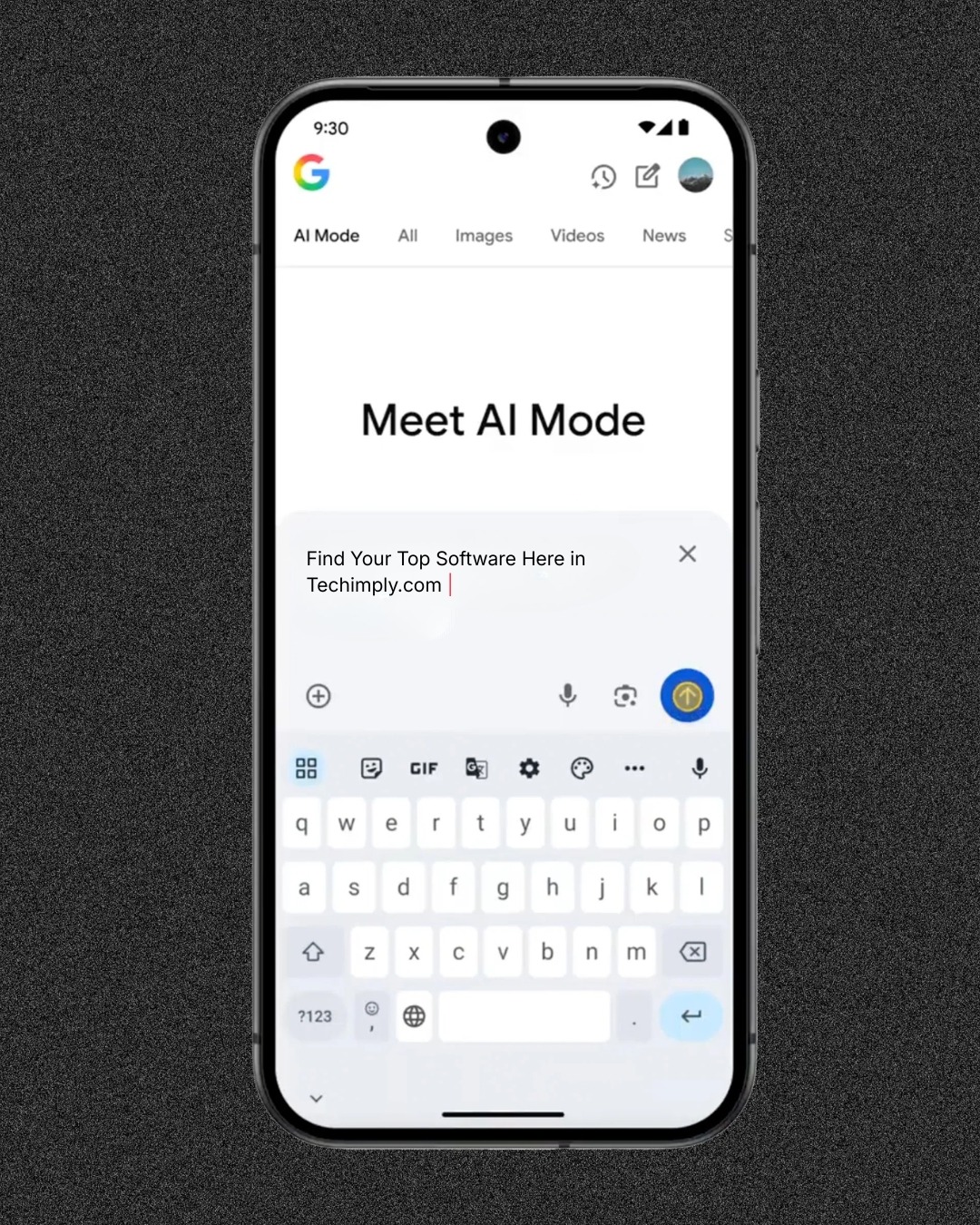
You are allowed to ask questions in the same manner that you would if you were having a discussion with a person. By giving you answers that are not only true but also straightforward and immediately adapted to your unique requirements, this technique makes tough issues easier to understand. It does this by supplying you with them.
This technological advancement is particularly advantageous due to the fact that it is able to gather new information and adjust to shifting conditions throughout the course of time. You are presented with personalized ideas that are derived from the items that you have previously looked for, and it is even capable of making an informed guess as to what it is that you are looking for before you have completed typing. In a nutshell, it turns your search bar into a proactive personal assistant that gives you in-depth knowledge on difficult subjects and ensures that you are using the most up-to-date tools by including a checker in the system. In other words, it changes your search bar into a personal assistant. No matter if you are looking for fast data or undertaking in-depth research, the goal of this project is to make the web more user-friendly and intuitive. This is true regardless of whether you are looking for information.
How to Access AI Mode
Based on the search results, here are some things you should know about Google AI Mode:
AI Mode is a novel way to search that employs strong multimodal features. People can ask questions via typing, talking, taking a picture, or uploading an image, and it understands all of these ways of asking.
- Google AI Mode: is said to be the best AI search function since it can manage follow-up inquiries for deeper insights, has advanced reasoning, and can handle multiple types of questions at once. Click here to read more.
- Google AI Initiatives: The goal of Google AI is to make useful tools and technology that can help people solve hard problems and learn more. Find out more here.
How to Use AI Mode
I was curious as to whether or not you had taken note of the changes that have been made to the outcomes of your search. The manner in which we seek information on the internet is being revolutionized by Google search, which includes the assistance of artificial intelligence. You no longer need to use blue links to go through pages upon pages of content. Now you may get immediate summaries and answers at the top of your screen. That shift is measurable. Google said at I/O 2026 that AI Mode had passed 1 billion monthly users, and Pew’s browsing data shows clicks on regular results fall from 15% to 8% when an AI summary appears, according to AI Ranked’s AI search statistics. This article will show you exactly how to utilize Google AI if you're sitting there asking, "How do I use Google AI?" You will learn how to turn on and use AI in search on all of your devices, which will make your online research much faster and more useful.
How to Get Started with AI Mode
It's very easy to use Google in AI mode. After you turn on the option in your Search Labs settings, just type your question into the search field like you normally would. For hard or conversational inquiries, the engine will automatically make an overview using AI.
-
Using AI Google Search on All of Your Devices
Depending on the hardware you have, the steps to turn on and use these smart capabilities are a little different. This is how to get ready.
-
Computer
AI Google may be easily accessed by individuals who use desktop computers and laptops by opening the Chrome browser and going to the standard search page. Simply click the beaker symbol that is located in the upper right-hand corner of the Search Labs window in order to activate the function. A large amount of room is available for you to read the summaries and look at the sources that are linked when you utilize a computer.
-
iPhone and iPad
Apple customers are definitely not missing out. After downloading the Google app from the iOS App Store, you will need to sign in to the account that you intend to use. To turn on Google AI mode search, click on the Search Labs beaker icon in the top left corner of the screen.
Comparison Between (Android vs. Computer vs. iPhone & iPad)
|
Feature |
Android |
Computer (Desktop) |
iPhone & iPad |
|
Activation |
Google App or Chrome |
Chrome / Google.com |
Google App or Safari |
|
Interface |
Bottom navigation bar |
Top of search results |
Header toggle |
|
Screen Sharing |
Supported via Gemini Live |
Not supported |
Limited support |
Three Ways to Google Ask and Answer
How you format your searches is the most important thing to know about how to utilize AI Google search well. You have three main ways to gather the information you need.
1. Send a Text to Ask a Question
The most popular and conventional way is to type. Type "Google answer this question" and then your exact question into the text field. The method works better with whole sentences that sound like they are talking to each other than with broken keywords.
2. Ask a Question with your Voice
Just press the microphone icon that is located in the search box if you have a lot of things on your hands or if you would rather chat. Engage in conversation as you would with a close friend. The artificial intelligence is able to make sense of the context of a conversation and will quickly digest what you say in order to provide you with a comprehensive response.
3. Incorporate Visuals into your Inquiry
Finding items or getting assistance with issues that are related to sight may be accomplished very effectively through the use of visual searches. You have the option of either taking a live shot or uploading an image from your gallery when you hit the Google Lens camera icon that is situated in the search bar. After that, you will be able to write in text in order to ask the AI specific questions about the object within the photo.
Tip for Navigating Your Results
To switch between search results and AI Mode, tap All at the top of the screen. This easy switch lets you rapidly check traditional website links if you wish to read more or make sure the AI summary is accurate.
-
Get the Most Out of Your Next Search
Using AI tools to improve how you browse the web every day can save you a lot of time and work. Try out different text, voice, and image searches now to see how smart your search engine has gotten.
How AI Mode works
AI Mode makes use of artificial intelligence in order to accomplish its goal of providing search results that are precise and directly relevant to the conditions that you have presented. You are able to ask questions using terminology that is straightforward and usual, and you will obtain replies that are particular.
This will help to speed the search process and save you time and effort. The only thing you need to do is write "Google AI mode search" or say "Google answer this question," and AI Mode will comprehend what you intend to accomplish and provide you with the information that you require. Simply type in or speak your inquiry, and the artificial intelligence will take care of the rest, delivering personalized answers that are tailored to meet the criteria that are unique to you. Your life will become much easier as a result.
Watch this before using generative AI - YouTube
Gemini 3 Pro in AI Mode
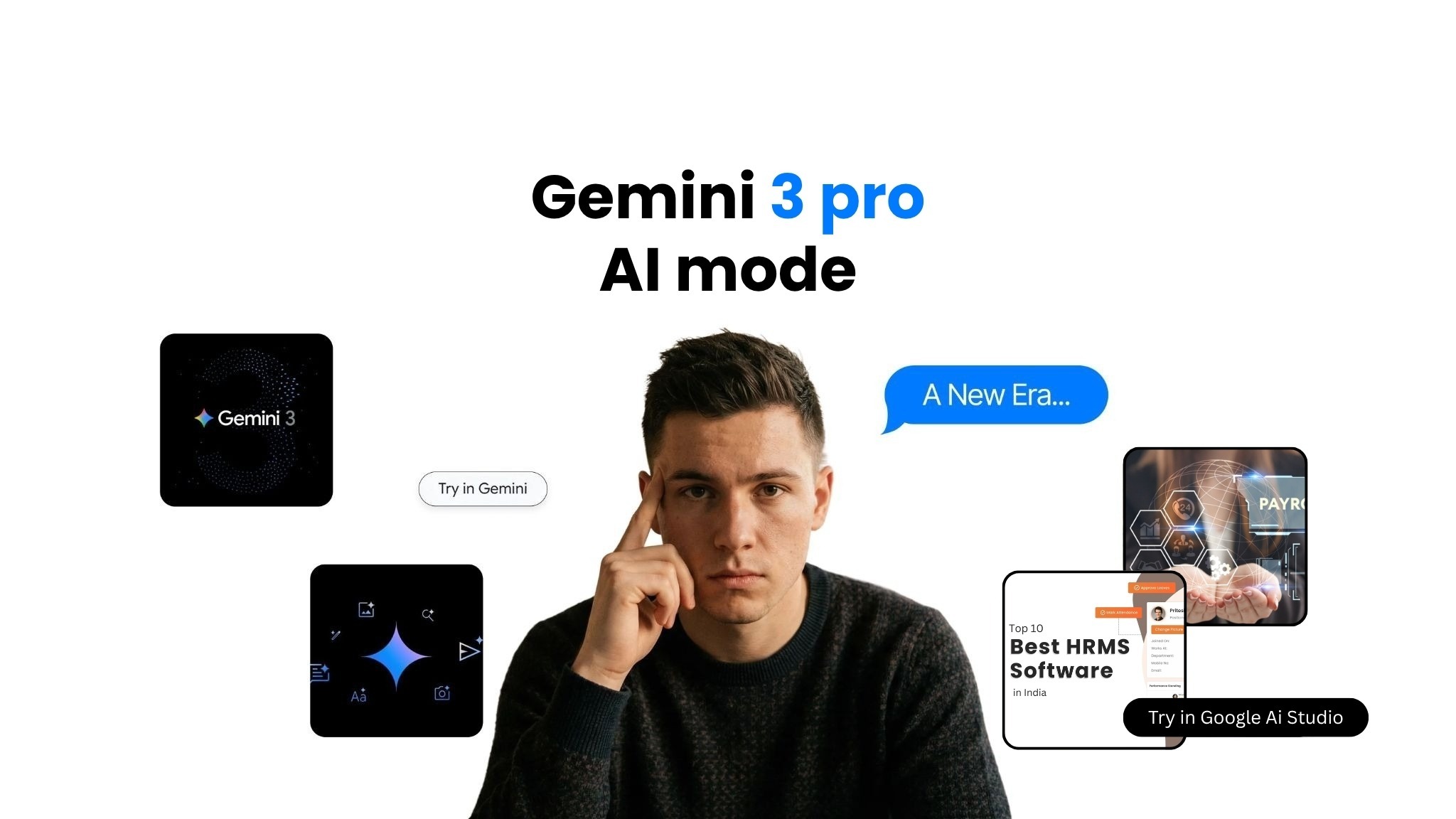
Make sure you're linked in with a personal Google Account that you control to use Gemini 3 Pro in AI Mode. This feature makes your experience better by giving you powerful AI features that are made just for you.
-
Gemini 3 Pro with AI Mode is now available
Only users with compatible devices and in areas where the capability is supported can use Gemini 3 Pro in AI Mode. To be sure you are eligible, check your account settings.
Personal Intelligence: How AI Mode Personalizes Responses for You
-
Personal Intelligence: How AI Mode Customizes Answers Just for You
AI Mode employs intricate algorithms to personalize the results based on your preferences, search history, and interactions with the platform. This makes the search experience more intuitive and personalized. It easily adapts to your demands, whether you're looking for "Google AI Mode search" or "AI in Google Search.
-
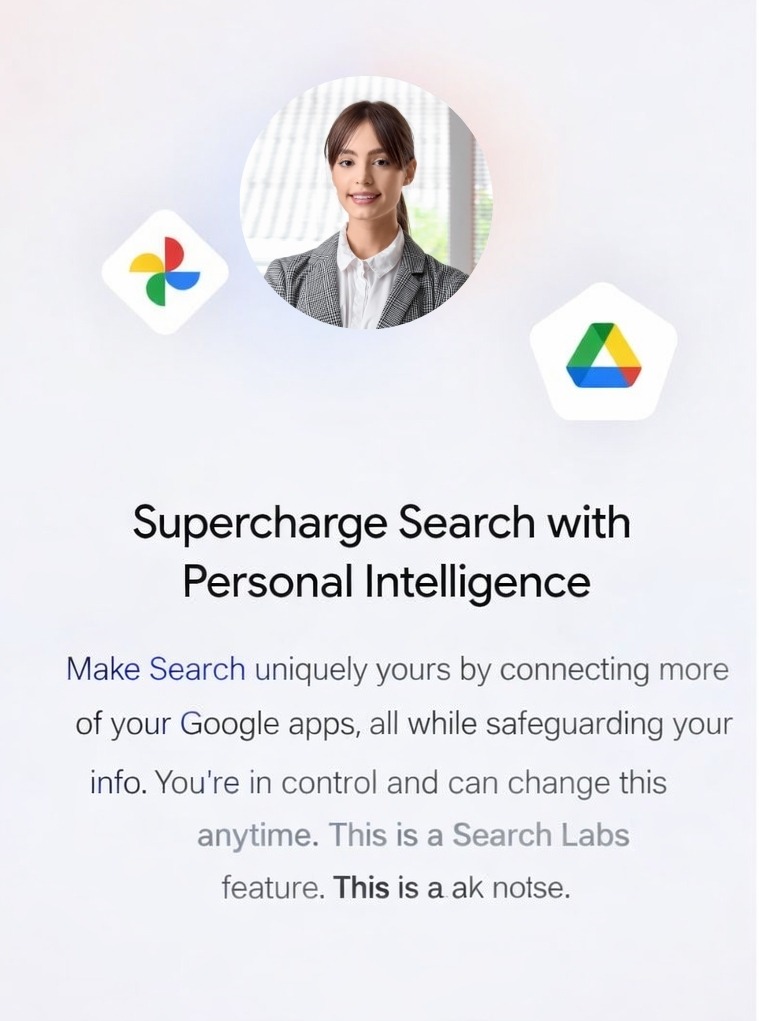
Connect your Google content apps to supercharge your personal intelligence.
You may get more personalized results in features like Discover, Movie recommendations, and Auto-complete suggestions by linking your Google content apps. This parameter makes sure that AI Mode gives you wiser results that take your situation into account.
AI Mode in Search Labs
The "AI Mode" option in Search Labs is still being tested, but it uses artificial intelligence to improve your search experience. Users can use Google Search more conversationally and naturally by turning on AI Mode. To obtain responses that are correct and aware of the context, they might ask questions such as "Google AI Mode search" or "AI Google Search."
The goal of this application is to improve the effectiveness of your searches by making them more intelligent, efficient, and tailored to your particular requirements. It does this by employing the most recent advancements in artificial intelligence technology to better understand what it is that you are looking for.
In order to make use of AI Mode, you will first need to sign up for Search Labs and then activate it. The way you search is altered by AI Mode, which provides you with a glimpse into the potential of artificial intelligence in routine tasks. Either it may assist you in locating individualized ideas, or it can instruct you on how to make use of artificial intelligence in Google Search.
Delete the AI Mode History Saved in Your Account
When you delete your AI Mode history, all of the personalized data and historical interactions recorded in your account are gone forever. In the event that you want to begin your search from the beginning or protect your privacy when utilizing features such as "Google AI Mode search" or "AI Google Search," this may be of assistance to you. You may remove your history by going to the settings of your account, locating the area that deals with AI Mode activities, and then following the procedures to delete your data.
-
What Happens When You Clear Your AI Mode History
If you delete your AI Mode history, all of the saved interactions, preferences, and unique insights that are linked to your account will be lost. This means that AI Mode won't use old data to customize answers anymore, so searches like "how to use AI in Google Search" or "Google ask and answer" will have a new start. But this doesn't change any other Google services until it says so.
How Data Helps Google Develop Generative AI in Search
Google's ability to improve its generative artificial intelligence capabilities in Search is greatly aided by data. Taking into consideration how users engage with services such as "Google AI Mode" and "AI Google Search," as well as what they search for and what they say about such services, Google is able to improve these services. Google can provide results that are more accurate, aware of context, and personalized as a result of this. Through this constant learning process, artificial intelligence in search is able to improve its ability to understand what consumers want and provide them with replies that are both more intelligent and more timely.
In addition, generative artificial intelligence makes use of enormous datasets in order to improve its ability to generate replies that seem as though they were generated by a human and to anticipate what demands users will have. Your search experience will be more intuitive and efficient as a consequence of the data, which enables the artificial intelligence to provide you with results that are more relevant and valuable, regardless of whether you are searching for "how to use AI in Google Search" or asking "Google, answer this question.
Conclusion
When Google AI Search with AI Mode is released in 2026, it will revolutionize the way we access information by transforming data into intelligence that can be put into action. It provides accurate, context-aware insights that are tailored to the specific requirements of each individual by utilizing sophisticated algorithms and customisation to do this. Users will be able to make more informed decisions more quickly as a result of this transition, which demonstrates the future of search as an intelligent and intuitive companion in general life.



SoftwaretoRelyUpon1200.png "Top Free HR Software")


