ServiceBox

By Jobbox Software

0.0
Rating out of 5 Based on 0 reviews

What is ServiceBox?

ServiceBox (also known as service box or servic box) is an all-in-one field service management software designed to help businesses automate scheduling, dispatching, invoicing, and job tracking. It streamlines day-to-day operations for service-based companies, ensuring smooth coordination between office staff and field technicians.

Pricing of ServiceBox

Pro

USD 20.00
USD 0.00

Per Month

Buy Now
  • Cloud-Based Software Allows Admins and Techs to See Each Others' Notes and Updates Instantly
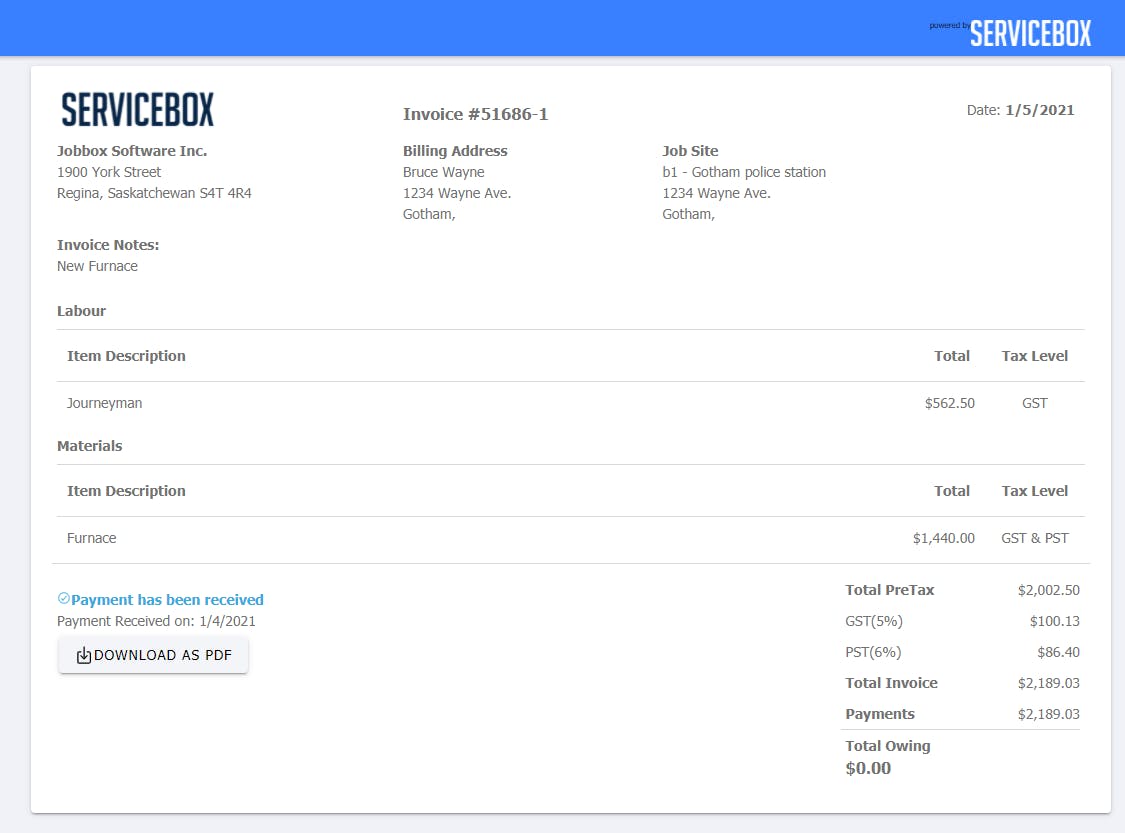
  • Create One-Touch Invoices From Quotes or Work Orders
  • Create Quotes Anywhere With Our Online Software System
  • Dispatcher Mode
  • Easily Keep Track of Labour Per Project and Keep Projects on Budget
  • Enable Your Technicians to Take Payments Through Our Hand-Point Devices
  • Features Are Added or Upgraded Every Three Weeks
  • Free One on One Support
  • Or Email so You Can Spend Less Time Following up
  • Quickly Review the En

ServiceBox

USD 20.00
USD 0.00

/User/Month

Buy Now
  • 1st Month Free
  • Free One on One Support
  • Unlimited Customers
  • Unlimited Job Sites
  • Up to 500 GB of Storage
  • 1st Month Free
  • Free One on One Support
  • Unlimited Customers
  • Unlimited Job Sites
  • Up to 500 GB of Storage

Key Features of ServiceBox

Key Features:
  • Billing & Invoicing
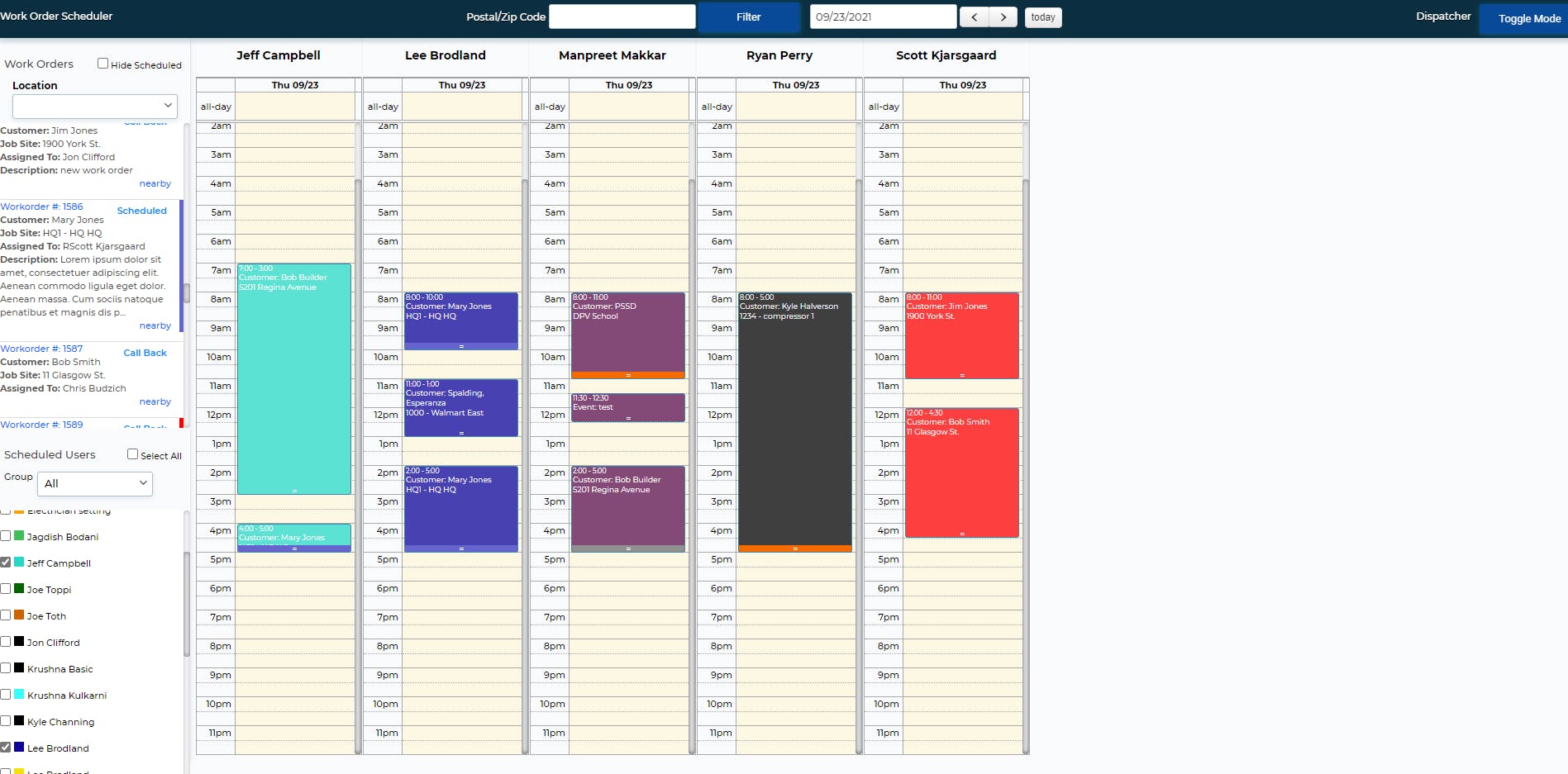
  • Dispatch Management
  • Routing
  • Scheduling
  • Customer Database
  • Inventory Management
  • Job Management
  • Mobile App
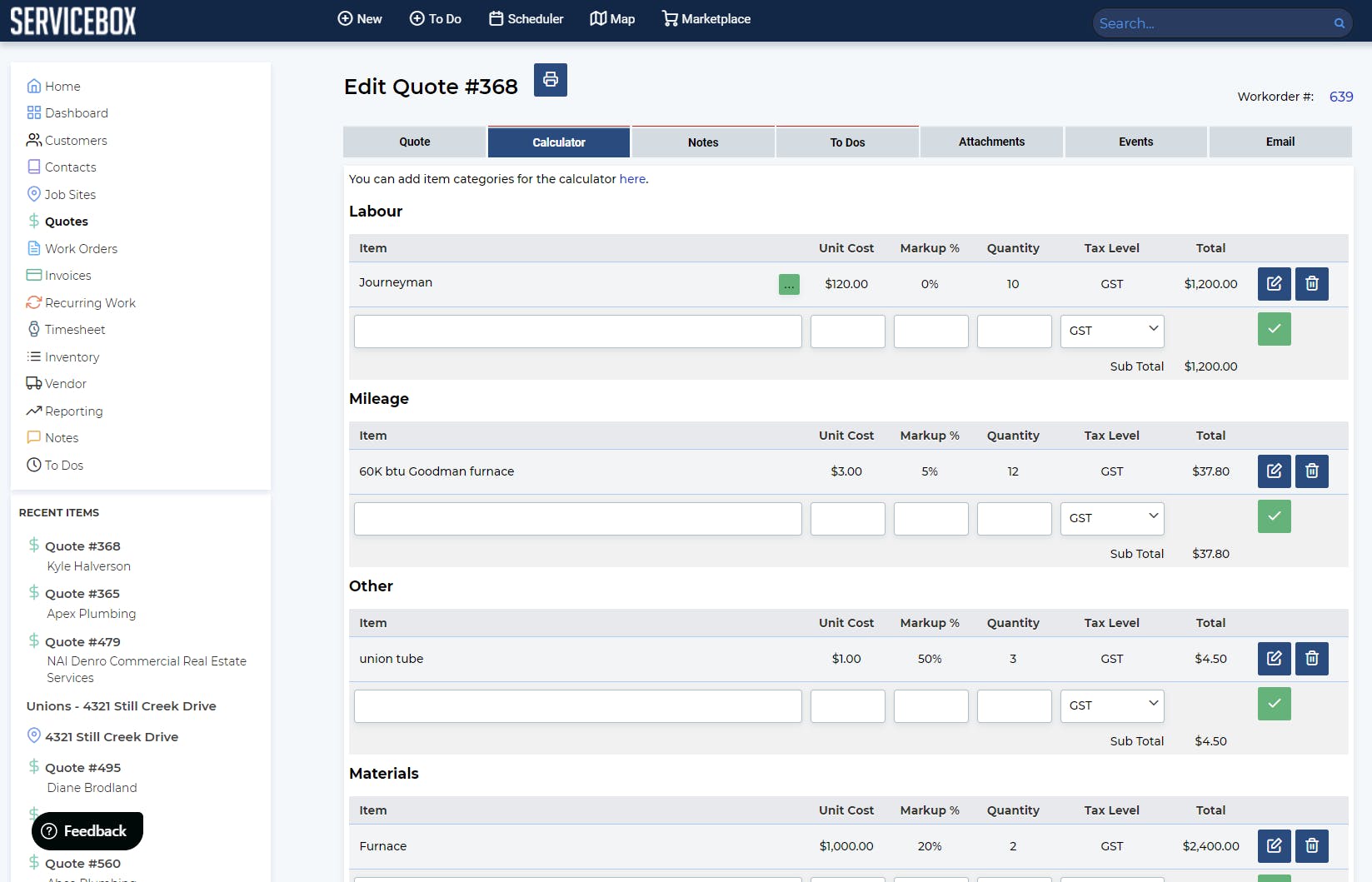
  • Quotes/Estimates
  • Service History
  • Technician Management
  • Work Order Management

Key Specification

Other Categories: Pool Service Software Plumbing Software
Deployment: Cloud Hosted,Hybrid,On Premise,Any
Customer Support: Phone,Email,Live Chat
Languages Support: English

Who uses ServiceBox

StartUps
StartUps
SMEs
SMEs
Agencies
Agencies
Enterprises
Enterprises

Company Details

Company Name: Jobbox Software
Headquarter: Canada
Social Media:

ServiceBox Description

Who Uses ServiceBox?

ServiceBox is widely used by HVAC companies, electricians, plumbers, and maintenance contractors who manage multiple service calls daily. It’s ideal for small to mid-sized businesses that want to simplify operations and improve customer satisfaction.

Why Choose ServiceBox?

Companies choose ServiceBox because it reduces paperwork, increases efficiency, and improves team communication. The software’s easy-to-use mobile app helps technicians stay connected and manage jobs in real time, making it perfect for businesses offering on-site services.

Benefits of ServiceBox

  • Simplifies scheduling and dispatching for field workers.

  • Reduces billing errors with integrated invoicing and quoting tools.

  • Provides real-time job tracking and technician status updates.

  • Improves customer service with instant communication features.

  • Offers cloud-based access from any device for better flexibility.

Features of ServiceBox

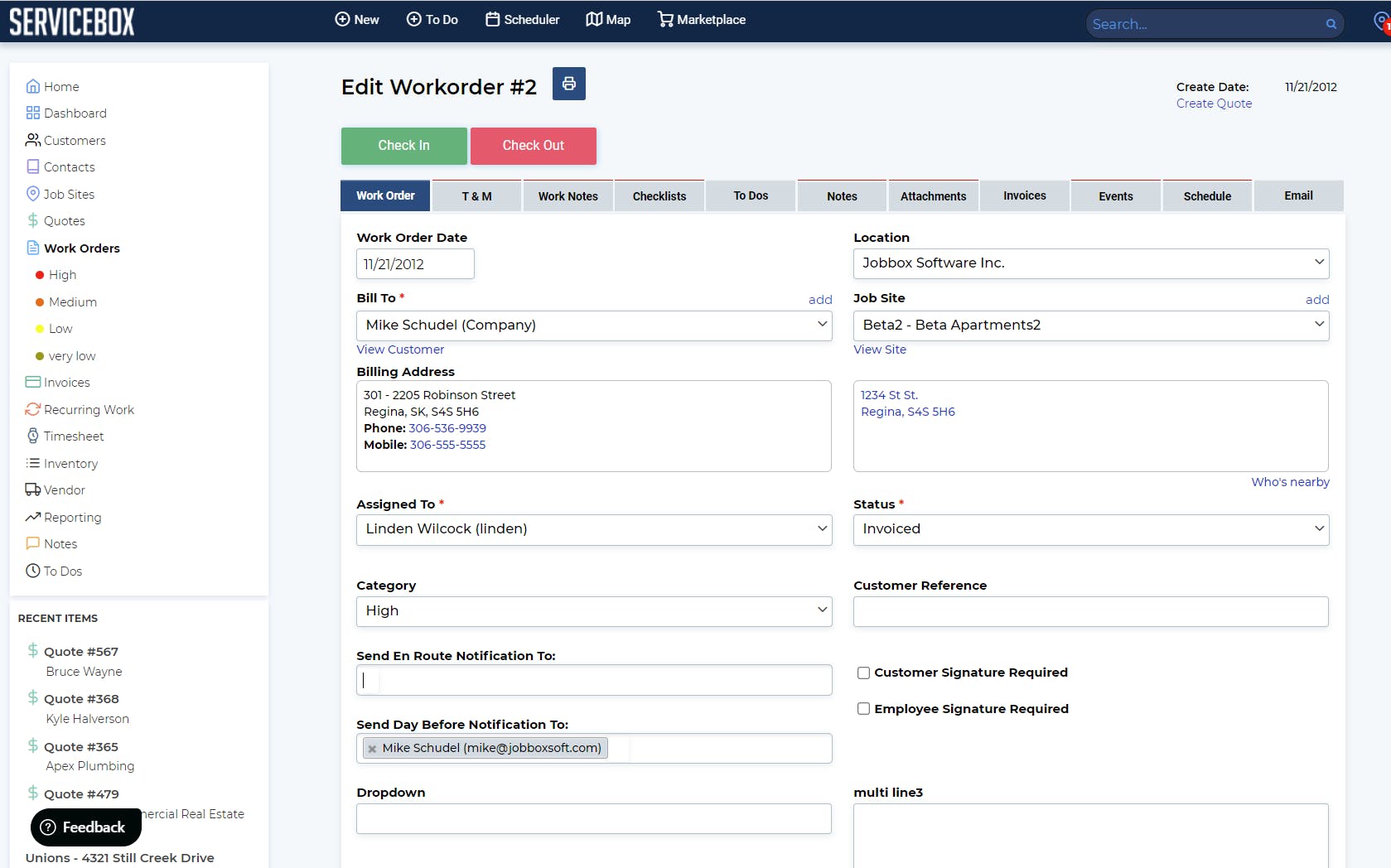
  • Job Management: Tracks work orders, maintenance, and repairs efficiently.

  • Scheduling & Dispatching: Assigns jobs to available technicians with one click.

  • Invoicing & Payments: Automates billing and allows quick payments.

  • Customer Management: Stores client history, notes, and service records.

  • Mobile Access: Lets technicians update job details directly from the field.

How to Use ServiceBox?

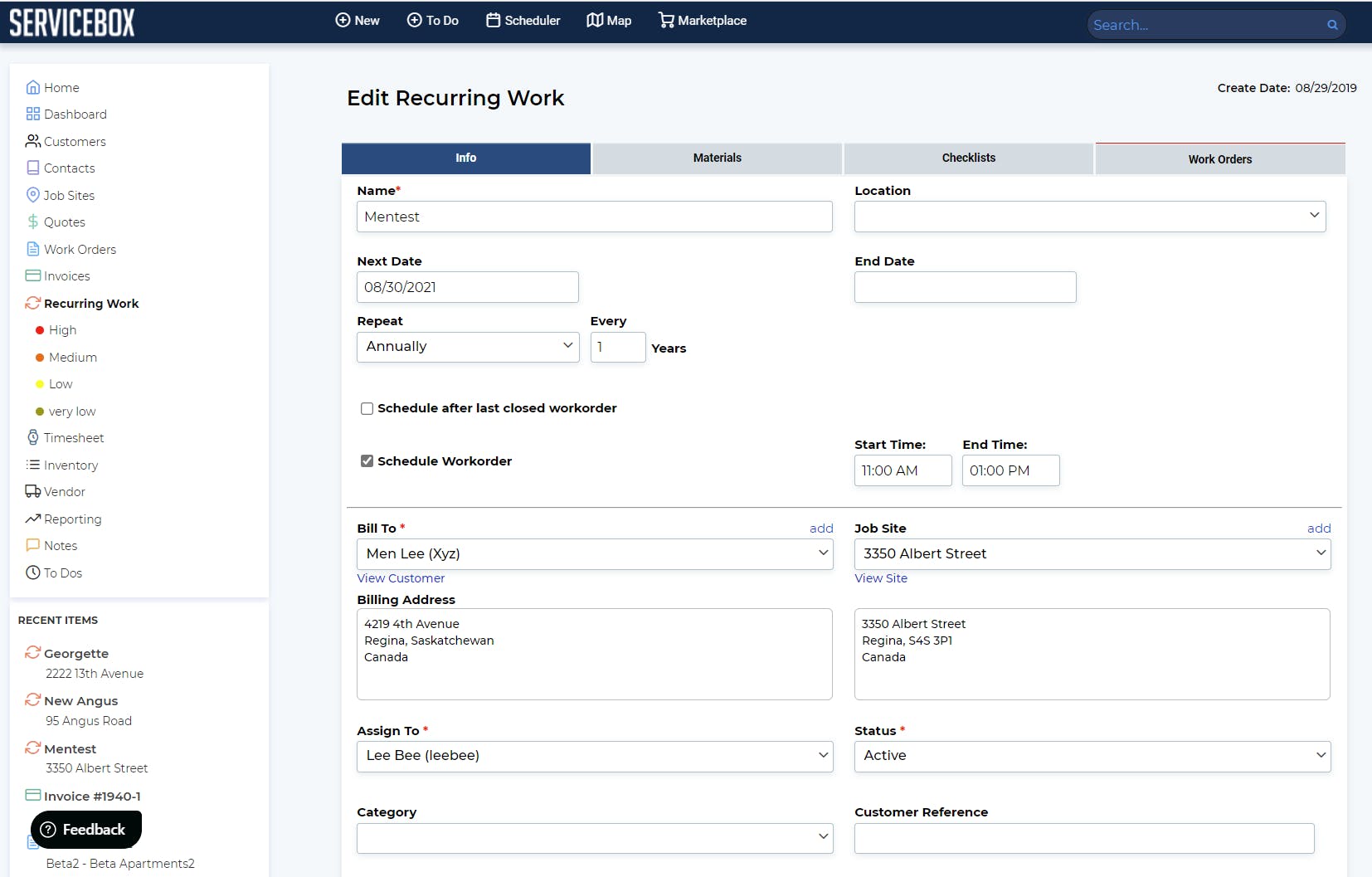
After signing up, users can log in through the ServiceBox portal and access scheduling, invoices, and customer details. The dashboard provides a complete overview of ongoing and upcoming jobs. The service box app also allows users to manage tasks on the go, ensuring no service request is missed.

ServiceBox Demo

Businesses can request a demo of ServiceBox to explore its tools for field service management. The demo showcases how job scheduling, invoicing, and tracking can be automated to save time and boost team productivity.

ServiceBox Pricing

ServiceBox pricing varies depending on the number of users and business requirements. It offers flexible subscription plans suitable for both small service providers and larger teams managing multiple technicians.

ServiceBox Review

User reviews for ServiceBox highlight its user-friendly interface, excellent customer support, and time-saving automation. Many businesses note that it simplifies scheduling and billing, leading to improved operational efficiency.

Alternative

Shop-Ware

The Shop Management Software that gives you more time and profit.

0.0
Rating out of 5 Based on 0 reviews

Zoho FSM

Seamless Operations, Memorable Service Experiences

0.0
Rating out of 5 Based on 0 reviews

simPRO

By simPRO Software

0.0
Rating out of 5 Based on 0 reviews

ServiceBox Video/Screenshots

User Reviews

no-reviews
Share your experience! Be the very first reviewer. Write a Review

Frequently Asked Questions (FAQs)

The user group of ServiceBox are as follows :

  • Startups
  • SMEs
  • Agencies
  • Enterprises

ServiceBox has 2 plans,

  • Pro USD 20.00 Per Month
  • ServiceBox USD 20.00 /User/Month

ServiceBox is allowed 0 Days Free Trial.

The key featuers of ServiceBox are as follows :

  • Billing & Invoicing
  • Dispatch Management
  • Routing
  • Scheduling
  • Customer Database
  • Inventory Management
  • Job Management
  • Mobile App
  • Quotes/Estimates
  • Service History
  • Technician Management
  • Work Order Management

ServiceBox pricing model : Yearly,Monthly,Onetime(Perpetual License)

ServiceBox is Cloud Hosted,Hybrid,On Premise,Any Software.

ServiceBox offers Phone,Email,Live Chat support.

ServiceBox provides Help Guides,Video Guides,Blogs,Webinars,On-Site Training for the software training.