
Microsoft Exchange Online Archiving
Solve archiving, compliance, regulatory, and eDiscovery challenges.
 0.0
0.0
Microsoft Exchange Online Archiving is a secure, cloud-based email archiving service that provides organizations with a reliable solution for storing, managing, and retrieving emails over the long term. It is designed for businesses that need to meet regulatory, legal, or compliance requirements while maintaining seamless user access to older email content. The service integrates directly with Microsoft 365 and on-premises Exchange Server through hybrid deployments, offering flexibility for organizations with mixed environments.
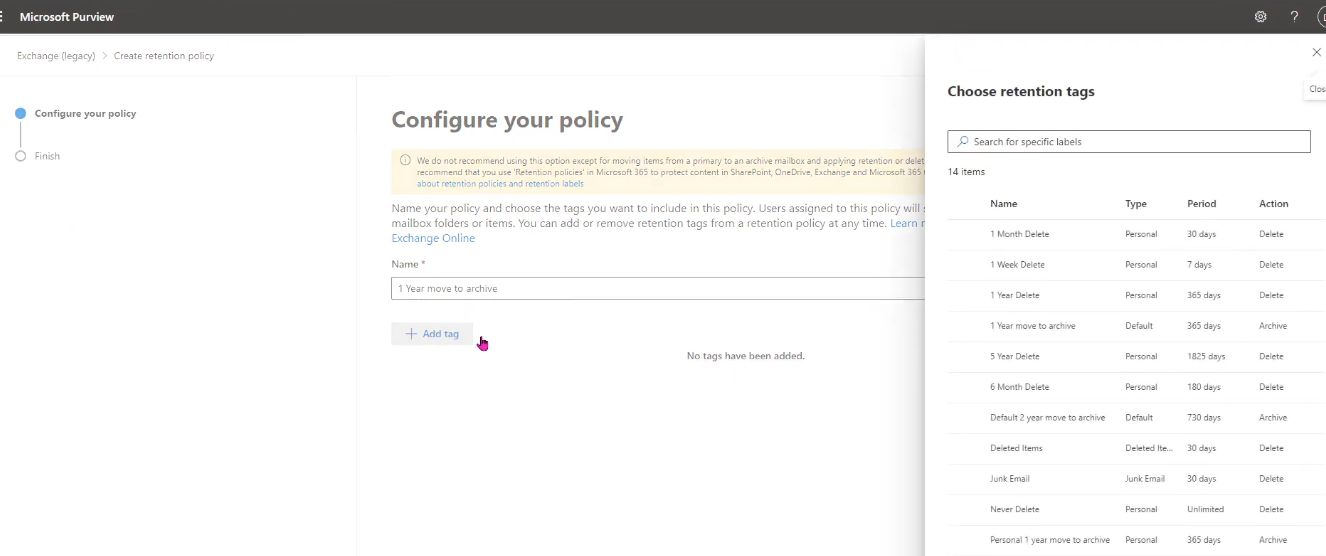
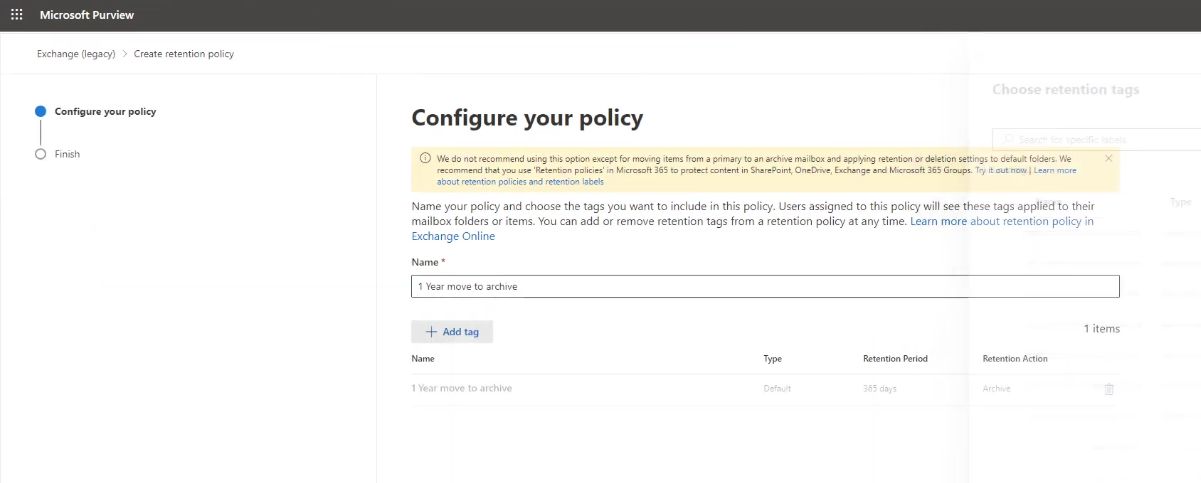
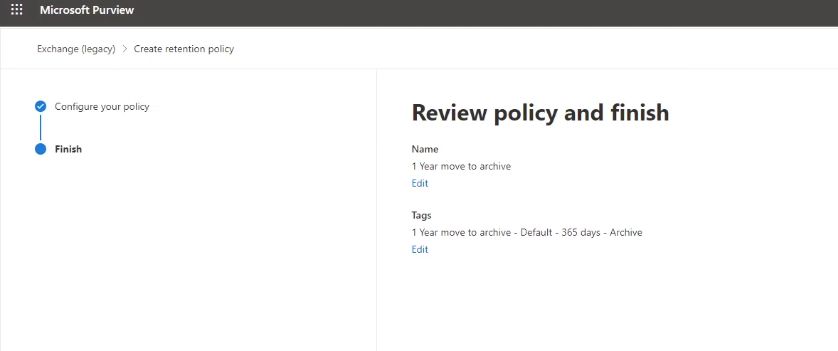
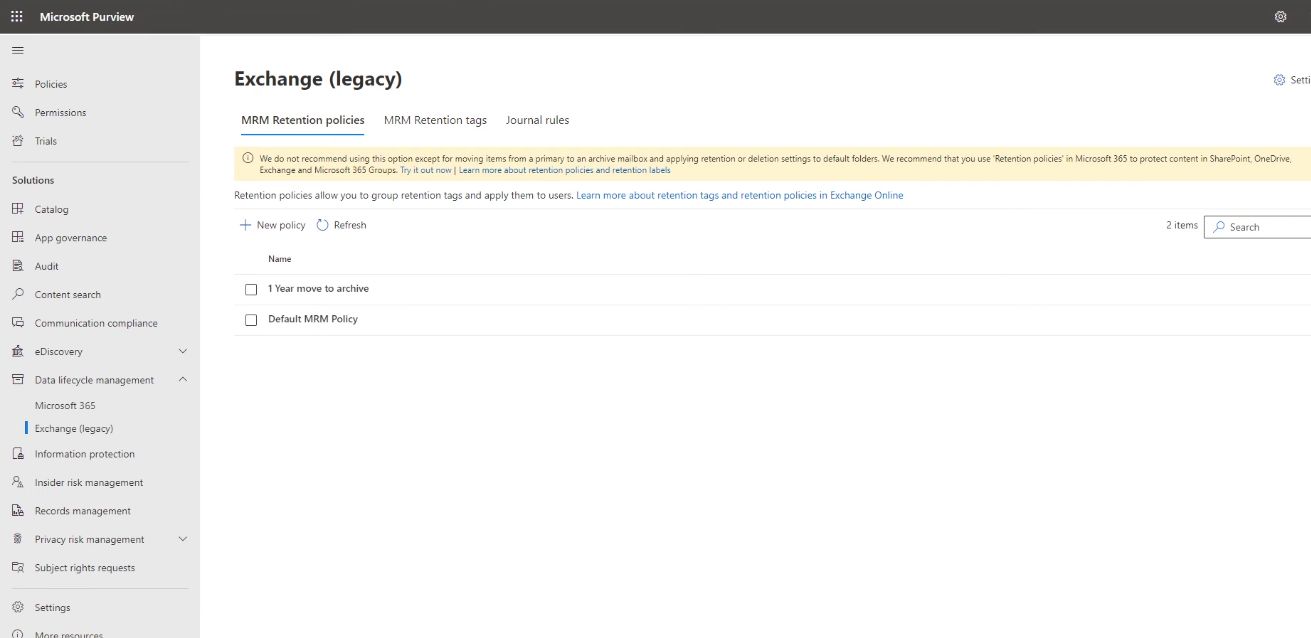
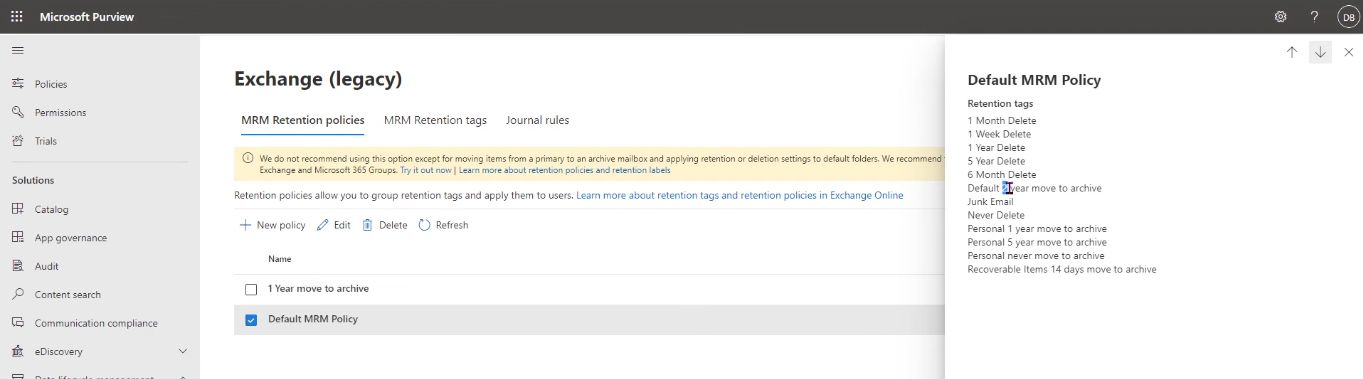
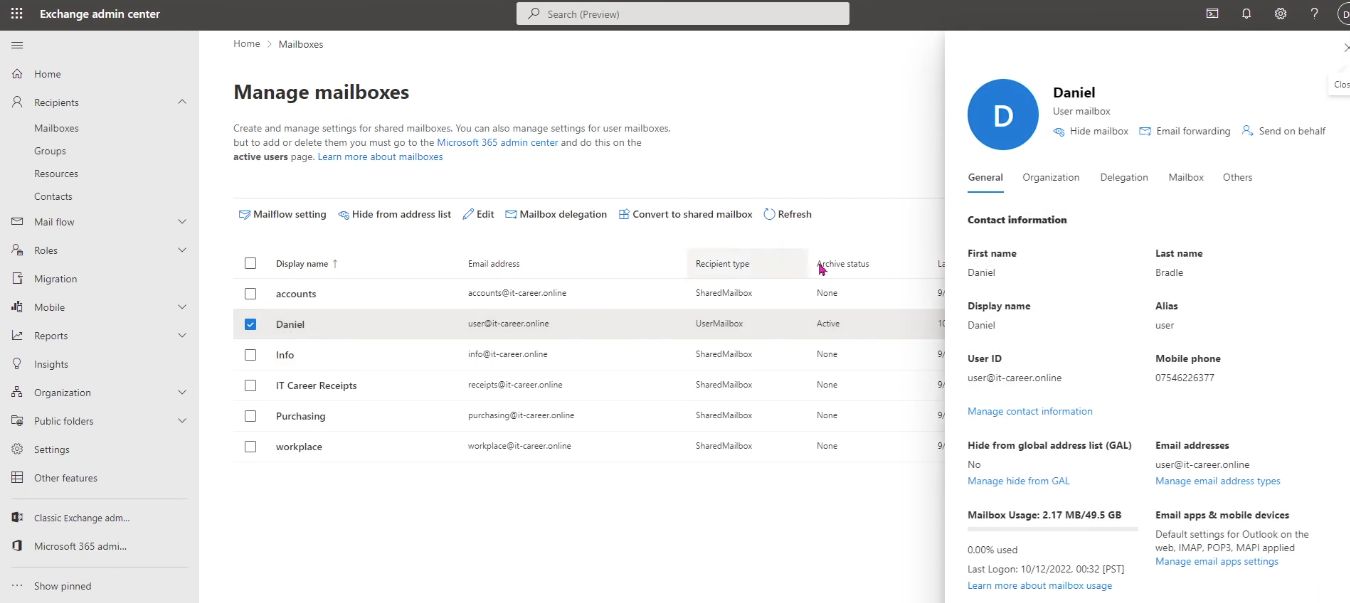
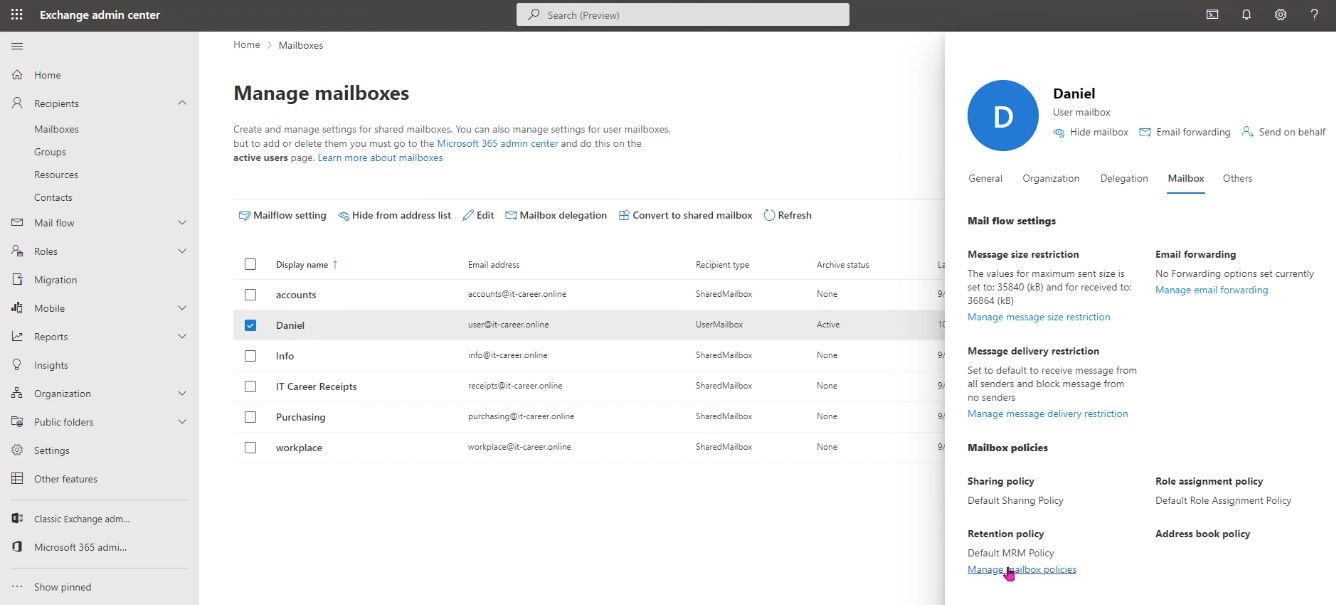
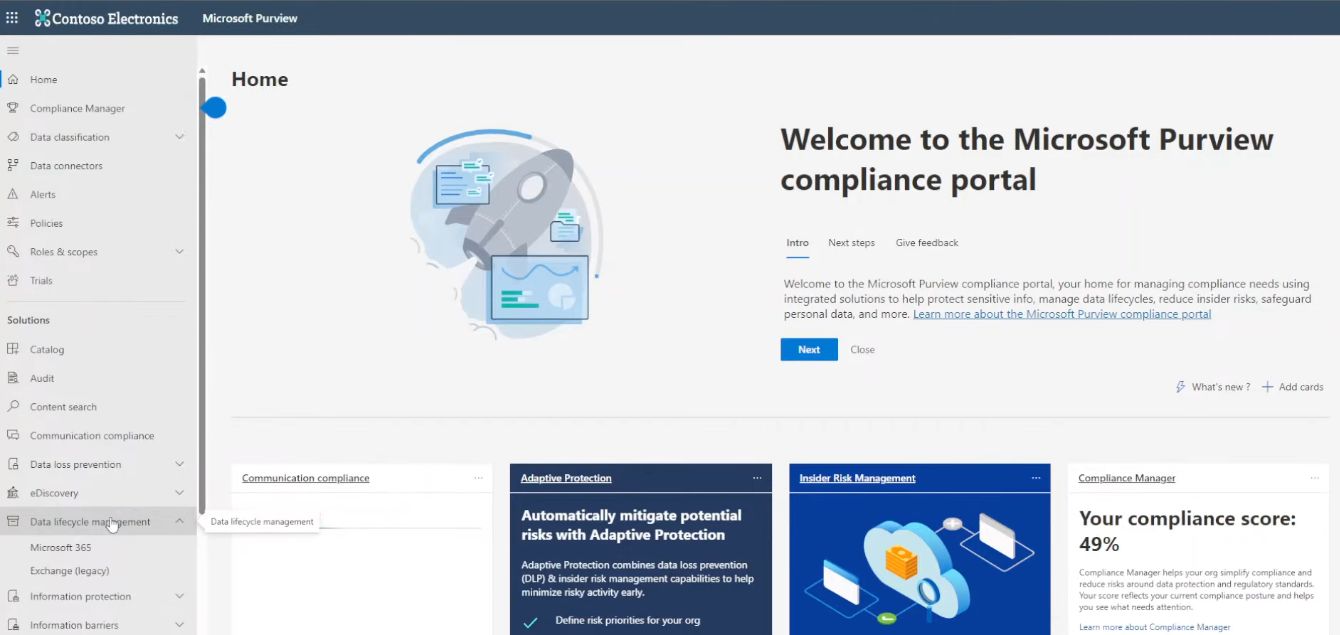
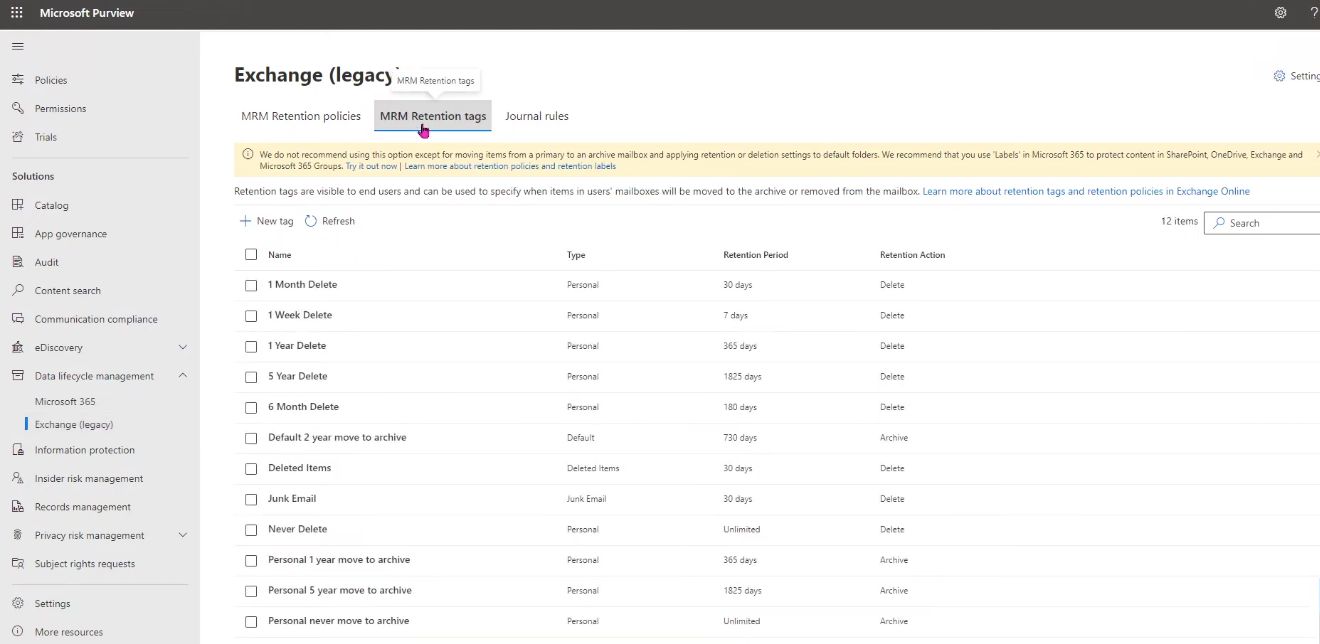
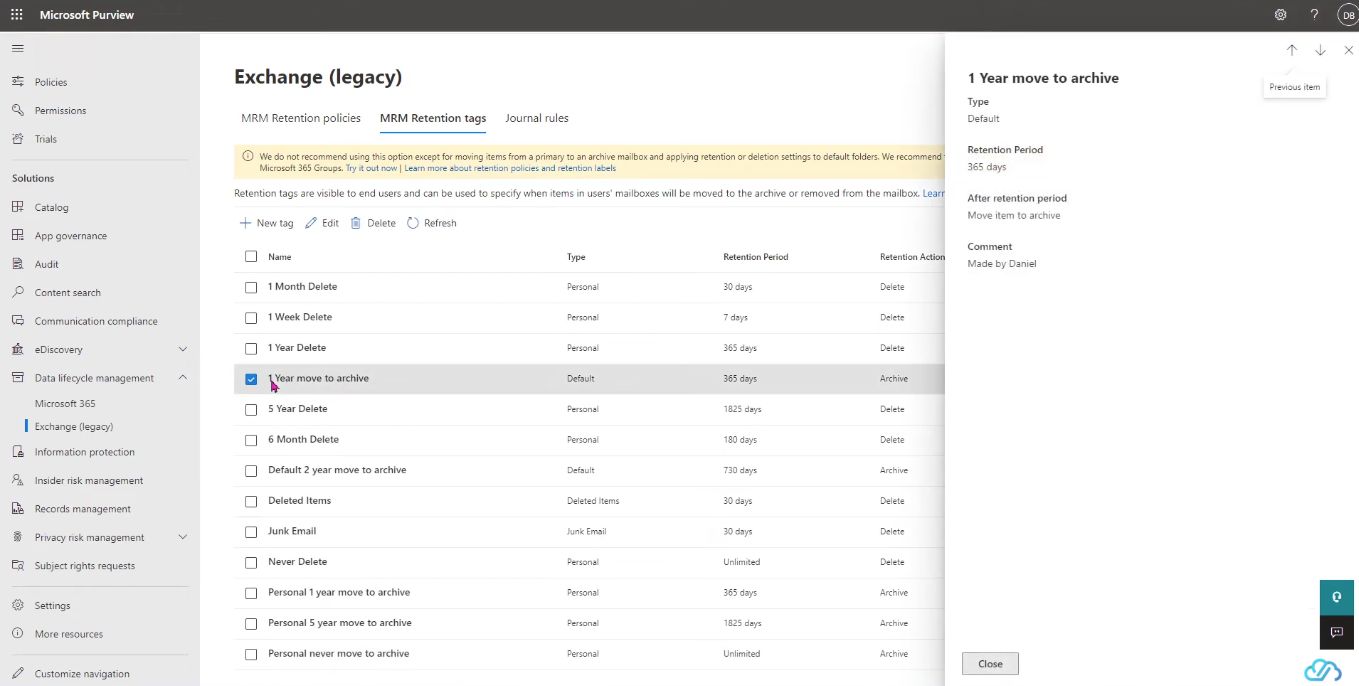
Users can access their archived emails easily through familiar tools like Microsoft Outlook and Outlook on the web, without needing any additional software. This ensures a smooth experience, where archived mail appears alongside the primary mailbox. Administrators benefit from centralized management using the Exchange Admin Center or PowerShell, enabling them to configure archive policies, retention tags, and access controls.
With enterprise-grade reliability, Exchange Online Archiving guarantees 99.9% uptime backed by a financial service level agreement. Data is hosted on globally redundant servers with built-in disaster recovery and continuous backup. The system also supports auto-expanding archiving, which increases storage beyond the initial allocation as users’ data grows, eliminating manual interventions. Overall, it delivers a cost-effective, scalable, and compliant solution for long-term email lifecycle management.
Pricing of Microsoft Exchange Online Archiving
- In-Place Archive
- In-Place Hold
- Data safeguards
- Archive storage
- IT-level phone support
- Automatic patching
Key Features of Microsoft Exchange Online Archiving
Key Features:
Key Specification
| Other Categories: | Email Management Software Data Governance Software Risk Management Software Cloud security software Email Archiving Software Audit Software Catalog Management Software Compliance Management Software Access Control Software Cloud Storage Software |
|---|---|
| Deployment: | Cloud Hosted,Hybrid,Any |
| Customer Support: | Phone,Email,Live Chat |
| Customization: | Yes |
| Languages Support: | English |
Who uses Microsoft Exchange Online Archiving

Personal

StartUps

SMEs

Agencies

Enterprises
Company Details
| Company Name: | Microsoft |
|---|---|
| Headquarter: | Redmond, Washington United States |
| Social Media: |
Microsoft Exchange Online Archiving Description
Most Popular Software


Alternative


User Reviews

Frequently Asked Questions (FAQs)
The user group of Microsoft Exchange Online Archiving are as follows :
- Personals
- Startups
- SMEs
- Agencies
- Enterprises
Microsoft Exchange Online Archiving has 1 plans,
- Exchange Online Archiving Plan INR 250 Per User Per Month
Microsoft Exchange Online Archiving is allowed 30 Days Free Trial.
The key featuers of Microsoft Exchange Online Archiving are as follows :
- Reporting/Analytics
- Compliance Management
- Access Controls/Permissions
- Storage Management
- Catalog Creation
- Search/Filter
- Policy Management
- Risk Management
- Audit Management
- Compliance Tracking
- Audit Trail
- Email Notifications
- Dashboard
Microsoft Exchange Online Archiving pricing model : Yearly,Monthly,Transaction
Microsoft Exchange Online Archiving is Cloud Hosted,Hybrid,Any Software.
Yes
Microsoft Exchange Online Archiving offers Phone,Email,Live Chat support.
Microsoft Exchange Online Archiving provides Help Guides,Video Guides,Blogs,Webinars,Case Studies,Whitepapers for the software training.