Microsoft Azure

By Microsoft

0.0
Rating out of 5 Based on 0 reviews

What is Microsoft Azure?

Microsoft Azure is a comprehensive, open, and flexible cloud computing platform and online portal that provides over 200 products and services. It offers a massive collection of Infrastructure as a Service (IaaS), Platform as a Service (PaaS), and Software as a Service (SaaS) solutions, encompassing everything from computing and storage to networking, advanced analytics, and AI services. It enables organizations to build, deploy, and manage applications and services globally using Microsoft's cloud infrastructure.

Pricing of Microsoft Azure

Basic

USD 1.00
USD 0.00

Per Month

Buy Now

Microsoft Azure

USD 0.00
USD 0.00

Buy Now
  • Virtual Machines
  • Azure SQL Database
  • App Service
  • Azure Cosmos DB
  • PlayFab
  • Azure Kubernetes Service (AKS)
  • Azure Functions
  • Azure Cognitive Services
  • Azure Cost Management and Billing
  • Virtual Machines
  • Azure SQL Database
  • App Service
  • Azure Cosmos DB
  • PlayFab
  • Azure Kubernetes Service (AKS)
  • Azure Functions
  • Azure Cognitive Services
  • Azure Cost Management and Billing

Awards & Badges Received

Get More Awards & Badges from Techimply
Badge-1
Badge-2
Badge-3

Key Features of Microsoft Azure

Key Features:
  • Backup and Recovery
  • Multi-Factor Authentication
  • Application Management
  • Policy Management
  • BYOL Management
  • User Provisioning

Who uses Microsoft Azure

StartUps
StartUps
SMEs
SMEs
Agencies
Agencies
Enterprises
Enterprises

Company Details

Company Name: Microsoft
Headquarter: United States
Social Media:

Microsoft Azure Description

Who Uses Microsoft Azure?

Microsoft Azure is trusted by a vast range of customers, from individual developers and small startups to 95% of Fortune 500 companies. Its deep integration with existing Microsoft technologies (like Windows Server and Microsoft 365) makes it the preferred choice for enterprise migration and modernization.

  • Enterprise IT Teams: For seamless cloud migration, disaster recovery, and hybrid cloud management using Azure Arc.
  • Developers: Use Azure Functions (serverless) and Azure App Service to rapidly build, deploy, and scale web and mobile applications.
  • Data Scientists & Engineers: Leverage services like Azure Machine Learning and Azure Synapse Analytics for Big Data processing and AI initiatives.
  • Businesses of All Sizes: Seeking cost-effective, highly available, and secure infrastructure on a pay-as-you-go basis.

Why Choose Microsoft Azure?

Choose Microsoft Azure for its best-in-class hybrid capabilities, enterprise-grade security, and extensive global reach. Azure is the only major cloud platform specifically built to seamlessly integrate public cloud resources with your on-premises data centers, providing a consistent experience. Its dedication to open-source support (running Linux, containers, and various languages) combined with its deep portfolio of AI and analytics services makes it a future-proof platform for digital transformation.

What are the Benefits of Microsoft Azure?

Drive innovation and ensure resilience with the Azure platform:

  1. Unmatched Hybrid Flexibility: Azure Arc extends Azure management services to any infrastructure (on-premises, multi-cloud) for unified governance.
  2. Global Scale and Reach: Offers the largest number of global regions (60+) to ensure low-latency performance and data residency compliance worldwide.
  3. Enterprise Security & Compliance: Features defense-in-depth security with built-in threat detection and compliance with major global standards (GDPR, HIPAA).
  4. Cost Optimization: Pay-as-you-go pricing model with tools like Azure Cost Management to optimize spending and only pay for utilized resources.
  5. Simplified Application Development: Use services like Azure Kubernetes Service (AKS) and Azure Functions to deploy and manage modern, scalable applications easily.
  6. Seamless Microsoft Integration: Deep integration with Windows Server, SQL Server, and Microsoft 365 simplifies migration and operations for Microsoft ecosystem users.

What are the Features of Microsoft Azure?

Microsoft Azure provides a vast portfolio of services across key domains:

  1. Virtual Machines (IaaS): On-demand, scalable compute capacity running Windows or Linux.
  2. Azure App Service (PaaS): Fully managed platform for building, deploying, and scaling web, mobile, and API applications.
  3. Azure SQL Database: A managed, intelligent, and scalable relational database service.
  4. Azure Storage: Highly durable and scalable cloud storage solutions including Blob Storage (unstructured data) and File Storage.
  5. Azure Active Directory (Microsoft Entra ID): Comprehensive identity and access management for secure sign-on and access control.
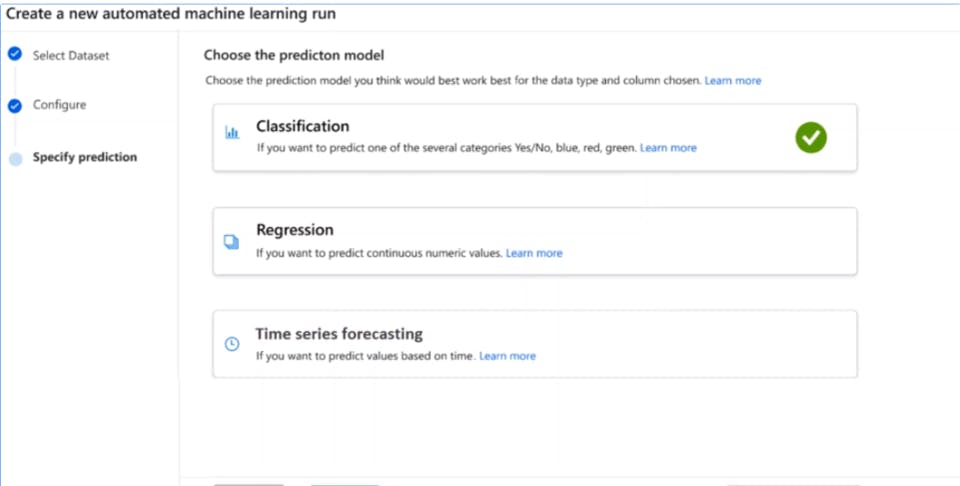
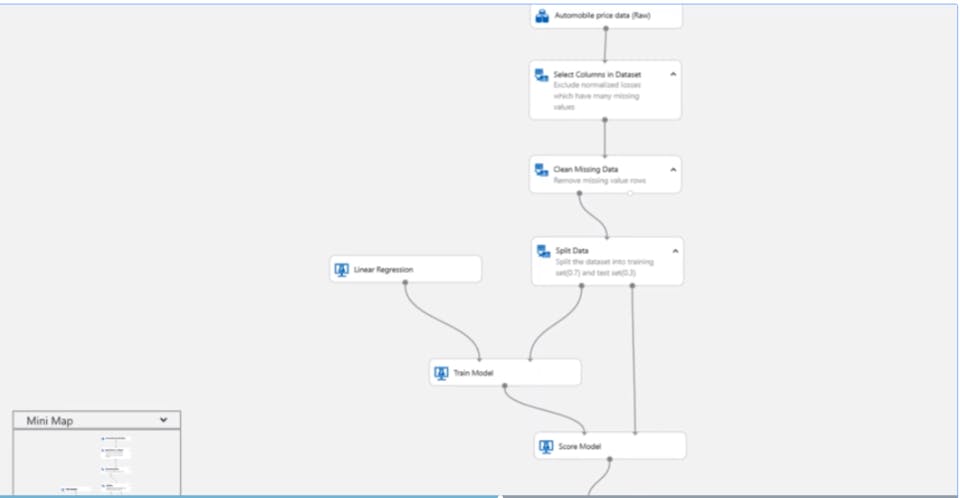
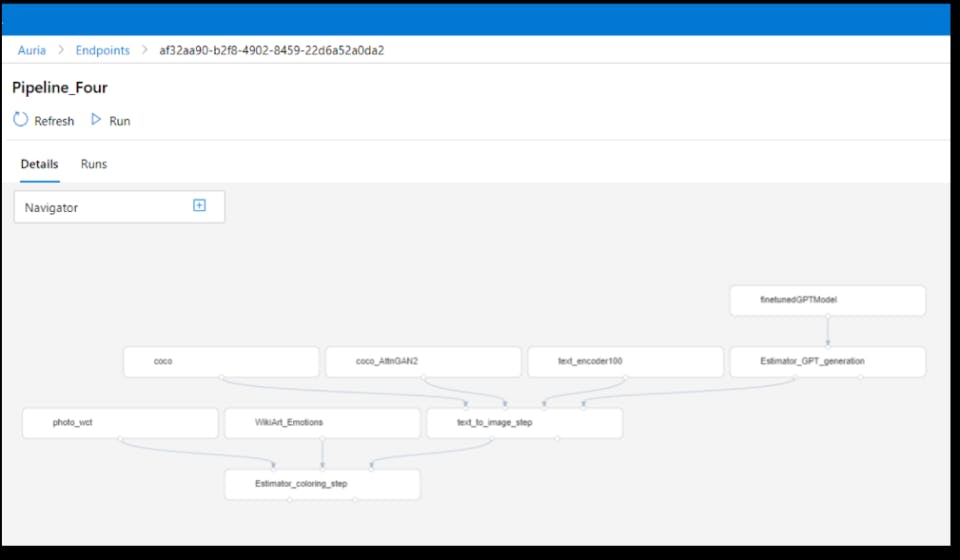
  6. AI and Machine Learning: Services like Azure OpenAI Service and Azure ML for building, training, and deploying AI models.
  7. Azure DevOps: Integrated tools for development, continuous integration (CI), and continuous delivery (CD) pipelines.

How to Use Microsoft Azure?

Accessing and managing your resources in Microsoft Azure is primarily done through its unified console:

  1. Sign Up: Create an Azure account (often with a free credit trial available).
  2. Microsoft Azure Login: Use your Microsoft credentials to perform a secure microsoft azure login to the platform.
  3. Access the Portal: Navigate to the Microsoft Azure Portal—the central, web-based management console.
  4. Deploy Resources: Use the portal's graphical interface, or command-line tools like Azure CLI or PowerShell, to deploy services (like Virtual Machines or databases).
  5. Monitor: Utilize Azure Monitor within the portal to track performance, set alerts, and ensure service health.

How to Get Demo of Microsoft Azure?

Experience the capabilities of the platform firsthand:

  1. Free Account: Sign up for an Azure Free Account to receive a time-limited credit to use on most Azure services, plus access to popular services for free for 12 months.
  2. Microsoft Azure Portal Demo: Microsoft provides comprehensive, on-demand video demo series that show you how to navigate the Microsoft Azure portal and deploy common services.
  3. Expert Q&A: Join a live webinar or Q&A session with an Azure expert to get guided assistance and tailored advice on your specific use cases.

Alternative

JouwWeb

Create a website in 10 minutes. It doesn't get any easier than this.

0.0
Rating out of 5 Based on 0 reviews

Durable

Durable Pricing - Launch your site for $0 in seconds

0.0
Rating out of 5 Based on 0 reviews

UltaHost

Powerful Best Shared Hosting

0.0
Rating out of 5 Based on 0 reviews

Microsoft Azure Video/Screenshots
User Reviews

no-reviews
Share your experience! Be the very first reviewer. Write a Review

Frequently Asked Questions (FAQs)

The user group of Microsoft Azure are as follows :

  • Startups
  • SMEs
  • Agencies
  • Enterprises

Microsoft Azure has 2 plans,

  • Basic USD 1.00 Per Month
  • Microsoft Azure USD 0.00

Microsoft Azure is allowed 0 Days Free Trial.

The key featuers of Microsoft Azure are as follows :

  • Backup and Recovery
  • Multi-Factor Authentication
  • Application Management
  • Policy Management
  • BYOL Management
  • User Provisioning

Microsoft Azure pricing model : Yearly,Monthly,Onetime(Perpetual License)

Microsoft Azure is Cloud Hosted,Hybrid,On Premise,Any Software.

Microsoft Azure offers Email,Live Chat support.

Microsoft Azure provides Help Guides,Video Guides,Blogs,Webinars for the software training.