Icecream Screen Recorder

Cool software for your every day needs!

0.0
Rating out of 5 Based on 0 reviews

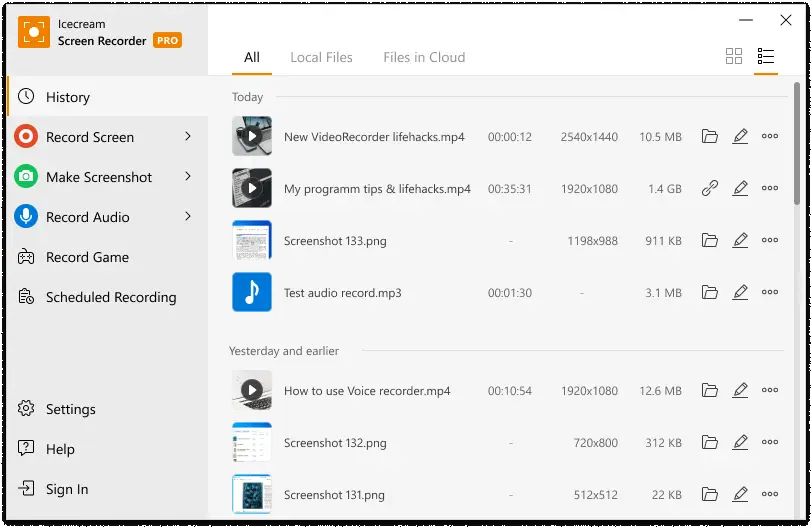
Icecream Screen Recorder is a powerful and easy-to-use screen recording software developed by Icecream Apps. It allows users to capture any area of their screen, record videos, take screenshots, and annotate captured content. The software is widely used for recording webinars, video tutorials, gameplay, live streams, and video calls. Available for Windows, Mac, and Android devices, Icecream Screen Recorder provides a flexible set of tools designed for both beginners and professionals. Users can choose to record the full screen or select a specific region. The software also includes the option to record system sounds, microphone audio, or both simultaneously, making it ideal for voice-over tutorials and presentations.

Pricing of Icecream Screen Recorder

1 Year License

USD 29.95
USD 0.00

Billed annually

Buy Now
  • No recording time limit
  • No watermark
  • 10 GB Cloud storage
  • Record in MP4 AVI MOV WEBM
  • Convert recorded videos
  • Scheduled screen recording
  • Add your logo to videos
  • Turn off countdown before the recording
  • Commercial use
  • Priority Support

Lifetime License

USD 59.95
USD 0.00

One time fee

Buy Now
  • All Features 1 Year License +
  • Lifetime license Windows

Video PRO Package

USD 78.00
USD 0.00

One time fee

Buy Now
  • Lifetime license for ALL VIDEO products by Icecream Apps
  • Video Editor $66.60
  • Video Converter $49.95
  • Screen Recorder $79.93
  • Slideshow Maker $49.94

Key Specification

Other Categories: Video Management Software Channel Management Software Electronic Health Records Software Webcam Software
Deployment: Cloud Hosted,Hybrid
Customer Support: Phone,Email,Online (Ticket)
Customization: Yes
Languages Support: English

Who uses Icecream Screen Recorder

StartUps

StartUps
SMEs
SMEs
Agencies
Agencies
Enterprises
Enterprises

Company Details

Company Name: Icecream Screen Recorder
Headquarter: Cyprus
Social Media:

Icecream Screen Recorder Description

In today's digital world, screen recording software is an essential tool for professionals, educators, gamers, and content creators. Icecream Screen Recorder stands out as a user-friendly yet feature-rich application that enables users to capture and record their screens effortlessly. Developed by Icecream Apps, this software is designed to meet the needs of a wide range of users, whether they are recording tutorials, streaming gameplay, or documenting software issues.

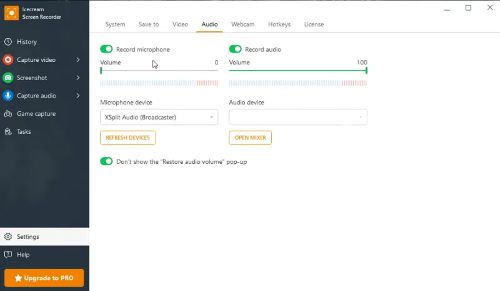
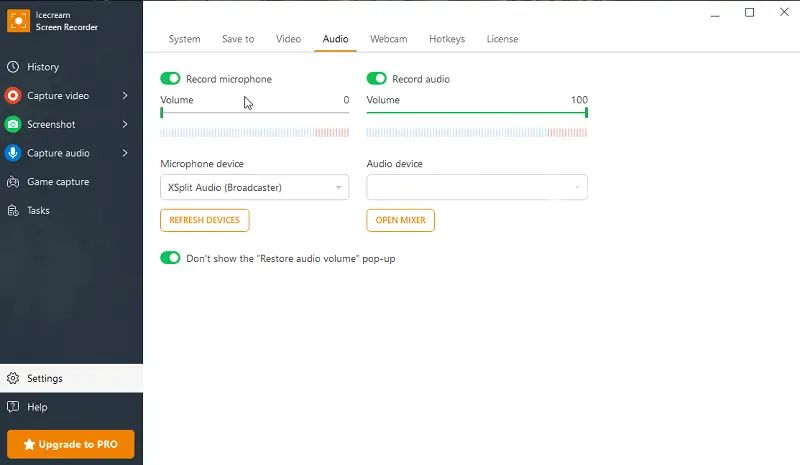
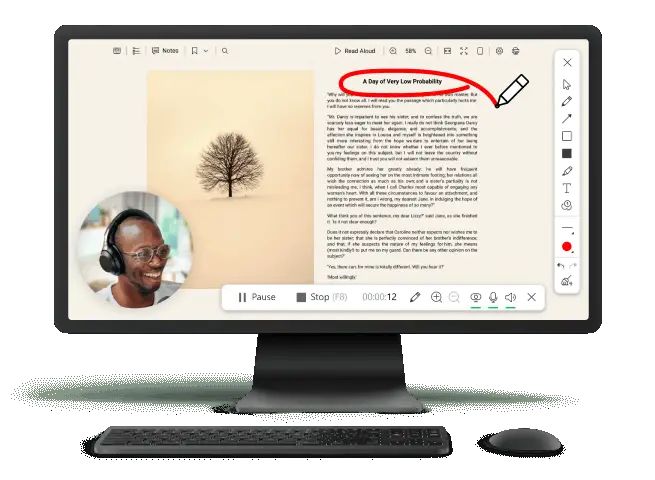
Icecream Screen Recorder provides a simple and intuitive interface that makes recording easy. Users can choose between full-screen recording, custom region selection, or window capture to focus on specific parts of their screens. The software also supports audio recording, allowing users to capture system sounds, microphone input, or both, making it ideal for creating tutorials, podcasts, or narrated video guides.

A key advantage of Icecream Screen Recorder is its annotation tools. Users can draw, highlight, and add text during the recording process, helping to emphasize important sections. This feature is particularly useful for instructional videos and presentations.

For those who create content that requires a personal touch, the webcam overlay option allows users to include their video feed in recordings, making it ideal for online educators and gamers. Additionally, the scheduled recording feature automates the recording process, allowing users to set a start and end time for their recordings.

Icecream Screen Recorder also supports screenshot capture, enabling users to take high-resolution images of their screens. Screenshots can be saved in various formats, and users can even annotate them before saving.

Another standout feature is its video editing tools, including trimming, adjusting playback speed, and muting sections of the recording. This eliminates the need for external video editing software for basic refinements.

Users can also customize their recordings with watermarks, ensuring branding and protection against unauthorized use. Once the recording is complete, files can be uploaded directly to YouTube, Google Drive, and Dropbox for easy sharing.

With its lightweight design and powerful capabilities, Icecream Screen Recorder provides a versatile and efficient solution for anyone needing to record and share screen content.

Key Features & Specifications

Screen Recording Features:

✔ Full-Screen and Custom Area Capture – Record the entire screen or select specific areas for precision.

✔ Audio Recording – Capture system sounds, microphone input, or both simultaneously.
✔ Webcam Overlay – Record webcam footage alongside screen recordings.
✔ Annotation Tools – Draw, highlight, and add text while recording.
✔ Scheduled Recording – Set start and stop times for automatic screen recording.
✔ Instant Annotation – Edit screenshots with text, arrows, and shapes.
✔ Multiple Image Formats – Save in JPG, PNG, or BMP.
✔ Playback Speed Adjustment – Speed up or slow down recordings.
✔ Mute Audio – Remove background noise or unnecessary sound.
✔ Watermarking – Add custom logos or text to recordings.
✔ Direct Upload – Share videos instantly to YouTube, Google Drive, and Dropbox.
✔ Clipboard Copy – Quickly copy screenshots for easy pasting and sharing.
✔ Mouse Effects – Highlight cursor movements to enhance tutorial visibility.
✔ Multiple Language Support – Available in various languages for global users.

Screenshot Capture:

✔ Take High-Quality Screenshots – Capture full screen or specific areas.

Editing & Customization:

✔ Trim Recordings – Cut unwanted sections for a polished final video.

Output & Sharing Options:

✔ Multiple Video Formats – Save videos in MP4, AVI, MOV, and WebM.

Other Advanced Features:

✔ Hotkey Support – Use shortcuts for faster control.

Alternative

Hotel Perfect Channel Management

By Hotel Perfect Channel Management

0.0
Rating out of 5 Based on 0 reviews

Hotel Link Channel Manager

By Hotel Link Channel Manager

0.0
Rating out of 5 Based on 0 reviews

OneAffiniti

By OneAffiniti

0.0
Rating out of 5 Based on 0 reviews

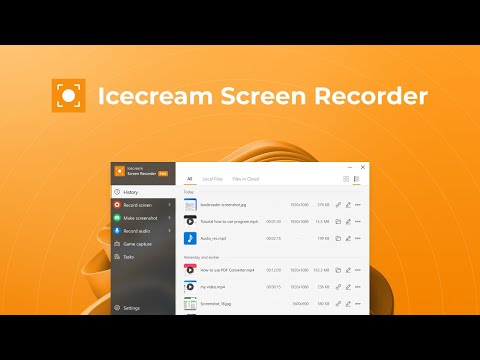
Icecream Screen Recorder Video/Screenshots
User Reviews

no-reviews
Share your experience! Be the very first reviewer. Write a Review

Frequently Asked Questions (FAQs)

The user group of Icecream Screen Recorder are as follows :

  • Startups
  • SMEs
  • Agencies
  • Enterprises

Icecream Screen Recorder has 3 plans,

  • 1 Year License USD 29.95 Billed annually
  • Lifetime License USD 59.95 One time fee
  • Video PRO Package USD 78.00 One time fee

Icecream Screen Recorder is not allowing Free Trial.

Icecream Screen Recorder pricing model : Yearly,Monthly

Icecream Screen Recorder is Cloud Hosted,Hybrid Software.

Yes

Icecream Screen Recorder offers Phone,Email,Online (Ticket) support.

Icecream Screen Recorder provides Help Guides,Video Guides,Blogs for the software training.