
Google Vault

Google Vault

cloud-based archiving, retention, and eDiscovery solution built for organizations

0.0
Rating out of 5 Based on 0 reviews

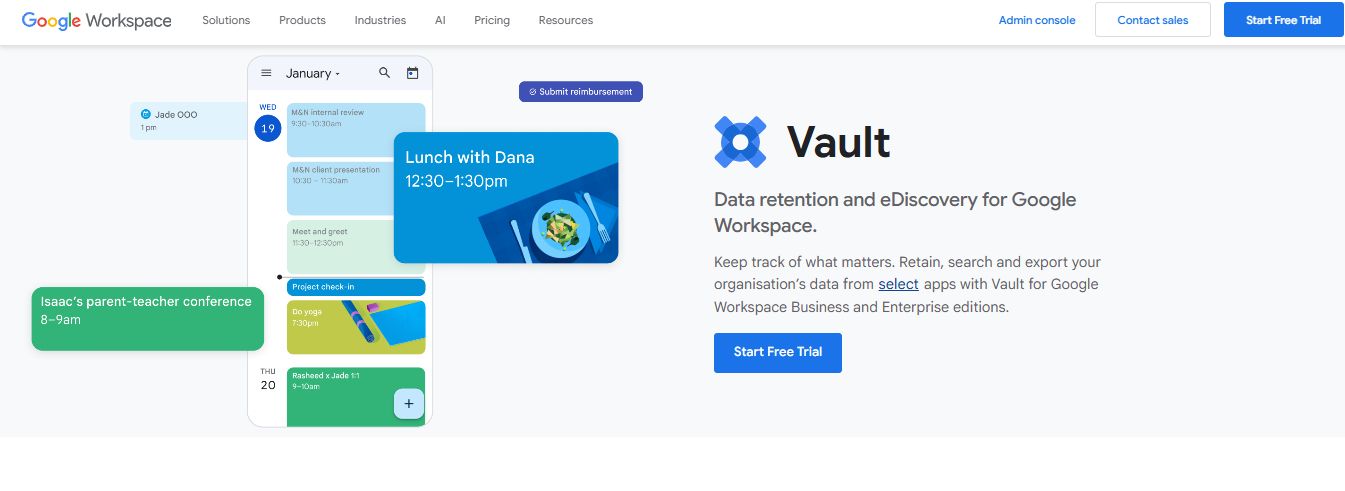
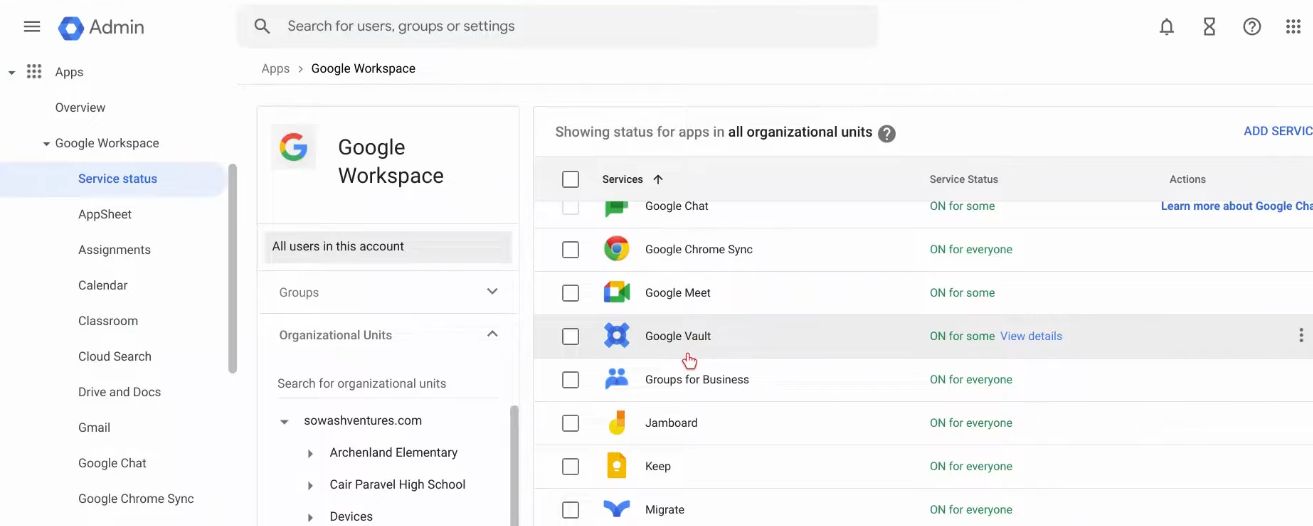
Google Vault is an integrated cloud-based archiving, retention, and eDiscovery solution built for organizations using Google Workspace. Designed for legal, compliance, and governance needs, it allows administrators to manage electronically stored data efficiently. Through Vault, authorized users can retain data across Gmail, Google Drive, Google Chat, Google Meet, Groups, Voice (text messages, voicemails, call logs), and Google Sites. Vault supports customizable retention rules and legal holds, ensuring critical information is preserved beyond user actions. It also enables precise searching, previewing, and exporting of data—complete with metadata—to support investigations, audits, or litigation processes. Administrators organize workflows into “matters,” which collect saved search queries, holds, exports, and audit logs for easy management. Access to Vault is restricted to Workspace administrators or users with explicit Vault privileges to maintain data security. Importantly, Vault is not a backup or recovery tool; while you can export data, there is no function to restore content back into user accounts. Governance remains seamless through Vault’s audit reports, which track user activity within the tool. Vault is available as part of certain Google Workspace Business, Enterprise, and Education plans, or as a paid add-on for editions where it's not included.

Pricing of Google Vault

no-pricing
For get detailed pricing as per your requirements.

Key Features of Google Vault

Key Features:
  • Access Controls/Permissions
  • Policy Management
  • Compliance Management
  • Audit Management
  • Data Retention Management
  • Controls Audit
  • Email Notifications
  • Dashboard

Key Specification

Who uses Google Vault

Personal
Personal
StartUps
StartUps
SMEs
SMEs
Agencies
Agencies
Enterprises
Enterprises

Company Details

Company Name: Google
Headquarter: California United States
Social Media:

Google Vault Description

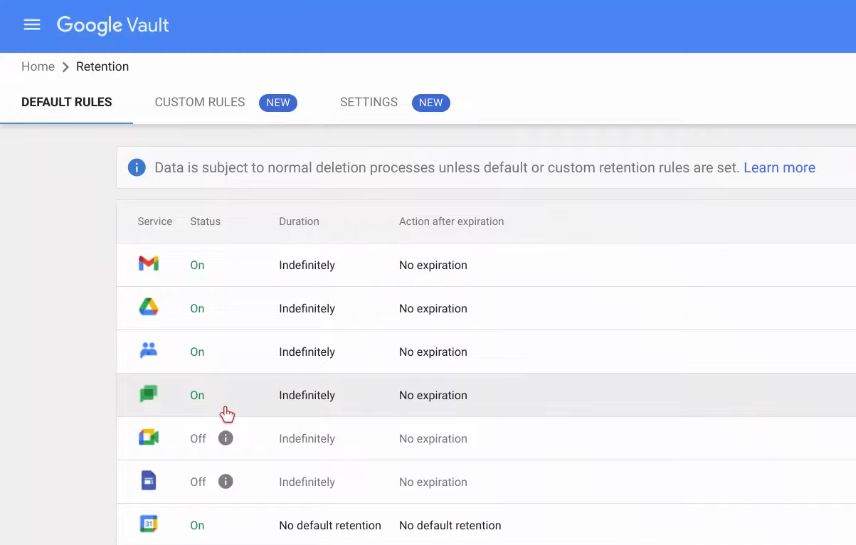
Google Vault serves as a centralized platform for organizations to enforce data retention and navigate complex legal or regulatory demands. The core architecture supports long-term governance by retaining data across multiple Google Workspace services—even when users delete emails, files, or messages—based on retention policies defined by administrators.

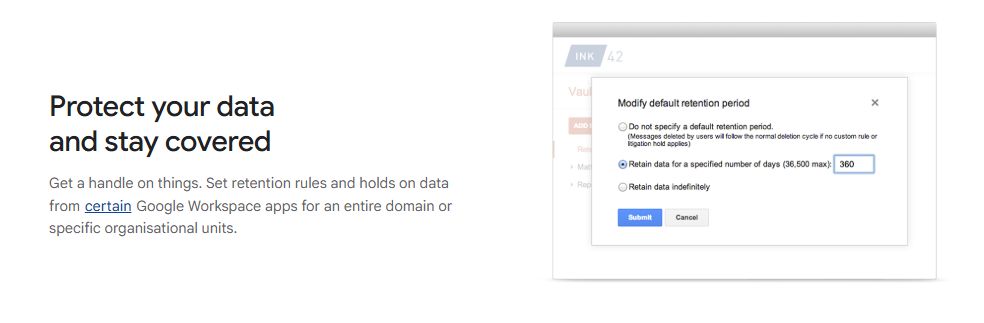
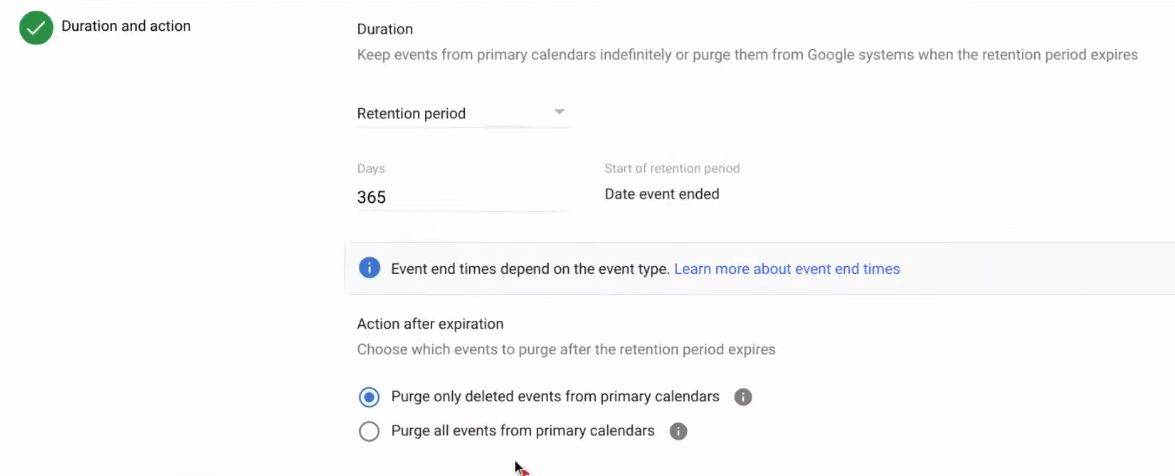
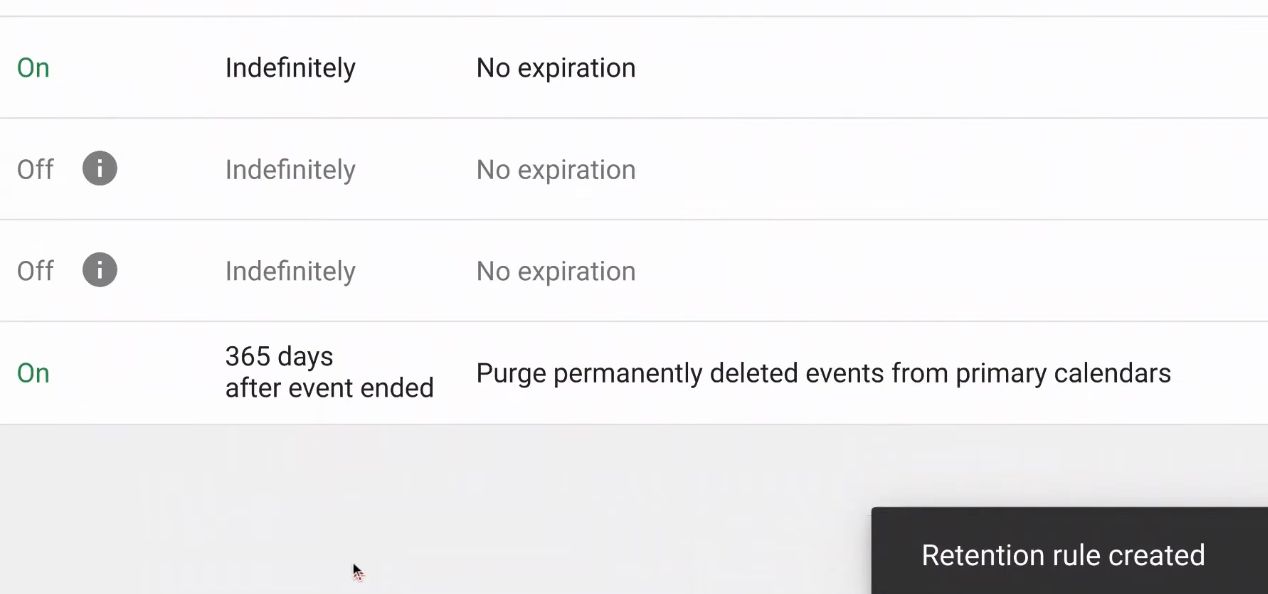
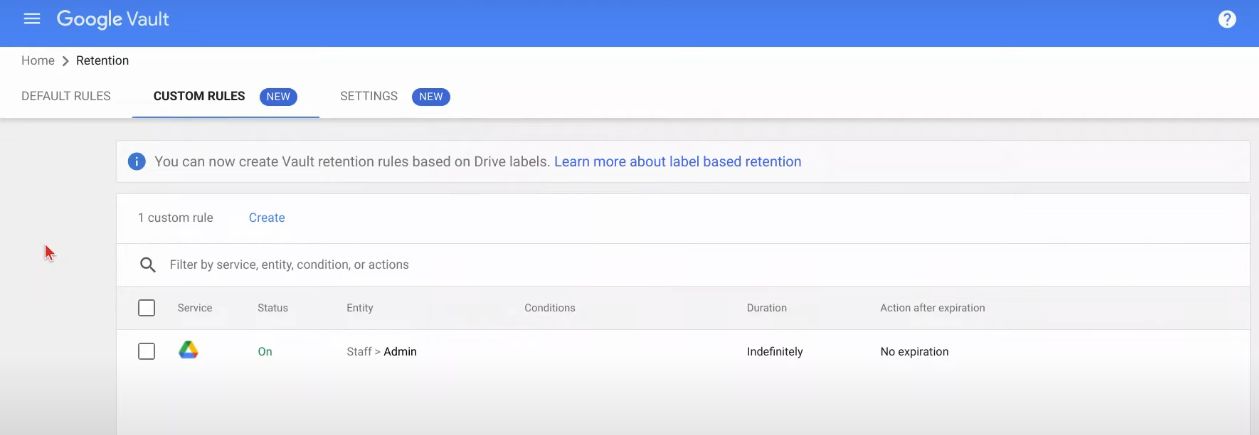
Organizations define custom retention rules by date ranges, organizational units, or keywords. These govern what content is preserved—and for how long—even in cases where users delete content or are removed from the system. As an additional safeguard, legal or litigation holds can be applied to prevent data deletion beyond policy expiry.

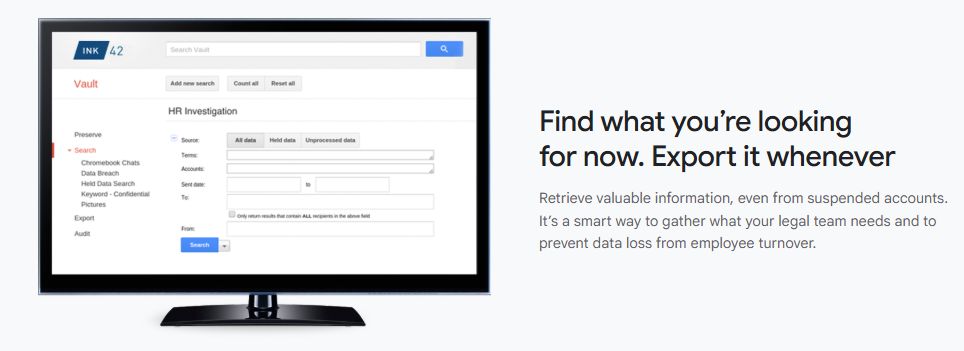
Vault’s eDiscovery workflow revolves around “matters,” which act as collaborative workspaces. A matter collects search queries, holds, export packages, and audit logs. This structure supports legal or compliance workflows where teams need clarity and coordination. Searches can be executed across Gmail, Drive (including internal text search in files), Chat, Meet recordings, Groups, Voice logs, and Sites, with filters for specific users, terms, or timeframes. Search results can be previewed and then exported in formats like PST, MBOX, CSV, XML, or PDF—with full metadata—for external review and legal response.

While Vault excels for retention and discovery, it is not designed for system backups or data recovery—once data is purged or the retention period lapses, it cannot be restored. It lacks automated backup or restore functionality, and exports are intended for legal processing rather than mass data restoration.

Security is built-in: access is limited to administrators and specifically authorized users, and every action within Vault—such as searches, exports, or hold changes—is logged for audit purposes. These audit trails provide transparency and accountability in governance.

Available with Business Plus, Enterprise, and Education editions of Google Workspace, Vault helps organizations meet compliance, data governance, and litigation needs. For plans that don’t include Vault, it can be added as a paid upgrade, ensuring broader adoption across organizational tiers.

Key Features

  • Data Retention Policies: Custom retention rules to preserve data across various Workspace services.

  • Legal & Litigation Holds: Prevent deletion of critical data even after retention policy expiry.

  • eDiscovery “Matters”: Workspace for organizing searches, holds, exports, and audit trails.

  • Advanced Search Across Services: Search Gmail, Drive, Chat, Meet, Groups, Voice, and Sites with filters.

  • Export with Metadata: Retrieve data in formats like PST, MBOX, CSV, XML, or PDF for legal processing.

  • Audit & Activity Logs: Record all actions—searches, exports, holds—for governance and compliance oversight.

  • Administrator-Controlled Access: Only designated users with proper privileges can access Vault.

Specifications

  • Supported Services: Gmail, Drive, Chat, Meet, Groups, Voice, Sites.

  • Access Control: Admins and users with explicit Vault permissions.

  • No Restore Capability: Vault supports export only—no in-tool restore to user accounts.

  • Retention Management: Retain content indefinitely or for set durations, with holds as needed.

  • Availability: Included in Business Plus, Enterprise, and Education editions; available as an add-on for other plans.

  • Governance Tools: Detailed audit logs and coordinated matter-based workflows.

Alternative

Brevo

Grow with our email marketing & CRM suite

5.0
Rating out of 5 Based on 1 reviews

moosend

The Easiest Email Marketing and Automation Software

0.0
Rating out of 5 Based on 0 reviews

iContact

Easy email marketing software for your small business

5.0
Rating out of 5 Based on 1 reviews

Google Vault Video/Screenshots

User Reviews

no-reviews
Share your experience! Be the very first reviewer. Write a Review

Frequently Asked Questions (FAQs)

The user group of Google Vault are as follows :

  • Personals
  • Startups
  • SMEs
  • Agencies
  • Enterprises

Google Vault has 0 plans.

Google Vault is not allowing Free Trial.

Google Vault pricing model : Yearly,Monthly,Transaction

Google Vault is Cloud Hosted,Hybrid,Any Software.

Yes

Google Vault offers Phone,Email,Live Chat support.

Google Vault provides Help Guides,Video Guides,Blogs,Webinars,Case Studies,Whitepapers for the software training.